Repeated data entry
Similar item, stock or transaction details may be entered more than once across applications.

MFM Integration with AutoCount helps FMCG businesses explore how manufacturing, warehouse and business systems can exchange relevant information. Discuss the data flows that matter to your FMCG operation and establish a practical integration scope before implementation.
Compatibility, supported records and automation methods depend on your existing systems.
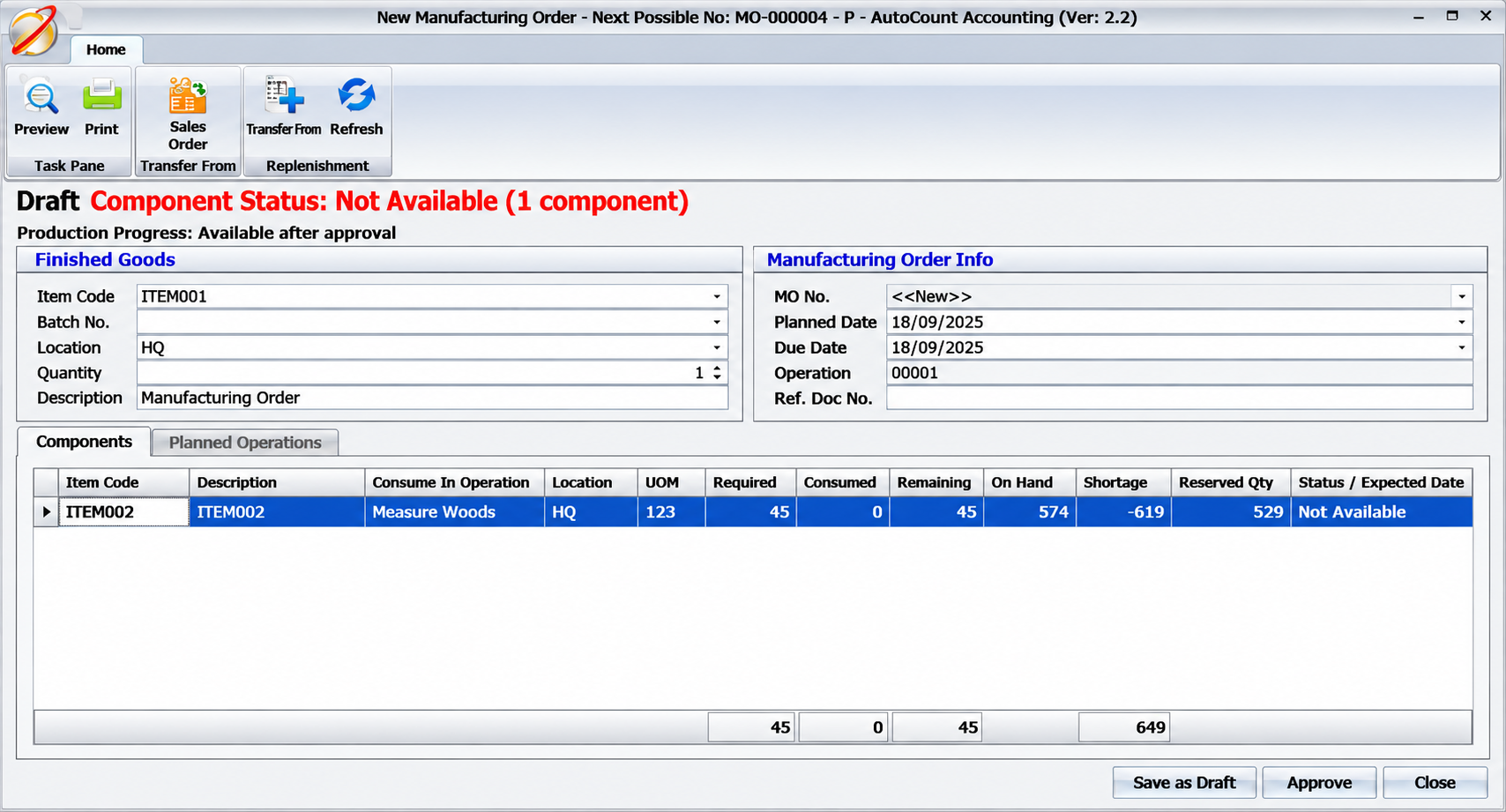
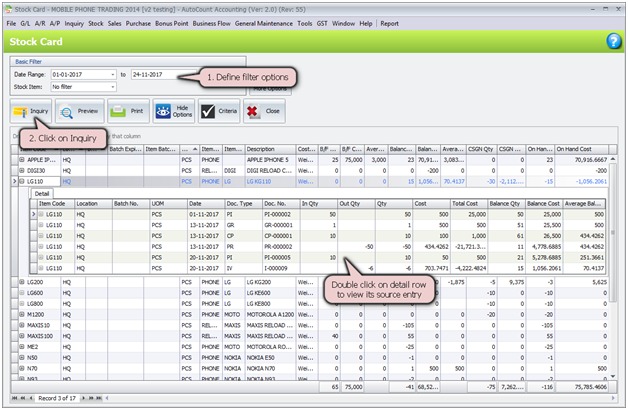
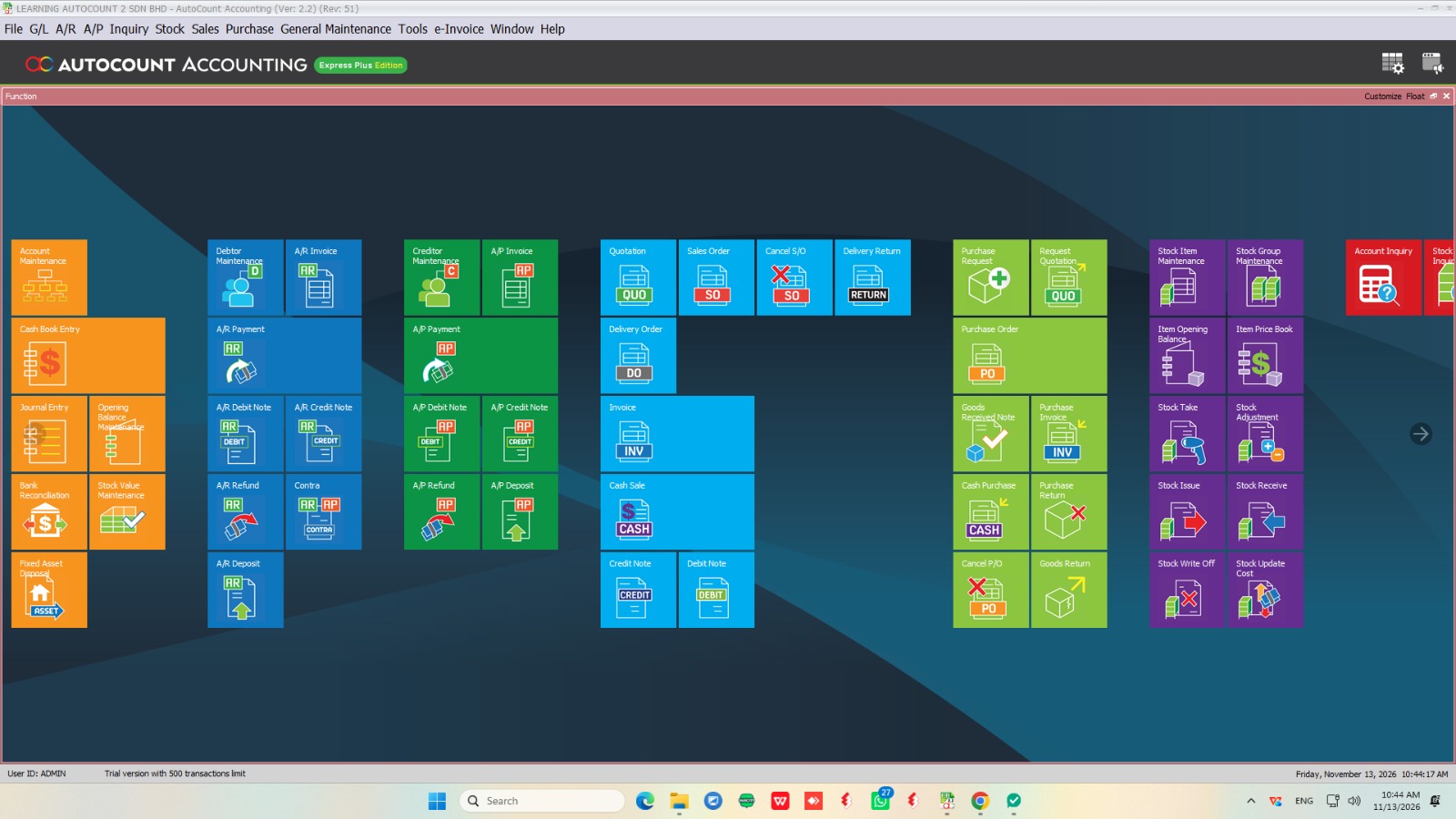
Illustrative document workflow, not an actual MFM plugin screen. Confirm supported interfaces and fields with SL Software.
The existing MFM Integration page discusses how manufacturing execution (MES), warehouse management (WMS) and enterprise resource planning (ERP) information can support FMCG operations when information is exchanged between business systems.
For Malaysian manufacturers, wholesalers and distributors, the first priority is identifying which records need to move, where each record originates and how users will validate the result.
When operations and accounting rely on disconnected records, staff often need to manually compare information.
Similar item, stock or transaction details may be entered more than once across applications.
Different update schedules can make warehouse and accounting balances harder to reconcile.
Consolidating records from separate systems can delay operational reviews and decision-making.
These are planning areas drawn from the page's original MES, WMS and ERP explanation. They are not confirmed plug-and-play features or a compatibility list.
Review whether production information, inventory consumption or relevant manufacturing records can be exchanged with the accounting environment.
Assess stock movement, fulfilment and inventory data that may need to pass between the warehouse platform and AutoCount.
Identify the sales, purchasing, inventory or financial records that the business needs to consolidate. Agree which platform owns each field and the required validation checks.
Share its name and the records you want to connect. We can discuss the feasibility of your requirements.
A practical assessment for an FMCG manufacturer or distributor.
List the warehouse, manufacturing and accounting applications currently in use.
Agree which documents or fields need to be shared and which system owns each one.
Assess available APIs, file formats, versions and access rights.
Use sample records to check exchange, exceptions and reconciliation before wider use.
Businesses reviewing data exchange between production tracking and accounting processes.
Teams that need clearer coordination between stock handling, sales and finance information.
Companies using different software platforms that need a formal integration feasibility review.
On this page, MFM Integration refers to exploring connections between manufacturing, warehouse and ERP-related information in an FMCG operation. Exact connected systems and supported data depend on the project scope.
No universal compatibility is confirmed. SL Software needs to review the third-party system, supported interfaces, versions and required records.
Automation may be feasible where both systems support suitable exchange methods. Frequency, direction and validation rules must be established during assessment.
The original page does not confirm a standard feature package or price. Request a consultation and quotation for the required integration scope.
Provide the application names and versions, example data or documents, desired workflow and which issues your team wants to solve.
Review AutoCount and its available add-ons, or speak with our team about your existing integration needs.
Tell SL Software Solutions which production, warehouse and business systems you use. We can assess integration requirements and advise on suitable next steps.
Product functions and compatibility must be confirmed against your installed systems and AutoCount version.