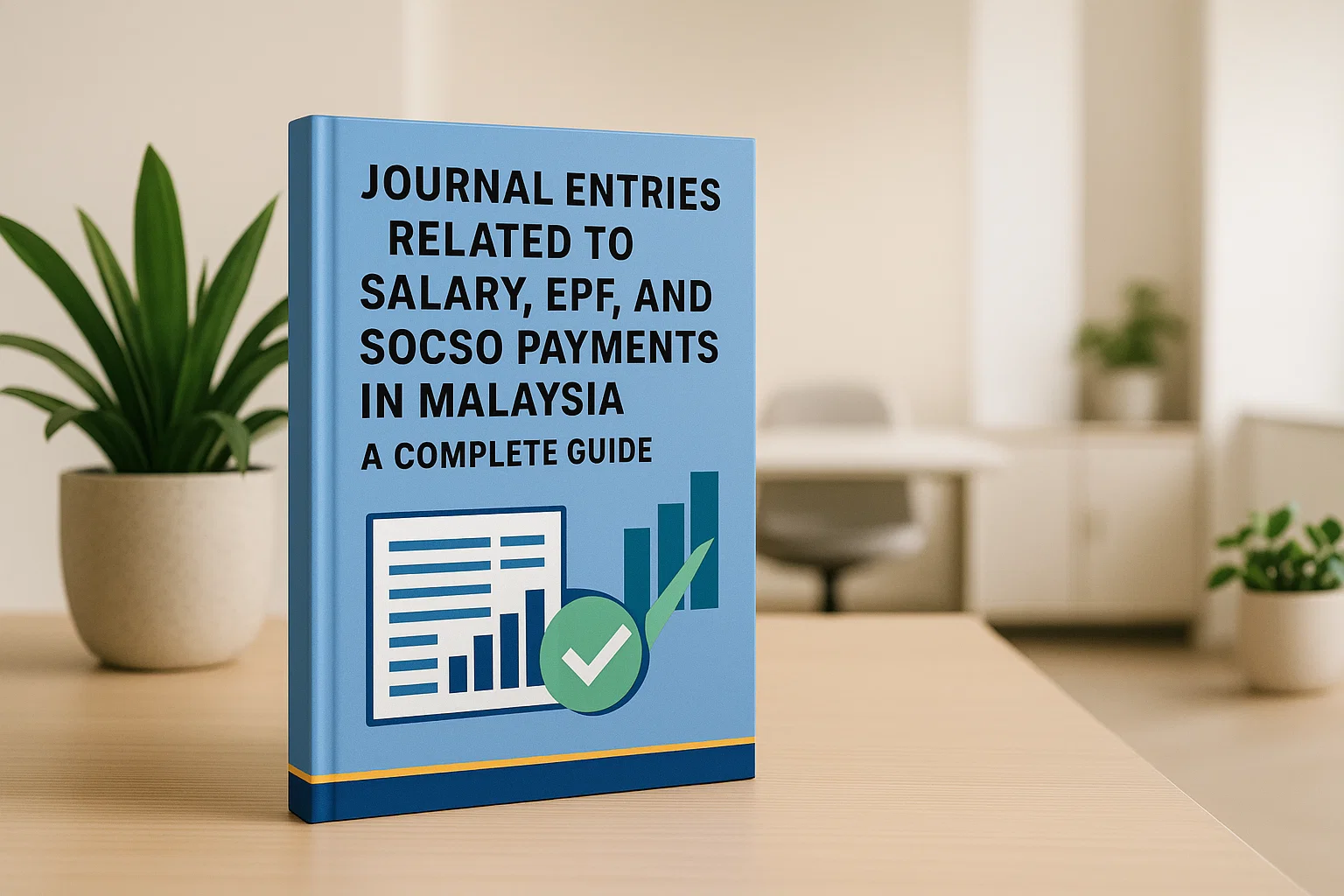
Journal Entries Related to Salary, EPF, and SOCSO Payments in Malaysia: A Complete Guide
Easily record accrual-based journal entries for monthly salary, EPF, and SOCSO in Malaysia with AutoCount. From month-end accruals to salary payments and statutory remittances, AutoCount ensures accurate, audit-ready journals and smooth payroll processing. Stay compliant, save time, and reduce errors with automated recurring entries and seamless integration.
This guide shows how to record accrual-based journal entries for monthly salary, Employees Provident Fund (EPF) and Social Security Organisation (SOCSO) in Malaysia. We use a realistic example and show the entries at three stages: accrual, salary payment, and statutory payment.
Who is this for?
SMEs, accountants, and bookkeepers working with Malaysian payroll.
Software
Examples align with AutoCount Accounting flows.
Key Outcome
Consistent, audit-ready journals from month end to payment.
Heads-up: Rates and rules can change. Always confirm current EPF/SOCSO rates and due dates with official sources, EPF (KWSP) · SOCSO (PERKESO). For a more detailed understanding of EPF training, you can refer to our Malaysia EPF Training Guide 2025 to stay updated on the latest regulations and training requirements.
Some teams prefer a single consolidated accrual journal. The totals remain the same; the difference is fewer documents to audit. Use this if your approvals are centralized.
Direct Payment (Cash Basis)
Micro-businesses sometimes post only at the time of payment. It’s simpler but can distort monthly P&L. We recommend accruals for accurate period reporting.
Departmental Split
For cost centers, split Salary Expense and employer statutory expenses across departments (e.g., Admin, Sales, Production) using allocation percentages.
Best Practices & Deadlines
Lock your payroll
Before posting accruals to avoid rework.
Use separate ledgers
For Employee vs Employer contributions.
Reconcile monthly
Payables should hit zero after remittance.
Document approvals
Attach payroll summary and statutory schedules to journals.
Watch due dates
Remit within the prescribed window to avoid penalties (check EPF & SOCSO portals for current cut-offs).
AutoCount Tip: Use AutoCount’s recurring journal / templates to standardize month-end entries and reduce errors.
Disclaimer
The information provided in this guide is for general informational purposes only and does not constitute legal, tax, or professional advice. While we strive to ensure accuracy, the laws and regulations regarding salary, EPF, and SOCSO payments in Malaysia may change. As individual circumstances may vary, we advise you to consult a qualified professional or directly contact the relevant authorities (such as EPF or SOCSO) for specific guidance tailored to your business. We disclaim any liability for losses or damages arising from reliance on the information provided.
Frequently Asked Questions
Can I combine employee and employer EPF into one account?
You can, but it’s clearer to maintain separate liability accounts (Employee vs Employer). It improves reconciliation when the remittance spans multiple months or adjustments.
What if salary is paid on the 7th of next month?
Still accrue expenses at month-end. On payment date, clear the Salary Payable (Net). Statutory payables remain until you remit EPF/SOCSO.
Do I need separate journals for EPF and SOCSO payments?
Not mandatory. You can combine into one remittance journal if both are paid the same day. Keep references (payment IDs) for audit.
How do I handle payroll corrections (backpay or refunds)?
Post adjustment journals in the period discovered with clear narration and attach supporting schedules. For statutory corrections, follow EPF/SOCSO guidance.
Need Professional Payroll Management Solutions?
Our certified payroll specialists ensure accurate, compliant, and efficient payroll processing, allowing you to focus on strategic business priorities.

![Understanding Payroll Deductions in Malaysia: Types, Rules, and Compliance [2025 Guide]](https://autocountsystem.com/wp-content/uploads/2025/04/Payroll-Deductions-Mls-1.jpg)