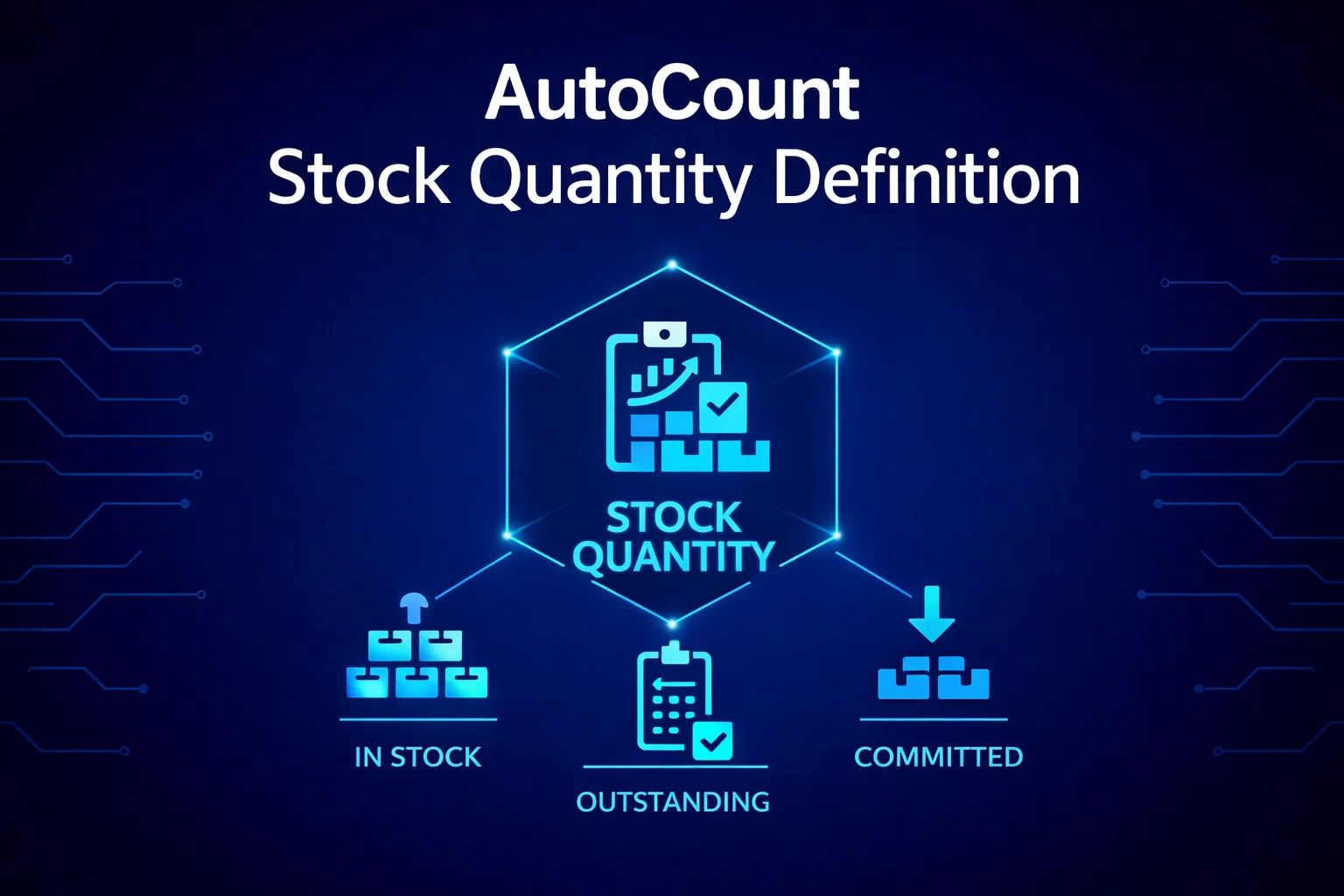
AutoCount Stock Quantity Definition
Complete guide to understanding and managing inventory quantities in AutoCount accounting and inventory management software. Learn about Available Quantity, Quantity on Hand, Reserved Quantity, Forecast Quantity, and Outstanding Consignment Quantity.
AutoCount Inventory Management Overview
AutoCount is a popular accounting and inventory management software used by businesses for managing their financials, inventory, and other related processes. In AutoCount, you will typically encounter terms like “Available Quantity,” “Quantity on Hand,” and “Reserved Quantity,” which are used to track and manage inventory.
Effective inventory management is crucial for business success. AutoCount provides comprehensive tools to help businesses track stock levels, manage orders, and optimize inventory to meet customer demand while minimizing costs.

Key Stock Quantities in AutoCount
Available Quantity
The number of units of a particular item that are currently available for sale or use.
Quantity on Hand
The total quantity of a specific item that you physically have in your inventory at a given moment.
Reserved Quantity
The quantity of an item that has been allocated or reserved for specific orders or purposes but has not yet been shipped or used.
Forecast Quantity
The estimated or projected quantity of a particular item that you expect to sell or use within a specified future period.
Outstanding Consignment Quantity
The quantity of goods that you have supplied to a consignment customer but have not yet been sold or returned.
Detailed Quantity Definitions
Available Quantity (Available Qty)
The number of units of a particular item that are currently available for sale or use. It is the quantity that can be allocated for new sales orders or used to fulfill existing orders.
Available Qty = On Hand Qty – Reserved Qty
- Practical Example
If you have 100 units of a product in stock and 20 units are reserved for pending orders, the available quantity is 80 units.
Quantity on Hand (Qty on Hand)
The total quantity of a specific item that you physically have in your inventory at a given moment. This includes items that are not yet allocated to specific orders or purposes.
On Hand Qty = Balance Qty + Outstanding Consignment
- Physical Inventory
This is your total physical count of items before any allocations or reservations are made for customer orders.
Reserved Quantity (Reserved Qty)
The quantity of an item that has been allocated or reserved for specific orders or purposes but has not yet been shipped or used.
Reserved Qty = Outstanding SO Qty + Outstanding AO Qty + Outstanding POS Qty
- Inventory Flow
Once the order is fulfilled, the reserved quantity becomes part of the “Quantity on Hand” again, ready for future orders.
Forecast Quantity (Forecast Qty)
The estimated or projected quantity of a particular item that you expect to sell or use within a specified future period.
Forecast Qty = Outstanding SO Qty + Outstanding PO Qty + Outstanding AO Atypical (FG)
- Strategic Planning
Accurate forecasting helps businesses plan their inventory levels, procurement, and production to meet future demand effectively while minimizing excess stock.
Outstanding Consignment Quantity (Outstanding Consignment Qty)
The quantity of goods that you have supplied to a consignment customer but have not yet been sold or returned.
Consignment Qty = (Total Consignment In/Out) – Sales Consignment + Purchase Consignment
- Consignment Model
This inventory is physically at the customer’s location but remains in your ownership until the customer sells it to their end consumer.
AutoCount Quantity Definitions Table
Below is a comprehensive table showing the definitions and calculations for each quantity type in AutoCount:
| QUANTITY NAME | QUANTITY DEFINITION |
|---|---|
| On Hand Qty | Balance Qty + Outstanding Consignment |
| Available Qty | On Hand Qty - Reserved Qty |
| Forecast Qty | Outstanding SO Qty + Outstanding PO Qty + Outstanding AO Atypical (FG) |
| Reserved Qty | Outstanding SO Qty + Outstanding AO Qty (Raw) + Outstanding POS Qty |
| Outstanding Consignment Qty | (Total No. of Consignment In / Out) – Consignment Out (Sales Consignment) + Consignment In (Purchase Consignment) |
AutoCount’s integration with e-invoicing software allows you to streamline sales order fulfillment and manage inventory effortlessly.
Importance of Inventory Management
In AutoCount, these quantities are important for managing inventory effectively and ensuring that you can fulfill customer orders without overcommitting your available stock. It’s common for businesses to monitor these quantities closely to prevent stockouts and accurately manage their inventory levels.
Proper inventory tracking helps businesses:
- Avoid stockouts and lost sales
- Minimize excess inventory and storage costs
- Improve cash flow by optimizing stock levels
- Enhance customer satisfaction through reliable order fulfillment
- Make data-driven decisions for purchasing and production
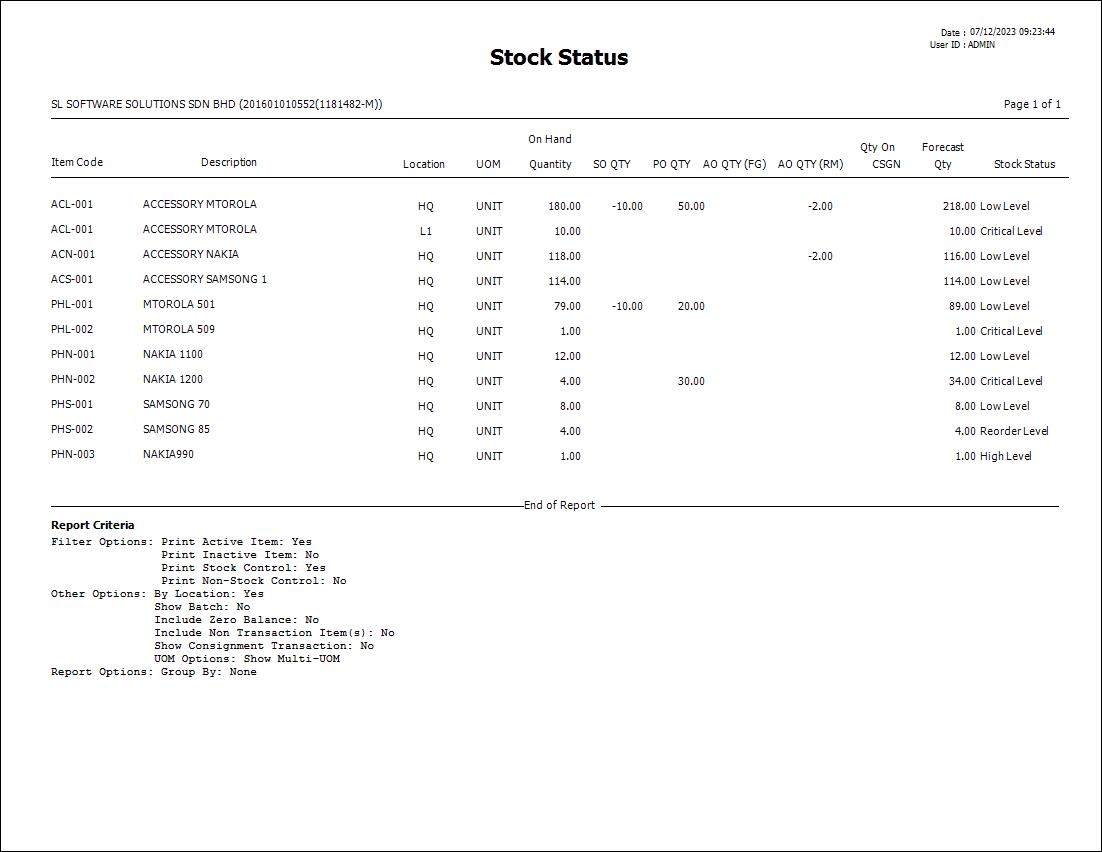
Available Stock Status Report
Stock Visibility That Drives Profit!
AutoCount helps you track, plan, and optimize inventory with confidence.