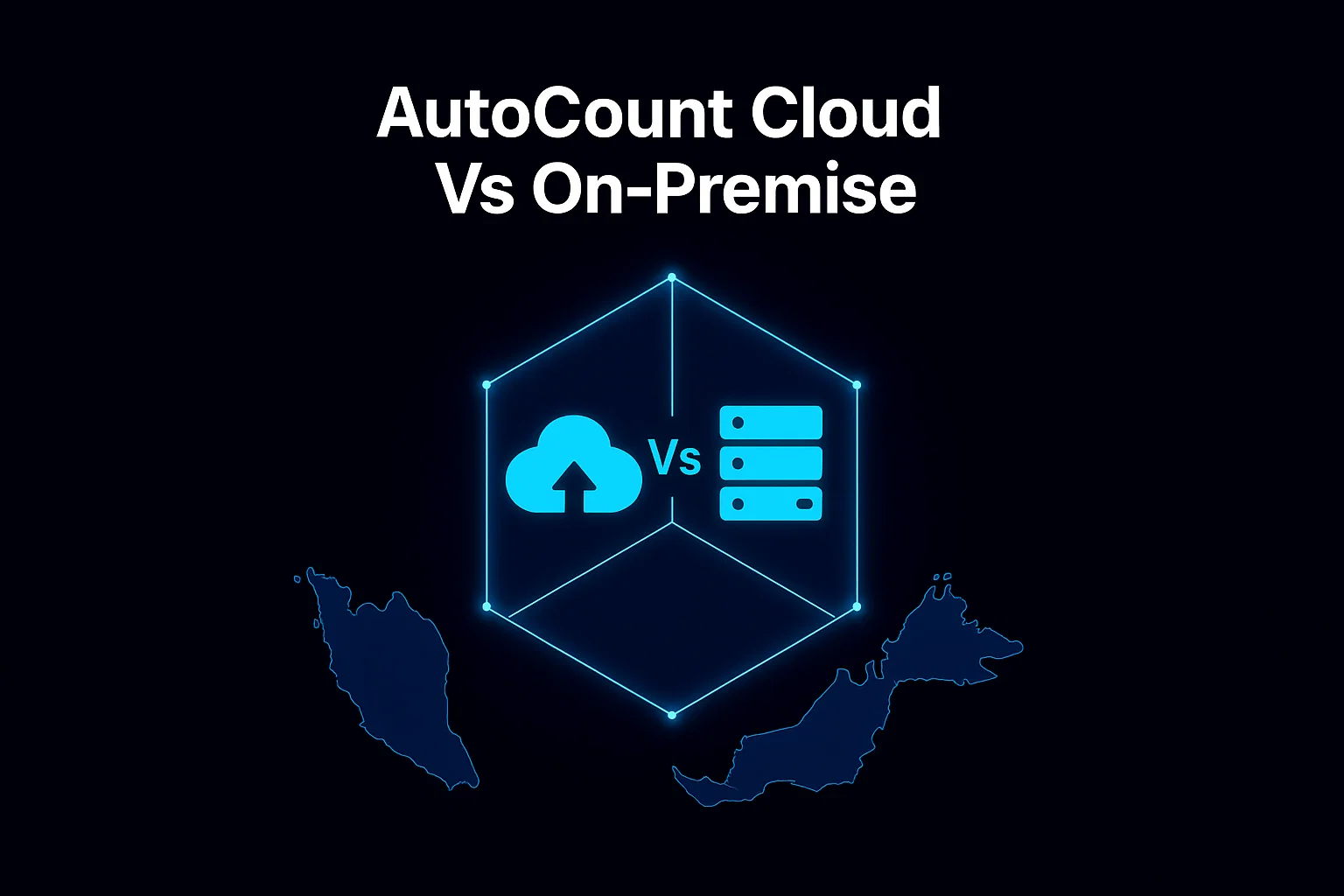
AutoCount Cloud Vs On-Premise
Imagine this: your accounting either runs smoothly — or turns into a constant headache. Two paths lie before you: the freedom of Cloud, or the control of On‑Premise. Which one fits your business?
On‑Premise: Old‑School, But Solid
Think of On‑Premise as “our own system in our office.” You install AutoCount on your own PC or server, and all data stays on-site.
- What Works
- Control: You fully control everything. Data stays in your office; perfect if you’re handling sensitive financials.
- Offline Access: No need internet to work (mostly). Perfect for flaky connections.
- One-time Cost: No monthly subscription. Pay once for license.
- Customisation: Easier to tweak things for unique processes.

- What to Watch Out For
- High Upfront Cost: Requires server hardware and IT maintenance.
- Scaling is Harder: Growing means buying more hardware or complex setups.
- Manual Maintenance: You manage updates, backups, and security yourself.

The Takeaway: On‑Premise makes most sense if you run a stable business, value data control, don’t rely heavily on internet, or have in‑house IT support.
Cloud: Easy, Flexible, and Future‑Ready
Cloud version of AutoCount means your accounts live online — and you access them through internet, anytime and anywhere. Discover more about AutoCount Cloud for your business.
- What Works
- Anywhere Access: Office, home, or travel.
- Hassle-Free: No hardware maintenance. Provider handles backups/security.
- Auto Updates: Tax compliance (SST, e-Invois) handled automatically.
- Scalability: Just add licenses as you grow.
- Collaboration: Real-time data sharing with accountants.

- What to Consider
- Internet Dependent: Unreliable connection = frustration.
- Recurring Cost: Subscription model adds up over the long term.
- Off-site Data: Some owners prefer physical possession of data.
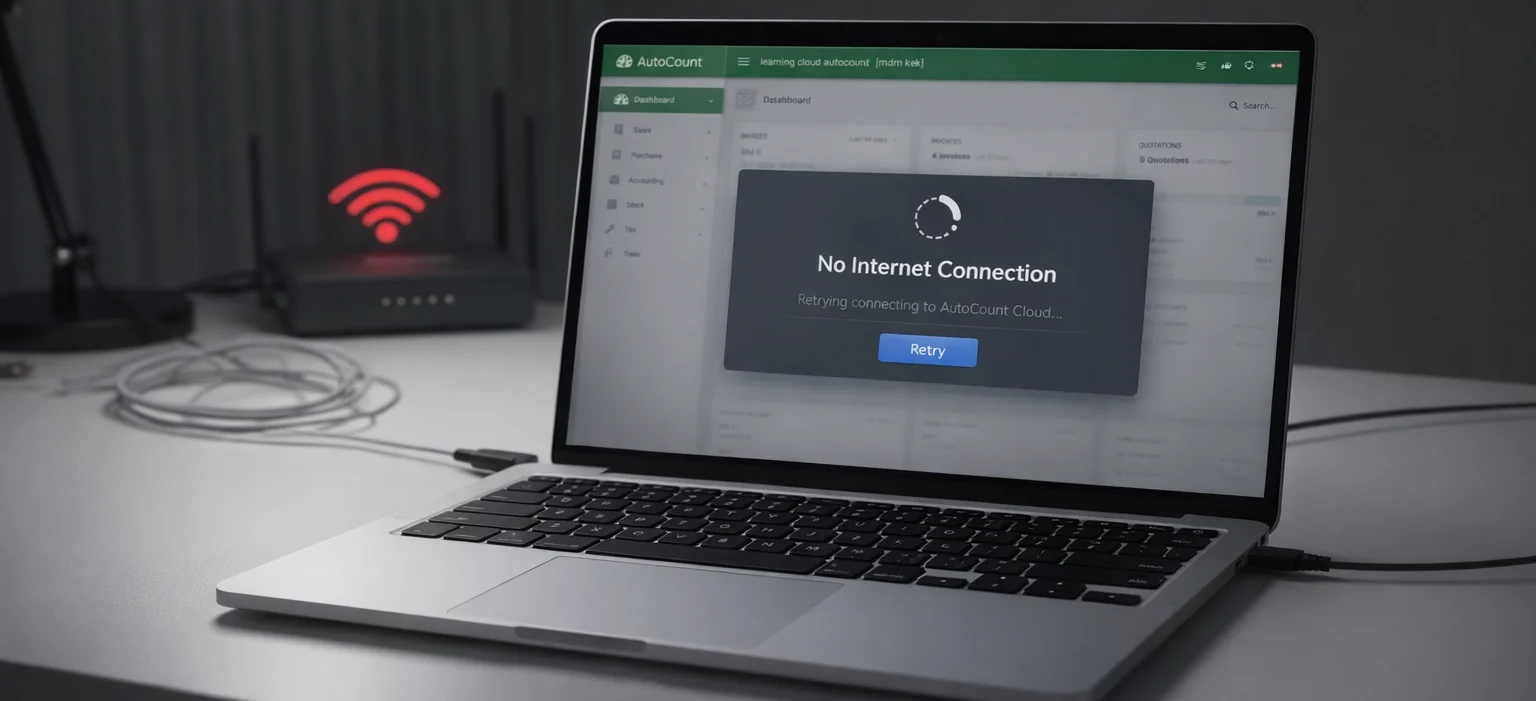
The Takeaway: Cloud is a great match for startups, growing SMEs, businesses with remote teams, or anyone who wants flexibility and minimal IT hassle.
Discover how OneSales enhances AutoCount Cloud by providing robust sales management features that fit perfectly with your business needs.
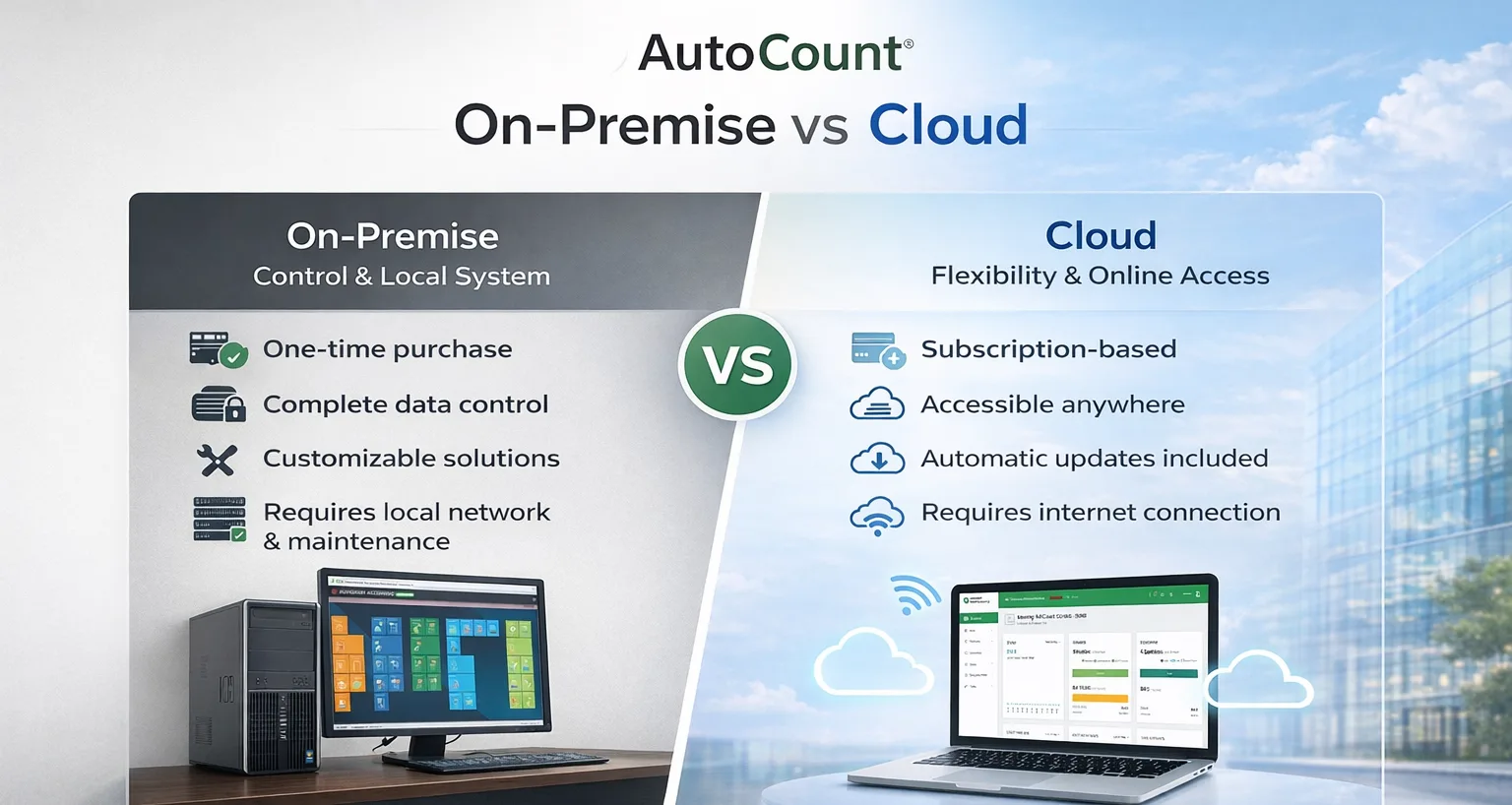
Quick Comparison: On‑Premise vs Cloud
| Feature | On-Premise | Cloud |
|---|---|---|
| Cost Upfront | Higher (License + Hardware) | Lower (Subscription) |
| Maintenance | You handle updates & backups | Provider handles everything |
| Access | Office / Server Location Only | Anywhere (Mobile/Tablet/PC) |
| Scalability | More Hardware/Cost | Easy (Add Users) |
| Compliance | Manual Updates (May lag) | Automatic & Always Updated |
To explore how AutoCount’s cloud solution aligns with Malaysia’s e-invoicing compliance, check out our guide on the top e-invoice software in Malaysia.
How to Pick What Works for Your Business
- Go Cloud If...
- Your business is small/lean, you want flexibility, low setup cost, and less maintenance.
- You want room to grow (e-commerce, remote teams, branches).
- Go On-Premise If...
- You run a stable, traditional business with stable processes and prefer total control.
- Internet is unstable in your area, or you require local server security.
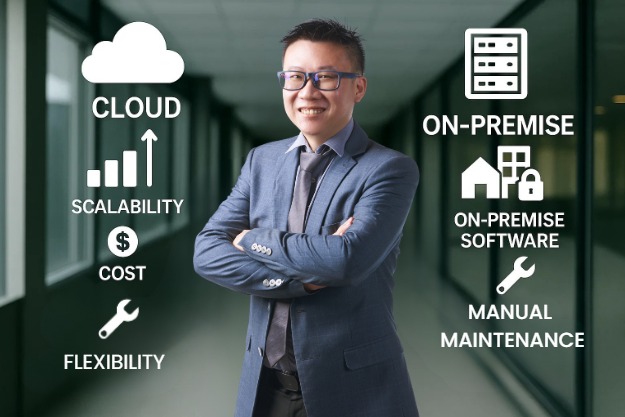
For Most Malaysian SMEs — Cloud Makes a Lot of Sense!
In today’s fast-paced business world — with remote work, e‑commerce, and multi‑branch operations — the cloud offers flexibility, ease, and cost‑effectiveness. For many local SMEs, moving to cloud accounting simplifies compliance (SST, e‑Invois), reduces headaches, and gives you real‑time financial visibility.