Introduction

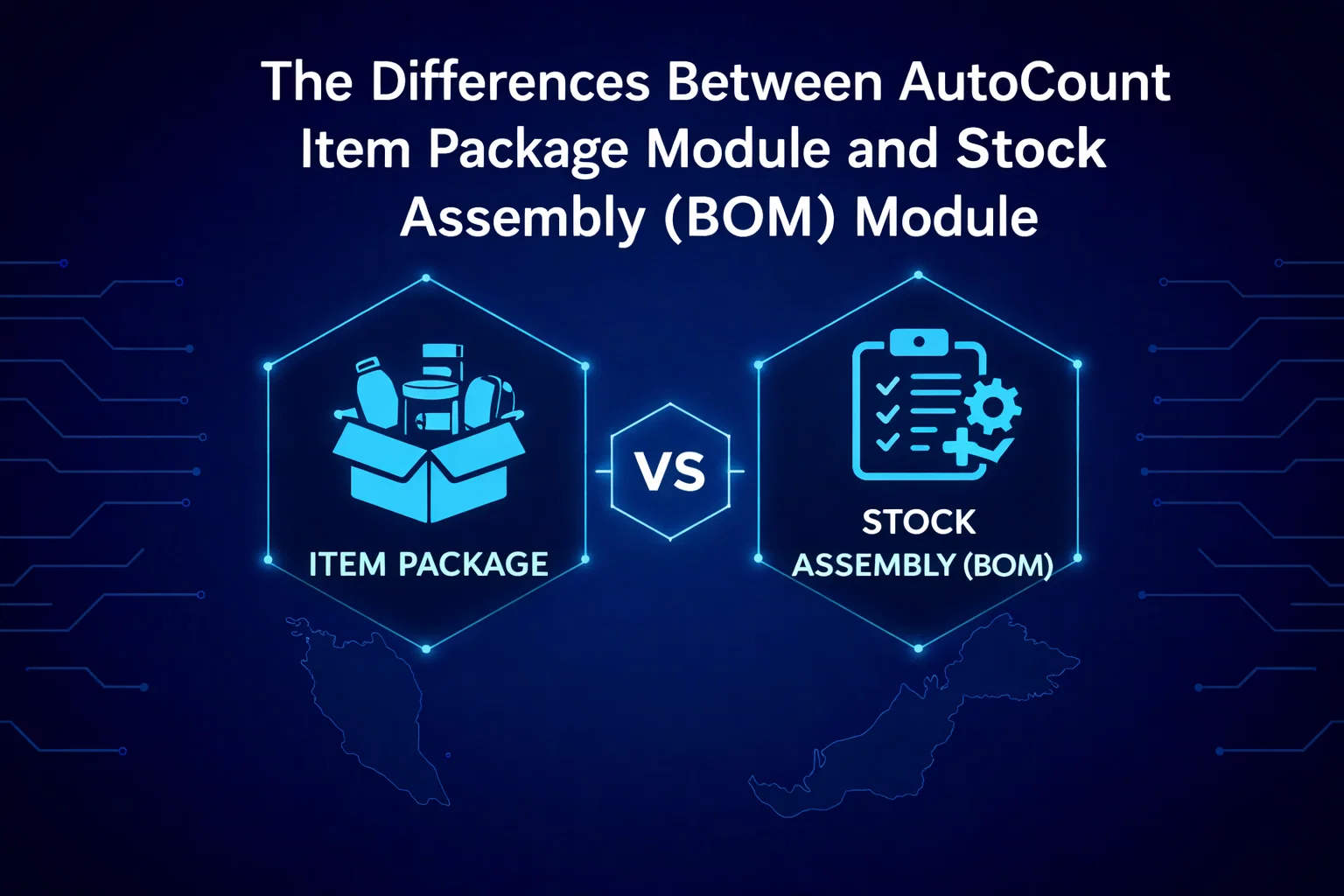
For businesses using AutoCount, selecting the right module to manage grouped or bundled items can significantly impact inventory and sales operations. Two commonly used modules are the Item Package Module and the Stock Assembly (BOM) Module. Though both are designed for handling grouped items, their functionalities, use cases, and inventory management approaches differ. This article will dive into the key differences between these two modules and help you decide which module best suits your business needs.

What is the AutoCount Item Package Module?

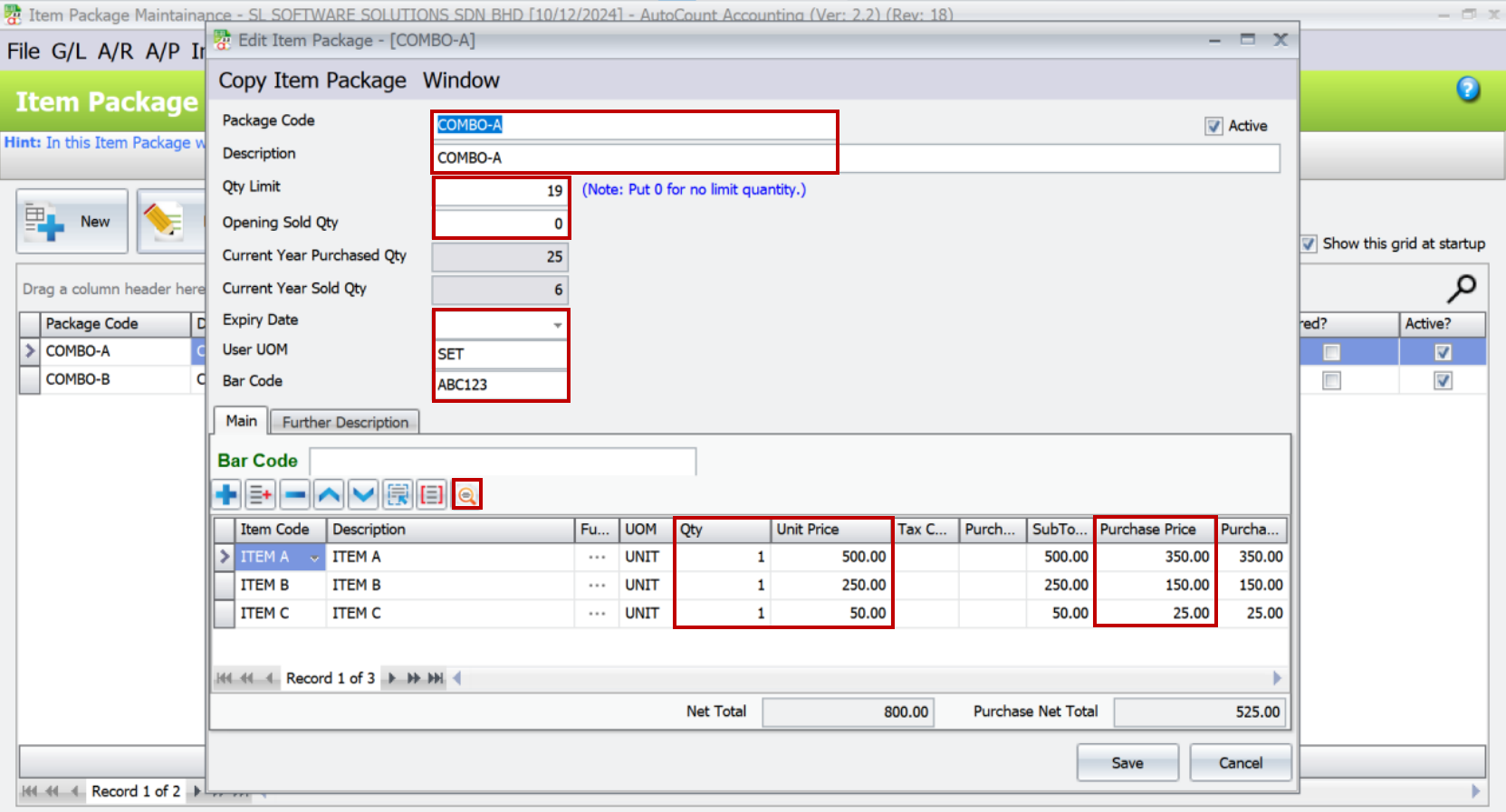
The AutoCount Item Package Module is designed for businesses that sell bundled items, such as promotional sets, hampers, and product combos. It allows users to create a “package item” by grouping multiple individual items together and selling them as one. This module is ideal for businesses that offer promotions or product bundles without altering individual item stock levels during the bundling process.

AutoCount Item Package

Key Features of the Item Package Module

This module is mainly used by retail, wholesale, and e-commerce businesses that need to sell products in different combinations without impacting the stock structure of individual items.

What is the AutoCount Stock Assembly (BOM) Module?

The Stock Assembly (BOM) Module, also known as Bill of Materials (BOM), is tailored for manufacturing and production-based businesses. This module is used to convert raw materials into a finished product. It enables companies to define the components required to produce a final product, track raw material consumption, and monitor inventory levels. Upon assembly, the module deducts raw material stock and increases finished goods inventory, reflecting the manufacturing process accurately.

AutoCount Stock Assembly (BOM) Module

Key Features of the Stock Assembly (BOM) Module

This module is ideal for businesses involved in production or assembly, such as manufacturers or fabricators.

Key Differences Between AutoCount Item Package Module and Stock Assembly (BOM) Module

  • Item Package Module
  • Stock Assembly (BOM) Module
Feature Item Package ModuleStock Assembly (BOM) Module
Feature
PurposeSelling bundled items without changing individual item’s stock levelsManufacturing or assembling items, converting raw materials into finished goods
Stock ControlTracks stock levels for individual items without altering inventory countDeducts raw materials and increases finished goods inventory
Sales & PricingSet bundled prices for product combinationsFocuses on costing and assembly, not used for sales bundling
Inventory ImpactNo assembly or production impact on inventoryProduction process changes inventory levels
Use CaseRetail promotions, gift sets, product bundlesManufacturing, production, and assembly of products

Additional Features for Each Module

Both modules offer specialized features to cater to unique business needs:

Item Package Module:

Check expiry dates for package items

Set quantity limits for package sales.

Generate reports for total package sales.

Calculate maximum packages based on available sub-item stock.

Inquire about the supplier and customer for each package item.

Stock Assembly (BOM) Module:

Manage complex assembly processes with multiple sub-assemblies.

Track production stages and manage work-in-progress (WIP) inventory.

Calculate detailed costings for each assembly.

Generate detailed reports for raw material usage and finished goods production

Support for batch production and assembly scheduling.

Choosing the Right Module for Your Business

Selecting the right module depends on whether you need to manage retail bundles or production processes:

Use the Item Package Module if your business involves selling bundled items or promotional sets without any assembly or manufacturing.

Use the Stock Assembly (BOM) Module if your business involves production, assembly, or the conversion of raw materials into finished goods.

Conclusion:

The AutoCount Item Package Module and Stock Assembly (BOM) Module serve different purposes in inventory management and sales operations. While the Item Package Module is suitable for bundling and promotions, the Stock Assembly Module is built for manufacturing and production management. Understanding the differences between these two modules will help you streamline your business processes and improve inventory control.

If you need more information or guidance on selecting the right module for your business, feel free to reach out to an AutoCount reseller or consult with your AutoCount software provider for expert advice.

news-0112

yakinjp


sabung ayam online

yakinjp

yakinjp

yakinjp

rtp yakinjp

yakinjp

yakinjp

yakinjp

yakinjp

yakinjp

yakinjp

yakinjp

yakinjp

yakinjp

judi bola online

slot thailand

yakinjp

yakinjp

yakinjp

yakinjp

yakinjp

4020

4021

4022

4023

4024

4025

4026

4027

4028

4029

4030

4031

4032

4033

4034

4035

4036

4037

4038

4039

5046

5047

5048

5049

5050

5051

5052

5053

5054

5055

5061

5062

5063

5064

5065

5066

5067

5068

5069

5070

8076

8077

8078

8079

8080

8081

8082

8083

8084

8085

4055

4056

4057

4058

4059

3126

3127

3128

3129

3130

3131

3132

3133

3134

3135

8051

8082

8113

8144

8175

4090

4091

4092

4093

4094

4095

4096

4097

4098

4099

5036

5037

5038

5039

5040

5071

5072

5073

5074

5075

4100

4101

4102

4103

4104

4105

4106

4107

4108

4109

4110

4111

4112

4113

4114

4115

4116

4117

4118

4119

5026

5027

5028

5029

5030

5031

5032

5033

5034

5035

5076

5077

5078

5079

5080

5081

5082

5083

5084

5085

8041

8042

8043

8044

8045

8046

8047

8048

8049

8050

5001

5002

5003

5004

5005

5006

5007

5008

5009

5010

5011

5012

5013

5014

5015

5056

5057

5058

5059

5060

5086

5087

5088

5089

5090

5091

5092

5093

5094

5095

5016

5017

5018

5019

5020

5021

5022

5023

5024

5025

5096

5097

5098

5099

5100

8001

8002

8003

8004

8005

8006

8007

8008

8009

8010

8011

8012

8013

8014

8015

8016

8017

8018

8019

8020

8021

8022

8023

8024

8025

8026

8027

8028

8029

8030

8031

8032

8033

8034

8035

8036

8037

8038

8039

8040

news-0112