Accounting Software for Manufacturing:
14 AutoCount Features.
One Clear System.
Good accounting software for manufacturing links materials, BOMs, stock and costs, so you see real margins across your factory.
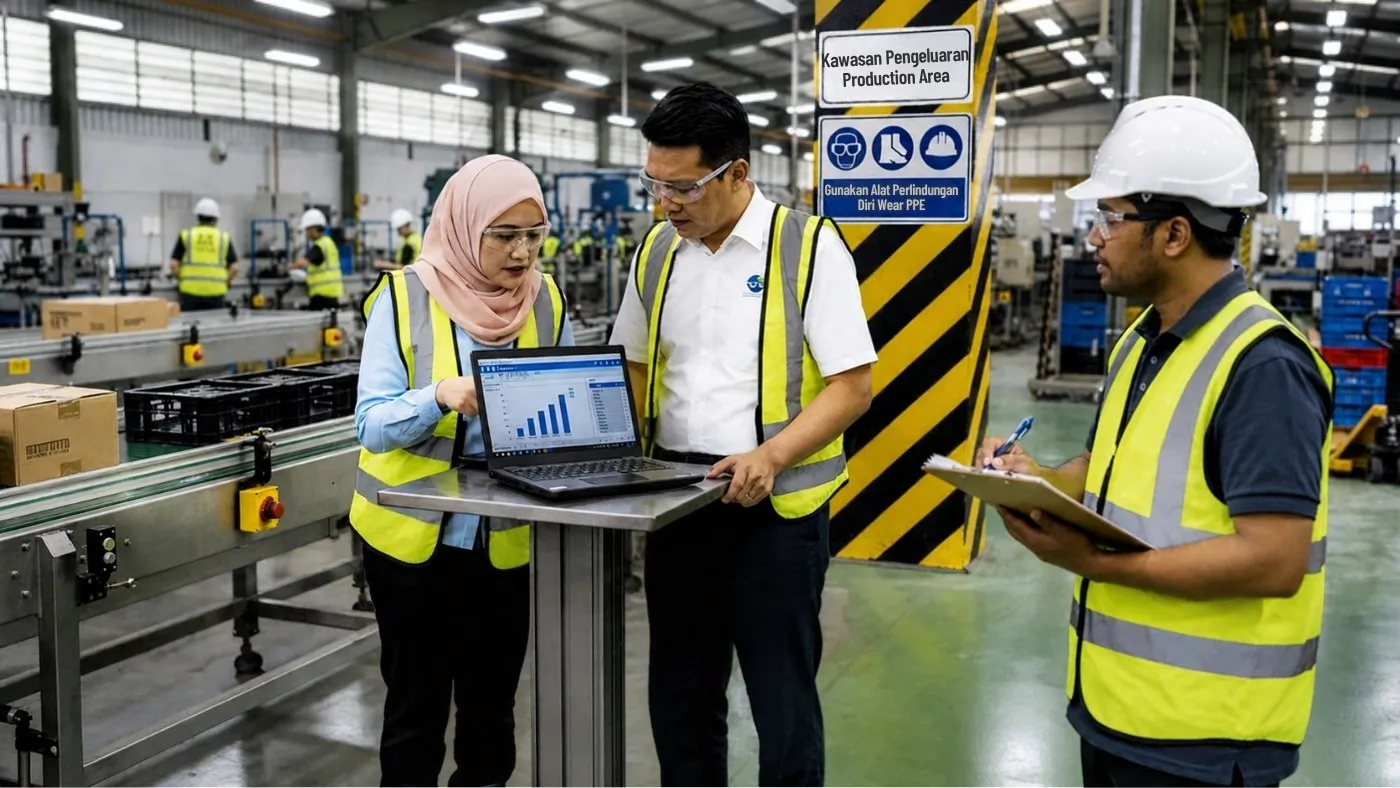
14 AutoCount features for manufacturing businesses
Manufacturing accounting software should track raw materials, work in progress and finished goods. Modules depend on your AutoCount edition and licence. See the full product range on the official AutoCount website.
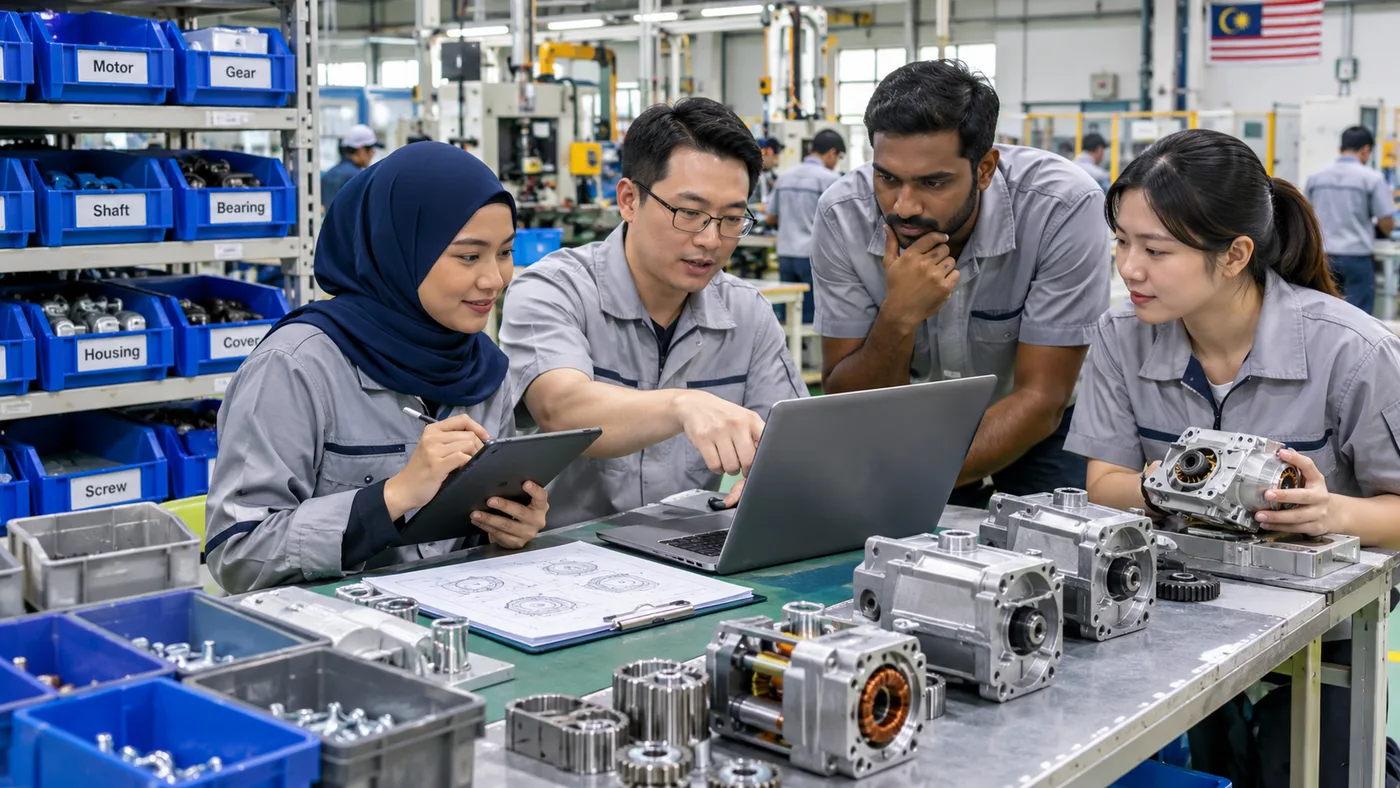
Keep materials and finished goods under control
Advanced inventory control
Review material and finished-goods balances using the stock records and supported modules configured for your company. Confirm how work in progress is captured in your production workflow.
Material planning from purchase orders
Use BOM and purchasing information to estimate material needs and review purchasing timing. Confirm whether your workflow requires additional planning modules.
See where every ringgit goes
Department cost tracking
See costs by department or production line.
Custom financial reports
Tailor income statements and balance sheets.
Multi-currency revaluation
Revalue foreign-currency balances at current rates.
Fixed asset management
Track machines and calculate depreciation.
Faster bank reconciliation
Match bank statements with less manual work.
Protect data and scale with confidence
Customisable dashboard
Key sales, stock and cash figures at a glance.
User access rights
Control who sees costs or changes records.
Multi-bank transfers
Move funds between accounts with a full record.
Payment approval control
Approve supplier payments before release.
Choose the right AutoCount modules
Start with the decisions your factory makes each day. Use your actual products, warehouses and approvals to check which modules you need.
Simple assembly
If a finished item uses a fixed list of parts, start by testing a single-level bill of materials (BOM) and one stock assembly.
Sub-assemblies
If you build a component before using it in the final product, test a multi-level BOM with one representative item.
Multiple stock locations
If materials move between stores or factories, test a transfer and check stock at both locations before adding more sites.
Follow a production run from stock to finished goods
Take a small factory assembling 20 shelving units. Each unit uses four brackets, so the run requires 80 brackets before production starts.
Check stock before the run
If the stores team has 70 brackets available for this job, it needs to source or transfer 10 more before starting.
Record what the run used
Confirm which components were consumed and how many units passed inspection. Record any difference from the planned quantities for review.
Reconcile finished stock
Check the finished-goods count against the assembly record and confirm the stock is available at the location that will fulfil the order.
Review unit cost before setting prices
In a simplified example, a run consumes RM1,200 of materials and produces 20 saleable units. Material cost is RM60 per unit. Use the reports to understand what changed between runs.
Use actual quantities
Check what was consumed against the BOM. Look into substitutions, damaged components or stock adjustments behind any difference.
Keep production costs visible
Review materials, direct labour and production overhead separately so the accounts team can see which cost moved.
Check the output count
If the same RM1,200 produces only 18 saleable units, the material cost rises to about RM66.67 per unit. Confirm how rejected units were recorded.
Roll out one product line first
Pilot a real production job before switching over the rest of the factory. Ask production, stores and accounts to review the same run together.
Prepare the master data
Check item codes, units of measure, BOM quantities and opening stock by location.
Test the warehouse and accounts handoff
Use one job to test purchase receipt, stock transfer, assembly and the checks your accounts team performs at month-end.
Agree who approves exceptions
Assign owners for BOM changes, stock adjustments and supplier payment approvals. Expand once the pilot totals agree.
Frequently asked questions
Is AutoCount good accounting software for manufacturing SMEs?
Yes. It suits SME manufacturers needing stock, BOM and cost tracking in one system, with local support and room to add modules as production grows.
Does AutoCount support bills of materials?
Yes, through Stock Assembly. Multi-level assembly handles complex products where sub-assemblies are built first and then used in the final item.
Can I track stock in more than one warehouse?
Yes, with the Multi-Location Module. You can view balances for each factory, warehouse or branch and record transfers between locations.
How is manufacturing accounting different from normal accounting?
Manufacturing accounting tracks the cost of turning raw materials into finished goods. It helps finance review material usage, production-related expenses and product profitability when the required costing workflow and modules are configured. Confirm how work in progress, labour and overhead are recorded in your setup.
What does a bill of materials do in AutoCount?
A bill of materials lists the components and quantities needed for one finished item. When you post a stock assembly, AutoCount deducts the components, adds the finished goods and updates your stock balances.
Which AutoCount setup do manufacturers need?
It depends on your process. Smaller factories often start with stock assembly and multi-location stock. Growing factories add plugins such as Production Order or MRP. SL Software can recommend a setup after reviewing your workflow.
How long does it take to set up accounting software for manufacturing?
The setup timeline depends on the number of items, BOM complexity, existing data quality, locations and staff training needs. Pilot one production line, confirm opening balances and approvals, then plan the wider rollout with your implementation team.
Does AutoCount support Malaysian e-Invoice?
Yes. AutoCount supports LHDN e-Invoice submission. See our AutoCount e-Invoice solution guide for setup details.
Find the right AutoCount setup for your factory
Bring your BOM and costing workflow to a demo and we’ll show what fits. Compare AutoCount pricing or read AutoCount vs Million Accounting.