In today’s fast-paced business environment, efficient inventory management is key to success. AutoCount offers a comprehensive, automated inventory management system that streamlines processes from procurement to sales, reducing errors and ensuring real-time stock control. With advanced features like smart replenishment, accurate costing, and seamless integration with your accounting system, AutoCount empowers businesses to maintain optimal stock levels and improve overall efficiency.
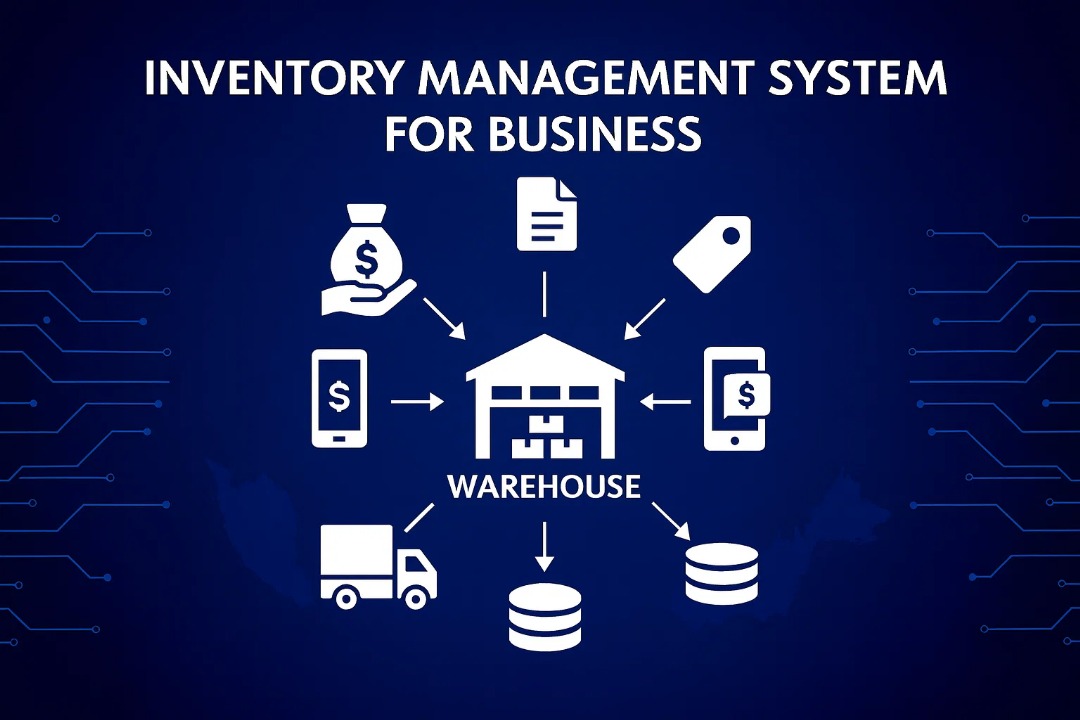
An Inventory Management System is a technological solution crucial for businesses seeking efficient control and oversight of their inventory processes, spanning from procurement through production to final sales. This system serves to enhance various facets of inventory management, encompassing control, replenishment, forecasting, order processing, warehouse management, and quality control.
Key Features of an Inventory Management System
Improved Control & Forecasting
The Inventory Management System aids in effective management, offering intelligent replenishment recommendations based on sales trends and assisting in accurate inventory forecasting.
Barcoding and Scanning
This feature allows the system to utilize barcodes and scanning technology, ensuring more efficient and accurate tracking of inventory items.
Centralized Inventory Management
A centralized system fosters increased productivity and collaboration among team members, enabling seamless interaction and synchronization even for teams in different locations.
Reporting and Analytics
Customizable capabilities empowering businesses to make well-informed decisions based on precise and up-to-date financial records.
Automated Features
Automation minimizes manual tasks related to inventory updates, reducing the likelihood of data errors and streamlining operational processes.
Stock Forecasting
The system incorporates forecasting tools to predict demand and optimize stock levels, contributing to enhanced operational efficiency.
Multi-Location Management
Businesses with diverse operations benefit from the system’s ability to manage inventory across multiple locations, offering a centralized control system.
Quality Control
The IMS takes responsibility for the inspection and management of product quality, ensuring that businesses maintain high standards.
Ease of Use
An intuitive interface ensures that the system is user-friendly, requiring minimal training, support, or documentation for effective utilization.
Integration with Other Business Applications
Integrates with other business applications (like accounting software) to create a unified platform for operations.
Summary: By incorporating such a system, businesses can optimize their inventory processes, reduce carrying costs, and maintain optimal stock levels, contributing to overall operational excellence.
Manual Inventory Management Can Lead to Business Failure
Human Error
Manual data entry is susceptible to inaccuracies.
Location Errors
Misplacement makes items difficult to locate.
Receiving Errors
Wrong items or quantities lead to discrepancies.
Inadequate Training
Results in stock handling mistakes.
Errorneuos Data Entry
Wrong keystrokes result in bad records.
Disorganized Warehouse
Leads to incorrect accounting.
Poor Communication
Insufficient data on incoming/outgoing stock.
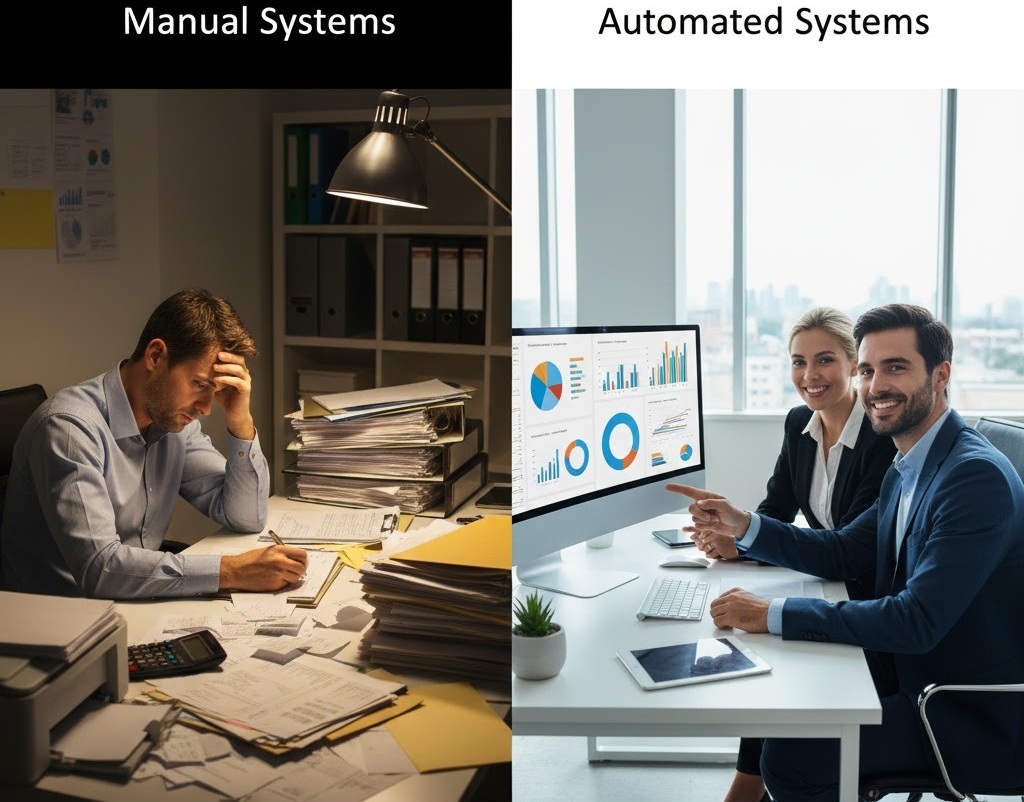
These errors can lead to inventory discrepancies, higher costs, and operational inefficiencies. Implementing an automated inventory management system reduces human error, improves accuracy, and enhances efficiency, leading to better control and cost savings.
AutoCount: The Best Inventory Management System for Business
In the dynamic landscape of Malaysian SMEs, AutoCount emerges as the leader with its exceptional Inventory Management System, part of its 7-in-1 accounting solutions. AutoCount’s inventory management modules offer seamless integration, real-time stock control, and efficient tools for decision-making, helping businesses minimize costs and maintain optimal stock levels. This system empowers businesses to stay efficient, maintain healthy margins, and make informed stock decisions.
Comprehensive Integration
Seamlessly intertwines with the accounting framework, fusing financial data with sales orders, stock replenishment, and purchasing.
Ease of Tracking
Enhanced stock inquiry function allows convenient checking of stock levels, history, stock card, and pricing.
Real-Time Stock Control
Meticulously track stock quantities, values, and sales in real-time to create orders and manage replenishment instantly.
Smart Replenishment
Reorder Advice function allows users to generate purchase orders with a single click based on reorder levels.
Synchronized Orders
Syncs online and offline sales channels to eliminate discrepancies (See AutoCount e-commerce).
Prone to Error: High susceptibility to human error.
Unmanageable Growth: Becomes unwieldy as business expands.
Conclusion: While manual systems offer simplicity, their limitations become apparent with growth. AutoCount provides the scalability and efficiency required for modern business success.
Frequently Asked Questions
Can AutoCount be customized?
Absolutely. AutoCount is highly flexible. It allows for customizable input layouts, reports, and fields to meet specific business needs, ensuring the system aligns seamlessly with your processes.
How does it assist with Forecasting?
It offers replenishment recommendations based on sales trends. With the Stock Forecast Plugin, businesses can leverage predictive analytics to anticipate demand and optimize stock levels automatically.
Which types of businesses need an Inventory Management System?
Any business that handles purchasing, storing, and selling goods can benefit from an Inventory Management System. This includes retailers, wholesalers, manufacturers, e-commerce businesses, food & beverage operators, and multi-outlet companies. Businesses with high stock volume or multiple locations will see the greatest efficiency gains.
How does an Inventory Management System help reduce inventory costs?
An Inventory Management System provides real-time stock visibility, smart replenishment suggestions, and demand forecasting. This helps prevent overstocking, stockouts, and expired goods, while reducing carrying costs and improving cash flow management.
Is AutoCount Inventory Management System suitable for SMEs?
Yes. AutoCount is designed specifically for Malaysian SMEs. It offers an easy-to-use interface, scalable modules, and seamless integration with accounting functions. Businesses can start with essential features and expand as they grow, making AutoCount a practical and future-ready inventory solution.
Optimize Your Business with AutoCount Modules
Ready to take your inventory management to the next level? Explore the power of AutoCount’s specialized modules, designed to tailor your system to your business needs. From multi-location tracking to advanced item management, our modules help streamline operations, enhance control, and boost efficiency.