
AUTOCOUNT HRMS · EMPLOYEE ATTENDANCE
Spend less time chasing attendance. Prepare payroll with clearer records.
Your team has work to do. HR should not have to spend month-end collecting punch cards, checking spreadsheets and asking supervisors to explain missing clock-outs.
The AutoCount e-Attendance System connects employee clocking, attendance review and payroll preparation within AutoCount HRMS. Give staff practical ways to record attendance and help your HR team resolve exceptions before payroll is due.
Tell us your employee count, workplaces and current attendance challenges.

A small attendance problem can create a long chain of follow-ups:
One outlet sends Excel files, another uses punch cards, and HR has to bring everything together.
Someone forgets to clock out, leaving HR to confirm the actual working hours.
A late departure appears in the records, but the reason and approval are in a separate message.
Payroll needs to know which shift applied before it can assess the hours.
Staff visit customer premises while supervisors work elsewhere.
As your business grows, these checks become harder to coordinate. A connected attendance process gives your team a more consistent way to capture records, review exceptions and prepare information for pay.
Your office staff, outlet crew and field technicians may need different attendance arrangements. AutoCount supports GPS geolocation, Wi-Fi, Bluetooth and facial recognition clocking.
Use geolocation-based clocking to check entries against permitted locations. This can suit employees working at approved sites away from the main office.
HR can review where a clocking took place without relying only on a follow-up message.
Use configured workplace Wi-Fi or a compatible Bluetooth beacon as a clocking condition.
Discuss your premises and staff movement with us so the selected method supports your working arrangements. Bluetooth clocking requires compatible equipment.
Support employee identity verification through compatible mobile functionality or an AutoCount iFace terminal.
A shared terminal can provide a clocking point at the premises, while approved mobile arrangements can serve staff working off-site. Device selection and configuration should match your requirements.
Not sure which method suits your company? Request a demo based on your workplaces.
AutoCount provides attendance transactions, geolocation maps and record amendment facilities for review.
Instead of reconstructing the month from separate messages, your team has a record to check and discuss. Supervisors can help explain unusual entries, and HR can resolve incorrect information before using it for payroll preparation.
The practical benefit is a clearer handover: outstanding attendance questions are addressed while the details are still available.
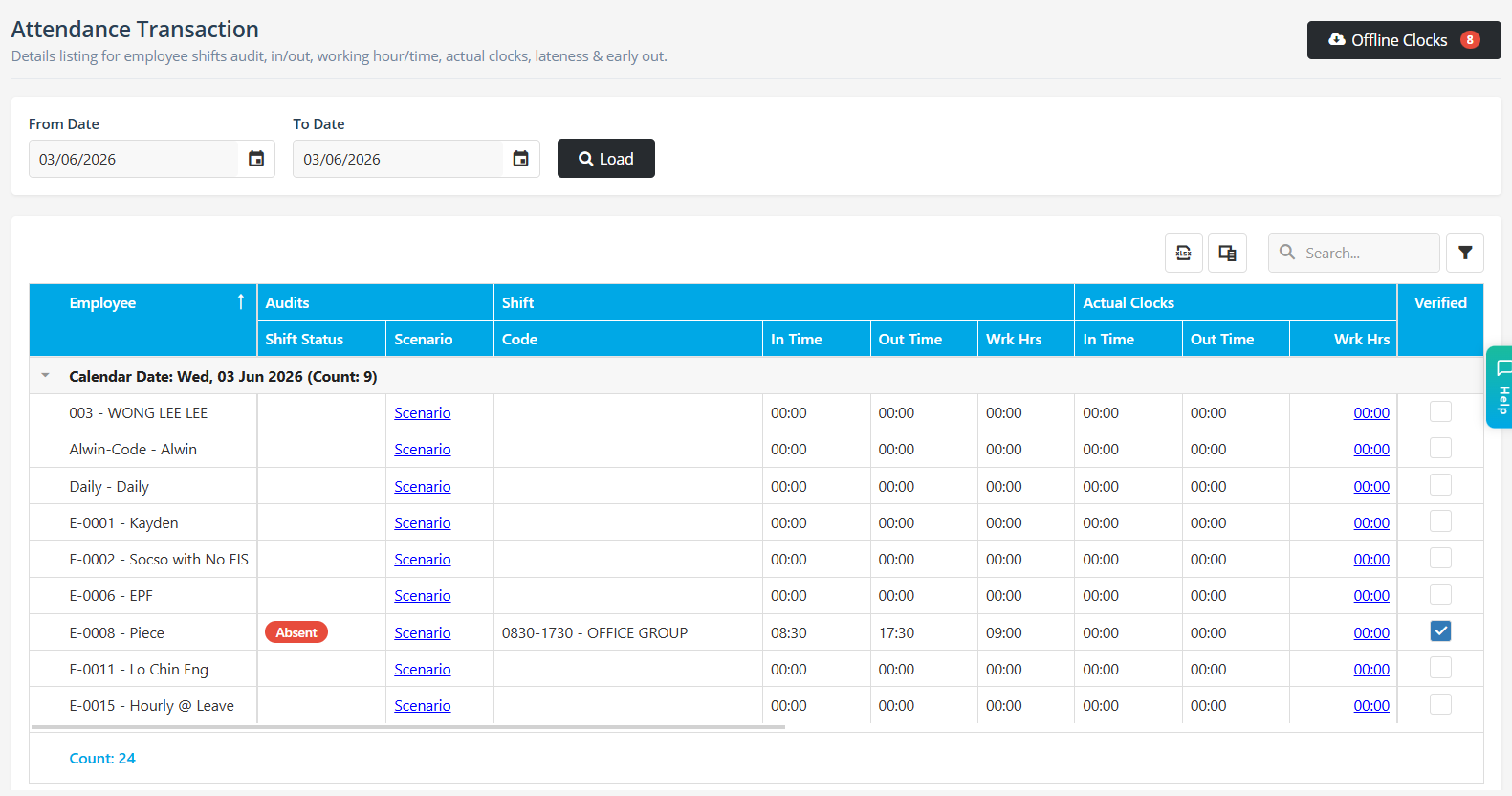

AutoCount supports standard schedules and flexible rosters. Employees, managers and HR have defined responsibilities for clocking, scheduling, requests, approvals and attendance verification.
For a growing SME, clear ownership matters. Employees need to know how to record attendance, supervisors need to know what to review, and HR needs confirmed information.
Overtime treatment depends on your configured rules and applicable approvals. A late clock-out alone should not be treated as confirmation of the amount payable.
Attendance summaries and overtime reports help HR review working hours. Clocking information can then be posted into the AutoCount payroll process.
This connection can reduce repeated handling between attendance administration and payroll preparation. Your team still needs correct settings, reviewed records and a final payroll check.
Explore AutoCount Cloud Payroll if you are considering attendance alongside your wider payroll requirements.
Consider a trading company with office staff, a warehouse team and technicians visiting customers.
Office and warehouse staff may use fixed clocking arrangements. Technicians may need approved mobile locations. Supervisors review relevant exceptions, and HR prepares the confirmed records for payroll.
The important question is how the process fits your company. Bring your actual shift patterns and common attendance problems to the demonstration.
This is an illustrative example, not a customer case study.
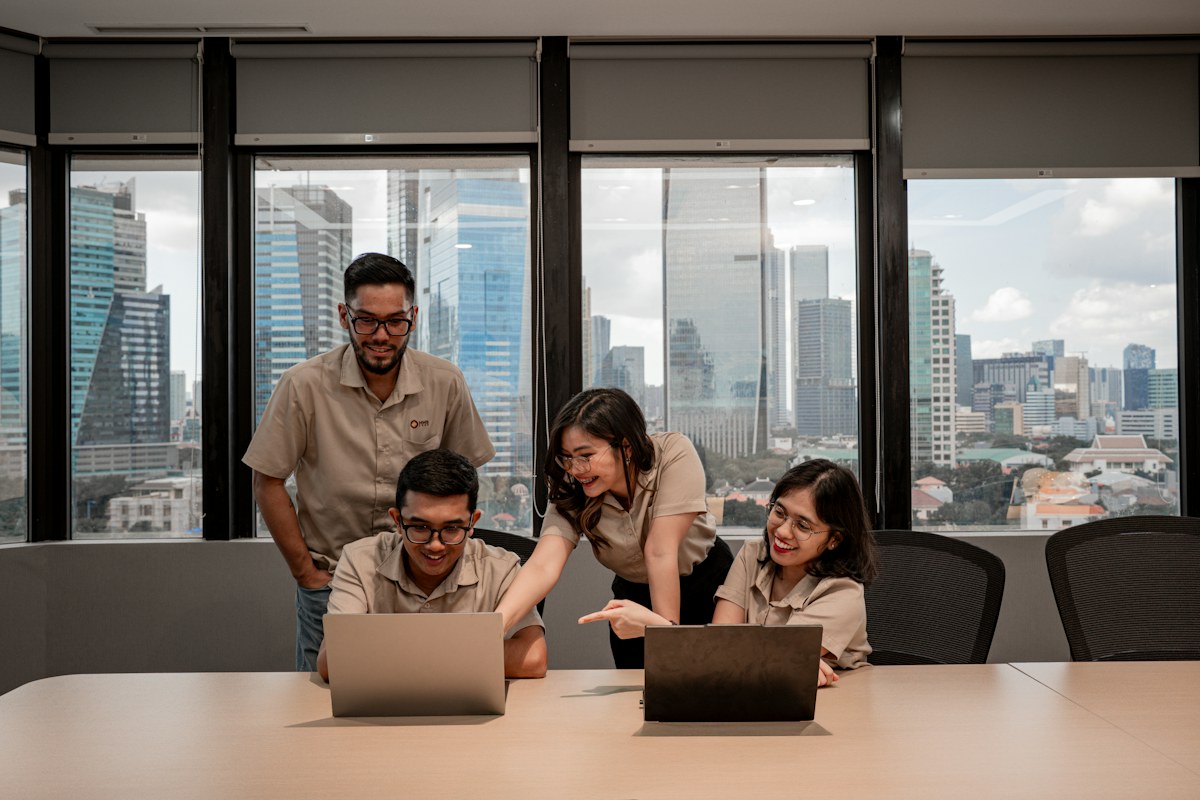
Software needs to fit the people using it and the process behind it.
SL Software Solutions Sdn Bhd provides AutoCount implementation, training and support for Malaysian businesses. Discuss your attendance requirements with us so you can assess the software, hardware and service scope together.
Before recommending an arrangement, we will discuss:
Not necessarily. Supported mobile clocking is available alongside iFace terminals. The suitable combination depends on your workplaces, rules and hardware requirements.
Yes, where the configured arrangement permits it. Mobile clocking follows the approved conditions assigned to employees.
AutoCount supports mobile clocking alongside iFace devices at multiple locations. Discuss your outlet structure, device requirements and attendance rules before confirming the setup.
Yes. Standard schedules and flexible rosters are available. Include overnight shifts and unusual working arrangements in your demonstration requirements.
Payroll results depend on accurate records, appropriate configuration and review. Attendance integration supports the process; HR should still resolve exceptions before processing pay.
Request a quotation based on your employee headcount, required modules, hardware and implementation needs. Confirm package inclusions before purchasing.
Show us where your current process gets stuck. We will discuss suitable clocking options and demonstrate how attendance can move from employee records to HR review and payroll preparation.
Tell us your employee count, number of workplaces and biggest attendance challenge.