
Manage customer orders, inventory, purchasing, reports, payroll, and e-Invoice preparation with a practical AutoCount setup for wholesale businesses in Malaysia.
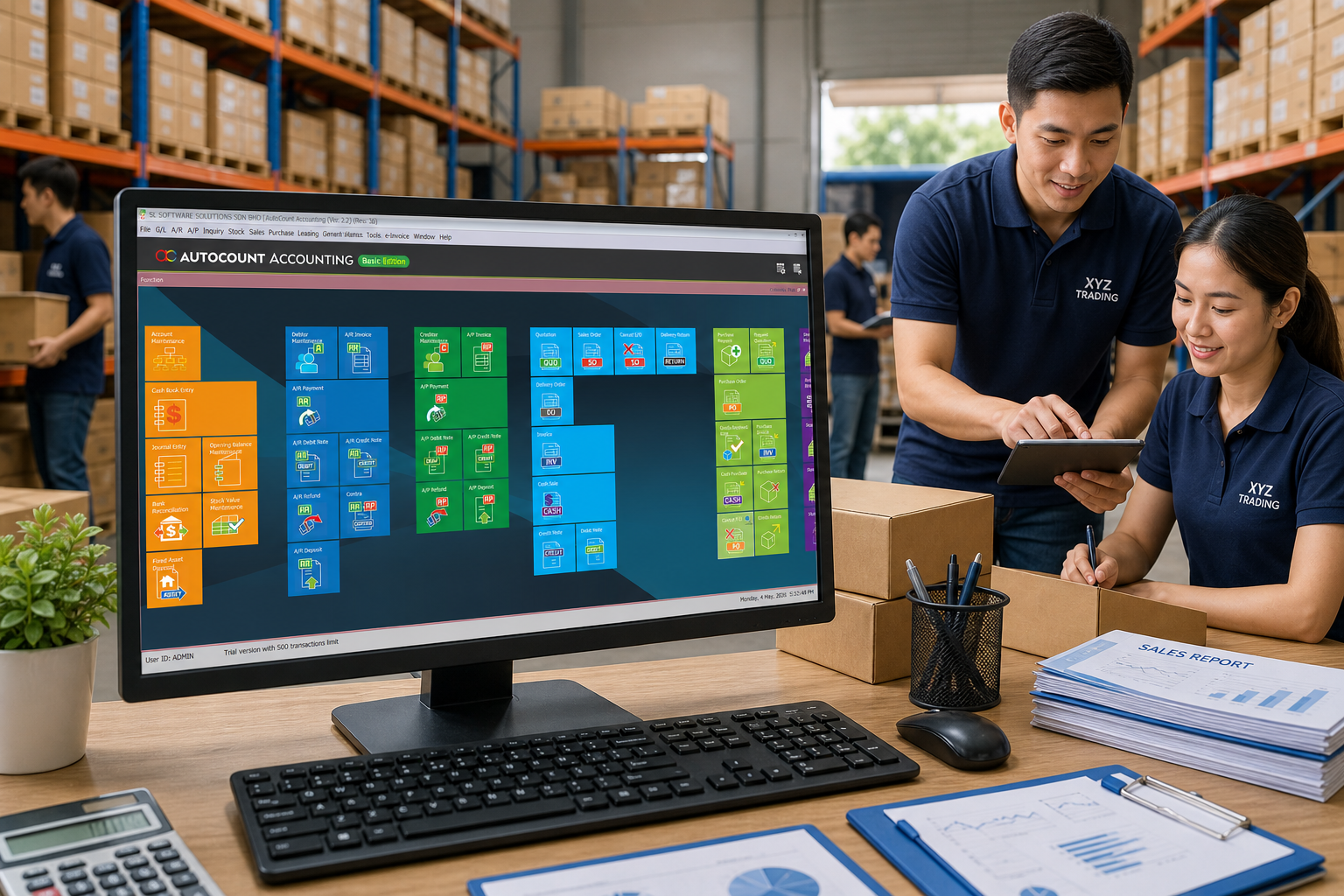
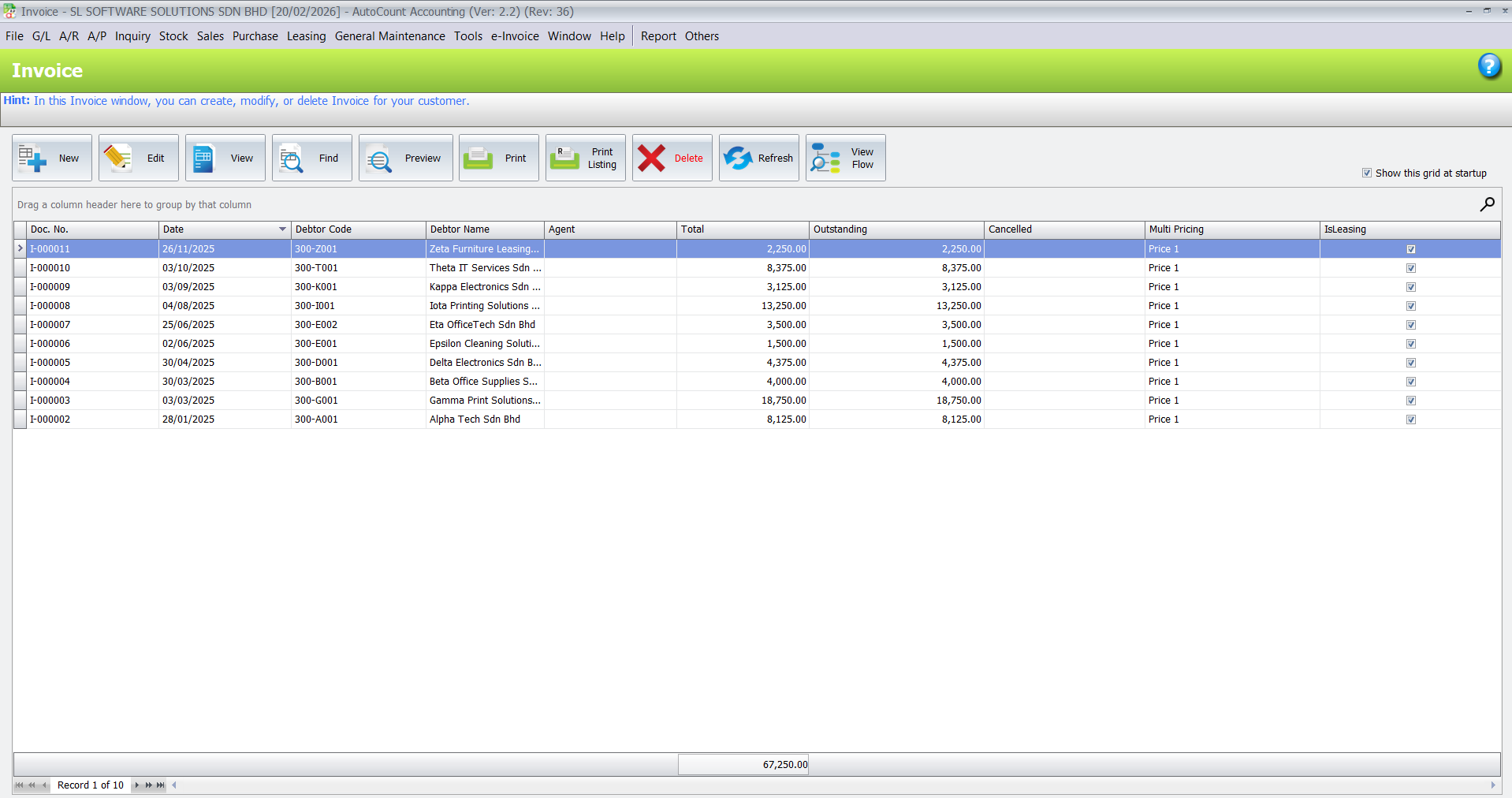
Wholesale sales are more than simple invoices — they include quotations, confirmed orders, delivery execution and collections. Disconnected processes make it easy to lose track of documents and customer commitments.
With AutoCount you can:
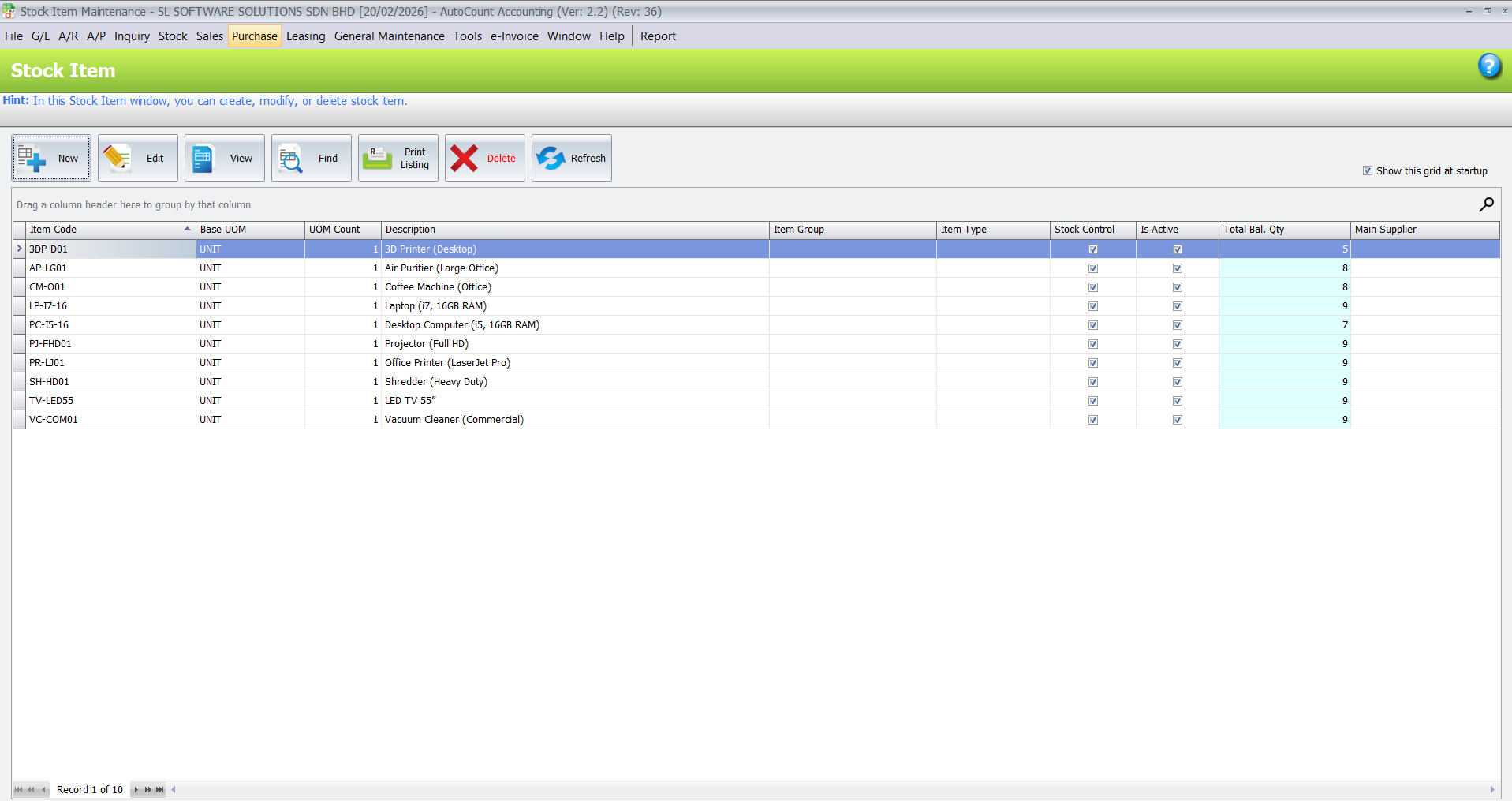
Accurate stock records are vital for wholesale success. Wrong stock data leads to wrong sales promises, delayed deliveries and costly over‑purchasing.
AutoCount helps you:
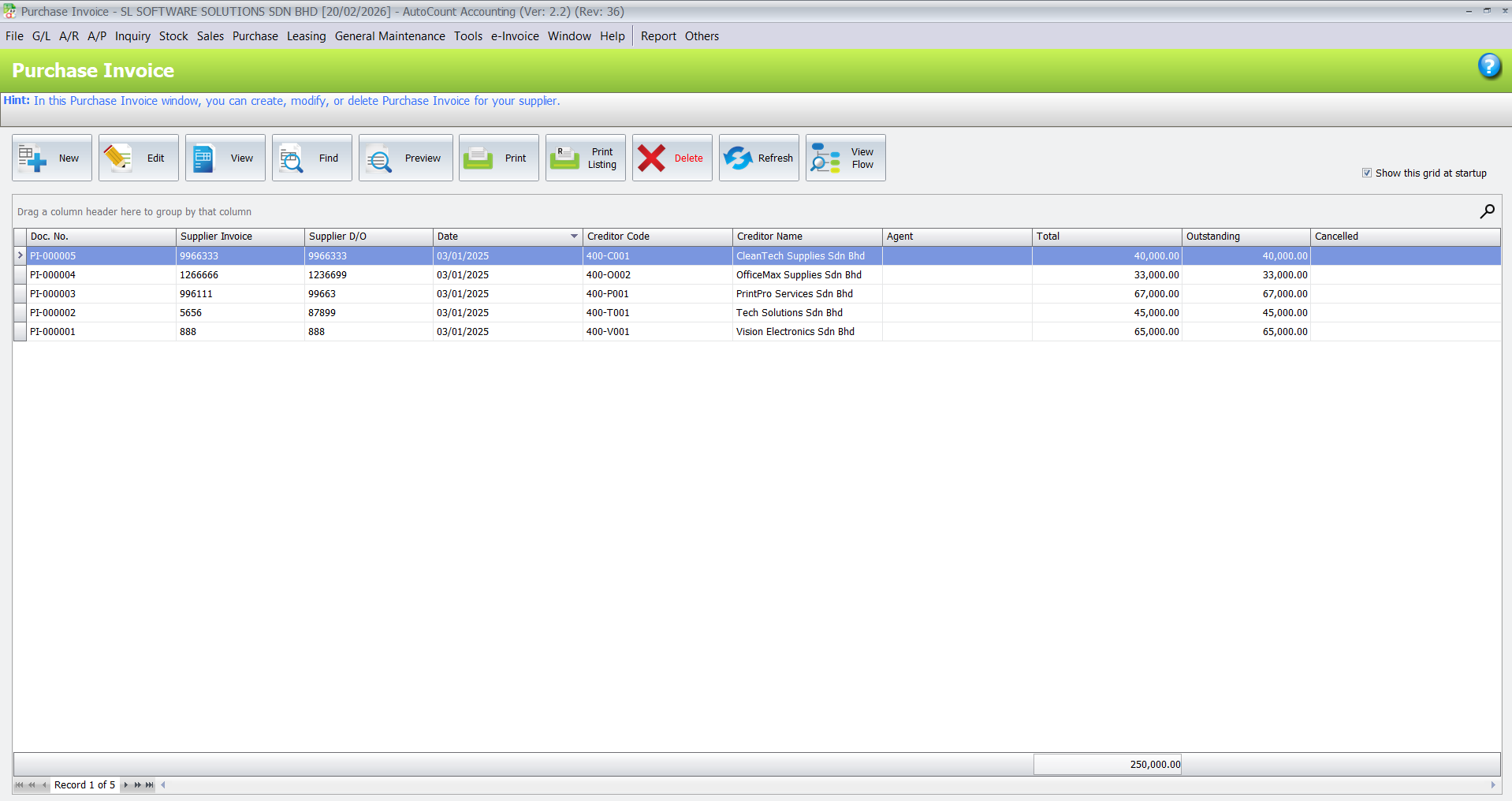
Wholesale profit depends on good buying decisions and controlled supplier payments.
With AutoCount you can:
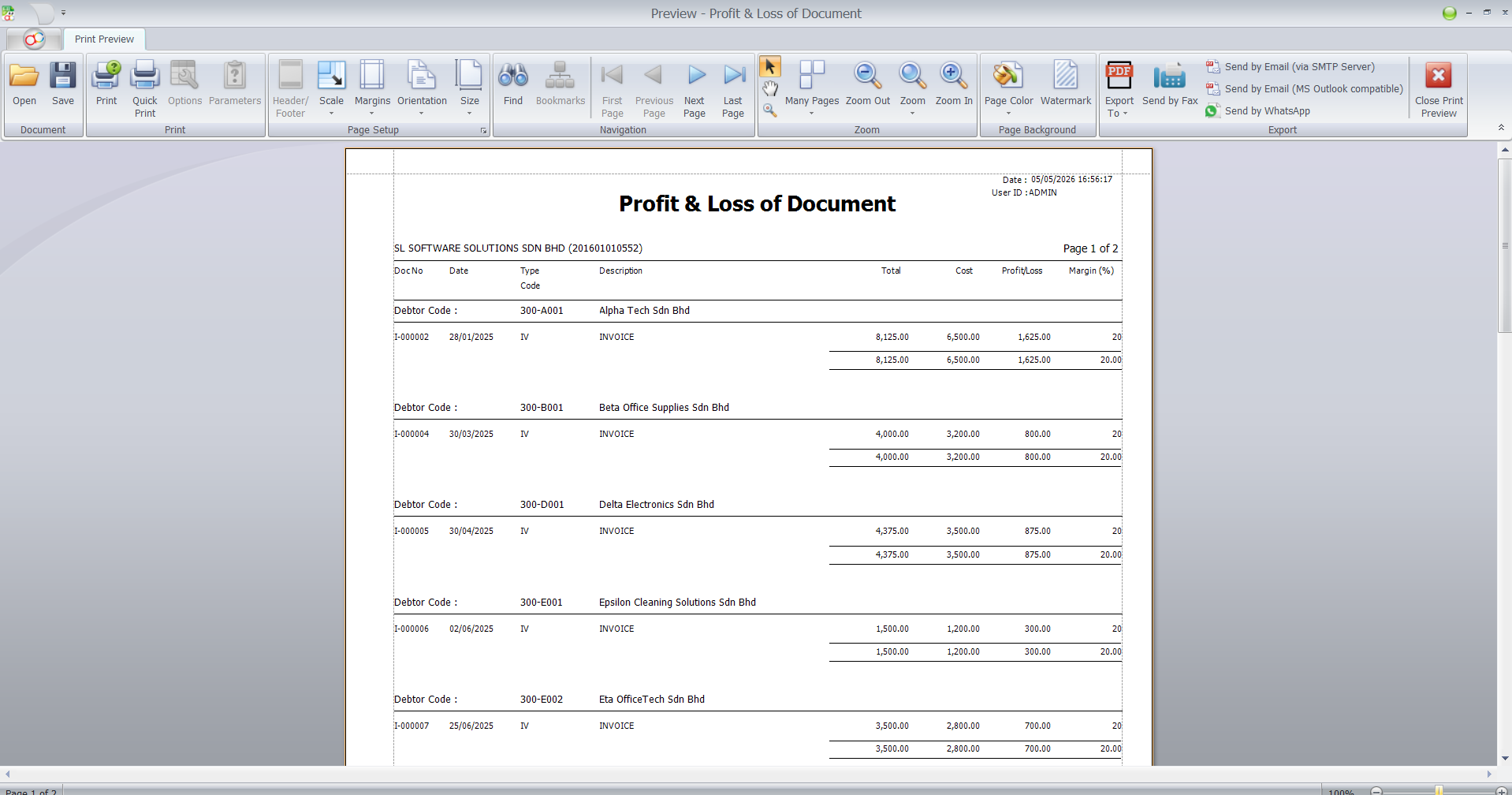
Business owners need clear insights — not guesses — on sales trends, stock status and financial performance.
AutoCount provides:
Malaysia’s e‑Invoice requirements make structured invoice data more important than ever. AutoCount supports organised invoicing and submission workflows so your business is ready for e‑Invoice.
For financial records, debtor, creditor and reports.
For stock balance, stock movement and item records.
For quotation, sales order, delivery order and invoice.
For purchase order, supplier invoice and supplier outstanding.
For structured invoice data and e-Invoice preparation.
For outdoor salespeople and customer order collection.
For multiple warehouses, branches or stock locations.
For import, export or foreign currency transactions.
For businesses with many bank transactions.
For salary, overtime, allowance, claims and staff records.
For special pricing, stock workflow, barcode or custom reports.
FMCG wholesaler
Food distributor
Grocery wholesaler
Hardware wholesaler
Building material supplier
Electrical goods wholesaler
Stationery supplier
Furniture wholesaler
Automotive parts wholesaler
Industrial supplier
Import and export wholesaler
Multi-warehouse business
Outdoor sales team business
Business Understanding
We begin by learning your current wholesale workflow and challenges.
System Setup
We configure AutoCount to match your sales, stock, purchasing and accounting processes.
Module and Plugin Recommendation
We suggest the right AutoCount modules and plugins based on your business needs.
Training
We train your team on how to use AutoCount for daily operations, not just software screens.
Support & Growth
We continue to support your team as your business grows, adds branches or needs extended features.
We focus on real business usage, not only software theory. Your team learns how to use AutoCount for daily wholesale operations.
We explain sales, stock, accounting, e-Invoice and reporting workflows in a way that business owners and staff can understand.
Different wholesale businesses have different workflows. We help recommend a suitable AutoCount setup based on your products, customers, suppliers and operation style.
We support your team even after training, so your business can continue improving the system as your operation grows.
Yes. AutoCount can be suitable for wholesale businesses that need to manage sales, customer records, stock control, purchasing, accounting, reports, and e-Invoice preparation in a more organised way. The exact setup depends on your business workflow.
Yes. AutoCount Inventory can help track item records, stock movement, stock balance, stock card, and stock-related reports. For businesses with multiple warehouses or branches, Multi-Location or Multi-Branch setup may also be considered.
Yes. AutoCount can support sales documents such as quotations, sales orders, delivery orders, invoices, and customer statements. This is useful for wholesale businesses that need better traceability from order to billing.
Yes. AutoCount e-Invoice can help businesses keep invoice and accounting records more structured for Malaysia e-Invoice processes. Proper customer and transaction data setup is important for smoother e-Invoice preparation.
Yes. AutoCount Salesman App may be suitable for wholesale businesses with outdoor sales teams who need access to customer, product, pricing, and order information while visiting customers.
AutoCount Multi-Currency may be suitable for wholesale businesses that buy or sell in foreign currencies. It can help manage currency-related records more systematically, depending on your accounting workflow.
Yes, proper setup and training are important. Wholesale businesses often have different pricing, stock, purchasing, sales, and reporting workflows. A guided implementation helps your team use AutoCount more effectively.
Tell us how your wholesale business works. We will recommend suitable AutoCount modules, plugins and workflow setup based on your sales, stock, purchasing, accounting and e-Invoice needs.