
SL SOFTWARE · CLOUD ACCOUNTING ACCESS
Welcome back. Access your AutoCount Cloud Accounting account securely from the official portal. Choose your region, or continue directly to the Malaysia sign-in page.
Secure sign-in happens on auth.autocountcloud.com. SL Software never collects login passwords here.
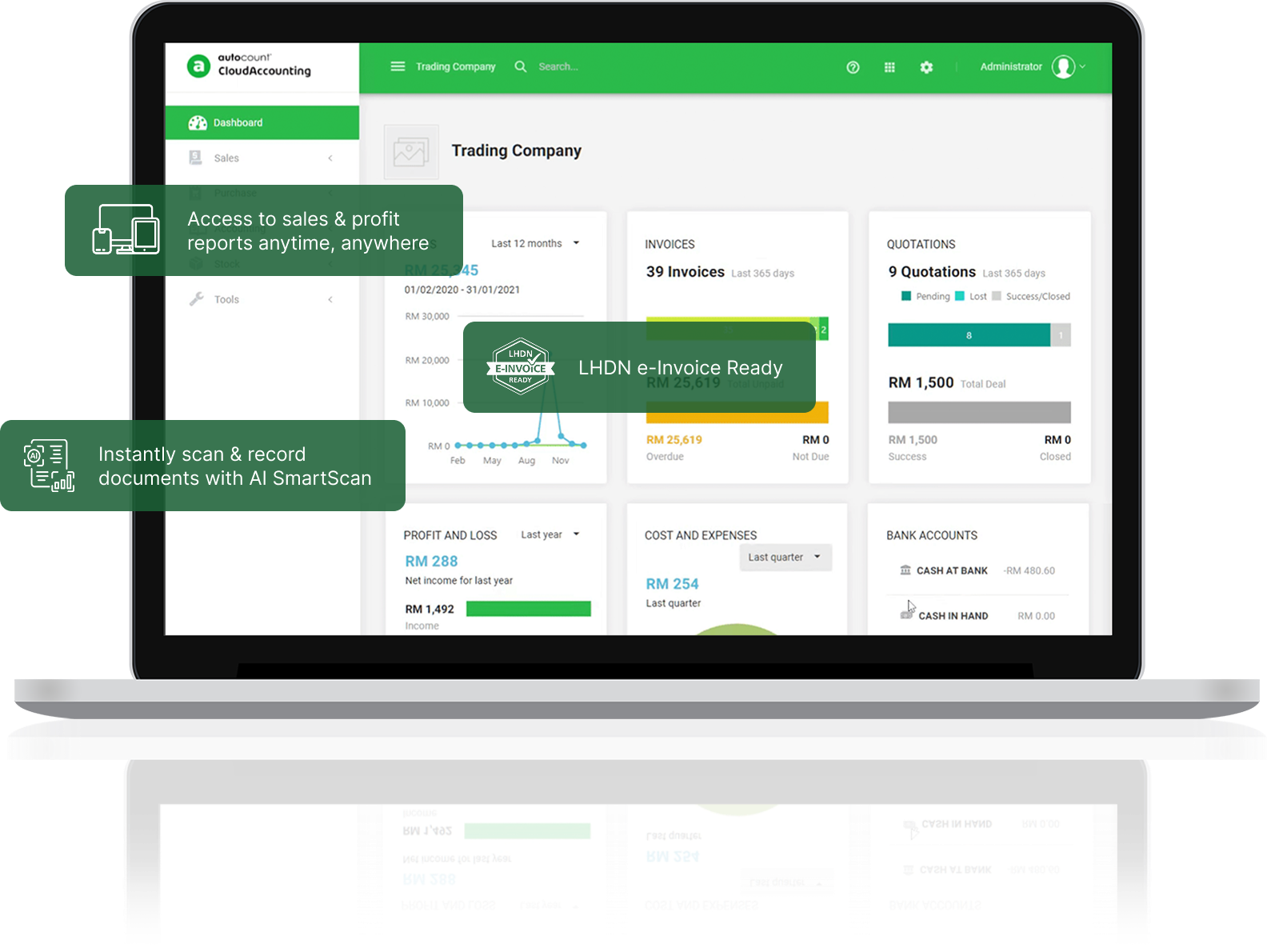
AutoCount Cloud Accounting — product dashboard preview
CHOOSE YOUR REGION
Access the official sign-in portal for the country in which your Cloud Accounting account was registered.
A LOOK INSIDE AUTOCOUNT CLOUD
Preview the AutoCount Cloud Accounting environment. For complete feature details, visit our Cloud Accounting product page.
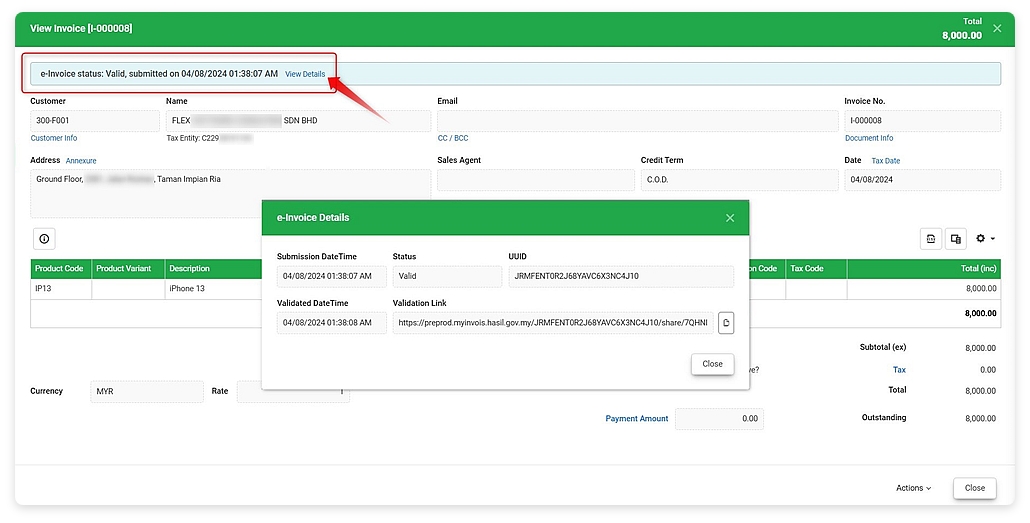
A look at an AutoCount Cloud Accounting e-Invoice screen.
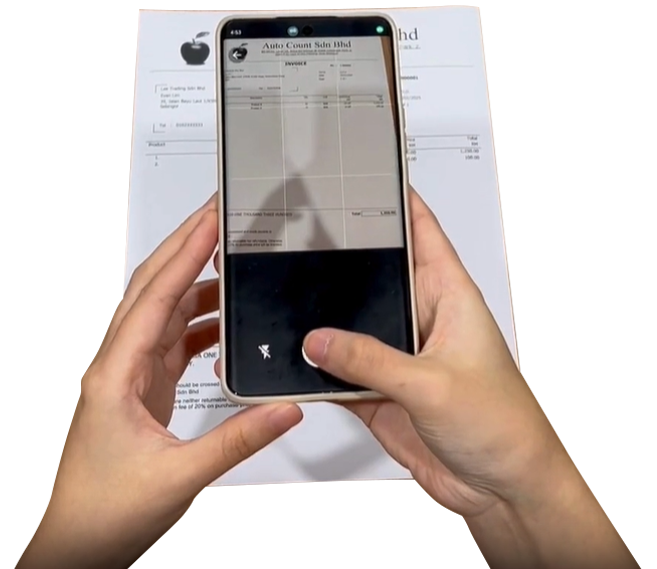
Preview the AutoCount Cloud Accounting document capture experience.

Work with your business data from an organised digital workspace.
Register your account using the official portal, explore Cloud Accounting subscription plans, and learn how to create your first account book.
01 Register your Cloud Account
02 Set up or open an account book
03 Log in to manage your business
CLOUD ACCOUNTING SUPPORT CENTER
Need help accessing AutoCount Cloud Accounting? Find answers to common login and registration questions below.
Choose the country associated with your registered AutoCount Cloud Accounting account.
This is SL Software’s login shortcut page. All sign-ins are completed on the official AutoCount authentication website.
Use the Register Cloud Account button to open AutoCount’s registration page using SL Software’s dealer link.
Visit our AutoCount Cloud Accounting product page for subscription information and features.
Use the password recovery option on the official AutoCount Cloud Accounting login screen. Follow the instructions provided by AutoCount to reset your credentials securely.
First confirm you selected the correct country portal and entered the email address registered to your AutoCount account. If you still cannot sign in, use the official recovery option or contact SL Software for assistance.
Need step-by-step instructions? Read the Cloud Accounting account book setup guide, explore Cloud Accounting features and pricing, or contact SL Software.
SL SOFTWARE SUPPORT
Contact SL Software Solutions for registration, subscription or account setup assistance.