
Transform your Malaysian grocery store with AutoCount. Streamline inventory, automate accounting, and ensure 100% LHDN e-Invoice compliance. Request a free demo today!
Managing high sales volumes and thousands of SKUs while staying e-Invoice compliant is difficult.
AutoCount simplifies your daily operations by uniting inventory, sales, and accounting in one easy-to-use platform.
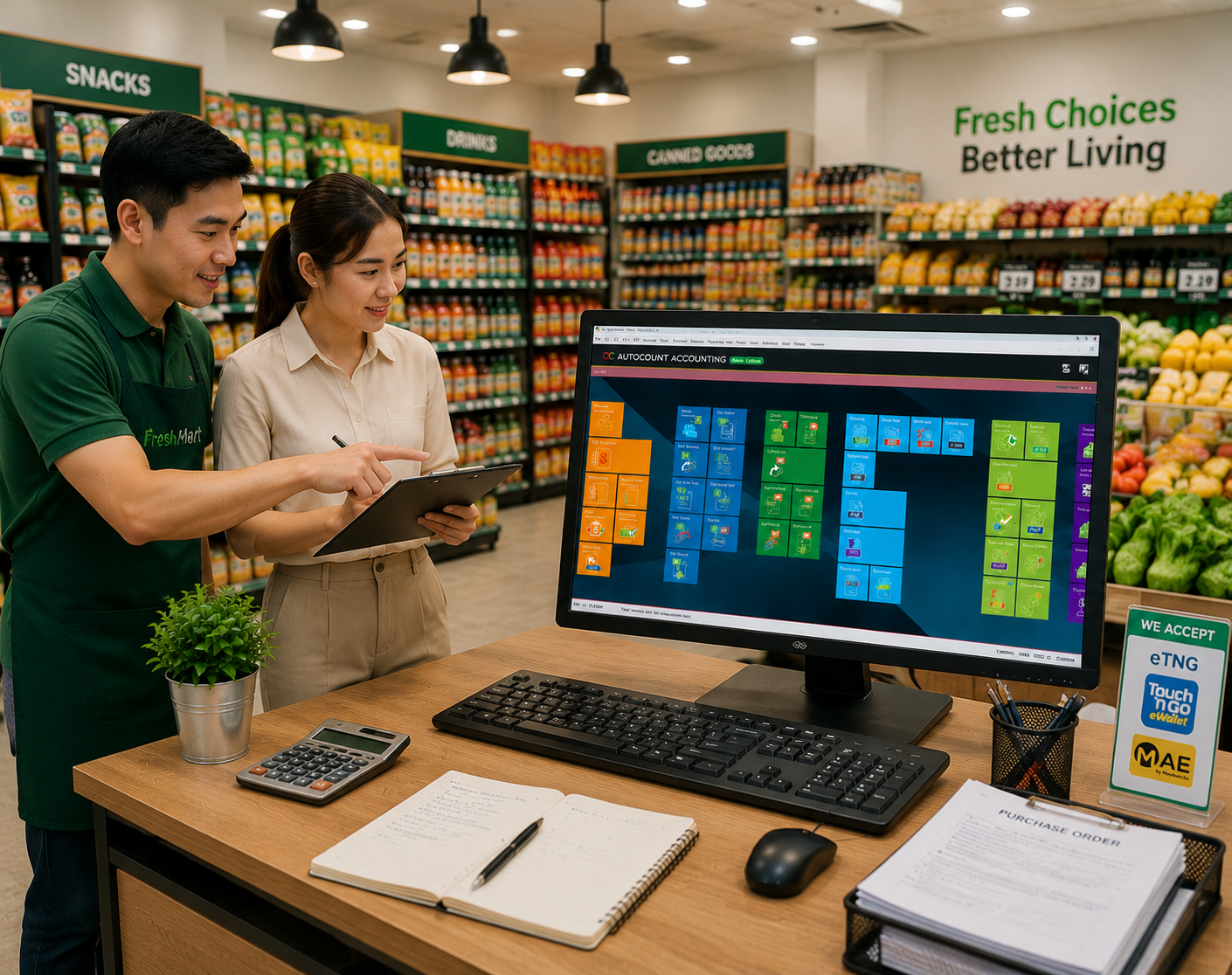
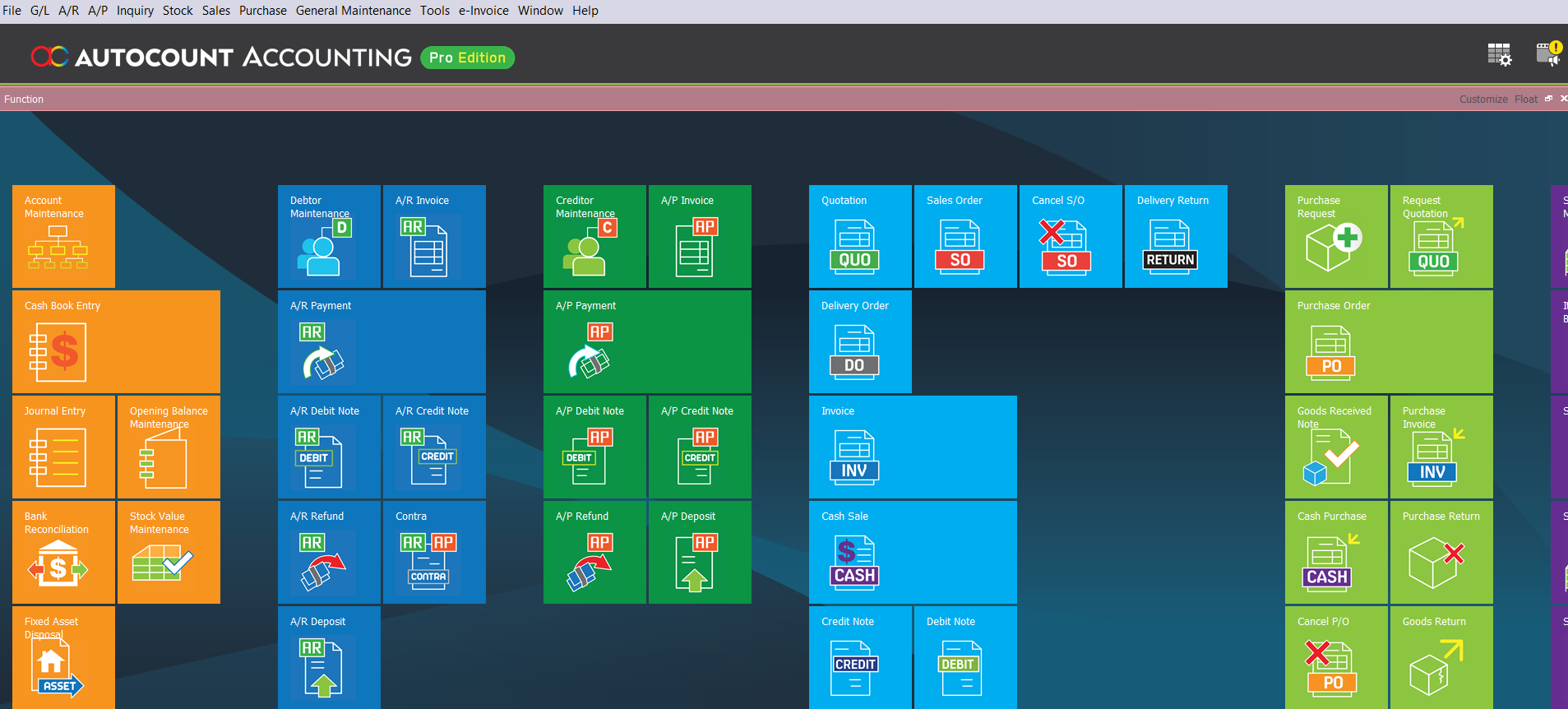
AutoCount helps mini markets and grocery shops manage accounting, inventory, sales, and HR in one easy system. Here’s how:
With AutoCount, you can:
Track stock movements in real time and prevent overstocking or shortages.
Record sales, issue invoices, and manage customer data from one platform
Automate daily tasks, generate reports, and speed up month-end closing.
Easily handle attendance, payroll, commissions, and staff claims.
Stay compliant with Malaysia’s e-Invoice requirements for faster, accurate submissions.
AutoCount offers a range of modules to streamline business operations. Here are some key modules that can specifically benefit Mini Market/Grocery Shops :
Organize financial records, debtor and creditor accounts, and generate accurate management reports.
Track service invoices, customer payments, and recurring billing.
Monitor cleaning supplies, avoid shortages, and reduce wastage.
Manage staff salary, overtime, allowances, claims, and HR records efficiently.
Keep customer and invoice data ready for Malaysia’s e-Invoice compliance.
Tailored to track special workflows, recurring services, or unique reporting needs.
Sales, Billing & Transaction
Mini market/Grocery Shops businesses often juggle multiple recurring contracts. AutoCount streamlines your billing by:
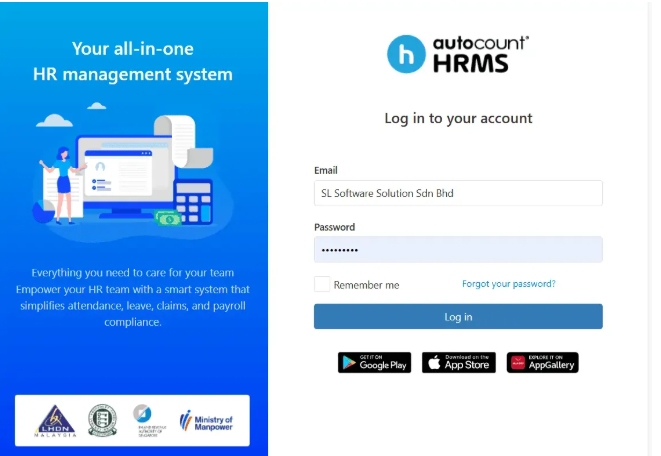
Staff & Payroll Management.
Mini market/Grocery Shops often manage a mix of full-time, part-time, and contract staff. AutoCount Payroll and HRMS helps you:
Accounting Efficiency.
“AutoCount streamlines accounting and bank reconciliation, helping your business by:
AutoCount adapts to all types of grocery and mini market operations, scaling with your business size and specific reporting needs.
It is suitable for:
Neighborhood Mini Markets
Grocery Retail Chains
Fresh Produce Specialists
Convenience Stores
Multi-Branch Grocer
Every grocery business has unique requirements. A small shop may only need fast POS checkout, basic barcode scanning, and simple accounting. As you expand, you will need multi-branch inventory sync, expiry date tracking, central staff management, recurring supplier billing, and real-time performance reports.
“Running a grocery business means managing high-turnover inventory where every second and every SKU counts. When your POS sales data isn’t synced with your stock levels and accounting, you risk losses from spoilage, dead stock, or pricing errors. AutoCount unifies your entire retail operation, providing the granular control you need for expiry date tracking, seamless supplier purchasing, and the real-time financial visibility required to grow your market profitably.”
Low Mun Yao
Director of SL Software Solutions & Chartered Accountant (MIA)

We understand your workflow before recommending the right AutoCount solution.
We configure AutoCount based on your operation, billing, reports and user access.
We train your team to use AutoCount confidently in daily work.
We support you with troubleshooting, updates and workflow improvements.
Yes, AutoCount is specifically designed to handle the high transaction volumes and SKU counts typical of grocers, integrating everything from the cash register to the back-office accounts.
AutoCount tracks stock movements in real-time, manages stock levels to prevent overstocking/stockouts, and streamlines audits with barcode scanning integration.
Yes! The Payroll and HRMS modules manage staff records, salary processing (EPF/SOCSO/PCB), attendance tracking, and overtime calculations automatically.
It is Malaysia’s mandatory electronic invoicing mandate. AutoCount helps you generate and submit these invoices directly to LHDN servers, ensuring full legal compliance.
Absolutely. The Multi-Branch feature allows you to sync data across all locations, letting you monitor sales and stock from a central HQ dashboard.
Tell us how your Mini Market works. We will recommend suitable AutoCount modules, plugins and workflow setup based on your sales, stock, purchasing, accounting and e-Invoice needs.