
Manage Sales, Stock, Delivery, Accounting and e-Invoice with AutoCount
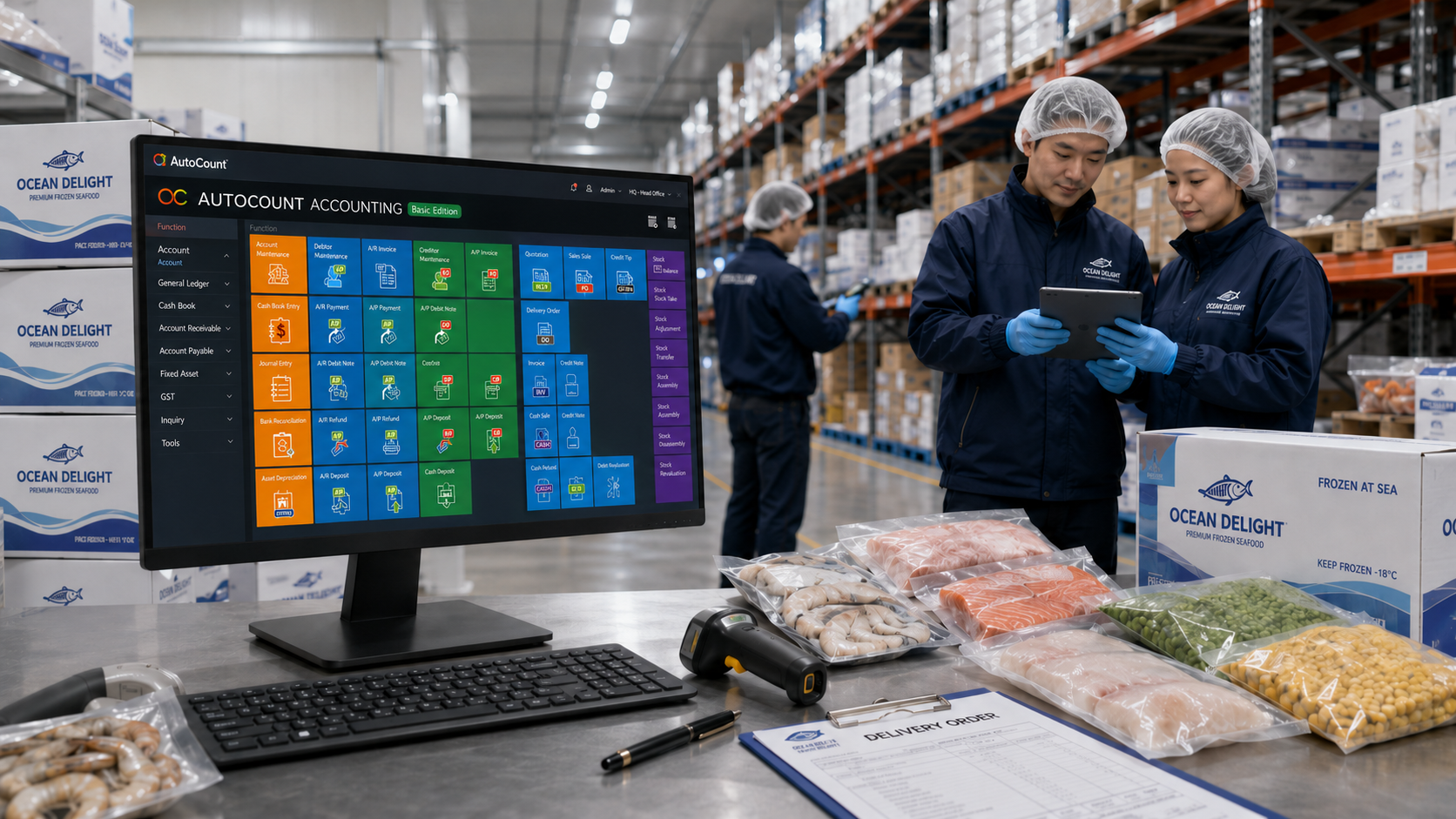
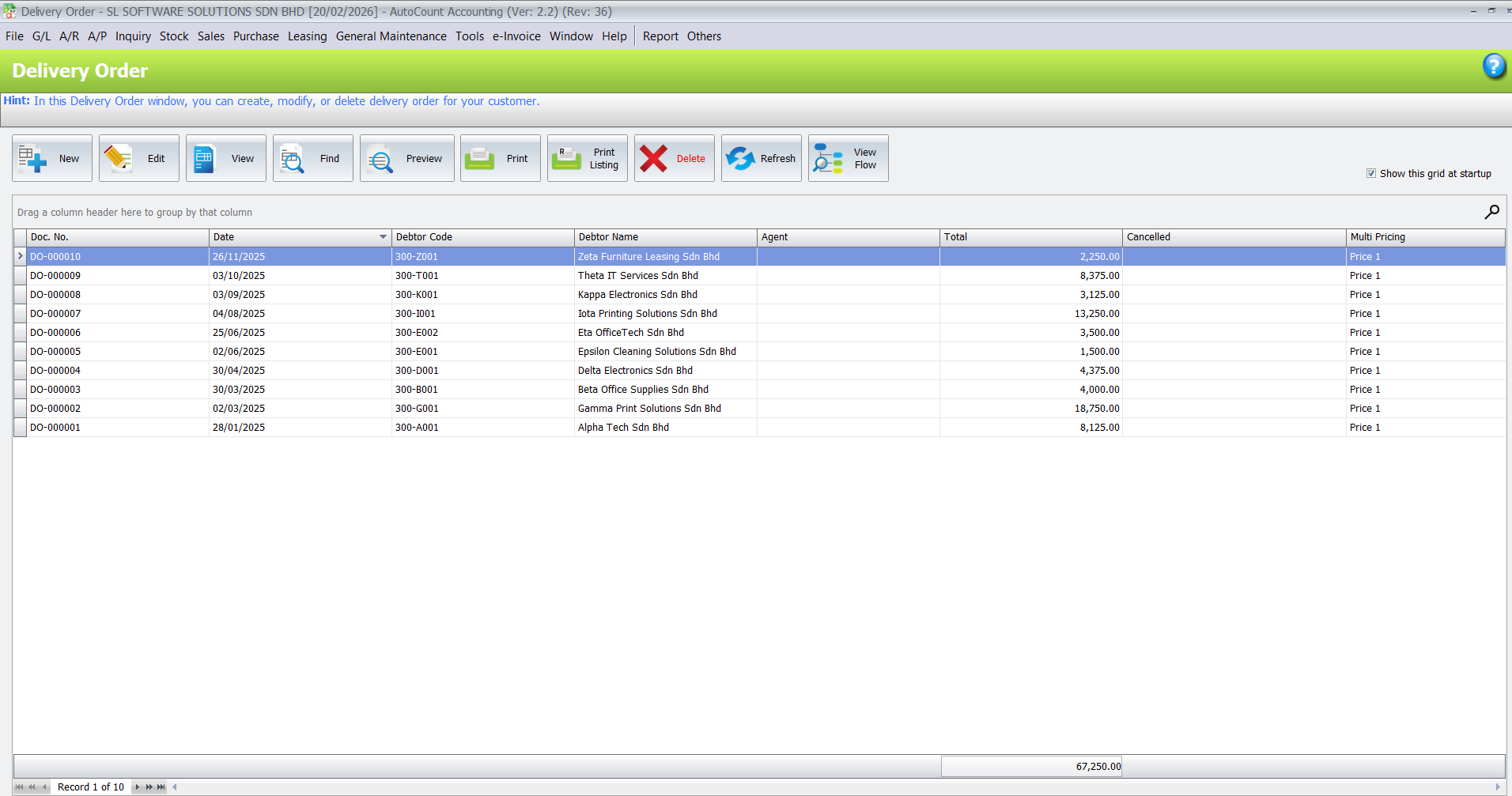
Food supplier businesses often handle repeat orders from restaurants, mini markets, cafés, hotels, caterers, wholesalers and dealers. If sales records are not properly organised, your admin team may struggle to check what was ordered, delivered, billed or paid.
With AutoCount, your team can manage:
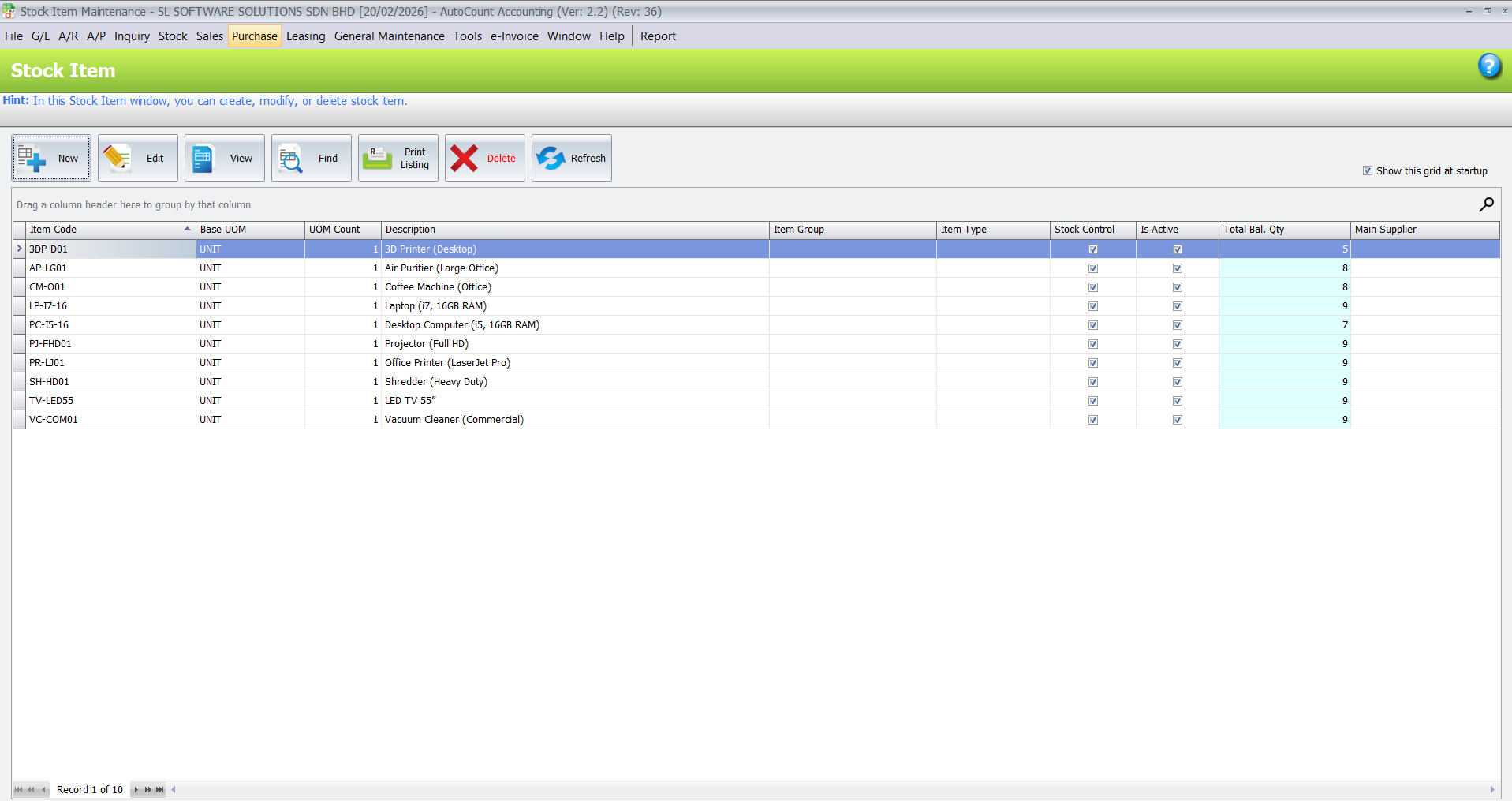
Stock accuracy is very important for food and frozen food suppliers. When stock records are not updated, your team may accept customer orders without enough stock, over-purchase slow-moving items, or spend too much time checking physical stock manually.
AutoCount Inventory helps businesses organise product records, item balances, stock movement and stock reports. This is useful for suppliers who manage many products, brands, packaging sizes and storage locations.
Food suppliers may sell products in different units, such as carton, packet, box, tray, kilogram or bag. Frozen food suppliers may also need to manage different storage areas or locations.
If your business has multiple warehouses, branches or cold rooms, Multi-Location or Multi-Branch setup can help management see stock movement more clearly.
Food supplier profit is affected by supplier pricing, purchase timing and stock cost. If supplier invoices are entered late or purchase records are incomplete, it becomes difficult to know the true cost of your products.
AutoCount Purchase helps your business manage supplier transactions in a more organised way.
For businesses that import frozen food or deal with overseas suppliers, AutoCount Multi-Currency may also be suitable to manage foreign currency supplier records.
Many food supplier businesses are busy every day, but still face stress at month-end because invoices, payments, supplier bills, bank transactions and stock records are not properly connected.
AutoCount helps turn daily transactions into proper accounting records. This helps the accounts team prepare financial reports with less manual checking.
AutoCount Accounting helps keep:
For businesses with many customer payments and supplier payments, AutoBank Reconciliation can help reduce repetitive manual bank matching work.
Malaysia e-Invoice requires businesses to keep customer information, invoice details and transaction records properly prepared. LHDN explains that e-Invoice is part of Malaysia’s move to digitalise the tax administration and business ecosystem.
AutoCount e-Invoice helps businesses generate, submit, process and receive e-Invoices through LHDN MyInvois in the recognised XML or JSON format.
Helps manage GL, debtor, creditor, financial reports and month-end accounting.
Helps track item balance, stock movement, stock card, stock adjustments and product records.
Helps manage quotations, invoices, delivery orders, purchase orders, supplier bills and customer transactions.
Suitable for suppliers with warehouse, cold room, branch or multiple stock locations.
Helps keep invoicing data more structured for Malaysia e-Invoice readiness.
Suitable for businesses with outdoor salespeople who need access to customer, item and order information.
Useful for businesses importing products from overseas suppliers.
Useful for businesses with admin staff, warehouse workers, drivers, salespeople, technicians or branch teams.
Suitable for businesses with many bank transactions and payment records.
Suitable when the business needs special fuction.
Frozen Food Supplier
Seafood Supplier
Meat Supplier
Grocery Wholesaler
Cold Storage Supplier
Food Distributor
Restaurant Supplier
Imported Food Distributor
Business Understanding
We study how your food supplier business works, including your customer order flow, stock movement, delivery process, supplier purchases, payment collection and accounting needs.
System Setup
We configure AutoCount based on your business operation, including accounting, sales, purchase, inventory, stock locations, reports and user access.
Module and Plugin Recommendation
We recommend suitable AutoCount modules or plugins based on your operation
Training
We train your admin, accounts, sales and operation team based on real daily usage, not only theory.
Support & Growth
We continue to support your business as your company grows, adds users, opens branches, improves reports or needs plugins and custom workflow.
We focus on real business usage, not theory.
We make complex setup easy for your staff to adopt.
Every business has different needs — we match the system to your way of working.
Even after setup, we remain available to help with questions, updates, or changes.
Yes. AutoCount can support food supplier businesses with accounting, sales, purchase, inventory, stock control, reporting, and e-Invoice preparation. The exact setup depends on your workflow.
AutoCount Inventory can help track item records, stock balance, stock movement, stock adjustment, and stock reports. For special workflows such as batch, expiry, cold room, or delivery control, a suitable setup or custom plugin may be considered.
Yes. AutoCount can help manage quotations, sales orders, delivery orders, invoices, customer records, payment tracking, and customer statements.
For businesses with outdoor salespeople, AutoCount Salesman App may help sales teams access customer, product, pricing, and order information more conveniently.
Yes. AutoCount Purchase can help manage purchase orders, goods received, purchase invoices, supplier records, payments, and supplier outstanding balances.
Yes. AutoCount e-Invoice can help businesses keep invoice and accounting data more structured for Malaysia e-Invoice preparation and submission workflow.
Yes, proper setup and training are important. Food supplier businesses often have different stock units, pricing structures, customer terms, warehouse workflows, and reporting needs, so consultation helps ensure the system fits your operation.
Build a more organised food or frozen food supplier business with AutoCount.