Wrong items
Manual identification can lead to incorrect products being received or issued.

TD Receiving & Issuing App helps Malaysian warehouse teams record incoming and outgoing stock digitally, reduce manual paperwork and maintain clearer inventory records.
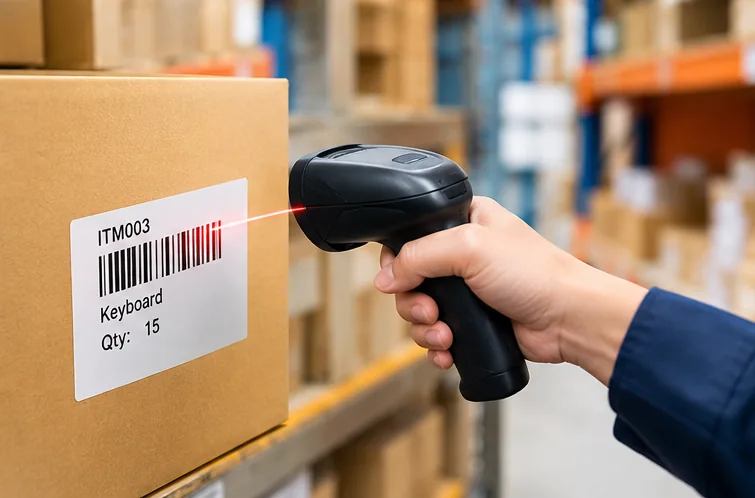
Receiving and issuing goods using handwritten records can create delays, incorrect quantities and missing documentation. The AutoCount TD Receiving & Issuing App supports a mobile-driven approach to recording stock movements, helping businesses organise information from the warehouse floor.
It is suitable for wholesalers, distributors, manufacturers, hardware suppliers and other businesses with frequent incoming and outgoing inventory.
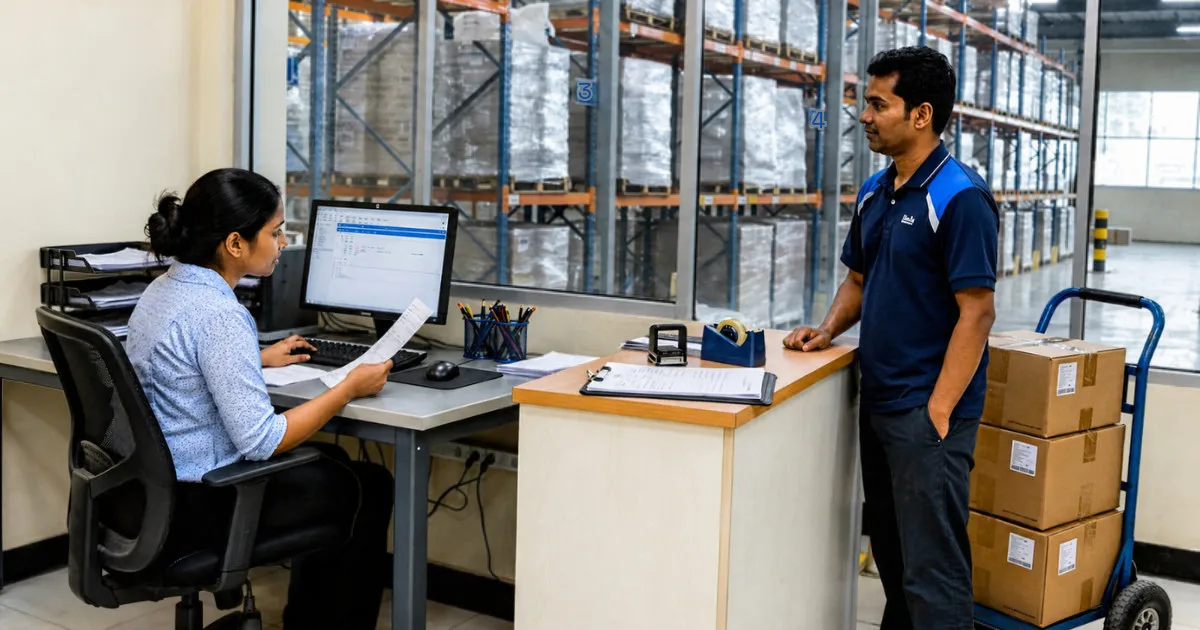
Manual identification can lead to incorrect products being received or issued.
Repeated typing and counting can introduce errors.
Paper records may be incomplete or difficult to retrieve.
Stock information can become outdated while staff wait for manual entry.
Sorting and filing stock documents consumes staff time.
Tracking the movement of goods becomes more difficult when records are scattered.
Organise incoming and outgoing transactions through a more systematic workflow.
Use digital records and scanning to reduce repeated manual input.
Give management clearer information about stock movements and discrepancies.
Maintain organised receiving and issuing records as transaction volumes increase.
Explore the video guide directly on this page.
Choose the stock location, scan or search for an item, and review the quantity before posting the stock issue.
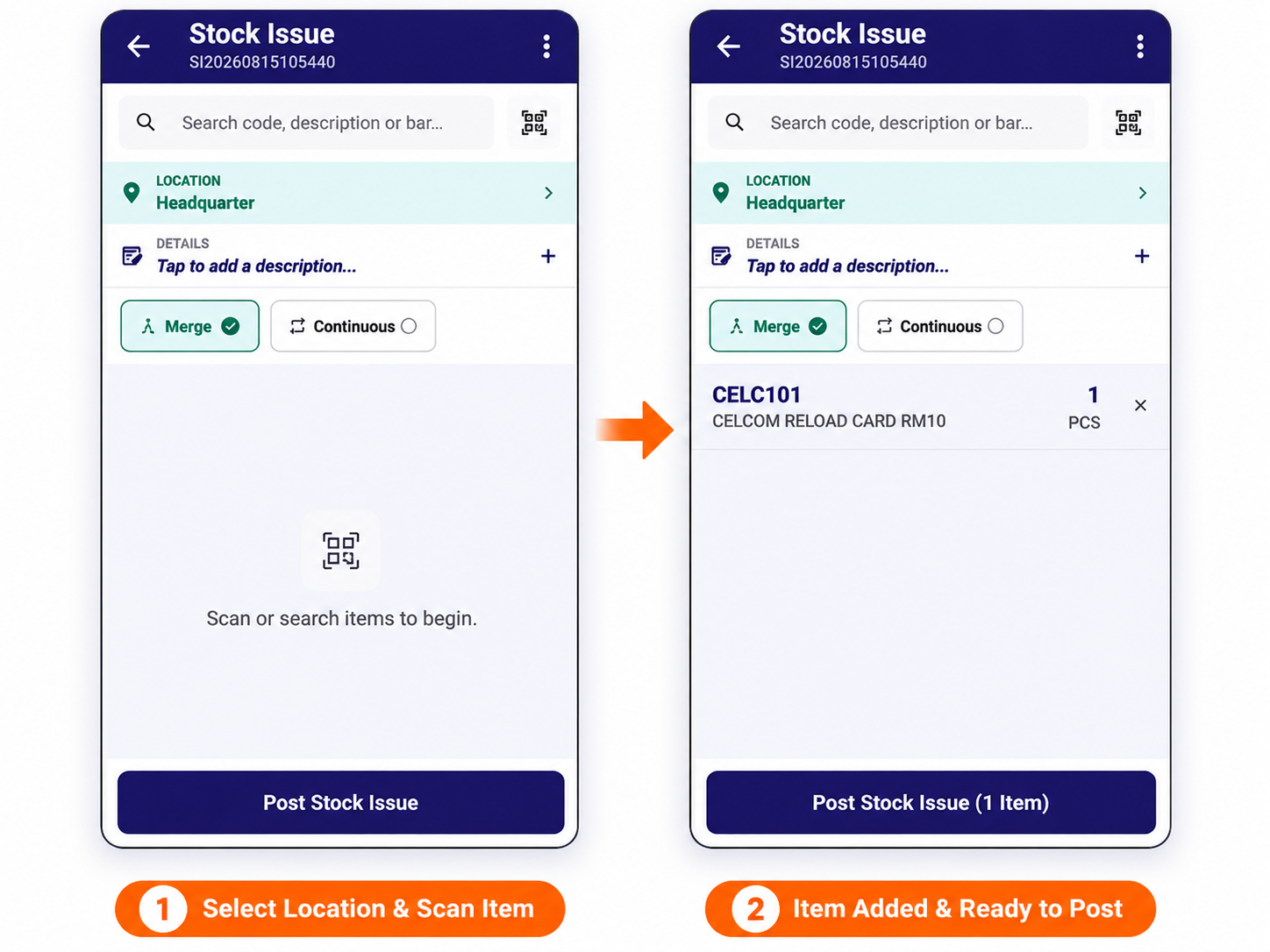
Record incoming goods from suppliers or internal stock transfers. Digital receiving records help staff confirm items and quantities and provide a clearer record for the office team.
Record outgoing stock for departments, production, branches or customers. A consistent issuing process helps the warehouse team keep track of where goods have been sent and reduces dependence on handwritten documents.
Maintain organised records of receiving and issuing activities. Staff can refer to recorded transactions rather than searching through separate paper files when checking a stock movement.
Use barcode scanning and digital quantity entry to help identify the correct products and record the quantities handled. Staff should still verify physical goods against the relevant transaction before completing a movement.
Review recorded incoming and outgoing stock movements to help identify discrepancies. Clearer transaction information supports communication between warehouse personnel, administrators and management.
Prepare the relevant receiving or issuing information, confirm physical items and quantities, then review the recorded transaction. Agree on staff responsibilities and permissions before introducing a new warehouse process.
Before implementation, review how your team currently receives supplier goods, issues materials and communicates stock changes to the office. A demonstration can help you compare the digital workflow with your existing process, including the types of transactions, devices and user permissions required.
For wider warehouse requirements, explore the TD Stock App and TD Stock Take App. You can also browse AutoCount mobile apps or visit SL Software's YouTube channel for related software learning resources.
It helps businesses digitally record stock receiving and issuing activities, replacing reliance on manual paperwork with more organised transaction information.
Retail, wholesale, distribution, manufacturing and businesses that regularly handle warehouse stock movements can evaluate the app.
Barcode scanning and digital quantity recording help reduce repeated manual entry. Staff should verify physical items and quantities before completing transactions.
The original product information describes multi-user support with role-based permissions. Confirm the supported configuration and user requirements during a demo.
Contact SL Software Solutions to discuss your receiving, issuing and inventory control requirements. Request a demonstration to evaluate the app for your team.