
Streamline Your Timber Inventory, Sales, and Financials with AutoCount
Manage stock, projects, invoices, and accounting all from one powerful platform
Running a timber or wood business in Malaysia means managing stock, supplier bills, customer orders, and project costs—often all at once. Doing this manually can lead to errors, lost opportunities, and stressful month‑end closes.
AutoCount centralizes sales, inventory, accounting, and reporting into one system, giving you clear control and more time to focus on growing your business.
Manual tracking creates risks such as:
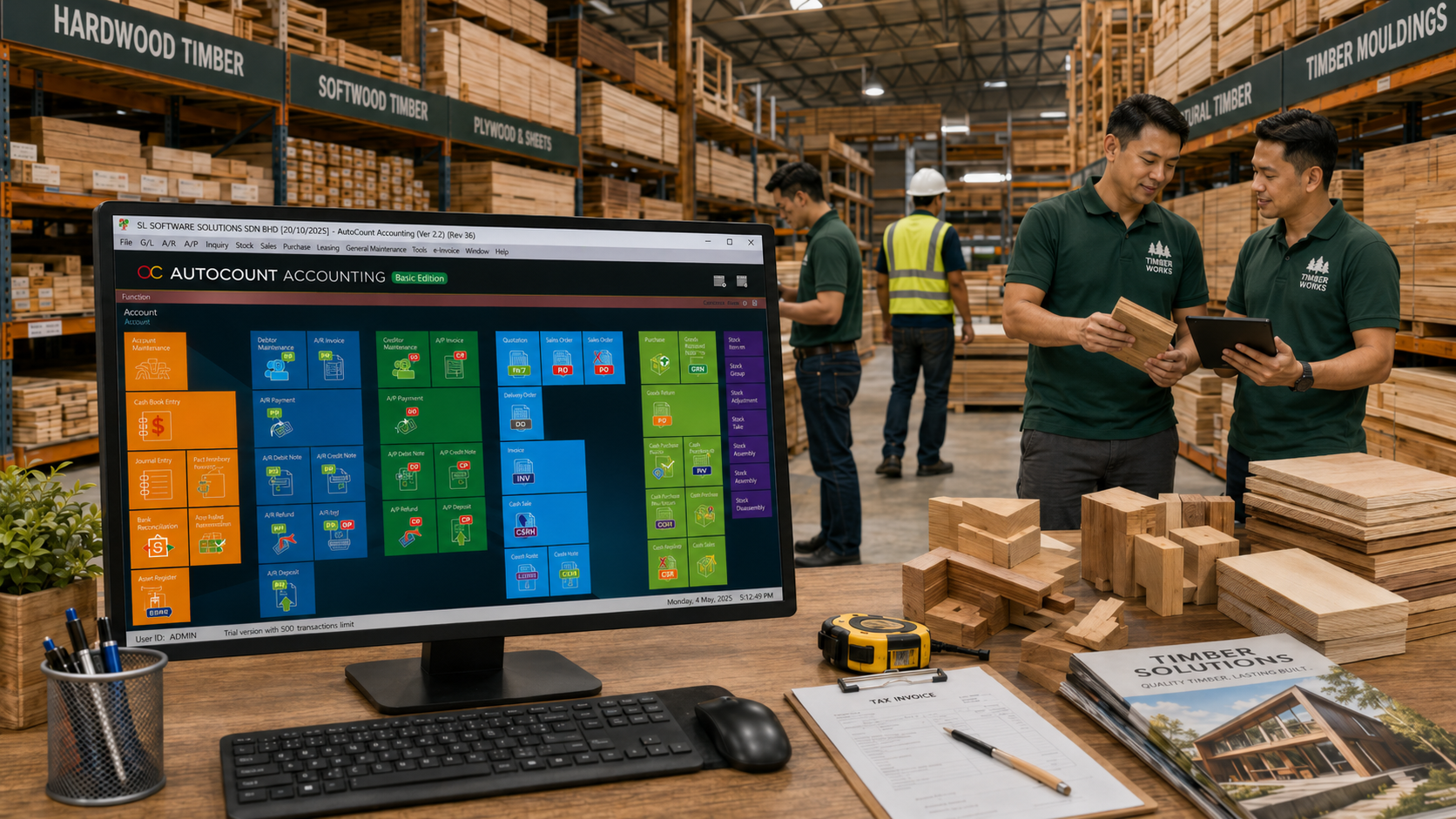
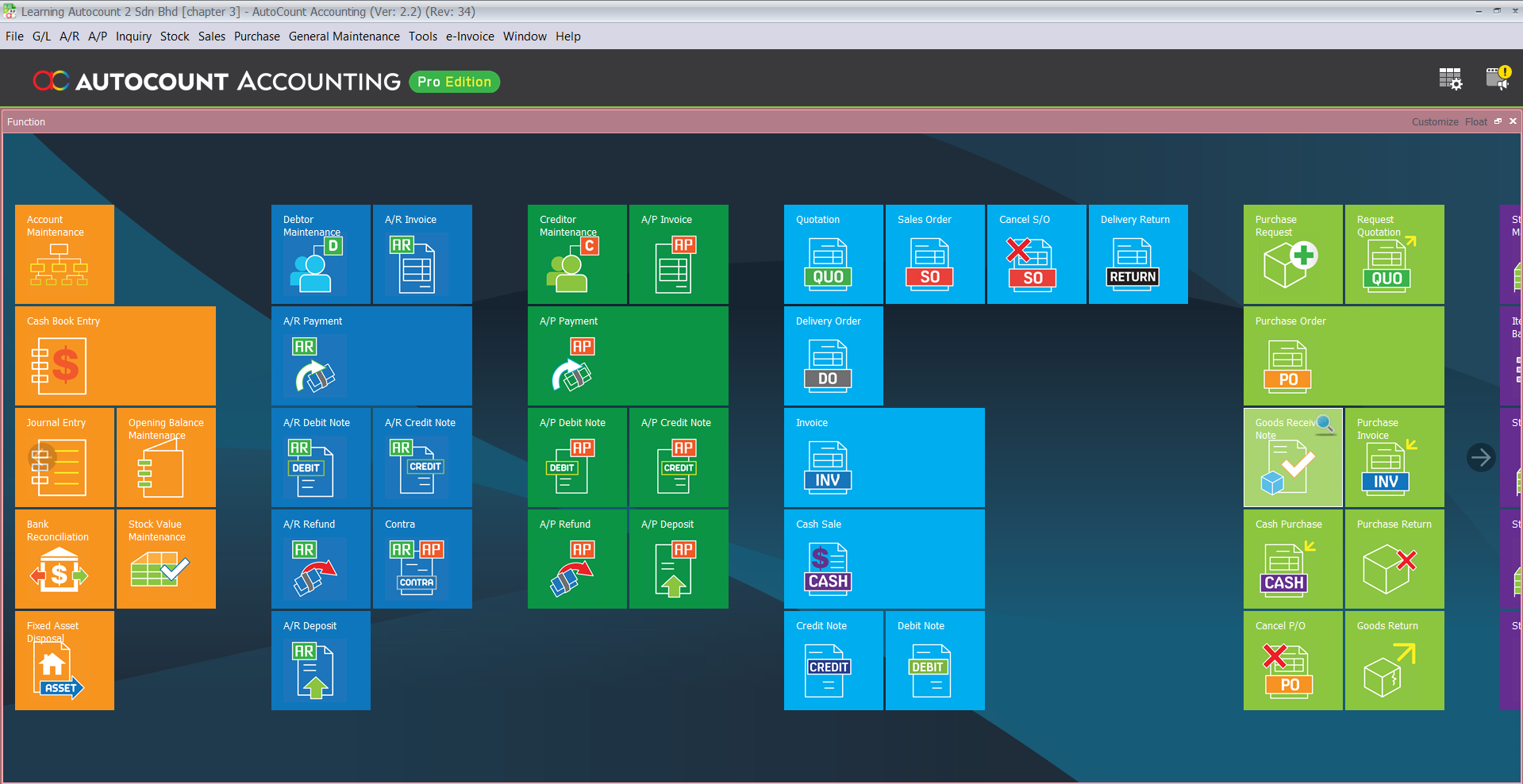
AutoCount organizes your business workflow, so you can manage:
Track quotations, sales orders, delivery orders, invoices, and customer payments clearly.
Monitor timber stock, log sizes, tonnage, lot numbers, wood materials, and stock movement more accurately.
Keep supplier invoices, timber purchases, delivery records, and payment details organised in one place.
Generate financial reports, track cash flow, manage costing, and prepare e-Invoice records more easily.
AutoCount offers a range of modules to streamline business operations. Here are some key modules that can specifically benefit Timber Businesses:
Organizes financial records, debtor and creditor management, and reporting.
Records sales orders, deliveries, and invoices efficiently.
Track timber stock, lot numbers, sizes, and stock movement.
Manage supplier invoices, purchase orders, and outstanding balances.
Simplifies bank transaction matching and monthly reconciliation.
Manage staff salary, overtime, claims, and HR records efficiently.
For multiple warehouses, branches or stock locations.
For import, export or foreign currency transactions.
A timber‑specific add‑on for AutoCount that helps calculate tonnage, record timber issues, and track stock more efficiently.
Keep every timber sales transaction easier to trace:
Timber businesses need accurate tracking for log sizes, tonnage, issued stock, and transfers. The AutoCount Timber Management Plugin helps make these processes easier, faster, and more accurate.
Key Benefits:
This plugin is suitable for timber suppliers, wholesalers, sawmills, and wood processors who want better stock control and less manual calculation.
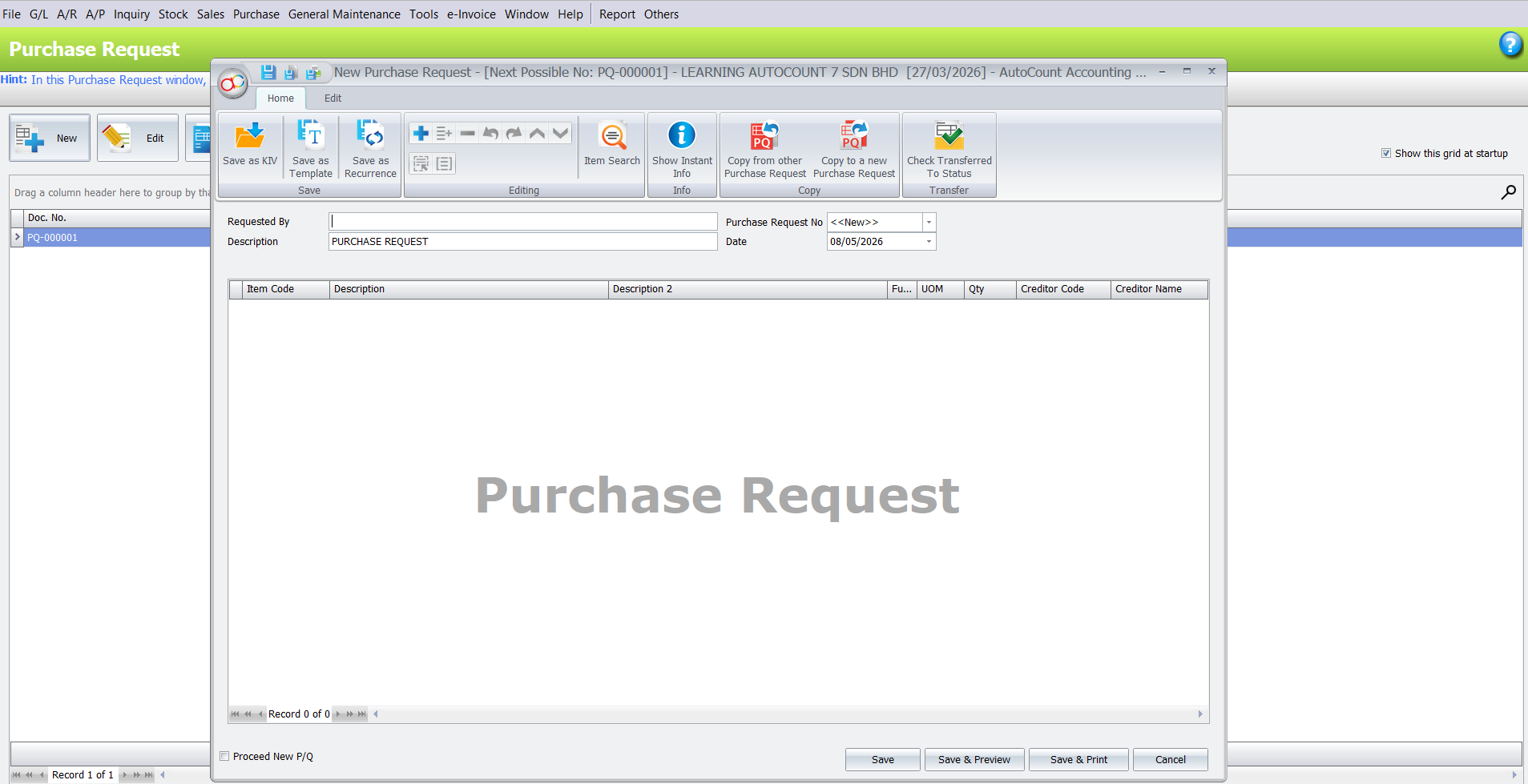
Keep timber purchasing costs and supplier records under control:
Keep your timber business accounts accurate and ready for month-end:
Manage timber workers’ salary and staff records more systematically:
Timber wholesalers and traders
Saw mills and timber processors
Furniture raw material suppliers
Construction timber suppliers
Multi-branch timber retail outlets
Business Understanding
We begin by learning your current timber operations — how you handle stock, log measurements, orders, supplier processes, and costing challenges.
System Setup
We configure AutoCount to match your timber workflows — sales, inventory, purchasing, and weight/tonnage tracking processes.
Module and Plugin Recommendation
We recommend the right combination of AutoCount modules and plugins (including the Timber Management Plugin) based on your business needs.
Training
We train your team to use AutoCount for daily timber operations — from stock entry to invoicing, reporting, and reconciliation.
Support & Growth
We continue to support your team as your timber business grows — adding branches, new product lines, or custom features when needed.
We focus on real business usage, not theory.
We make complex setup easy for your staff to adopt.
Every business has different needs — we match the system to your way of working.
Even after setup, we remain available to help with questions, updates, or changes.
Yes, AutoCount can be configured with modules and plugins to manage timber stock, lot tracking, accounting, and sales.
Yes, AutoCount e-Invoice keeps customer and invoice data structured for easy submission.
Accounting, Inventory & Stock Control, Purchase, Sales, AutoBank Reconciliation, Payroll/HRMS, and optional custom plugins.
Yes, AutoCount Multi-Branch and Multi-Currency modules are available for timber businesses.
Yes, our team provides consultation, system setup, training, and ongoing support tailored to your timber business.
Build a smarter, more efficient timber business with AutoCount.
Let’s improve your inventory control, sales workflow, and financial reporting — all while staying e‑Invoice ready.