
MALAYSIA · OFFICIAL PAYROLL ACCESS
Access your AutoCount Payroll and HRMS account through the official login portal. Find the sign-in link, registration and account help in one convenient place.
Sign in securely on the official AutoCount website. This page never asks for your password.
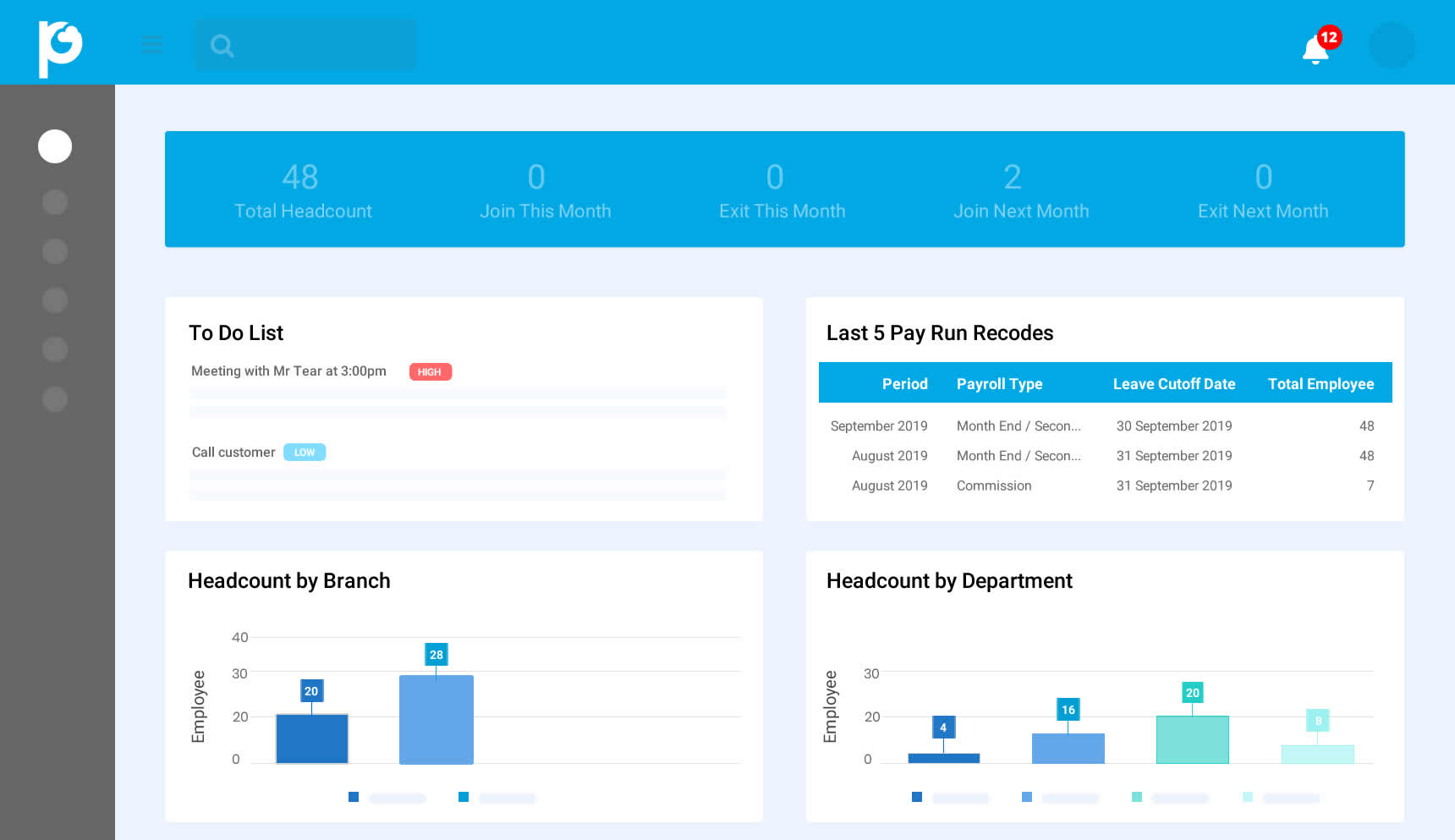
AutoCount HRMS interface · Appearance may differ by version.
Use the prominent Payroll Login button to open AutoCount’s official sign-in page.
Register through the official AutoCount registration page associated with SL Software.
Open the login portal, select Forgot Password and follow the recovery instructions.
YOUR PAYROLL PORTAL
Depending on your employer’s subscription and assigned permissions, AutoCount HRMS users can access payroll information, payslips, employee details, leave requests, claims and attendance records.
If you do not see an expected function, ask your company’s HR or payroll administrator to review your access.
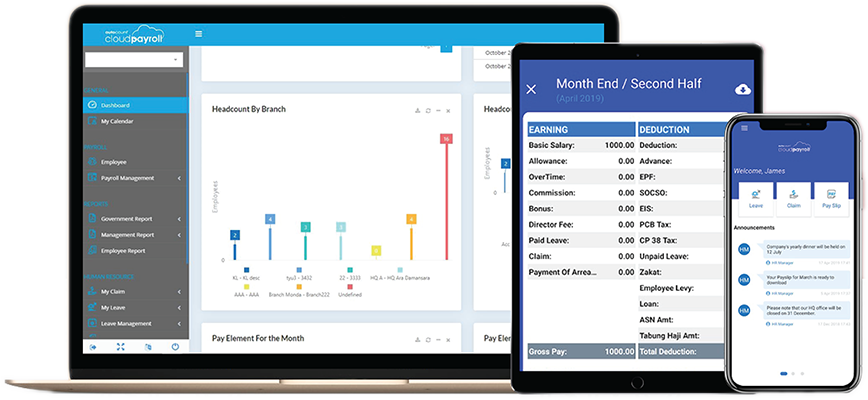
RECOGNISE THE SOFTWARE
These examples help existing users recognise the Payroll and HRM environment without repeating the full product feature guide.
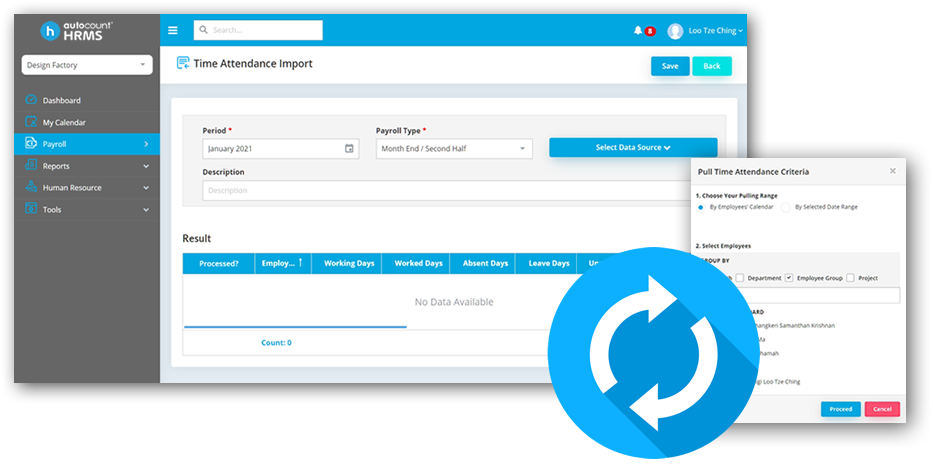
Attendance information is available when the relevant modules and user access are enabled.
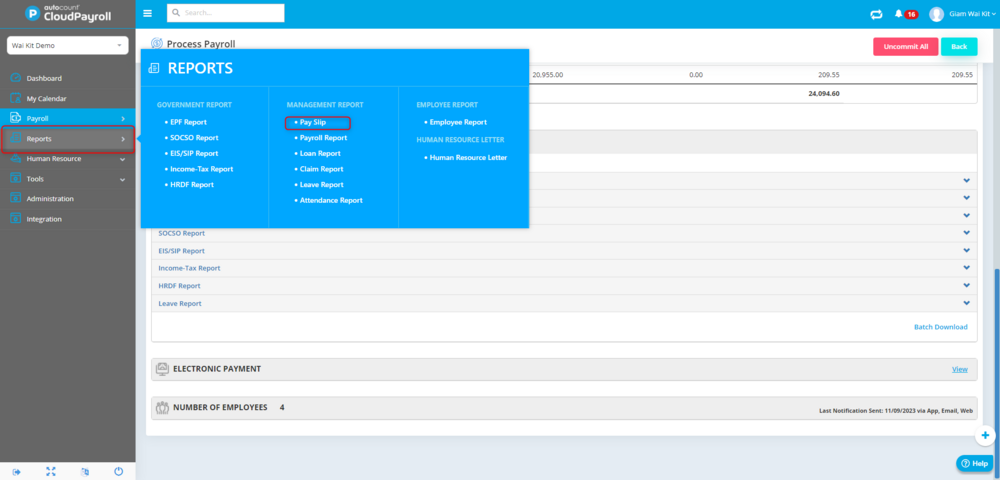
Employees and administrators see different information based on their assigned account permissions.
LOOKING FOR PLANS OR PRODUCT FEATURES?
AutoCount offers a free entry-level option and paid subscription plans. For current pricing, employee limits, statutory payroll capabilities, HR modules and detailed comparisons, visit our dedicated product page.
ACCOUNT ACCESS & SUPPORT
Practical answers for existing Malaysian AutoCount Payroll users.
Select the Login to AutoCount Payroll button at the top of this page. It opens AutoCount's official authentication website.
Open the official login portal and choose Forgot Password. Follow the instructions sent to your registered email address.
Ask your company's HR or payroll administrator to create or enable your employee account and confirm that your email address is linked correctly.
Payslip access depends on your company's system settings and user permissions. Ask your payroll administrator to check whether payslip access has been enabled for your employee record.
Available features depend on the subscribed HR modules and the permissions assigned by your employer. Contact your HR administrator for access enquiries.
Yes. Use Register for AutoCount Payroll to open AutoCount's official registration form linked to SL Software's dealer account.
No. You enter your credentials only on the official AutoCount authentication service, not on SL Software's website.
SL SOFTWARE SUPPORT
For account activation, subscription or technical enquiries, speak with SL Software or your company’s payroll administrator.