
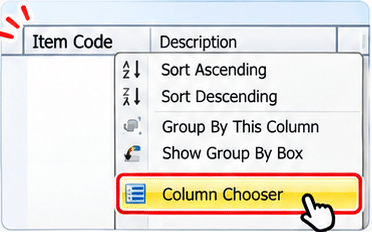
Right-click a column header in the invoice item grid, such as Item Code, then select Column Chooser.
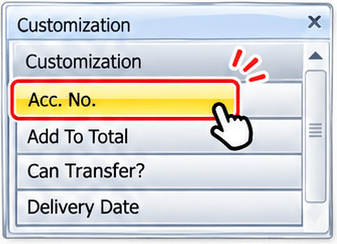
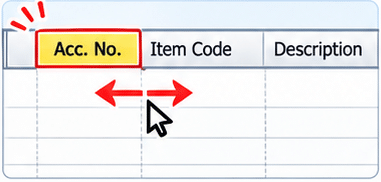
Find Acc. No. in the Column Chooser and double-click it. You can also drag it from the chooser into the item grid.
Yes. Drag the Acc. No. header to the position you prefer after adding it to the grid.
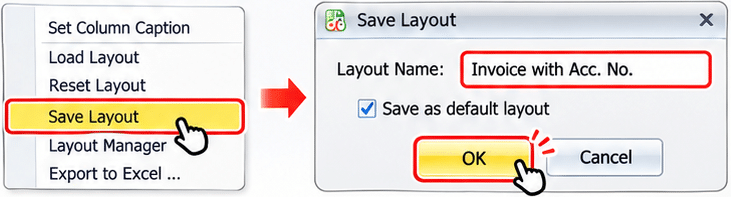
Right-click a column header, choose Save Layout, enter a layout name and click OK. Tick Save as default layout if you want it to be used by default.