
POS System for Hardware Shop Malaysia – Manage Sales, Stock & Purchasing with AutoCount
Running a hardware shop involves more than selling tools and building materials. Manage hundreds or thousands of products, different selling units, supplier purchases, customer prices and daily stock movements with a structured POS System for Hardware Shop Malaysia.
AutoCount POS 5.0 supports retail checkout, and suitably licensed editions can connect inventory, purchasing and compatible AutoCount Accounting workflows. SL Software Solutions helps you assess the right setup for your shop.
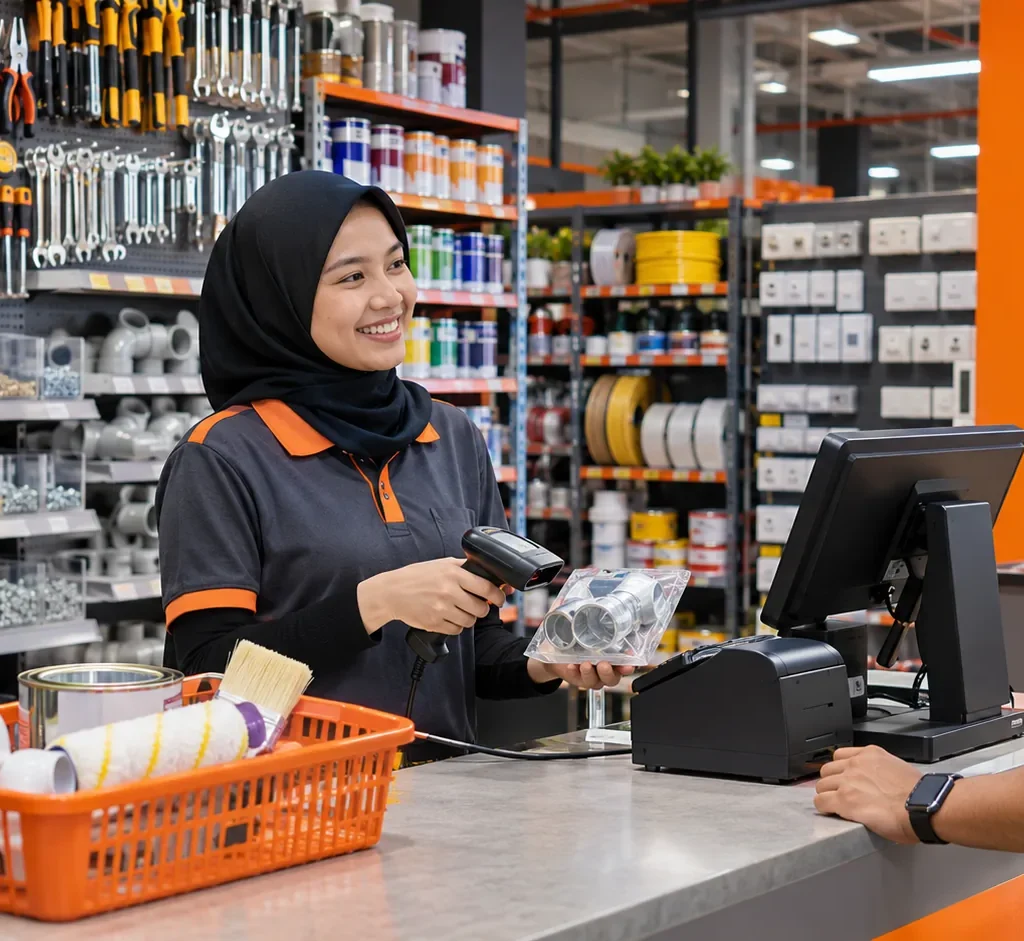
Why Hardware Shops Need More Than a Basic Cash Register
Hardware shops manage many item specifications, different units and varied customer requirements. Manual spreadsheets and disconnected stock records make it harder to confirm availability and plan purchasing.
Thousands of Products Are Difficult to Track
Screws, bolts, electrical cables, plumbing fittings, paints, tools and accessories must be organised by brand, size and specification. Incomplete records can lead to unnecessary reorders or missed replenishment.
The Same Product May Be Sold in Different Units
Products may be purchased by carton, stored by box and sold individually. Manual unit conversions can lead to pricing and stock errors.
Different Customers May Receive Different Prices
Walk-in buyers, regular contractors and commercial customers may have different pricing arrangements. Authorised discount controls help staff work more consistently.
Purchasing, Stock and Sales Must Work Together
When each department keeps separate records, owners lose visibility into replenishment and daily performance. A suitable Hardware Store POS System brings structure to these workflows.
How AutoCount POS 5.0 Supports Hardware Retail Operations
AutoCount POS combines retail checkout capabilities with inventory, purchasing, reporting and other available modules. Exact features depend on the edition, licences and implementation.
Barcode-based item selection, cashier controls and organised transactions make day-to-day retail checkout more consistent.
1. Faster Checkout with Barcode Scanning
Employees can select products using barcodes or item search, record transactions through a structured cashier workflow and review recorded payments more easily.

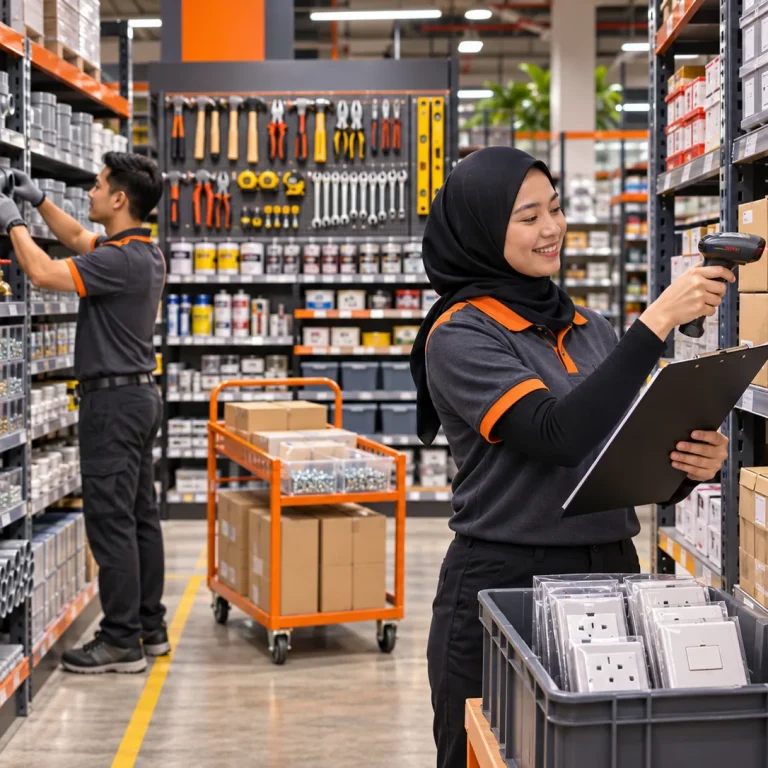
2. Hardware Shop Inventory Management
AutoCount POS Standard includes stock and purchasing functionality. Review recorded quantities, product information and stock movement to support replenishment decisions. Serial-number, batch and specialised stock functions may require additional modules.
3. Multi-Unit Sales for Hardware Products
Multi-UOM helps manage goods sold by piece, packet, box, bundle or carton according to configured conversion rules. For example, a carton may contain 20 boxes and each box 100 screws—illustrative quantities only. Basic and advanced Multi-UOM availability depends on the package and modules.
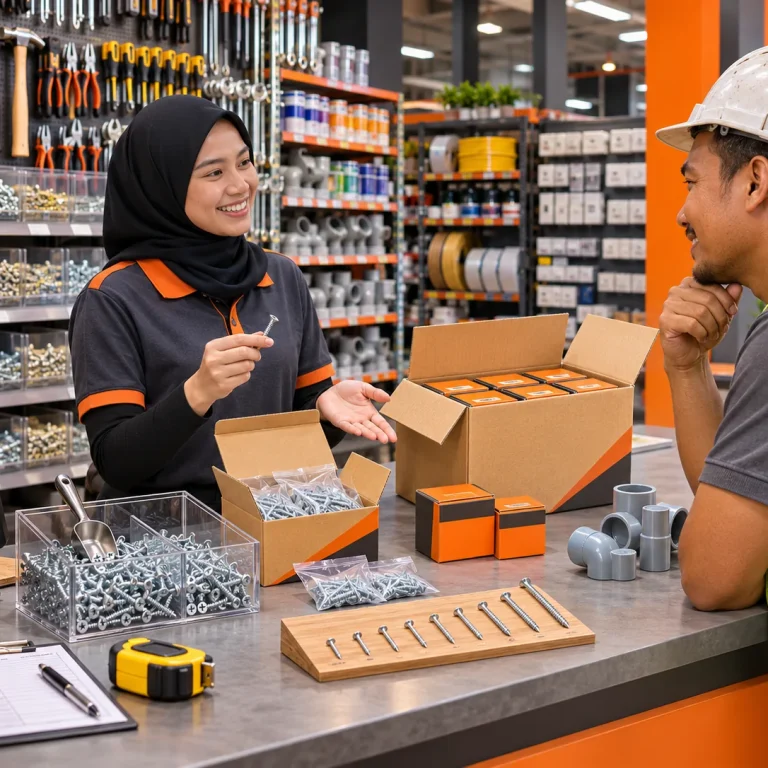
Purchasing, Pricing and Contractor Orders
4. Better Purchasing and Supplier Management
Connected inventory and purchasing records can support supplier ordering and stock replenishment rather than relying solely on handwritten checks.
5. More Control Over Selling Prices and Discounts
Retail pricing, promotions and cashier access controls help teams handle ordinary checkout and restrict sensitive adjustments to authorised users. Customer-specific pricing needs should be checked during assessment.
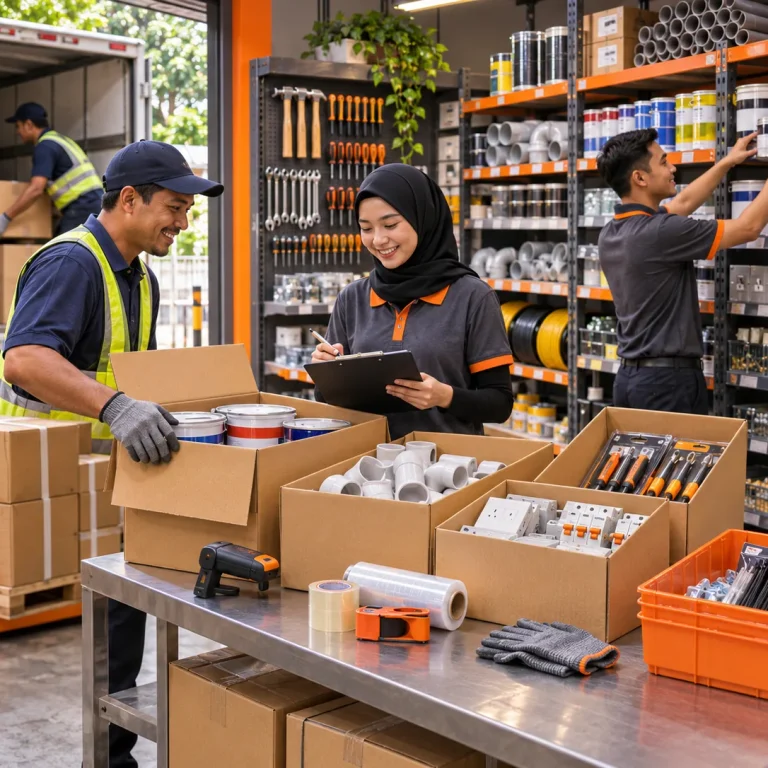
6. Sales Orders and Deposits for Contractors
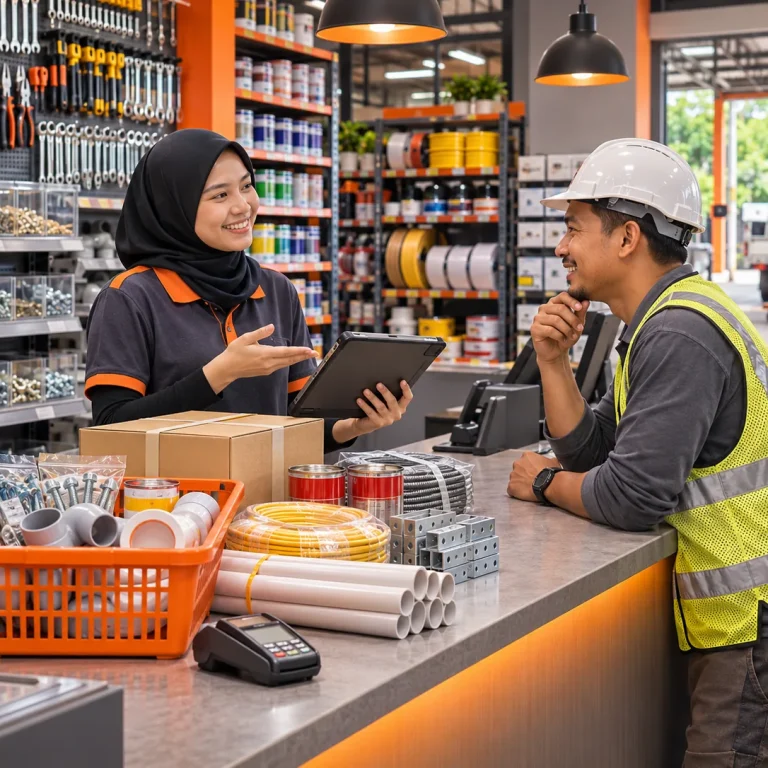
A contractor may order goods, pay a deposit and collect materials in stages. Suitable AutoCount Retail POS sales-order modules can support deposits, partial deliveries and outstanding-order records, subject to licensing and configuration.
7. Multi-Outlet Hardware Management
Hardware retailers with several stores can assess branch arrangements, centralised product information and reports. Synchronisation depends on network architecture and configured services; uninterrupted or real-time operation is not guaranteed.
8. Connect Retail Sales with AutoCount Accounting
AutoCount POS supports integration with compatible AutoCount Accounting back-end functionality. Supported sales and payment records can be transferred into accounting processes according to posting and configuration settings, reducing duplicate entry between disconnected systems.
Explore AutoCount Accounting 2.0 for complementary accounting functions.
9. Sales Reports That Support Better Decisions
Cashier closing reports, payment summaries, product sales rankings, discount reports and outlet information can support more informed decisions, subject to your setup.
A Practical Hardware Shop Example
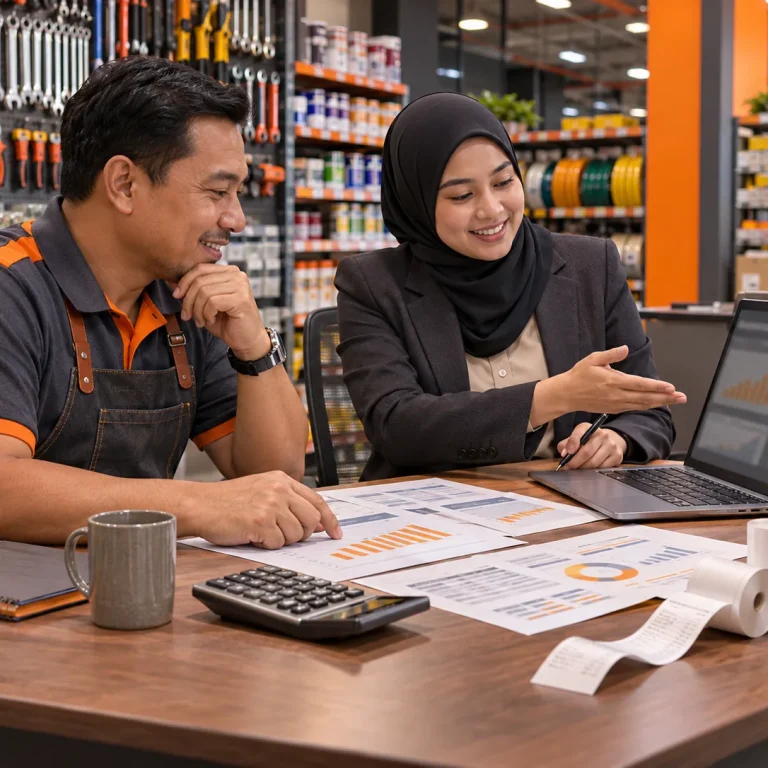
Imagine a Perak hardware retailer supplying electrical accessories, plumbing materials and power tools to walk-in shoppers and contractors. Before implementation, staff check inventory manually and prepare sales summaries by hand. With suitably configured AutoCount POS, they record checkout sales, review stock information, manage supported customer orders and connect applicable sales information with accounting.
This is an illustrative scenario, not an actual client case study or guaranteed result.
Which Hardware Businesses Can Benefit?
AutoCount POS can be evaluated by general hardware stores, electrical supply shops, plumbing and sanitary suppliers, construction material retailers, power tool shops and multi-branch hardware businesses. Serial-number, warranty and specialist stock requirements should be assessed against the appropriate optional modules.
AutoCount POS Basic vs POS Standard
| Hardware shop requirement | POS Basic | POS Standard |
|---|---|---|
| Checkout and cashier functions | Suitable | Suitable |
| Stock and purchasing management | Not included | Included |
| Hardware inventory requirements | Limited | Better starting point |
| Advanced multi-UOM, sales orders, specialised modules | Confirm edition, module licensing and configuration | |
POS Basic may suit cashier-focused shops. For inventory and purchasing, POS Standard is generally the better starting point. Additional modules and hardware are evaluated separately.
POS Hardware and Malaysia e-Invoice Considerations
Barcode scanners, receipt printers, cash drawers, displays and POS terminals should be matched to supported device models. Software, hardware, optional modules and services may be quoted separately.
For Malaysia e-Invoicing, confirm your applicable HASiL obligations and the supported AutoCount POS/Accounting workflow. Product availability does not by itself guarantee every transaction is automatically compliant.
Why Choose SL Software Solutions?
SL Software Solutions Sdn Bhd helps Malaysian retailers assess AutoCount POS editions, configure suitable workflows and discuss training, support, inventory requirements and optional customisation. We recommend assessing your actual shop operations rather than choosing software on terminal count alone.

Frequently Asked Questions About Hardware Shop POS Systems
Answers to common buyer questions about editions, inventory, hardware compatibility and implementation. Final module scope depends on your selected configuration.
The most suitable system depends on your product range, inventory needs, number of outlets and accounting requirements. AutoCount POS 5.0 offers retail checkout with suitable inventory, purchasing and accounting integration options.
Yes. AutoCount offers Multi-UOM functionality; the exact conversions depend on the edition, optional modules and configuration.
AutoCount POS Standard includes stock and purchasing functionality, while POS Basic is primarily intended for cashier operations.
Yes. Multi-outlet arrangements are supported with a suitable architecture, licences and synchronization configuration.
AutoCount POS supports integration with compatible AutoCount Accounting functionality. The posting arrangement depends on the licensed products and setup.
Sales orders, deposits and related functions are available through applicable modules and configuration. Confirm the exact scope before purchase.
Common retail peripheral categories are supported; individual device models and connection methods must be checked for compatibility.
Yes. POS Basic may suit cashier-focused operations; POS Standard is a better starting point where purchasing and stock control are required.
AutoCount offers e-Invoice capabilities through supported product arrangements. Confirm your LHDN obligations and the specific POS/accounting submission workflow.
The total investment depends on software edition, terminals, optional modules, hardware and implementation. Ask for a quotation tailored to your shop.
Looking for a POS System for Your Hardware Shop in Malaysia?
Your shop needs more than a cashier system. From product sales and stock management to purchasing and accounting, the right setup can give your team more consistent information.
Whether you operate a single hardware store or several outlets, SL Software Solutions can help you assess the suitable AutoCount POS 5.0 edition, modules and hardware.
Learn more about AutoCount POS System Malaysia and the broader Retail POS System Malaysia.
Helping Businesses Grow Through Technology.