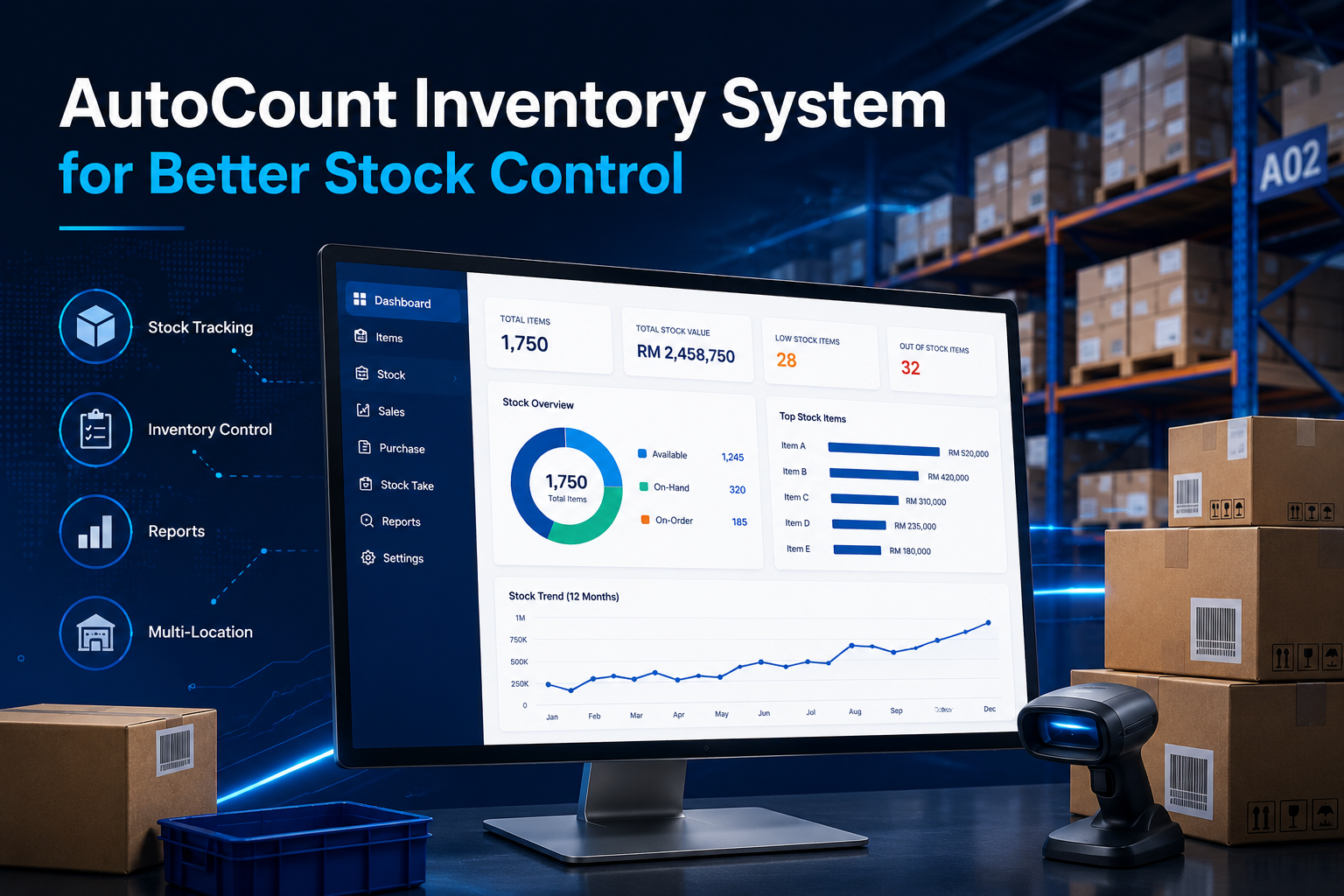
AutoCount Inventory System for Better Stock Control
AutoCount Inventory System helps Malaysian SMEs manage stock more clearly, reduce manual checking, and improve daily operations across sales, purchasing, warehouse, and accounting teams.
Why Inventory Control Matters for SMEs
Inventory is one of the most important parts of a product-based business.
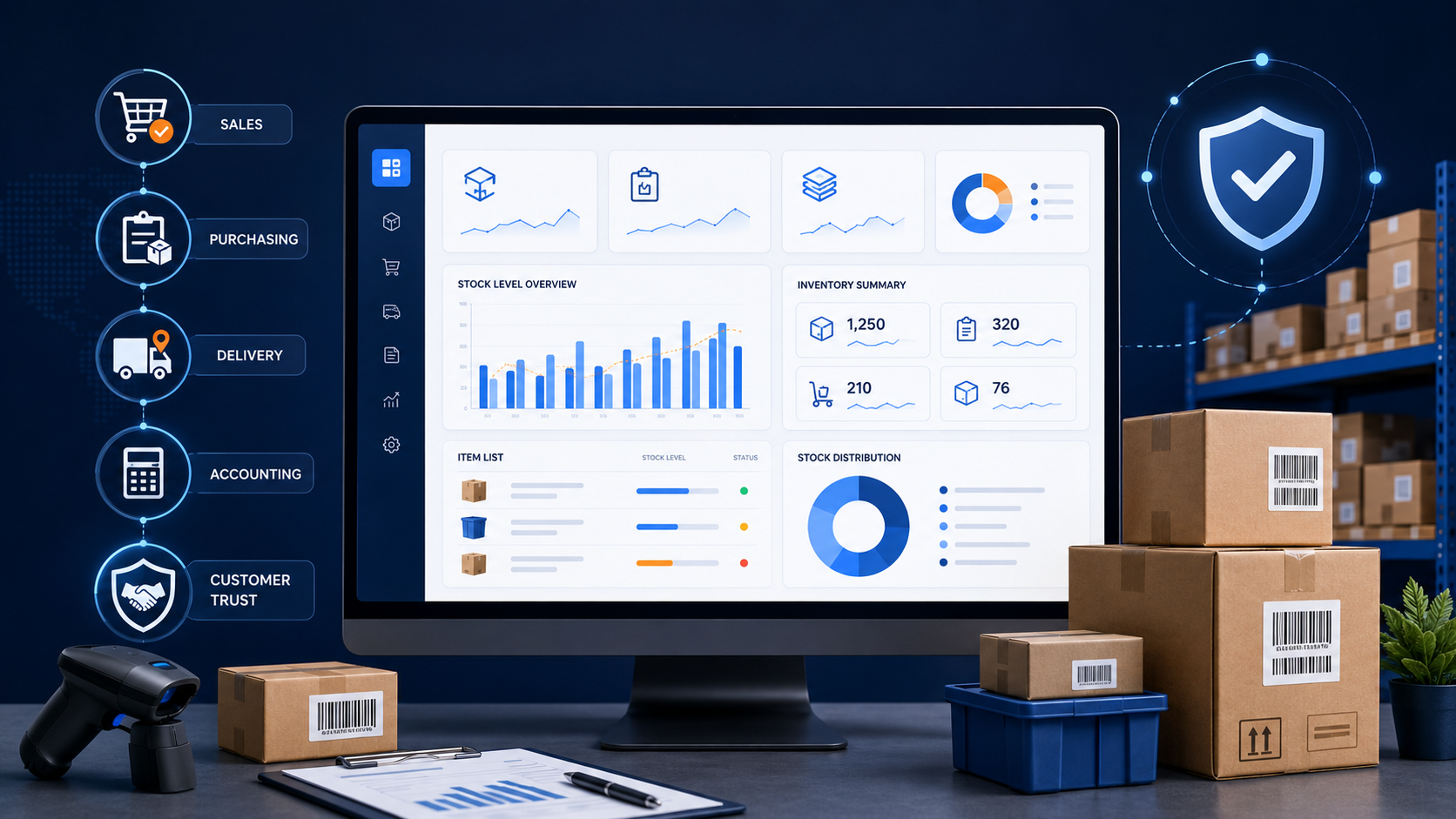
For Malaysian SMEs, inventory is not only about knowing how many items are left in the store. It also affects sales, purchasing, accounting, delivery, and customer service.
When stock records are wrong, your team may think an item is available when it is actually out of stock. This can delay customer orders and affect customer trust.
If your business buys too much stock, money may be stuck in slow-moving items. If your business buys too little stock, your sales team may lose opportunities because products are not available.
Good inventory control helps businesses:
- Know what stock is available
- Track stock movement clearly
- Reduce manual checking
- Plan purchases better
- Avoid unnecessary overstocking
- Reduce stock shortage problems
- Improve reporting for management
For SMEs, this is important because many businesses do not have a large team to check stock manually every day. A proper inventory system can help reduce repeated work and improve accuracy.
- Important
Inventory control is not only a warehouse issue. When stock records are wrong, it can affect sales, purchasing, delivery, accounting, and customer trust.
Common Inventory Problems Faced by Businesses
Many businesses still manage stock using Excel, handwritten records, or separate systems. This may work in the beginning, but it becomes harder when the business grows.
Common inventory problems include:
- Stock quantity is not updated on time
- Staff forget to record stock in or stock out
- Excel files are edited by different people
- Stock transfer between locations is not recorded clearly
- Purchasing is done based on guessing
- Sales team does not know the latest stock balance
- Warehouse team spends too much time checking manually
- Management cannot see accurate stock reports quickly
These issues can lead to wrong decisions. For example, the purchasing team may order items that are already available. The sales team may also promise customers stock that is no longer in the warehouse.
What Is AutoCount Inventory System?
AutoCount Inventory System is part of the AutoCount business software solution. It helps companies manage stock records and inventory movement in a more structured way.
Instead of using separate spreadsheets, businesses can record stock information in one system. This helps the team view item details, stock balance, stock movement, pricing, and stock location more clearly./span>
It is useful for businesses that need to manage:
- Stock items
- Product variants
- Serial numbers
- Batch numbers
- Stock locations
- Reorder levels
- Barcode labels
- Inventory reports
- Stock costing
- Integration with accounting records
The main purpose is to help businesses reduce manual work and improve stock visibility.
Key Features of AutoCount Inventory System
| Area | Common Problem Without Proper Inventory Control | How AutoCount Inventory System Helps |
|---|---|---|
| Stock Balance | Staff may not know the latest available stock quantity. | Helps the team check updated stock balance and stock movement more clearly. |
| Stock Movement | Stock in, stock out, and stock transfer may not be recorded properly. | Helps businesses keep clearer records of stock movement between locations. |
| Item Variants | Products with different sizes, colours, models, or styles may be difficult to manage. | Helps organize product variants in a more structured way. |
| Serial Number Tracking | Individual products may be hard to trace after purchase or sale. | Helps track products that need serial number control, such as electronics or equipment. |
| Batch Tracking | Expiry-date or batch-based products may be difficult to monitor manually. | Helps businesses manage batch records for products such as food, medicine, or expiry-date items. |
| Reorder Planning | Purchasing may be based on guessing instead of actual stock needs. | Helps the purchasing team plan reorder points and reorder quantities more carefully. |
| Barcode and Label Printing | Manual item entry can be slow and may cause mistakes. | Helps speed up stock handling and reduce manual entry errors. |
| Price Matrix | Different customer prices or quantity-based prices may be hard to control. | Helps manage different selling prices based on customer group, quantity, or promotion. |
| Stock Costing | Stock value may become unclear if costing is not managed properly. | Helps businesses manage stock valuation using suitable costing methods. |
| Accounting Integration | Inventory and accounting records may need repeated manual entry. | Helps reduce duplicate work by connecting inventory records with AutoCount Accounting. |
| Inventory Reports | Management may not get clear stock reports quickly. | Helps business owners review stock movement, stock value, slow-moving items, and stock status more easily. |
How AutoCount Inventory System Helps Daily Operations
AutoCount Inventory System is not only useful for the warehouse team. It can also support other departments in the business.
When stock records are updated properly, sales, purchasing, accounting, and management teams can work with clearer information.
Warehouse Teams
Warehouse staff can check stock balance, record stock movement, and manage item locations more clearly.
This helps reduce confusion when stock comes in, moves out, or transfers between locations.
Sales Teams
Sales staff can check product availability before confirming orders with customers.
This helps reduce the risk of selling items that are not available.
Purchasing Teams
Purchasing staff can use stock information to plan replenishment more carefully.
With reorder settings, the team can better identify items that may need restocking.
Business Owners and Management
Management can review stock reports to understand stock movement, slow-moving items, fast-moving items, and stock value.
This supports better business decisions.
Accounting Teams
When inventory and accounting are connected, the accounting team can reduce repeated manual entry.
This helps improve accuracy in stock-related records and financial reporting.
Practical Examples for Malaysian Businesses
AutoCount Inventory System can be used by many types of SMEs in Malaysia.
Different businesses may use inventory features in different ways, depending on how they manage products, stock locations, sales, and purchasing.
Retail Shops
Retail businesses can use inventory tracking to manage daily stock movement from sales counters, stock rooms, and outlets.
This is useful for mini markets, boutiques, mobile phone shops, pharmacies, and hardware shops.
Wholesalers and Distributors
Wholesalers usually manage many items and large stock quantities.
AutoCount can help them track stock balance, customer orders, supplier purchases, and stock movement more clearly.
Spare Parts Suppliers
Spare parts businesses often manage many similar-looking items.
Using item codes, categories, barcode support, and stock records can help reduce picking mistakes and improve stock search.
Food and Beverage Suppliers
Businesses that handle food items may need batch tracking or expiry-date control.
This helps the team manage stock more carefully and reduce the risk of selling old stock.
Trading Companies
Trading companies can use inventory records to connect sales, purchasing, delivery, and stock reports in one workflow.
This helps reduce disconnected records between departments.
Important Reminder Before Setting Up Inventory
Before using any inventory system, businesses should plan the setup properly.
A poor setup can still create confusion even if the system is good. Clean and complete inventory data helps the system produce clearer reports.
Before setting up AutoCount Inventory System, prepare these details:
- Item code format
- Item name and description
- Stock categories
- Unit of measurement
- Stock locations
- Opening stock balance
- Barcode details
- Costing method
- Reorder level
- Selling price structure
- Serial or batch tracking requirement
- Important
A good inventory system needs clean inventory data. If your item list is messy, duplicated, or incomplete, your stock reports may also become unclear.
Is AutoCount Inventory System Suitable for Your Business?
AutoCount Inventory System may be suitable if your business sells, stores, purchases, or distributes products.
It is especially useful if your business faces problems such as:
- Stock quantity is often wrong
- Staff still depend heavily on Excel
- Stock reports are not updated quickly
- Purchasing is based on guessing
- Items are difficult to track
- Warehouse and sales teams use different records
- Management cannot see clear stock information
- The business has more than one outlet or stock location
For growing SMEs, proper inventory control can help reduce daily mistakes and improve business efficiency.
AutoCount Inventory System helps businesses manage stock in a more organized way, support better tracking, and reduce manual work across departments.
Frequently Asked Questions
What is AutoCount Inventory System?
AutoCount Inventory System helps businesses manage stock records, stock movement, item details, and inventory reports in a more organized way. It is useful for SMEs that want to reduce manual stock checking and improve stock visibility.
Is AutoCount Inventory System suitable for small businesses?
Yes. It can be suitable for small businesses that sell, store, purchase, or distribute products. It is especially useful when the business starts facing stock mistakes, slow reports, or too much manual work.
Can AutoCount help reduce stock shortages?
AutoCount can help businesses track stock balance and reorder information more clearly. This allows the purchasing team to plan restocking earlier and reduce the risk of running out of important items.
Does AutoCount Inventory System connect with accounting?
Yes. AutoCount Inventory System can work together with AutoCount Accounting. This helps reduce repeated data entry and improves accuracy for stock-related accounting records.
What should I prepare before setting up AutoCount Inventory System?
You should prepare item codes, item names, categories, units of measurement, stock locations, opening stock balance, barcode details, costing method, and reorder levels. Clean setup data helps the system produce clearer reports.
Ready to Improve Your Stock Control?
If your business needs clearer stock records, better inventory tracking, and smoother daily operations, AutoCount Inventory System can help you manage stock in a more organised way.
Contact SL Software Solutions to learn how AutoCount can support your inventory, sales, purchasing, warehouse, and accounting workflow.