AutoCount vs SQL Accounting: Why SMEs Prefer AutoCount for Inventory, POS, and E-Commerce Integration
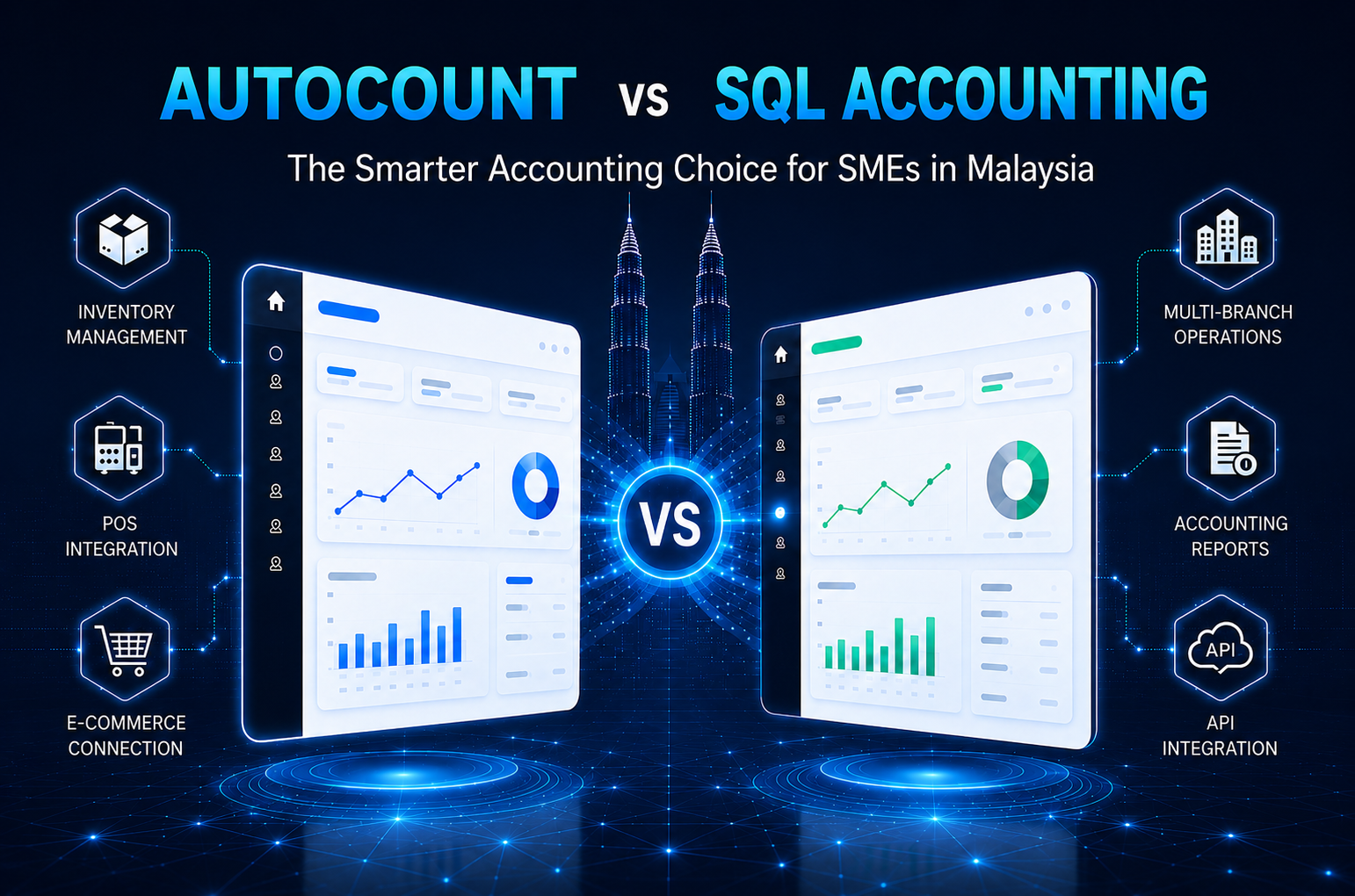
Choosing between AutoCount and SQL Accounting can affect how SMEs manage inventory, POS, branches, and online sales. This guide compares both systems to help Malaysian businesses choose software that matches their daily operations.
Why SMEs Prefer AutoCount Over SQL Accounting?
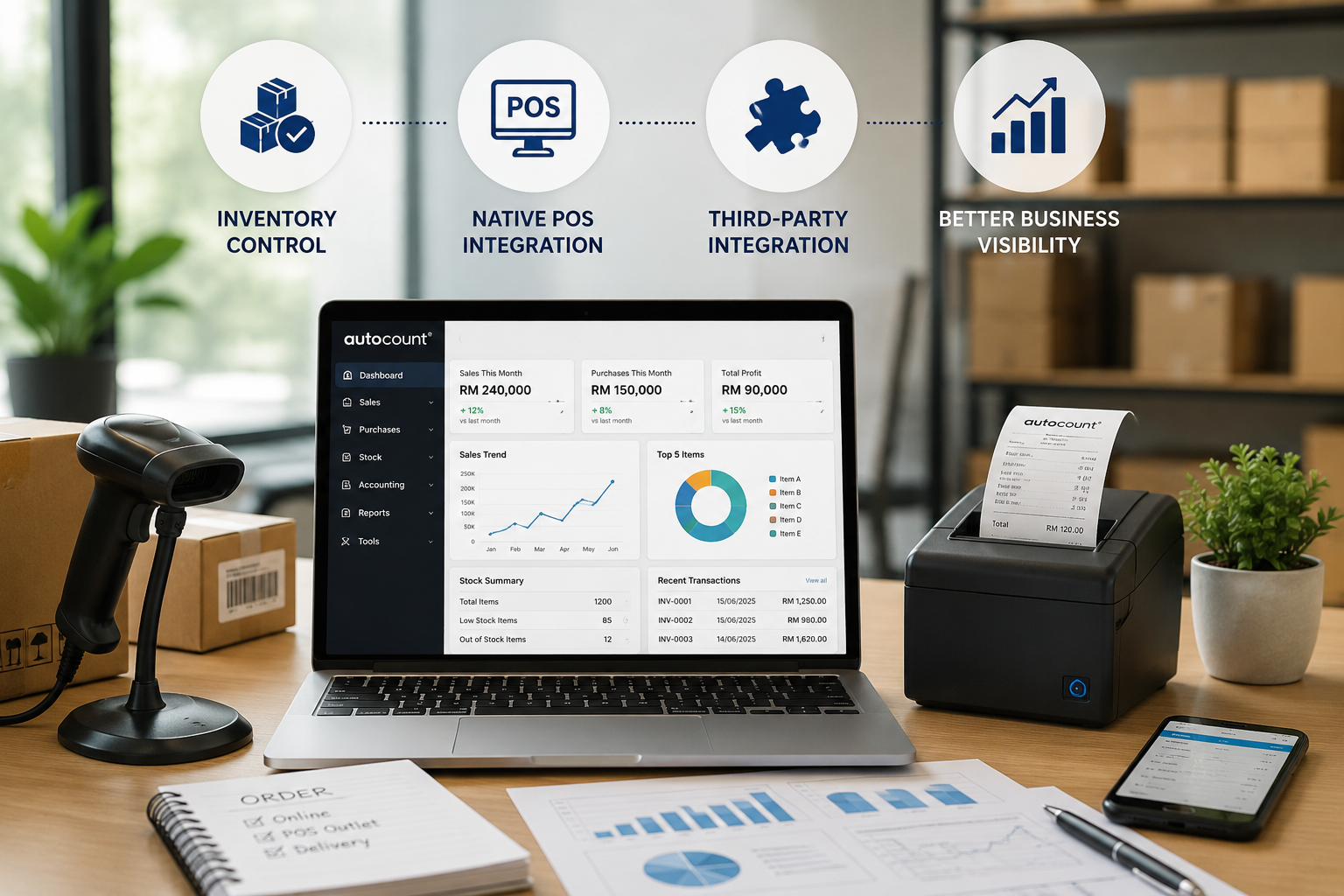
Strong Inventory Management for Trading Businesses
- Multiple stock locations
- Batch and expiry tracking
- Stock transfers
- Consignment items
- Assembly items
- Stock adjustment
- Inventory costing
- Stock movement reports
Native POS Integration for Retail and F&B Outlets
- Retail shops
- Mini markets
- Hardware shops
- Fashion boutiques
- F&B outlets
- Cafes and restaurants
- Multi-outlet chains
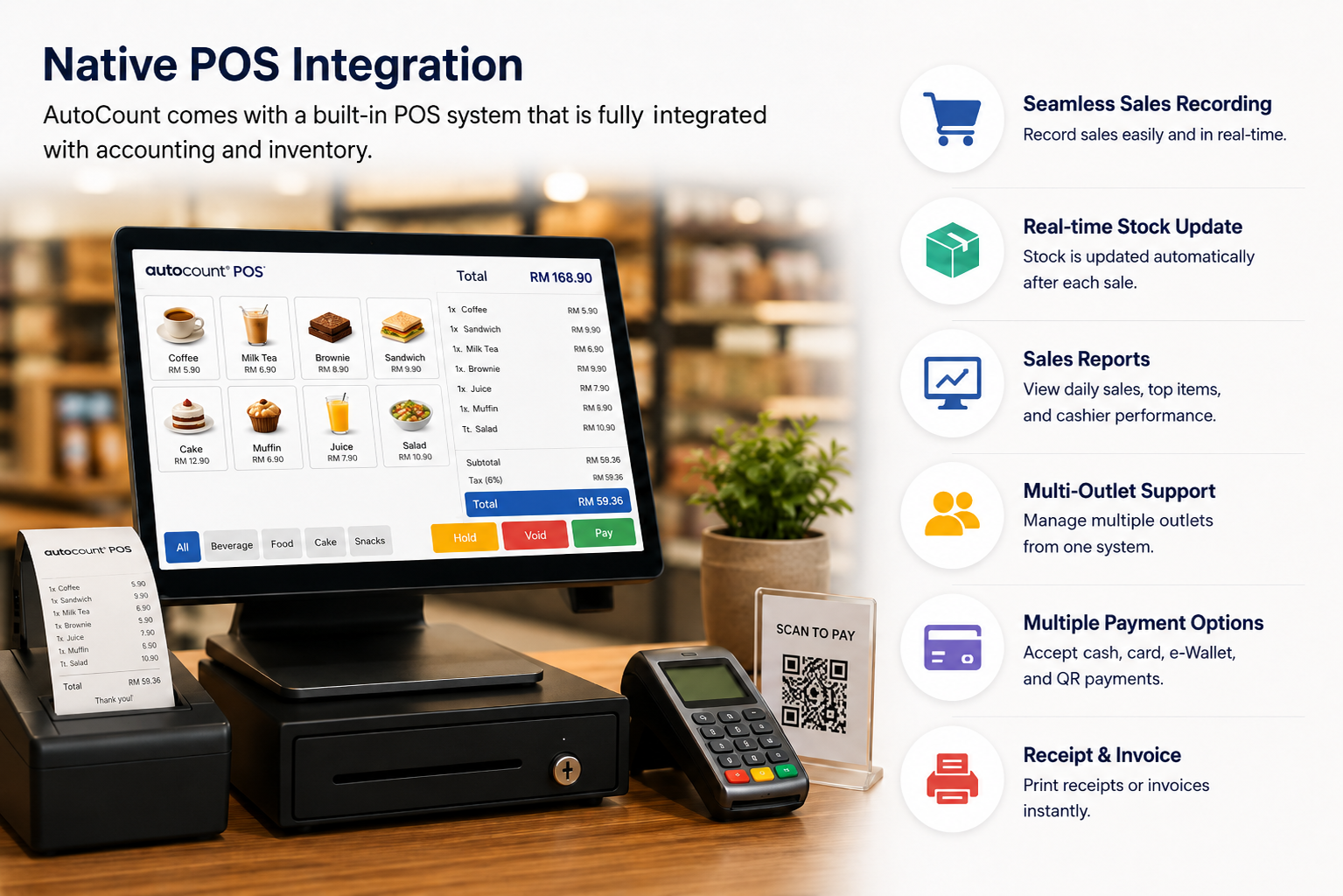
Suitable for Multi-Outlet and Branch Operations
- Branch sales tracking
- Stock transfer control
- Outlet-level reporting
- Inventory accuracy
- Operational visibility
Developer API for E-Commerce and Custom Integration
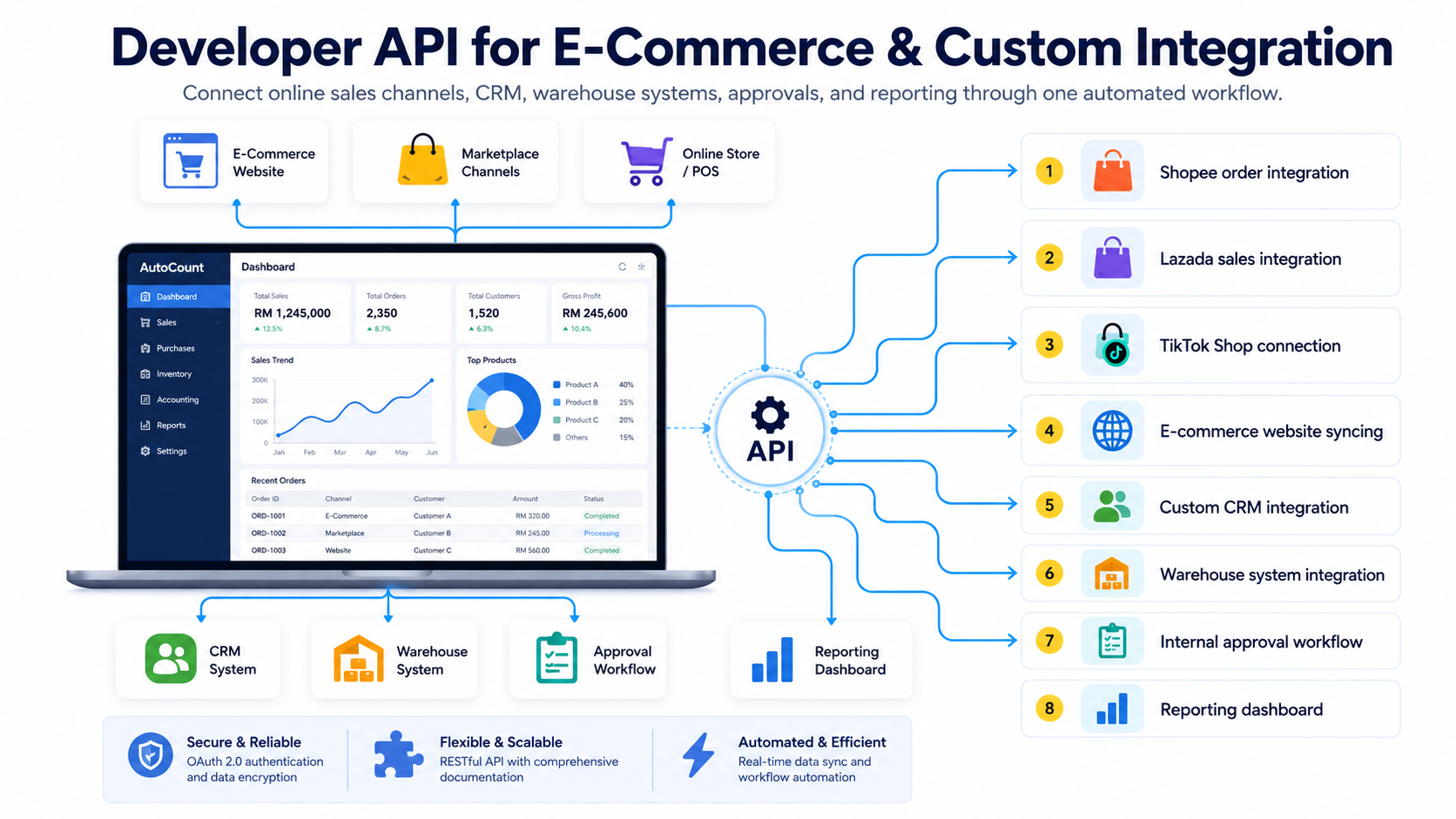
- Shopee order integration
- Lazada sales integration
- TikTok Shop connection
- E-commerce website syncing
- Custom CRM integration
- Warehouse system integration
- Internal approval workflow
- Reporting dashboard
Seamless Excel Copy-Paste for Faster Data Entry
AutoCount vs SQL Accounting: Side-by-Side Comparison
| Feature | AutoCount Accounting | SQL Accounting |
|---|---|---|
| Primary Strength | Retail, F&B, trading, and advanced inventory | Service-based businesses, trading, and manufacturing |
| Inventory Management | Strong for complex stock workflows, multiple locations, batch tracking, expiry tracking, and consignment | Suitable for general inventory needs, with flexibility depending on setup |
| POS Integration | Native POS ecosystem for retail and F&B outlets | POS may depend on setup or third-party integration |
| User Interface | Comprehensive panels focused on transaction, stock, and operational details | Simple dashboard, easier to onboard and navigate |
| Customization | Excellent API and add-on ecosystem | Flexible built-in report design tools |
| E-Invoicing | Supports Malaysia LHDN e-Invoice and Singapore InvoiceNow compliance | Supports localized e-Invoice and InvoiceNow features |
| Bank Reconciliation | Standard bank reconciliation functions | Strong auto-detection features for bank statement processing |
| Best For | Businesses with heavier inventory, retail, POS, branch, and integration needs | Businesses that want simple accounting, flexible reporting, and fast onboarding |
When Should SMEs Choose AutoCount?
- Note
- Has many stock items or SKUs
- Needs advanced inventory tracking
- Operates retail or F&B outlets
- Requires POS integration
- Has multiple branches or warehouses
- Needs batch, expiry, or consignment tracking
- Plans to connect with Shopee, Lazada, TikTok Shop, or an e-commerce website
- Needs custom API integration
- Wants a stronger operational system for daily sales and stock control
When SQL Accounting May Be More Suitable?
- Note
- Mainly needs accounting and invoicing
- Has a smaller or simpler inventory setup
- Does not need POS integration
- Does not operate multiple outlets
- Wants a simple interface that is easy to learn
- Needs strong built-in report design flexibility
- Focuses more on accounting workflow than stock operations
Which Software Is Better for Your Business?
- What industry are you in?
- Do you run a retail shop, F&B outlet, wholesale business, or service company?
- Do you need to track inventory batches or expiry dates?
- Do you need to connect with Shopee, Lazada, TikTok Shop, or your website?
- How many branches, outlets, or users need access to the system?
- Do you need POS integration?
- Do you need advanced bank reconciliation features?
Final Thoughts
Frequently Asked Questions
Which is better, AutoCount or SQL Accounting?
Is AutoCount suitable for retail and F&B businesses?
Yes, AutoCount is suitable for retail and F&B businesses because it supports POS integration, stock control, sales tracking, and outlet management.
Is SQL Accounting still a good choice for SMEs?
Yes, SQL Accounting can still be a good choice for SMEs with simpler accounting needs. It is often suitable for businesses that focus mainly on invoicing, reporting, and basic accounting workflow.
Which software is better for inventory management?
AutoCount is usually stronger for inventory management, especially for businesses that need multiple stock locations, batch tracking, expiry tracking, stock transfers, and consignment control.
Can AutoCount connect with e-commerce platforms?
Yes, AutoCount can support e-commerce and custom integration through its developer API ecosystem. This can help businesses connect sales channels, websites, marketplaces, CRM systems, warehouse systems, and reporting dashboards.