
Best POS for Restaurant in Malaysia: A Practical SME Guide
Choosing a restaurant POS? Look beyond the payment counter. Compare table ordering, kitchen communication, promotions and outlet reporting before deciding which system fits your F&B business.
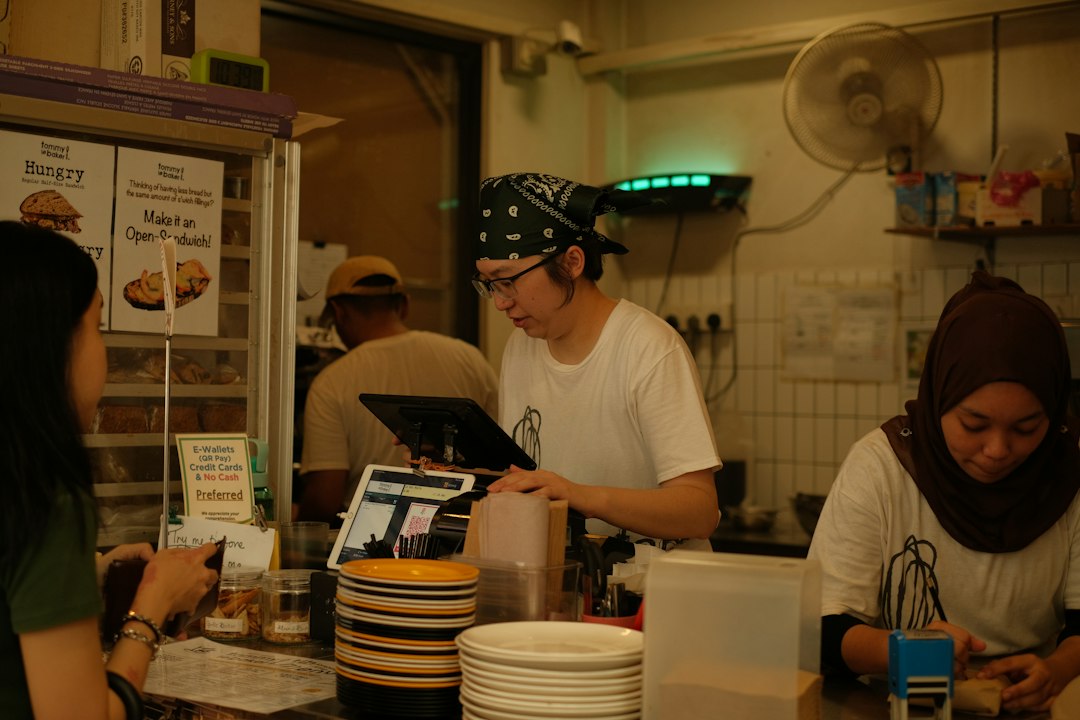
Choosing a POS: A good fit depends on your service model, number of outlets, ordering channels and integration requirements. Always check which features and modules are included in the version demonstrated.
What makes a good restaurant POS system?
Restaurants, cafés, kopitiams and mamak outlets all need clear orders and dependable billing—but their workflows can differ.
Faster ordering
Capture orders accurately at the counter, at the table or through supported QR ordering options.
Kitchen coordination
Send item details, modifiers and preparation instructions to the appropriate kitchen or beverage station.
Useful sales insights
Review item sales, outlet performance and promotions to make informed operating decisions.
From customer order to payment
A POS can help coordinate different steps, subject to the modules and hardware configured for your outlet.
Take the order
Enter items, set meals and supported choices or modifiers.
Inform the kitchen
Send clear food and beverage preparation details.
Manage tables
Track table status and updates where floor-plan functions are enabled.
Collect and report
Complete payment and review the day's sales.
eWaiter and QR self-ordering
The original AutoCount F&B article highlights two ordering approaches. They serve different customer experiences and should be demonstrated against your actual workflow.

eWaiter app
Staff take orders using a mobile device for table-side service.

QR self-ordering
Customers use a QR-based digital ordering journey where supported.
Keep restaurant staff and the kitchen aligned
Look for the ability to manage set meals, item modifiers, kitchen or beverage printing, table updates and sold-out items. Confirm the exact functions available for your POS package.
For example, a customer order for no ice or less sugar should reach the correct preparation team without handwritten confusion.
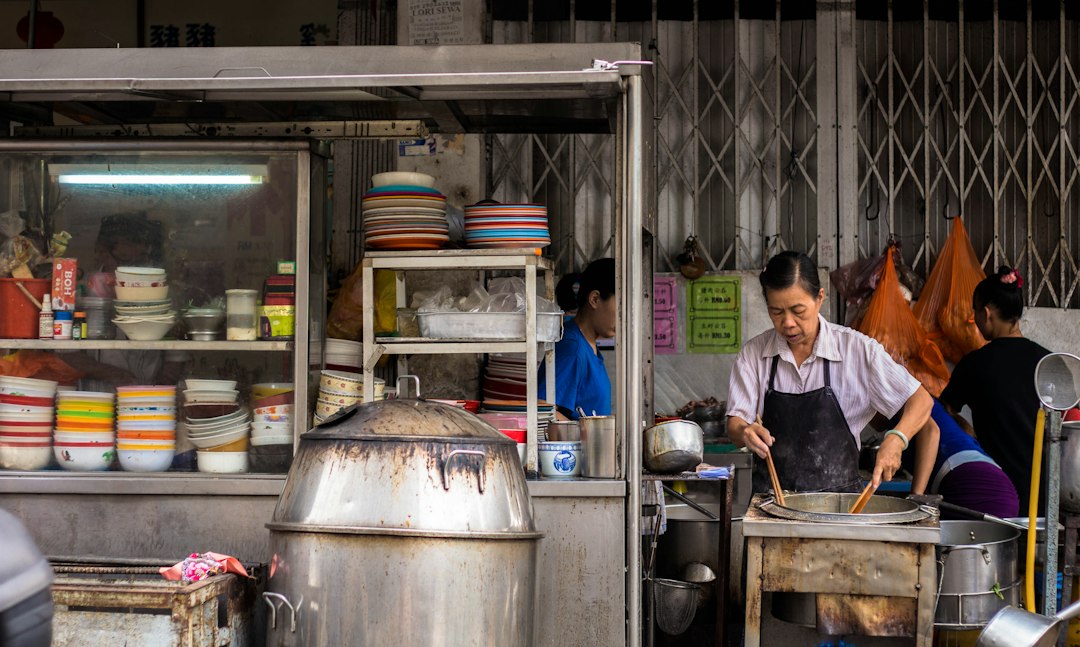
Features to check before buying
Table and floor plan
Confirm seating layouts, order changes and table transfers for dine-in service.
Promotions and pricing
Test discounts, happy-hour pricing, set meals and membership offers relevant to your outlet.
Reports and outlets
Review sales by item, time, category and branch where supported.
Accounting and e-Invoice
Discuss how POS transactions flow into accounting, and separately confirm current LHDN e-Invoice requirements and implementation scope.
Is AutoCount POS F&B suitable for your restaurant?
AutoCount POS F&B is worth evaluating if your business wants structured dine-in ordering, menu controls, outlet reporting or integration with accounting processes.
Ask for a demonstration using your real menu, discounts and kitchen workflow, and confirm hardware, licensing and supported functions before deciding.
See the AutoCount F&B POS overview and AutoCount Accounting for related information.
Bring this to your demo
Your menu and modifier list, table layout, current POS problems, number of outlets, kitchen printer requirements and accounting integration questions.
Restaurant POS Malaysia FAQs
What is a restaurant POS system?
A restaurant POS is used for taking orders, billing and reporting. Depending on the product and setup, it can also support table management and kitchen communication.
What is the difference between eWaiter and QR ordering?
With eWaiter, staff take the order at the table on a device. With QR ordering, customers can view and submit orders using a supported digital menu.
Can a POS handle happy-hour and membership promotions?
Some F&B POS packages support scheduled promotions, discounts and membership pricing. Verify your specific edition and configuration.
Can restaurant POS sales integrate with accounting?
Integration options depend on the POS system, connector and accounting edition. Ask to see a complete end-to-end demonstration.
Does using POS automatically make a restaurant e-Invoice compliant?
No. Compliance depends on applicable rules, data quality and the correct supported submission workflow. Verify the current Malaysian requirements.
Find the right POS setup for your F&B business
Tell SL Software about your restaurant format, ordering needs and number of outlets. Our team can help you review the available AutoCount POS F&B options.