
E-Invoice Implementation Checklist: Is Your Accounts Team Really Ready?
Ten practical checks to prepare your people, records and processes for LHDN e-Invoicing.

Ready for e-Invoicing beyond software setup?
Malaysia’s e-Invoice rollout changes how businesses issue invoices, correct transactions and prepare records. Updated exemption thresholds and interim concessions may affect your schedule, but a smooth rollout still depends on clear responsibilities, accurate master data and practical testing.
This readiness checklist helps Malaysian SMEs identify gaps early, before they become problems during daily invoicing or month-end closing.
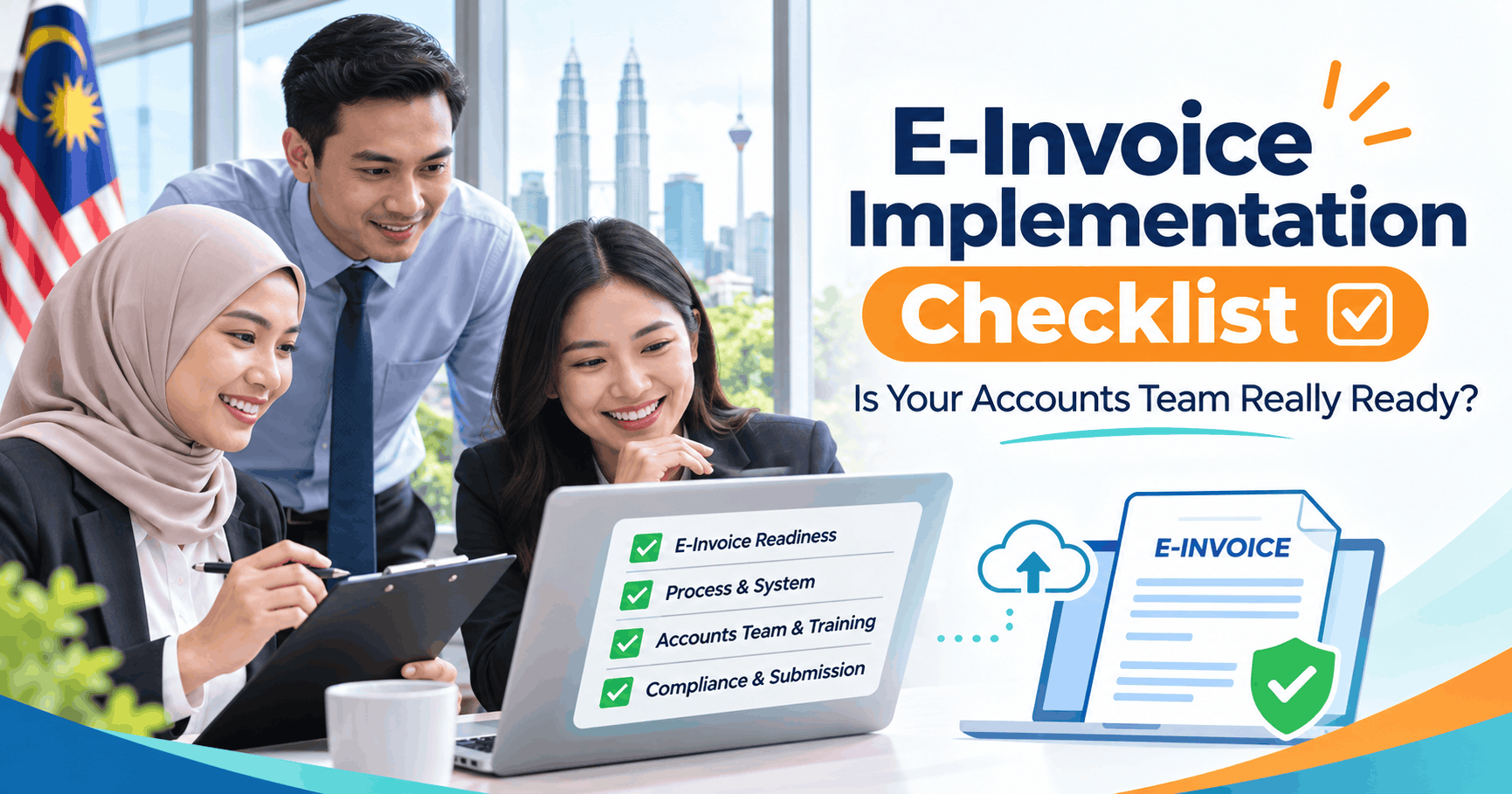
Your 10-point e-Invoice readiness checklist
Use these five categories to prepare finance, sales, operations and IT teams together.
Scope & deadlines
Confirm your implementation status
Check your annual turnover, implementation date and eligibility for exemption. Keep a record of the guidance used, and review related-company conditions where applicable.
Understand the applicable e-Invoice rules
Identify when individual, consolidated or self-billed e-Invoices are required. Under normal requirements, transactions above RM10,000 generally require individual e-Invoices, although eligible taxpayers may receive interim relaxation concessions.
People & responsibilities
Appoint an e-Invoice person in charge
Choose a finance or accounts owner who coordinates sales, purchasing, operations and IT. Give this person clear responsibility for reviewing changes.
Identify everyone involved in invoicing
List employees who prepare, approve, correct or cancel sales documents and who handle returns or customer questions. Train each team on its part of the process.
Data preparation
Check customer and supplier information
Review names, Tax Identification Numbers, registration numbers and addresses where required. Correct incomplete records before daily submission.
Review item descriptions and tax settings
Use accurate descriptions, appropriate classification codes and suitable tax treatment. Technical validation alone does not prove every business detail is correct.
Daily business processes
Choose the right document arrangement
Document how your team handles individual, consolidated and self-billed e-Invoices, including the situations in which each is permitted.
Prepare corrections and rejection procedures
Assign owners for cancellations, buyer rejections, credit notes, debit notes and refund notes. Check the applicable timing rules, including the 72-hour cancellation/rejection window after validation.
Systems & practice
Test the entire process
Test document creation, submission, validation status and errors, including returns, discounts and foreign currency where relevant. Confirm features for your specific AutoCount product and version.
Practise a month-end closing
Simulate the process using a recent month. Track missing data, approval delays and reconciliation issues; record and resolve gaps before relying on the workflow.
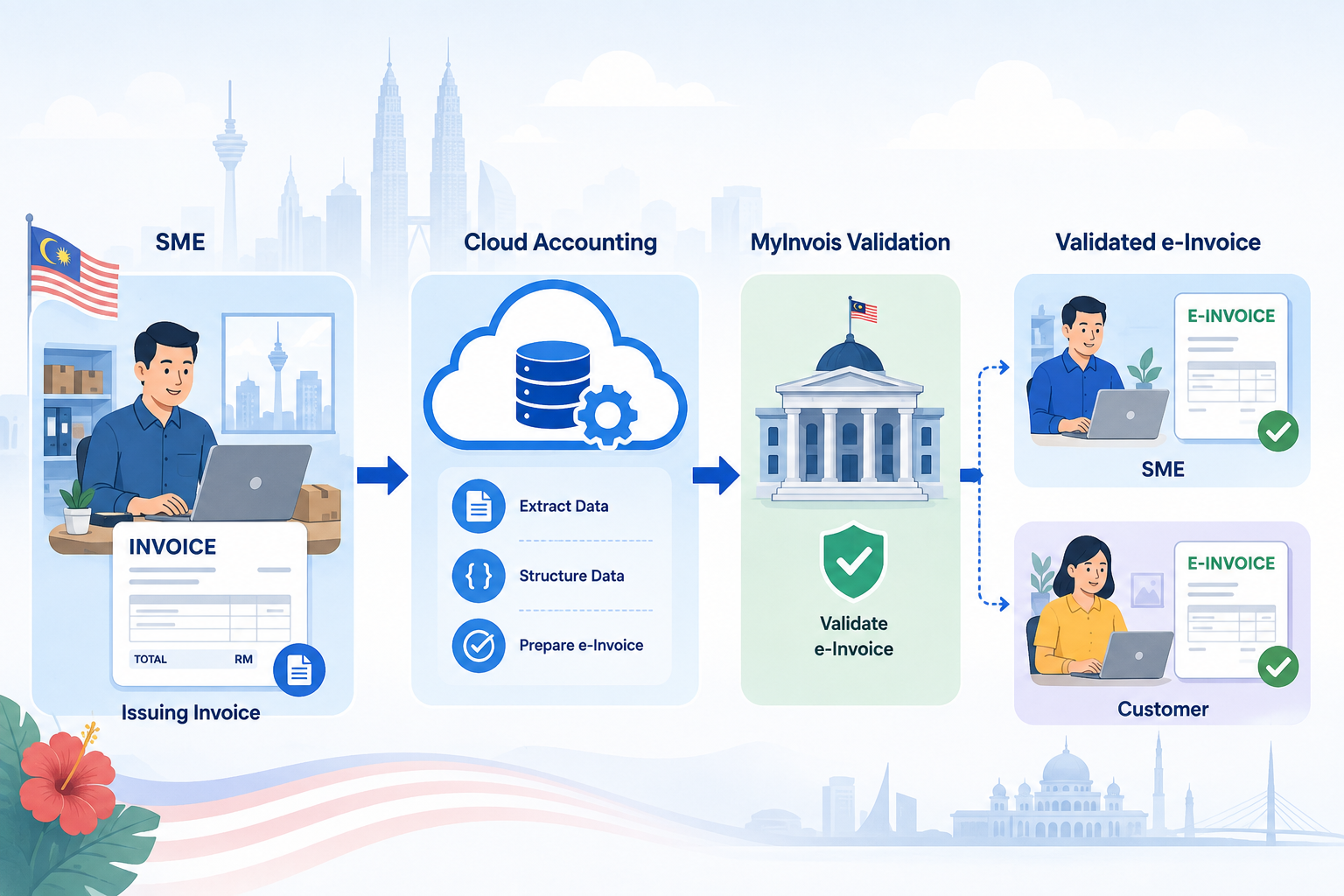
Prepare your team, not just the system
Many rollout problems are caused by inconsistent customer information, unclear ownership or unfamiliar correction procedures. Review these weaknesses while your team can still practise safely.
During the applicable interim relaxation period, eligible taxpayers may use certain concessions, including consolidated e-Invoices for transactions that would ordinarily require individual e-Invoices. Such concessions are subject to LHDN’s conditions and do not make all e-Invoicing optional.

How ready is your accounts team?
Give one point for every checklist item completed with evidence, such as a test result, written procedure or named responsible employee.
Keep testing and monitor LHDN updates.
Prioritise missing data and correction workflows.
Focus first on responsibilities, data and testing.
This score is an internal planning aid, not an official LHDN certification.
Three mistakes that delay implementation
Treating it as an IT-only project
Finance, sales and purchasing must agree on document handling and exception ownership.
Cleaning data too late
Fix customer, supplier and item records before the first preventable submission issue.
Training only one employee
Frontline staff need to understand the steps relevant to their roles, not just the accounts manager.
Skipping the month-end rehearsal
Practice reveals approval delays, rejected documents and reconciliation gaps.
Where AutoCount fits into the process
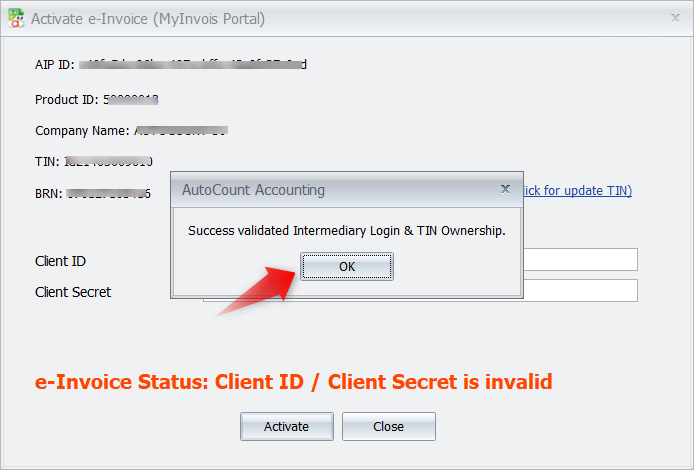
Supported AutoCount Accounting, Cloud Accounting and POS products offer relevant e-Invoice capabilities, depending on version and configuration. Teams can use the appropriate functions for document preparation, submission and follow-up, while keeping business approval and correction rules clear.
Confirm which functions apply to your product and test with the real documents your business handles. Software supports the workflow; employees still need to follow LHDN’s requirements.
Frequently asked questions
What should an accounts team prepare first?
Confirm the implementation status, clean customer and supplier records, assign responsibilities and test the document workflow.
Does interim relaxation mean e-Invoicing is optional?
No. Eligible taxpayers still need to understand their obligations. Certain concessions and conditional enforcement relief apply only when the relevant criteria are met.
Are businesses below RM3 million exempt?
LHDN’s published implementation framework provides an exemption for qualifying taxpayers below RM3 million in annual turnover or revenue. Related-company and ownership conditions may affect eligibility.
Which e-Invoice arrangements should teams understand?
Individual e-Invoices, consolidated e-Invoices where allowed, and self-billed e-Invoices for specified transactions, along with the correct adjustment documents.
Can AutoCount help with e-Invoice processing?
Supported AutoCount products offer relevant e-Invoice capabilities. Confirm the product version, licensing, setup and the applicable workflow.
How long does preparation take?
It depends on transaction volume, data quality, staff readiness and complexity. Test multi-branch and higher-volume scenarios more thoroughly.
Get your accounts team e-Invoice ready
SL Software Solutions helps Malaysian businesses with AutoCount e-Invoice setup, practical configuration and staff training. Discuss your team’s current workflow and identify the next improvements.
Official references: LHDN e-Invoice portal. Guidance reviewed for November 2026; verify updates before relying on any exemption or concession.