AUTOCOUNT INTEGRATION SOLUTIONS • MALAYSIA
Bring your sales, inventory, accounting and operational data together. SL Software Solutions helps Malaysian businesses explore AutoCount API integration, e-commerce connectors and custom system workflows.
Integration availability depends on your AutoCount product, third-party system and project requirements.
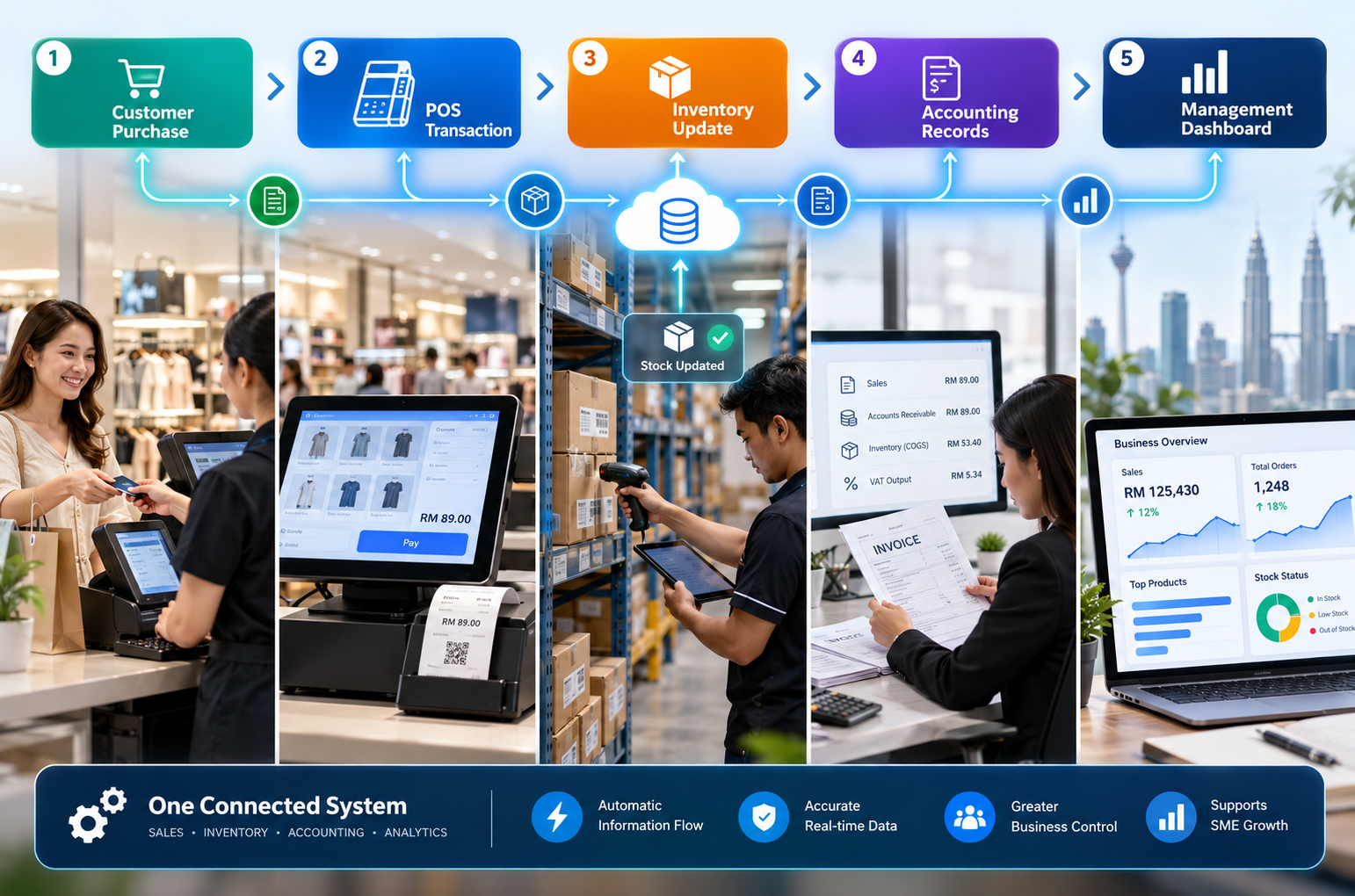
When orders, stock and finance information live in separate applications, teams may re-enter transactions, reconcile different stock figures and spend extra time resolving errors. An integration project starts by mapping the information you need to share—not by assuming that every platform connects out of the box.
Repeated entry • Delayed data transfers • Extra checks • Limited visibility
Defined data flow • Less repetitive handling • Clearer transaction tracking • More consistent records
Choose the type of connection your business needs. Each workflow is scoped around the supported data fields, frequency, authentication and exception handling.
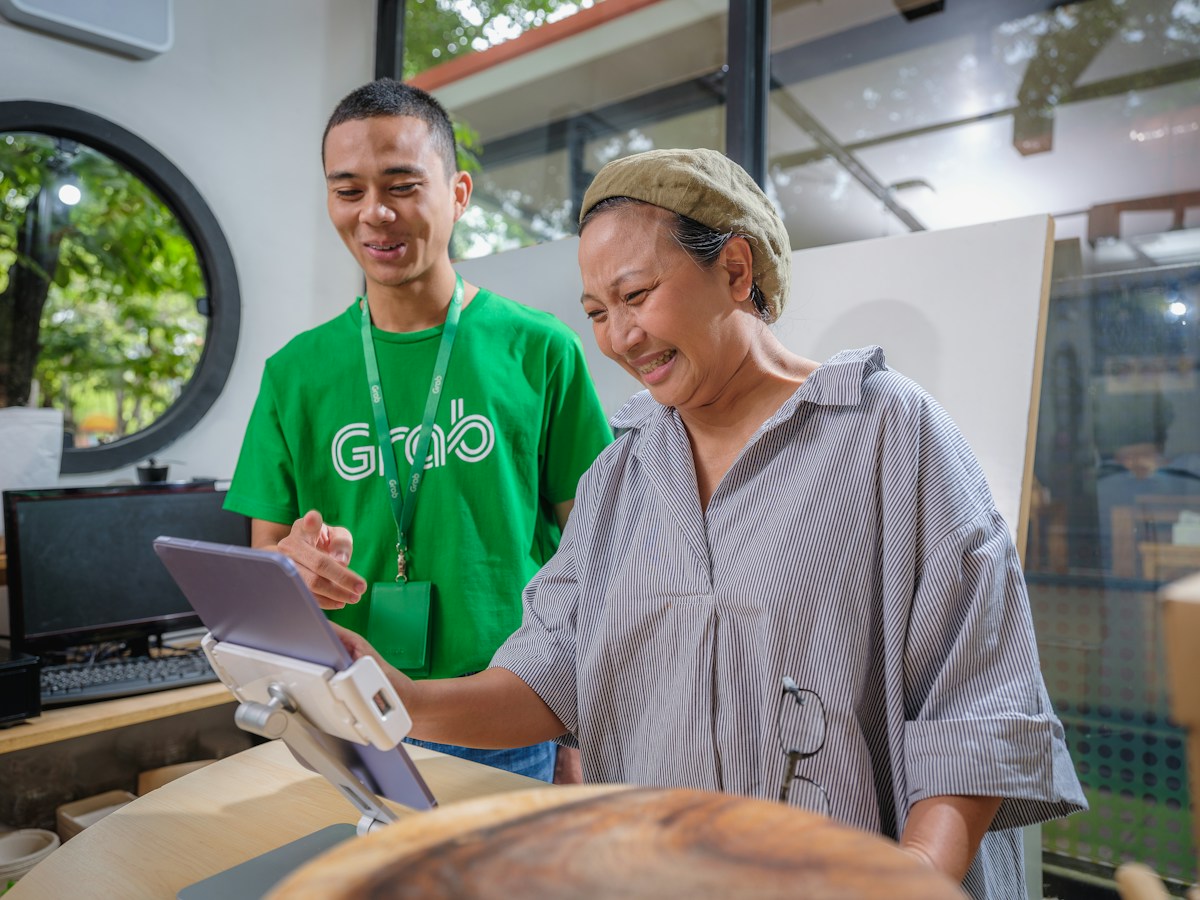
Connect compatible online sales channels through supported solutions or middleware. Scope may include orders, products and selected stock data.
Plan sales and inventory data transfer between suitable retail systems and accounting workflows, including multi-outlet needs. For retail-specific checkout and store requirements, explore our retail POS system for Malaysian shops.
Evaluate customer, quotation, order or invoice information flows between your CRM and AutoCount.
Connect warehouse applications and scanning processes through an agreed item, stock or order workflow.
Use supported API endpoints or tailored middleware to connect websites, portals and industry applications.
Assess compatible file import, reconciliation and payroll-related data exchange options; availability varies by system.
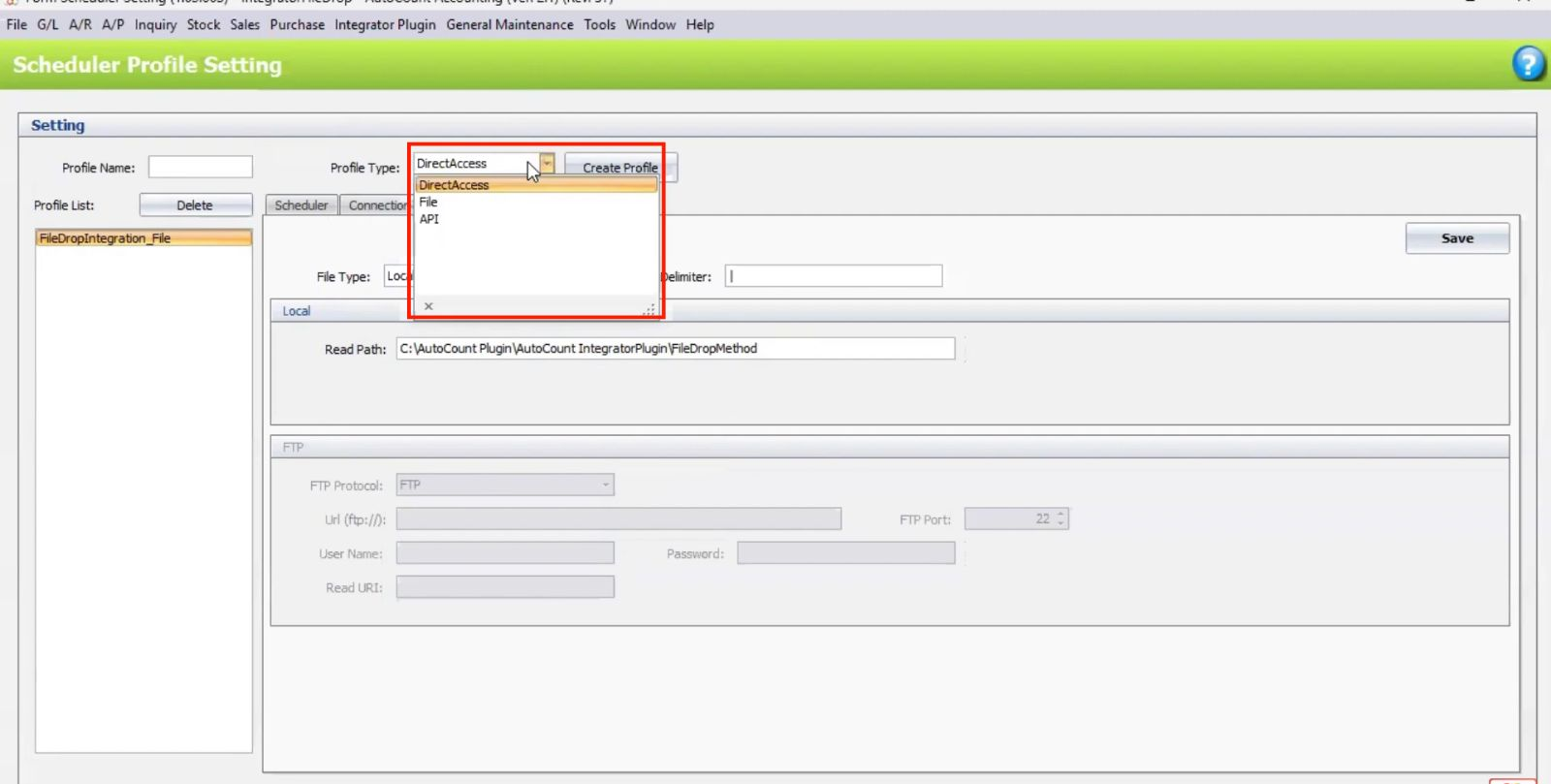
AutoCount environments can use different integration methods. This example is an authentic integration configuration screen from our existing Media Library. The method chosen depends on software version, available plugins and security requirements.
For e-commerce, mobile sales and custom systems, our team can evaluate which supported operations can transfer documents or query information using approved API endpoints. We define field mappings, duplicate prevention, validation and error handling before deployment.
Identify your AutoCount version, connected apps and current pain points.
Agree on data fields, sync direction, frequency and exception controls.
Validate sample transactions, permissions and recovery scenarios.
Complete user acceptance and plan support and monitoring.
SL Software Solutions is an AutoCount Authorized Dealer in Malaysia. We combine software consultation, implementation, custom plugin development and ongoing support to help businesses evaluate workable solutions rather than force a one-size-fits-all connector.

Have an existing website, POS, CRM or warehouse application? Share the platform name and the information you need to exchange so our consultants can review feasibility.
INTEGRATION SUPPORT
Answers to common questions about AutoCount connectors, APIs, synchronization and custom integration projects.
Integration is possible for supported systems through compatible connectors, APIs or custom development. Requirements and technical access must be reviewed first.
Potential integrations depend on the specific e-commerce connector or middleware, available marketplace functions and your AutoCount environment. We confirm platform and field support during scoping.
Supported AutoCount products and integrations offer different API options. SL Software also provides a secure gateway solution for approved AutoCount Accounting workflows.
No. Some implementations use scheduled or batch transfers, while others may use API-driven requests. The chosen design determines frequency and latency.
We can assess feasibility and propose suitable connectors, APIs or custom workflows after reviewing your existing software and requirements.
Pricing depends on connected systems, available APIs, data mapping, workflow complexity, testing and ongoing support. Contact us for an assessment.
Tell us what software you use, which records you need to exchange and the issues you want to eliminate. We will help assess a suitable AutoCount integration approach.