AutoCount Stock Quantity Definition

Complete guide to understanding and managing inventory quantities in AutoCount accounting and inventory management software. Learn about Available Quantity, Quantity on Hand, Reserved Quantity, Forecast Quantity, and Outstanding Consignment Quantity. Key Stock Quantities in AutoCount AutoCount Accounting Software AutoCount Inventory Management Overview AutoCount is a popular accounting and inventory management software used by businesses for… Continue reading AutoCount Stock Quantity Definition

AutoCount Import Data

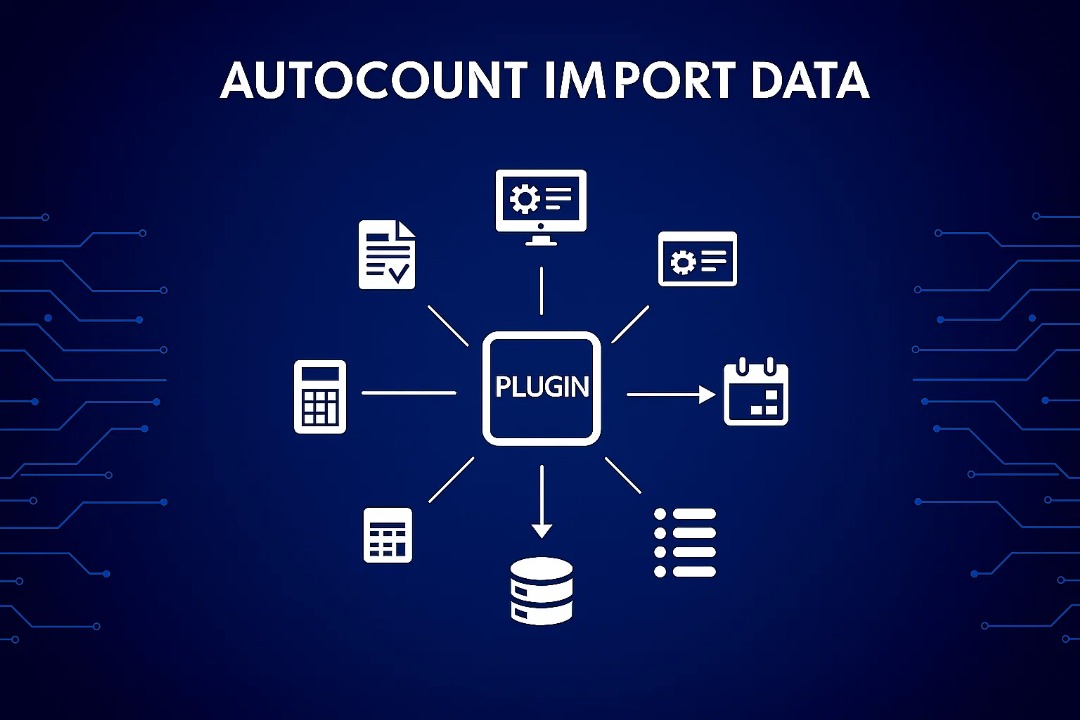
AUTOCOUNT IMPORT DATA

In today’s fast-paced business world, managing data efficiently is key. AutoCount simplifies the data import process, ensuring seamless integration, compliance with e-invoicing standards, and effortless management of your accounting data. Whether importing from CSV, Excel, or XML, AutoCount provides a user-friendly solution for smooth data handling. Import Data to AutoCount AutoCount Plugin Introduction to autocount… Continue reading AutoCount Import Data

How to Enable Service Tax 8% In AutoCount?

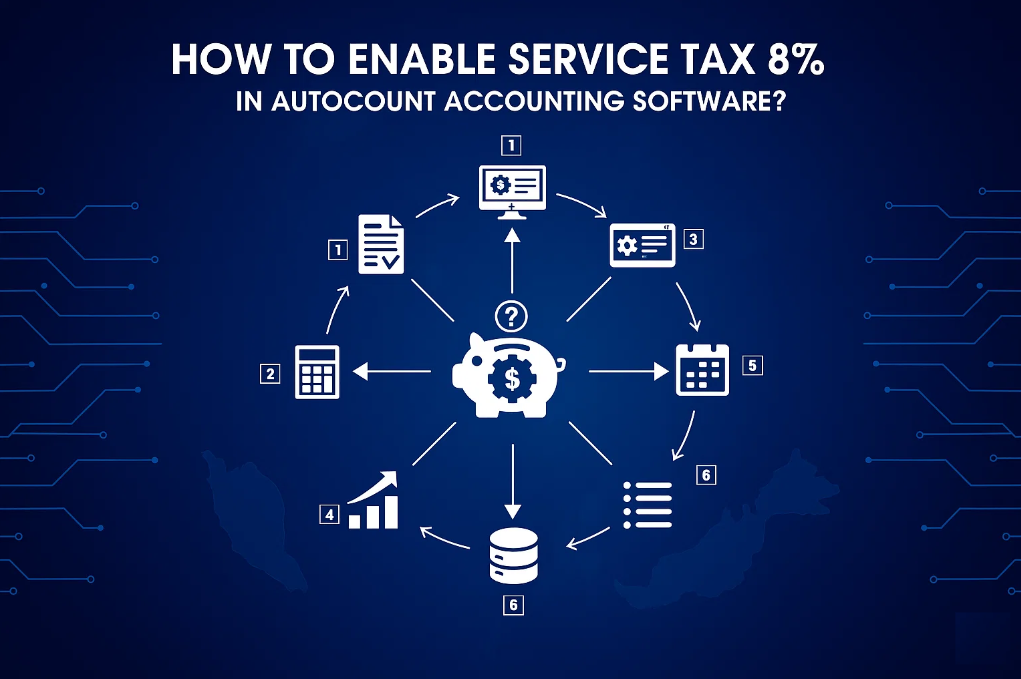
Step-by-step infographic for setting up Service Tax 8% in AutoCount Accounting Software, detailing the necessary configurations and settings.

Stay compliant with the new 8% Service Tax rate starting 01/03/2024. AutoCount automatically integrates the latest tax codes, making it simple to manage your invoices, payments, and imported services. Just select the tax code, and AutoCount handles the rest—ensuring seamless, accurate tax processing for your business. Start Configuration AutoCount Accounting How to Enable Service Tax… Continue reading How to Enable Service Tax 8% In AutoCount?

AutoCount Tips: Checking Database Size

Had anyone of you ever wonder how big your database or account book is? Do you know that AutoCount is currently using Microsoft SQL Server Express version which is free but has a limitation on its file size? Here, we will guide and show you how can you check on your database size so that… Continue reading AutoCount Tips: Checking Database Size

How To Design & Modify A Barcode Layout in AutoCount

Step 1: Designing The Barcode Layout To print barcodes with AutoCount, you must first design a layout using the required barcode printer software. The software varies depending on the brand and model of your printer. For this guide, we’ll use BarTender 9 as an example. A typical barcode label consists of four main objects:1️⃣ Company… Continue reading How To Design & Modify A Barcode Layout in AutoCount

How to Install Barcode Printer Software in AutoCount

Typically, the barcode printer software installer comes bundled with the printer driver. As an example, I will be installing BarTender 9.3 SR1. Then you may proceed with designing your very first barcode layout. Contact us for a full product walkthrough Contact Us

AutoCount User Guide | How to Change Item Code

AutoCount Tips: New Financial Reporting Standards (FRS) Term

In AutoCount Accounting, I believe that everyone had been familiar with names such as Balance Sheet, Profit and Loss etc. However do anyone of you out there heard of Financial Reporting Standards (FRS) Terms? FRS are terms designed  as a common global language for company accounts which understandable and comparable internationally. If you wish to… Continue reading AutoCount Tips: New Financial Reporting Standards (FRS) Term

news-1701

sabung ayam online

yakinjp

yakinjp

rtp yakinjp

slot thailand

yakinjp

yakinjp

yakin jp

yakinjp id

maujp

maujp

maujp

maujp

sabung ayam online

sabung ayam online

judi bola online

sabung ayam online

judi bola online

slot mahjong ways

slot mahjong

sabung ayam online

judi bola

live casino

sabung ayam online

judi bola

live casino

SGP Pools

slot mahjong

sabung ayam online

slot mahjong

SLOT THAILAND

article 138000541

article 138000542

article 138000543

article 138000544

article 138000545

article 138000546

article 138000547

article 138000548

article 138000549

article 138000550

article 138000551

article 138000552

article 138000553

article 138000554

article 138000555

article 138000556

article 138000557

article 138000558

article 138000559

article 138000560

article 138000561

article 138000562

article 138000563

article 138000564

article 138000565

article 138000566

article 138000567

article 138000568

article 138000569

article 138000570

article 138000571

article 138000572

article 138000573

article 138000574

article 138000575

article 138000576

article 138000577

article 138000578

article 138000579

article 138000580

article 138000581

article 138000582

article 138000583

article 138000584

article 138000585

article 138000586

article 138000587

article 138000588

article 138000589

article 138000590

article 138000591

article 138000592

article 138000593

article 138000594

article 138000595

article 138000596

article 138000597

article 138000598

article 138000599

article 138000600

article 158000416

article 158000417

article 158000418

article 158000419

article 158000420

article 158000421

article 158000422

article 158000423

article 158000424

article 158000425

article 158000426

article 158000427

article 158000428

article 158000429

article 158000430

article 158000431

article 158000432

article 158000433

article 158000434

article 158000435

article 158000436

article 158000437

article 158000438

article 158000439

article 158000440

article 208000441

article 208000442

article 208000443

article 208000444

article 208000445

article 208000446

article 208000447

article 208000448

article 208000449

article 208000450

article 208000451

article 208000452

article 208000453

article 208000454

article 208000455

article 208000456

article 208000457

article 208000458

article 208000459

article 208000460

article 208000461

article 208000462

article 208000463

article 208000464

article 208000465

article 208000466

article 208000467

article 208000468

article 208000469

article 208000470

208000436

208000437

208000438

208000439

208000440

208000441

208000442

208000443

208000444

208000445

208000446

208000447

208000448

208000449

208000450

208000451

208000452

208000453

208000454

208000455

article 228000301

article 228000302

article 228000303

article 228000304

article 228000305

article 228000306

article 228000307

article 228000308

article 228000309

article 228000310

article 228000311

article 228000312

article 228000313

article 228000314

article 228000315

article 238000281

article 238000282

article 238000283

article 238000284

article 238000285

article 238000286

article 238000287

article 238000288

article 238000289

article 238000290

article 238000291

article 238000292

article 238000293

article 238000294

article 238000295

article 238000296

article 238000297

article 238000298

article 238000299

article 238000300

article 238000301

article 238000302

article 238000303

article 238000304

article 238000305

article 238000306

article 238000307

article 238000308

article 238000309

article 238000310

sumbar-238000256

sumbar-238000257

sumbar-238000258

sumbar-238000259

sumbar-238000260

sumbar-238000261

sumbar-238000262

sumbar-238000263

sumbar-238000264

sumbar-238000265

sumbar-238000266

sumbar-238000267

sumbar-238000268

sumbar-238000269

sumbar-238000270

sumbar-238000271

sumbar-238000272

sumbar-238000273

sumbar-238000274

sumbar-238000275

sumbar-238000276

sumbar-238000277

sumbar-238000278

sumbar-238000279

sumbar-238000280

sumbar-238000281

sumbar-238000282

sumbar-238000283

sumbar-238000284

sumbar-238000285

sumbar-238000286

sumbar-238000287

sumbar-238000288

sumbar-238000289

sumbar-238000290

sumbar-238000291

sumbar-238000292

sumbar-238000293

sumbar-238000294

sumbar-238000295

sumbar-238000296

sumbar-238000297

sumbar-238000298

sumbar-238000299

sumbar-238000300

sumbar-238000301

sumbar-238000302

sumbar-238000303

sumbar-238000304

sumbar-238000305

news-1701