Offline Mode in a Cashier System: What It Means for SMEs
Stay prepared when your checkout system goes offline. Learn how offline mode protects sales, stock, cashier records, and accounting data — helping Malaysian SMEs keep operations running even during internet disruptions.
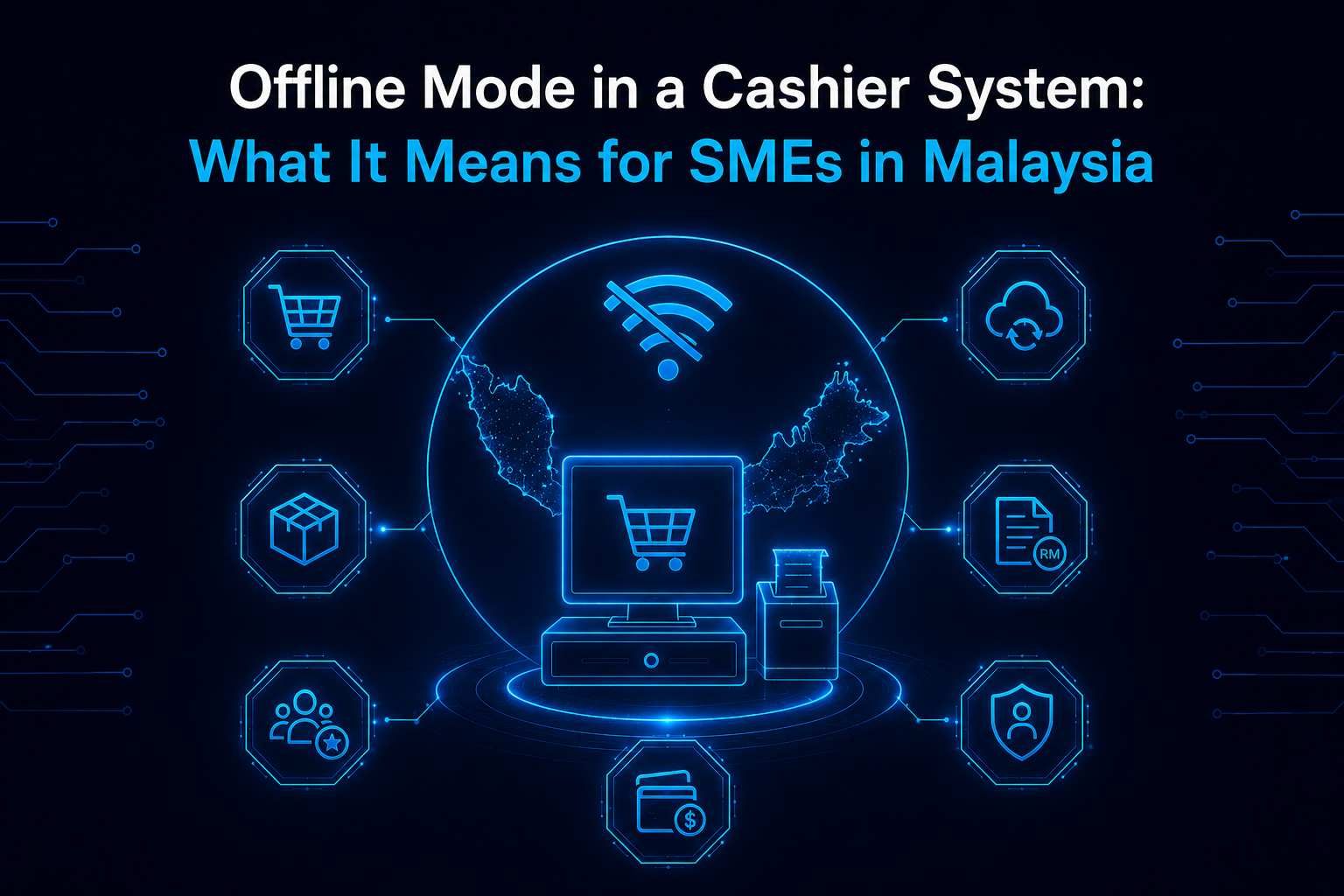
An Internet Outage is Inevitable. Is Your Cashier Prepared?
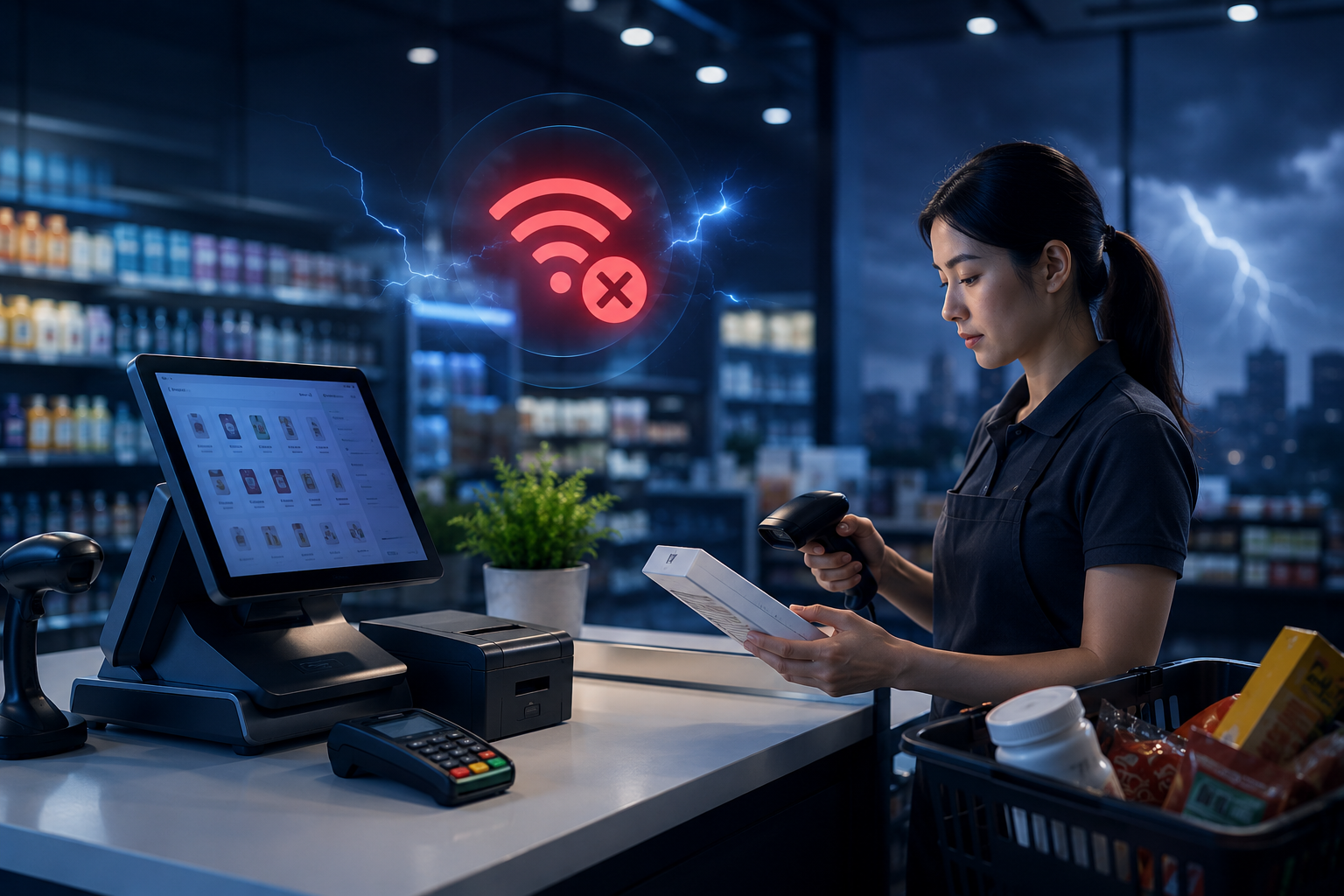
It can happen without warning. Your internet connection drops, whether due to a router issue, telco problem, or power disruption. Yet your business does not stop. Customers are still coming in, staff are at the counter, and transactions must continue.
This is where a well built checkout system makes a real difference. At AutoCount System, we have seen how systems not designed for this situation can cause anything from short disruptions to full day shutdowns or even data loss.
If you run a retail shop, pharmacy, hardware store, grocery outlet, or any counter based business in Malaysia, this is something you need to be prepared for.
The Two Types of Checkout Systems & The Problem With One of Them
Not all checkout systems are built the same, especially when it comes to handling internet outages. There are two main types in the market.
- Type 1: Fully Cloud Dependent Systems
The first is fully cloud dependent, where every transaction needs an active internet connection. These systems are easy to set up, but once the connection drops, everything stops. You cannot process sales, calculate totals, or print receipts.
Outage Impact :
- Register locks instantly
- Customers stranded in queues
- Complete loss of sales flow
- What to Consider
The second type offers proper offline capability. Transactions are recorded locally, stock updates continue, and receipts can still be printed. Once the internet is restored, the system automatically syncs all data without any loss.
Outage Protection
- Business continues normally
- Local receipt printing remains functional
- Auto-reconnection background sync
For Malaysian SMEs, where internet reliability is not always guaranteed, this difference is critical. It determines whether your business can continue operating or comes to a halt.
What Offline Mode Actually Protects
When people think about offline mode, they usually think about one thing: continuing to make sales. That is important — but it is only part of the picture. A properly implemented offline mode protects several layers of your business data simultaneously.
Sales Transaction
Every sale processed during the outage is stored locally with a complete record — item, quantity, price, discount, payment method, and timestamp. Nothing is approximated or filled in manually after the fact.
Real-Time Stock Levels
When a sale is made offline, the stock level on the local system updates immediately. This means your staff still has accurate visibility into what is available at the counter — preventing overselling of items you no longer have in stock.
Customer and Membership Data
For businesses running loyalty programs or membership pricing, a system with offline capability continues to apply the correct pricing and track points even during an outage — without requiring the staff to override or guess.
Cashier Accountability and Audit Trail
Every transaction made during the offline period is attributed to the cashier who processed it, with a full audit trail. When data syncs back, your records are complete and traceable — which matters for daily closing and end-of-month reconciliation.
Accounting Integration Accuracy
In a properly integrated system, the offline sales data syncs directly into your accounting records once the connection returns. No manual re-entry. No missing transactions. Your financial records remain complete and accurate without extra work from your team
Offline Mode vs No Offline Mode: A Direct Comparison
See how a checkout system with proper offline mode helps your business continue operating during internet disruptions — while protecting sales records, stock accuracy, cashier accountability, and accounting data.
| Business Area | Without Offline Mode | With Proper Offline Mode |
|---|---|---|
| Counter Operation | Counter stops completely when the internet connection drops. | Counter continues operating without interruption. |
| Sales Processing | No sales can be processed during the outage. | All sales are recorded locally with full transaction details. |
| Stock Visibility | Stock levels freeze, leaving staff with no accurate visibility at the counter. | Stock levels update in real time on the local device. |
| Staff Workflow | Staff may be forced to use manual paper records. | Staff can continue using the system with no major change in workflow. |
| Reconciliation | Manual reconciliation is required after the connection returns. | A complete audit trail is maintained throughout the outage. |
| Data Accuracy | There is a risk of permanent data gaps in financial records. | Auto-sync restores all data when the connection returns. |
| Accounting Records | Accounting records may become incomplete or require manual correction. | Accounting records remain complete and accurate. |
What to Check When Evaluating Any Checkout System in Malaysia
If you are currently evaluating a checkout system for your business — or if you are questioning whether your existing system is truly offline capable here are the questions you should be asking before you commit:
Confirmed Offline Mode
Before choosing any checkout system, ask one simple but important question:
Can the system still process sales when the internet is completely unavailable?
Some systems claim to be cloud-based and modern, but once the connection drops, the counter may stop completely. During a demo, do not just accept a verbal answer from the supplier.
Ask them to show you:
- How to create a sale without internet
- Whether receipts can still be printed
- What happens when the internet connection returns
- Whether the cashier workflow remains the same
A reliable checkout system should allow your business to continue operating even during a real internet outage.
Local Data Storage
Offline mode is only useful if the system has a proper way to store transaction data safely.
Where is the offline data stored?
It may be stored on the device itself, on a local server, or through another local storage method. What matters is that the data is not lost when the internet goes down.
You should also check:
- How long offline data can be stored
- Whether the system can handle a prolonged outage
- Whether the data remains safe if the device restarts
- Whether staff need to do anything manually to protect the data
This helps you understand whether the system is truly prepared for real business disruptions.
Auto-Sync on Reconnection
A good offline system should not create extra work after the internet comes back.
Will all offline transactions sync automatically once the connection is restored?
If staff need to export files, re-enter invoices, or manually upload transactions, the risk of mistakes becomes much higher.
A proper auto-sync process should help ensure:
- Offline sales are uploaded automatically
- No transactions are skipped
- No duplicate records are created
- Staff do not need to perform complicated steps
- Business owners can continue with accurate reports
This is especially important for busy retail counters where staff may not have time to check every transaction manually.
Stock Update During Offline Sales
Many business owners only think about sales during an internet outage, but stock accuracy is just as important.
When a sale is made offline, will the stock quantity update immediately on the local system?
Without this, your staff may continue selling items that are already out of stock. This can lead to customer complaints, wrong inventory reports, and extra reconciliation work later.
A reliable checkout system should help you maintain:
- Local stock visibility
- Updated item quantities
- Better control at the counter
- Less risk of overselling
- More accurate inventory records after syncing
For businesses such as retail shops, pharmacies, hardware stores, and grocery outlets, this feature can make a big difference during daily operations.
Accounting Integration
Offline sales should not stop at the POS level. They should also flow correctly into your accounting records.
After offline data syncs, will the transactions automatically update into the accounting system?
If the POS and accounting system are separate, staff may need to manually re-enter sales later. This creates hidden workload and increases the risk of missing transactions, duplicate entries, or wrong figures.
A properly integrated system should help reduce:
- Manual data entry
- Reconciliation problems
- Accounting errors
- Month-end closing delays
- Missing sales records
This is why integration between your checkout system and accounting software is important, especially for Malaysian SMEs that want accurate financial records.
Audit Trail Completeness
During an internet outage, business owners still need to know exactly what happened at the counter.
Are offline transactions recorded with cashier name, timestamp, item details, and payment information?
A complete audit trail helps you trace every transaction clearly, even if it was created offline.
Your system should be able to show:
- Which cashier processed the sale
- What time the transaction happened
- What items were sold
- What payment method was used
- Whether the transaction was synced successfully
This is why integration between your checkout system and accounting software is important, especially for Malaysian SMEs that want accurate financial records.
These features are the foundation. Without them, you will find yourself working around the software instead of working with it. Leading providers like AutoCount’s cloud accounting platform are designed specifically for the Malaysian market, with built-in compliance, localised reporting formats, and industry-specific workflows that reflect how Malaysian businesses actually operate.
Why Integration Between Your Checkout System and Accounting Matters More During Outages
One issue often overlooked is what happens to your accounting records after an outage. Even if sales data is recovered, businesses using separate checkout and accounting systems may struggle to transfer that data accurately into their accounts.
Manual re-entry is slow, prone to errors, and can lead to reconciliation issues or audit risks. This is why an integrated checkout and accounting system is important, where POS and accounting work together. When data syncs, it updates both systems automatically with no missing records.
- Built-In POS and Accounting Integration
At AutoCount System, this integration is built in from the start. Our POS and accounting solutions work as one system, which is why many businesses in Malaysia rely on them together.
Frequently Asked Questions
What happens to my sales data if my checkout system goes offline?
With proper offline mode, sales data is stored locally and synced automatically when the internet returns. Without offline mode, the system may stop working and no sales records are created during the outage.
What is offline mode in a checkout system?
Offline mode allows your system to continue processing sales, updating stock, and printing receipts without an internet connection. Once online again, the data syncs back automatically.
Can I still accept payments when the cashier system is offline?
Cash payments can usually continue with proper offline mode. However, card and e-wallet payments normally require an internet connection for authorisation.
What should Malaysian SMEs look for in a reliable checkout system?
Look for offline mode, auto-sync, local stock updates, complete audit trails, and accounting integration to reduce data loss and manual work.
Ready to Select Your Solution?
The right accounting software ensures compliance and drives growth. Identify your top 2-3 options, sign up for free trials, and involve your team.