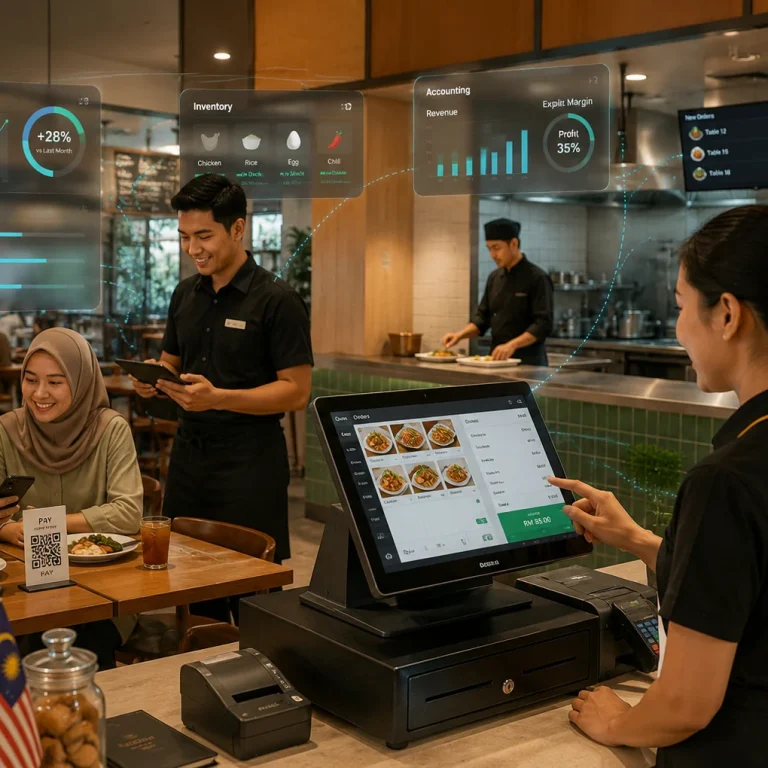
AI POS INSIGHTS / RETAIL & F&B
AI POS System Malaysia:
What’s Real in 2026
and What’s Just Marketing
Many POS systems now claim AI. See which AI POS system features save real work for Malaysian retail and F&B businesses, and which are ordinary features with a new label.
- 3 genuine AI features
- Claim-check questions
- 5-point buyer checklist
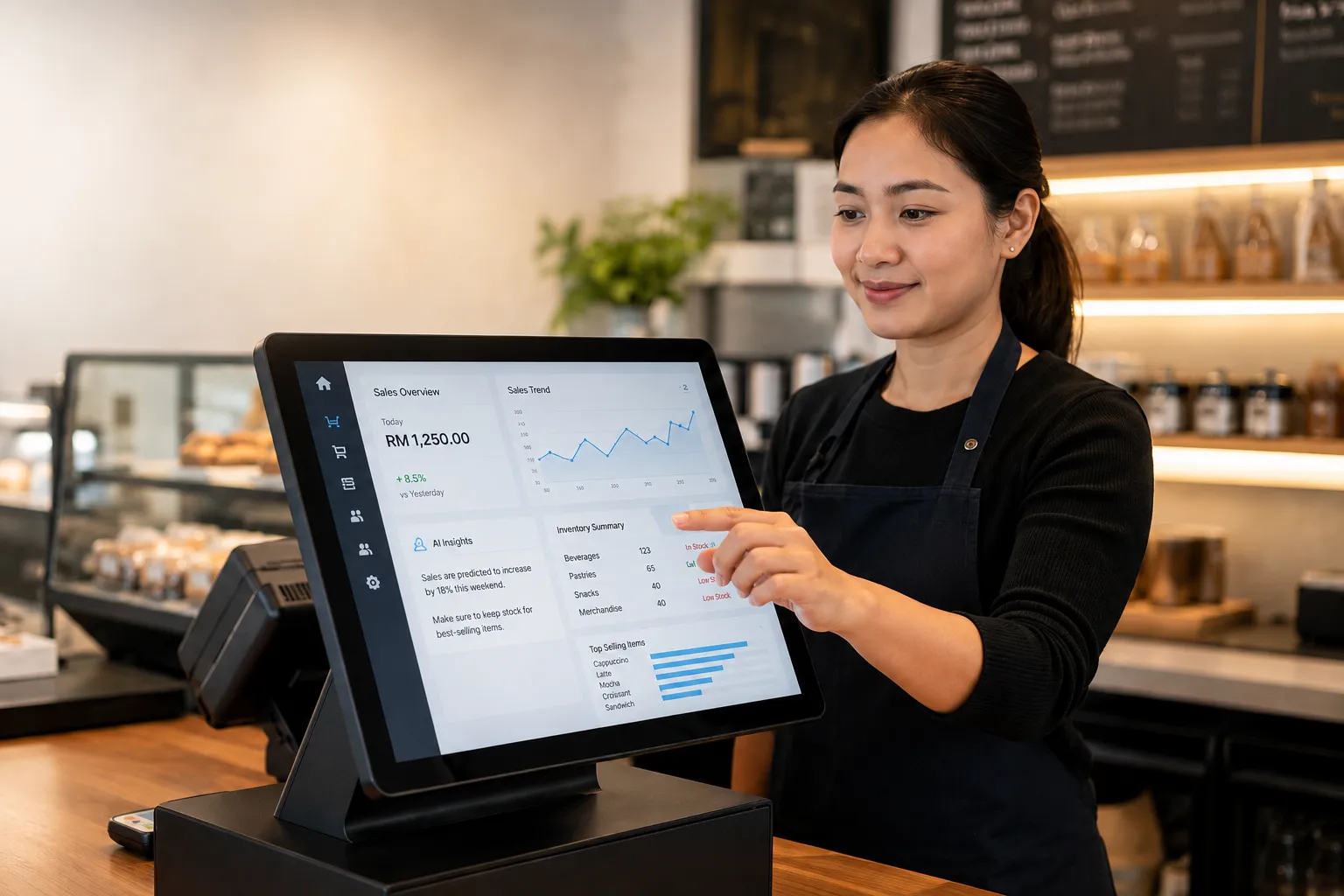
Judge AI by the work it removes.
01 / GENUINE AI FEATURES
3 AI POS System Features With Real Value
Three AI uses already save time for retail and F&B teams. Test each one in a live demo before you pay for it.
01
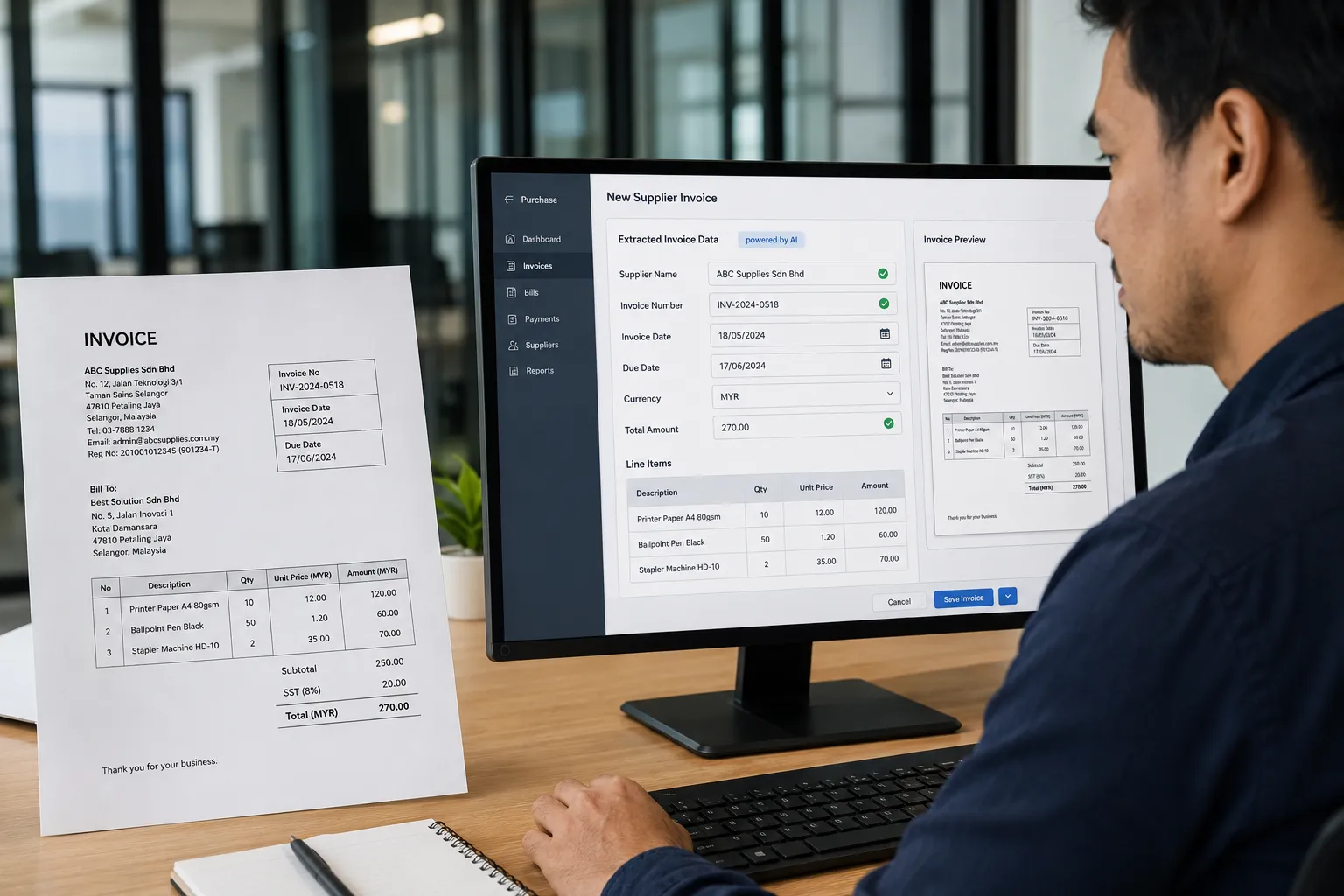
AI document scanning
Reads supplier invoices and receipts, then captures the supplier, date, amount and line items.
Ask to see: one of your own invoices scanned into the accounts.
02
Predictive inventory
Uses sales history, seasons and promotions to estimate when stock will run low.
Ask to see: forecasts that change as sales change, not a fixed reorder level.
03
Anomaly detection
Flags unusual voids, discounts, refunds or off-hours sales for review.
Remember: a flag is a reason to check, not proof of fraud.
Where AutoCount Fits
AutoCount Cloud Accounting offers AI SmartScan (Intelligent OCR) for invoices and receipts. It belongs to the accounting workflow, not to AutoCount POS itself.
Predictive stock planning works best with many SKUs and enough sales history.
Plan stock with AutoCount inventory management, or compare a retail POS system.
02 / SPOT THE LABEL
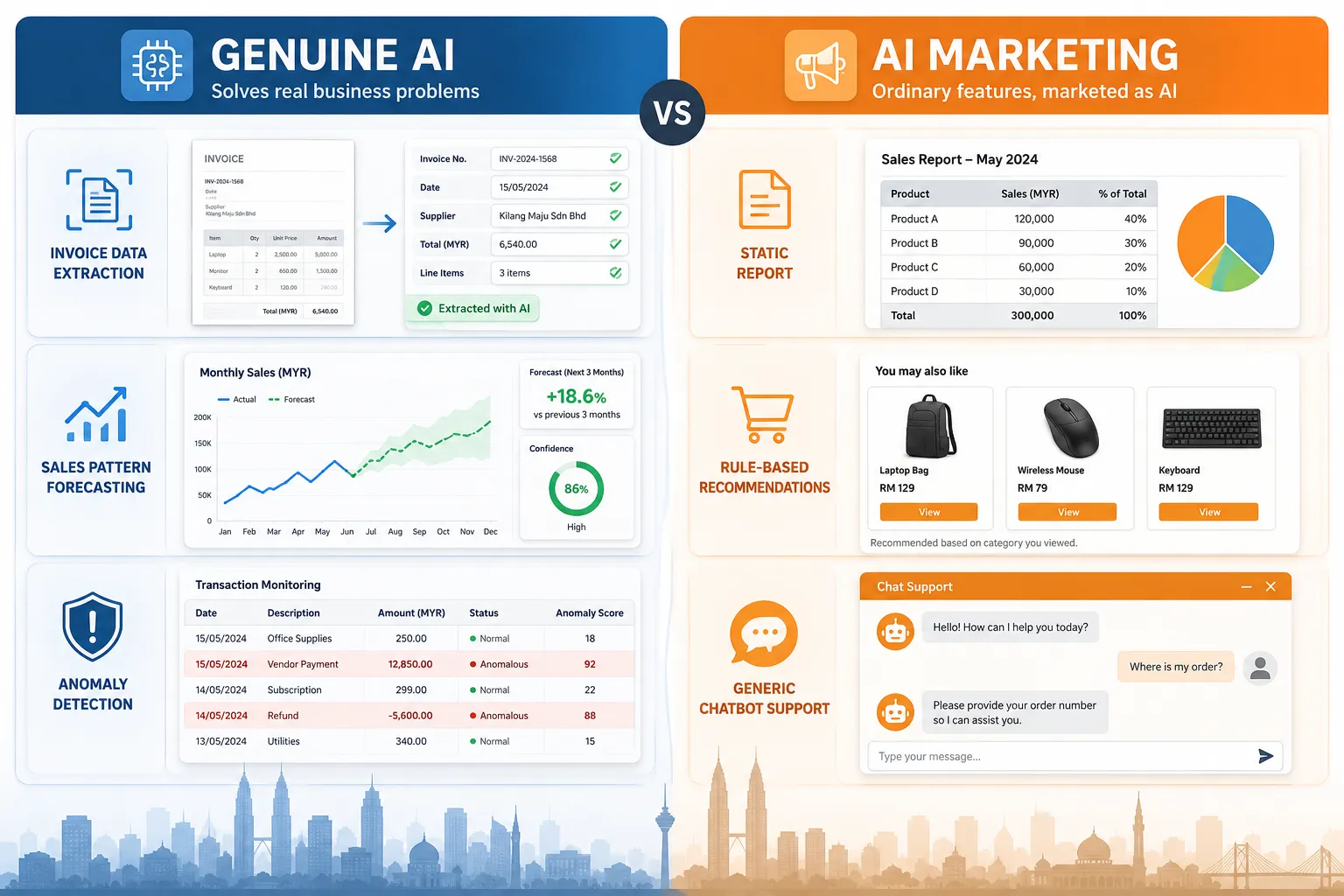
Genuine AI vs Marketing AI: What to Ask
Some “AI” features are standard rules with new branding. They can still be useful. Just don’t pay extra for the label.
R“AI reports”Same fixed reports, with no prediction or insight.
S“Smart” suggestionsFixed “bought together” rules.
CAI chatbotNot linked to your sales, stock or accounts.
Ask the vendor
AI document scanningDoes it extract data from real documents?
AI inventory forecastingDo forecasts update as demand changes?
AI reportingWhat does it add beyond a normal report?
Smart recommendationsDo suggestions adapt to customer behaviour?
Anomaly detectionWhich unusual patterns does it flag for review?
AI chatbotIs it connected to your live business data?
03 / E-INVOICE + AUTOMATION
The Real 2026 Story: e-Invoice Meets Automation
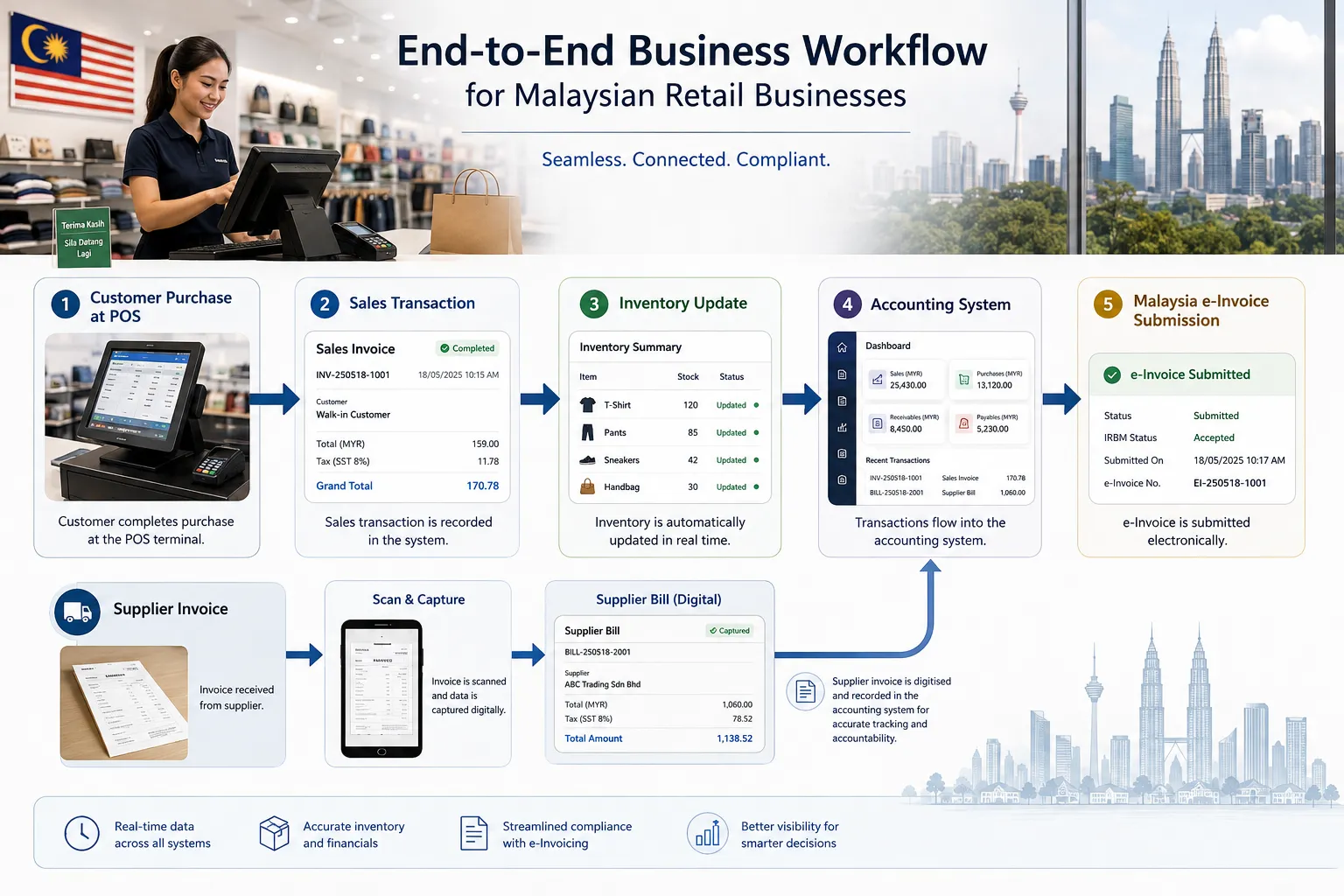
For Malaysian businesses, the bigger win is a connected workflow: POS sales, stock, accounting and e-Invoice working together with less re-keying.
AutoCount POS handles sales and e-Invoice processing, while AI SmartScan captures supplier documents on the accounting side.
Requirements depend on your revenue and exemptions. Check HASiL’s e-Invoice Specific Guideline and compare e-Invoice software in Malaysia.
04 / BUYER GUIDE
How to Test an AI POS System Claim
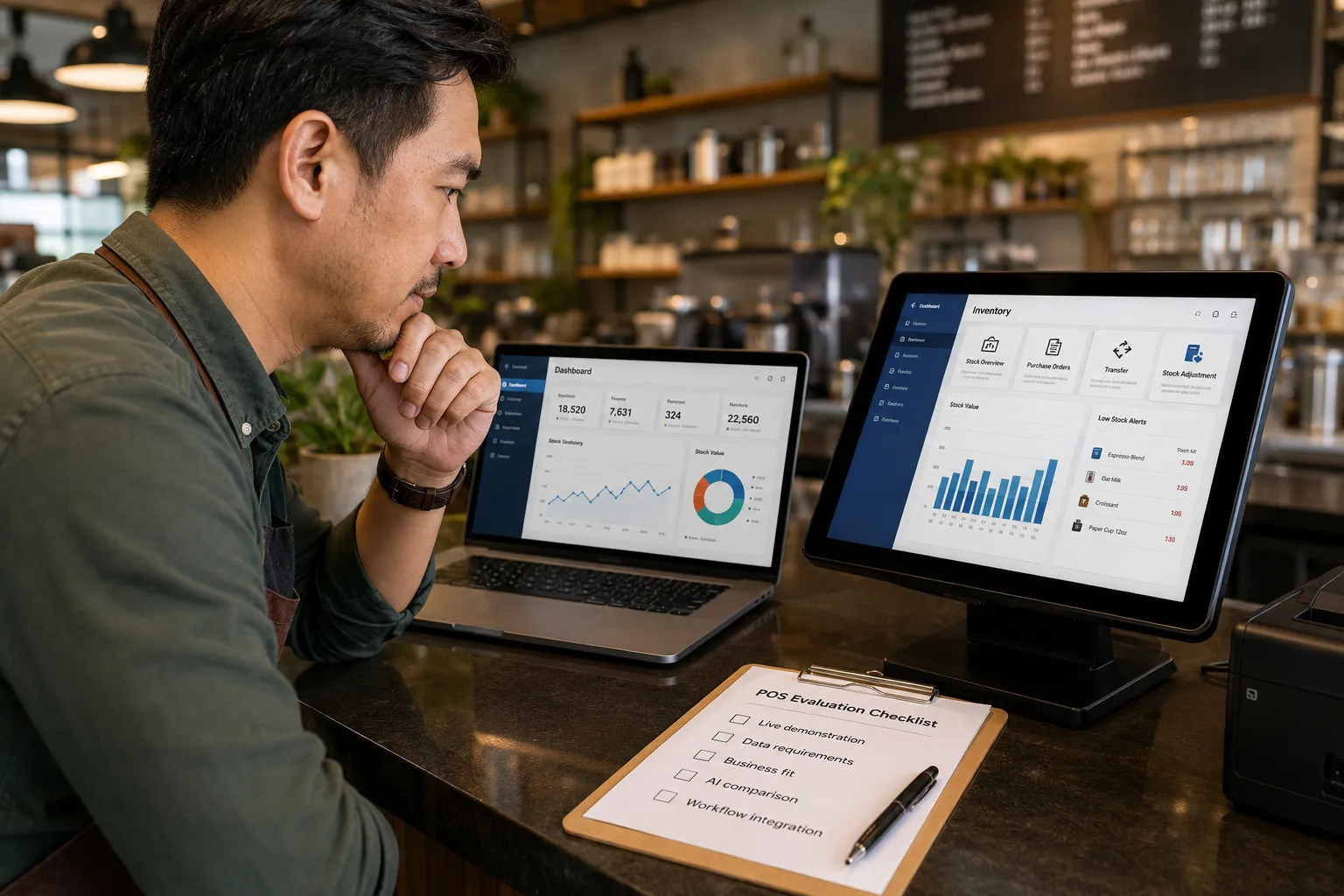
- Ask for a live demo. Use your own invoices or sales data, not a brochure.
- Ask what data it uses. How much history does it need, and what happens with little data?
- Check the fit. Transaction volume, SKUs, outlets, business type and seasonality.
- Compare with the standard feature. Pay more only for a difference you can measure.
05 / CHECKLIST
AI POS System Checklist for Malaysian Businesses
Run these five checks before you buy.
01Core POS first
Sales, payments, stock, reports and user controls.
02Name the task
Which manual work should AI remove?
03See proof
Test with realistic data in a live demo.
04Check integration
POS, stock, accounts and e-Invoice without double entry.
05Measure results
Time saved, fewer errors, better decisions.
Choosing where it runs? See AutoCount Cloud vs on-premise.
AI POS System Malaysia FAQs
Not always. Get sales, payments, stock and reporting right first. Document capture often helps sooner than forecasting, which needs sales history.
No. It cuts data entry. Review, reconciliation and accounting judgement still need a person.
No. AI is not an e-Invoice requirement, but connected automation can reduce admin as transaction volumes grow.
Ask for a live demo with your own data, what data the feature uses, and what it does better than the standard version.
Document capture, predictive inventory for businesses with many SKUs, and anomaly detection for unusual transactions.
Need Help Choosing the Right AutoCount POS?
Tell SL Software Solutions about your retail or F&B workflow, stock, e-Invoice needs and accounting. We’ll show you which AI POS system features are worth it in a live demo.