Rental documents are spread out
Sales Orders, rentals, trips and invoices can be difficult to track together.

Manage rental contracts, item dispatch and returns, billing periods, linked sales documents, expiry reminders and rental reports within AutoCount Accounting.
Confirm your AutoCount version, licensing and operational requirements with SL Software Solutions.
Manage rental contracts, item dispatch and returns, billing periods, linked sales documents, expiry reminders and rental reports within AutoCount Accounting.
The product capabilities below are based on the accompanying user guide. SL Software can advise how they fit your business and the version currently installed.
Common challenges that the documented functions can help your team address.
Sales Orders, rentals, trips and invoices can be difficult to track together.
Teams need to distinguish items in transit, on rental and returned.
Accounts staff need visibility of which rental periods are eligible or already invoiced.
Operations teams need a view of rental schedules and reminders.
Features supported by the current user guide.
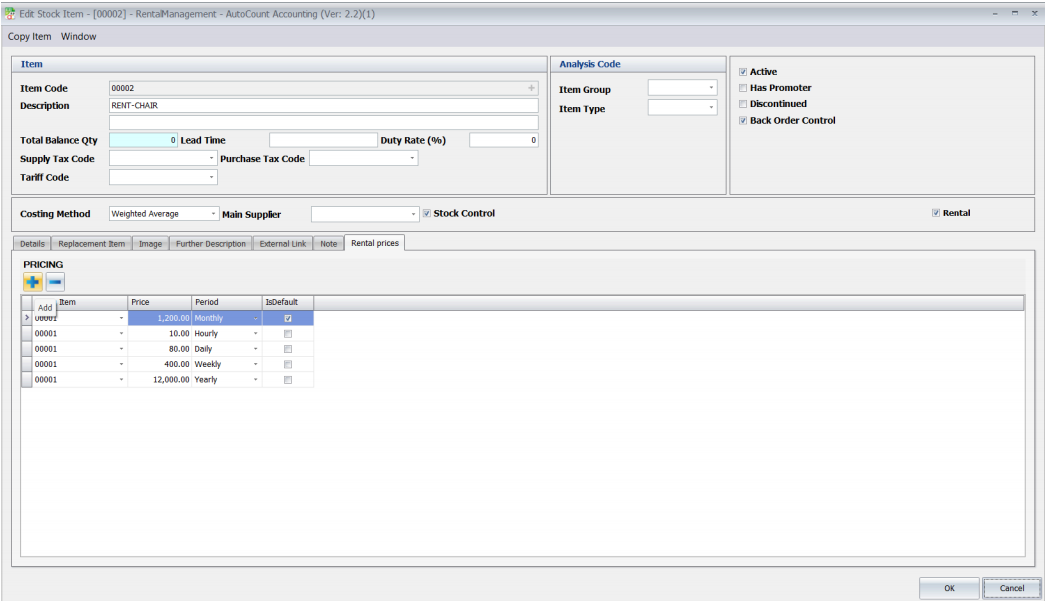
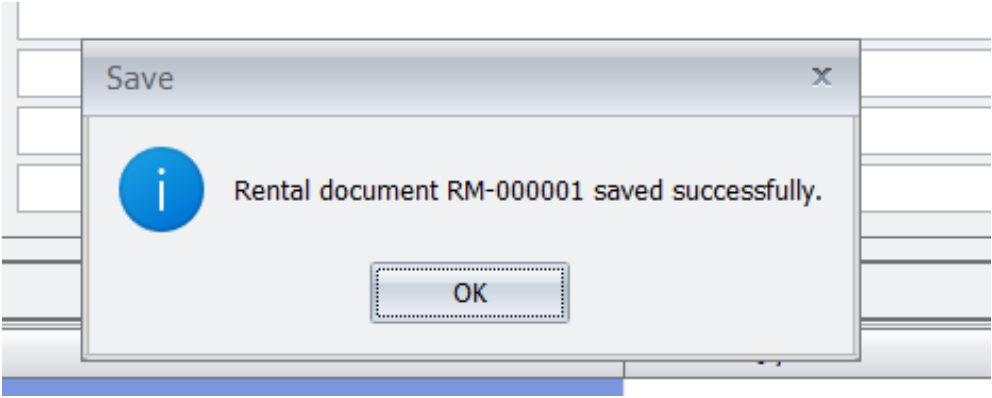
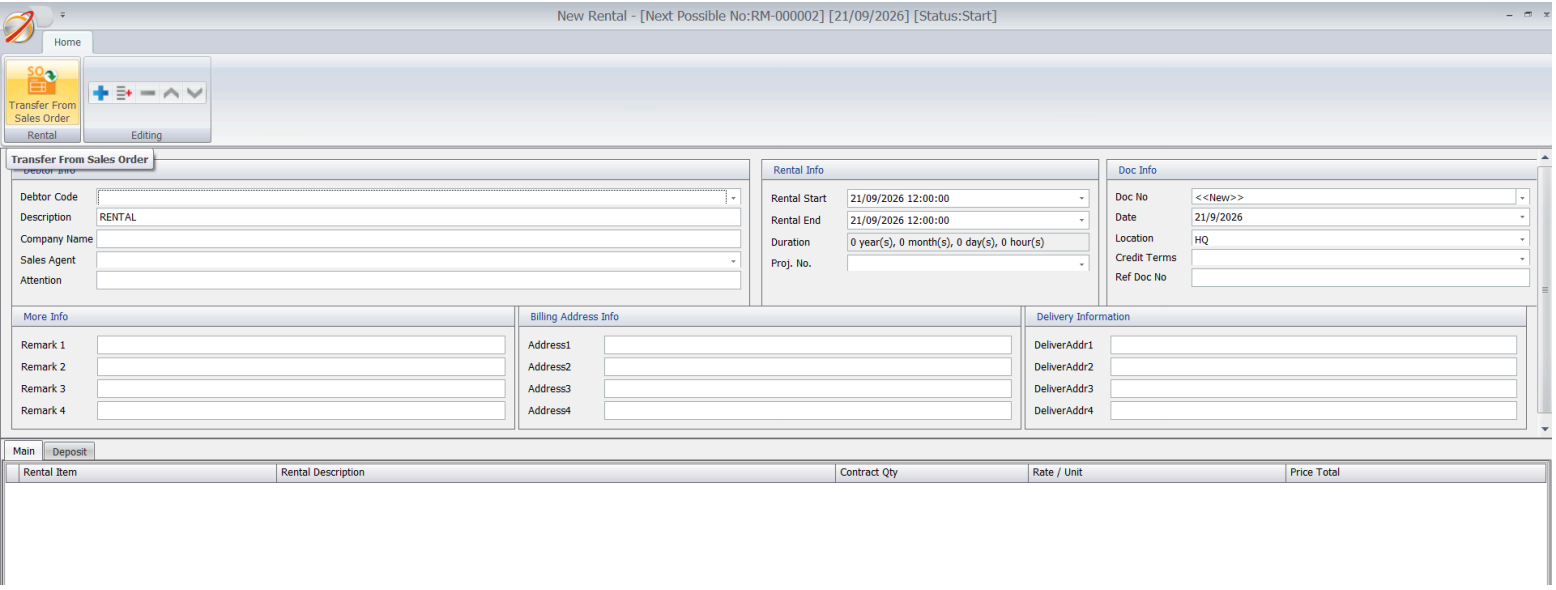
Rental Maintenance records key customer, item, rate, location and rental-period details, with deposit information where applicable.
Trip Management records item movements and stages including In Transit, Rental Start and Rental End.
Transfer To Invoice shows Available Billing Periods and Already Invoiced history before processing.
Rental Calendar, Rental Expiry Reminder and Billing and Collection Analysis provide rental and billing visibility.

Talk to SL Software Solutions about your existing workflow.
A high-level example of business use, not an installation guide.
Maintain rental item quantities and contract periods.
Coordinate dispatch, rental start and returns.
Review billing periods and collection analysis.
Yes. The documented Rental Maintenance workflow can transfer from eligible Sales Orders.
Yes. Trip Management includes in-transit, rental-start and rental-end stages.
The documented workflow handles eligible rental billing periods and their transfer to Invoice.
Yes. Transfer To Invoice displays Already Invoiced alongside available billing periods.
Yes. The plugin includes Rental Calendar and Rental Expiry Reminder.
The guide documents a Rental Billing and Collection Analysis Report.
Already using this plugin? Read the AutoCount Rental Management User Guide for setup and detailed usage information.
Confirm the plugin's features, compatibility and licensing requirements with our team.