
Category: AutoCount Accounting
-
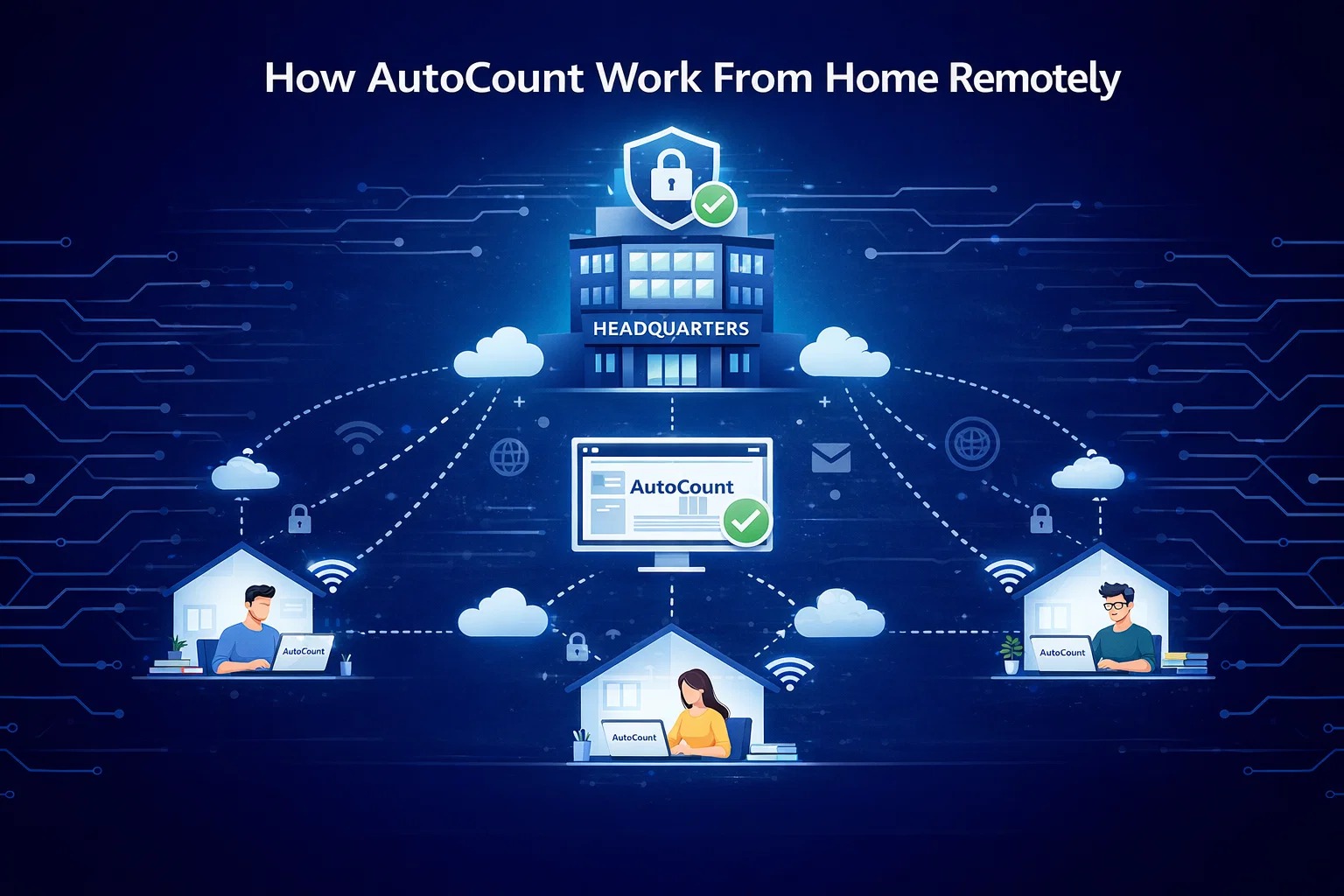
How AutoCount Work From Home Remotely?
In today’s fast-paced world, remote work has become the new norm for many businesses. For SMEs, adapting to this change requires the right tools to stay productive, efficient, and connected. That’s where AutoCount comes in. AutoCount is a comprehensive solution designed for SMEs. It simplifies complex tasks, helping businesses save time and reduce errors. Now,…
-

AutoCount Basic vs. Advanced Multi-UOM: What’s the difference?
AutoCount Basic Multi-UOM vs. Advanced Multi-UOM: What’s the Difference?
-
AutoCount Excel vs AutoCount Universal Import Plugin – Which is Better?
Explore the differences between AutoCount Excel and Universal Import Plugin to determine which tool is better suited for your data import needs. Find the right solution for efficient accounting data management. How To Use AutoCount Excel & Universal Import Plugin AutoCount Accounting Software Introduction AutoCount provides various tools for importing data, each designed to cater…
-
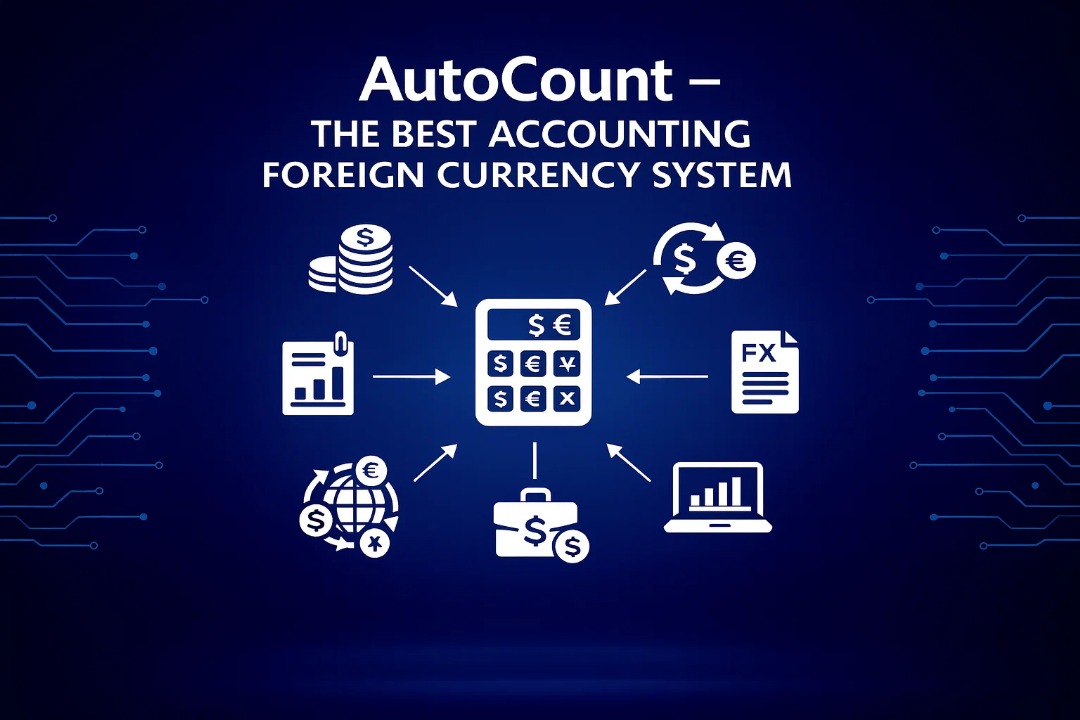
AutoCount – The Best Accounting Foreign Currency System
AutoCount, the best accounting foreign currency system in Malaysia. Explore gains, fluctuations, multi-currency benefits, streamline process.
-
AutoCount Stock Assembly vs. Multi-Level Stock Assembly: Choosing the Right Fit for Manufacturers and Assembly Businesses
Discover the perfect assembly solution for manufacturers and assembly businesses. Explore the differences between AutoCount’s Stock Assembly and Multi-Level Stock Assembly modules, and find out which one aligns with your workforce and monitoring needs.
-

AutoCount’s Unrealized Gain/Loss Module vs. Advanced Multi-Currency Module
Uncover the differences between AutoCount’s Unrealized Gain/Loss Module and Advanced Multi-Currency Module for foreign currency revaluation. Learn how these modules manage unrealized gains and losses and their unique revaluation approaches.
-
The Differences Between AutoCount Item Package Module and Stock Assembly (BOM) Module
Unsure about AutoCount’s Item Package Module and Stock Assembly (BOM)? Discover the differences and benefits of each tool in this easy-to-understand comparison. Find the perfect fit for your inventory needs.
-
AutoCount On The Go , the Best Mobile Solution
AutoCount On The Go is the online version of AutoCount Accounting. You can access AutoCount Accounting information anywhere, anytime, without any boundaries. Powerful Features of AOTG AutoCount Software What is AOTG? AutoCount On The Go (AOTG) is the solution that allows you to check your business anywhere with your existing tablets, notebooks, or phones. All…
-
14 Important Features Why AutoCount Is the Best Accounting Software for Manufacturing.
Discover top accounting solutions tailored for the manufacturing sector. Compare features, benefits, and find the perfect software to optimize your financial management. 14 Important Features AutoCount Accounting Software Choosing the Best Accounting Software in Malaysia When selecting accounting software for a manufacturing venture in Malaysia, consider factors like ease of use, scalability, integration capabilities, and…
-
Comparing AutoCount vs. Million Accounting: Choosing the Best Accounting Software for Your Business
A comprehensive comparison of two leading accounting software solutions for modern businesses. Explore features, pricing, user interfaces, and industry focus to make an informed decision for your financial management needs. Explore Key Considerations AutoCount Accounting Software Introduction In the fast-paced world of modern business, efficient financial management is paramount to success. AutoCount Accounting and Million…
-
AutoCount: The Best Accounting Software
Why AutoCount is Recognised as the Best Accounting Software in Malaysia For Malaysian SMEs, Accountants, and Manufacturers, managing finances involves more than just bookkeeping. It’s about navigating SST, e-invoicing, complex inventory, and multi-channel sales. In this landscape, generic solutions fall short. You need Accounting Software Malaysia built for your specific challenges. To learn more about AutoCount Payroll &…
-

AutoCount Costing Method
AutoCount Accounting Software offers support for five distinct costing methods, each tailored to different business needs and industries. Streamline your operations with precise calculations, real-time data analysis, and enhanced financial control. Explore the 5 Methods AutoCount Accounting Costing Methods in Malaysia Overview In Malaysia, like many other countries, the most frequently used costing method varies…
-
AutoCount Accounting Software: Your All-in-One Business Solution for Malaysian SMEs
AutoCount Accounting Software — the all-in-one business platform for Malaysian SMEs — integrates accounting, inventory, Retail & F&B POS, e-commerce/mobile access, and e-invoicing in a single system. It delivers real-time financials, live stock updates, multi-outlet support, seamless SST and e-Invoice compliance (via LHDN/MyInvois), and unified data across sales, purchasing, inventory and accounting — helping SMEs…
-
Understanding Official Receipt in AutoCount Accounting
Turn every payment into neat, audit-ready records. With AutoCount’s Official Receipt module, your business issues professional, system-generated receipts the moment you receive cash — no more lost paper, no more manual errors. It’s simple, clean bookkeeping that works for you. Type of AutoCount Receipts AutoCount Accounting What Is an Official Receipt? An Official Receipt is an essential…
-
AutoCount Cloud Accounting vs Palm POS: Best & Cheapest E-Invoice Solutions for MSMEs in Malaysia
Discover the best and most affordable e-invoicing solutions for MSMEs in Malaysia. Compare AutoCount Cloud Accounting and Palm POS to find the ideal fit for your business needs, whether you’re handling credit sales or high-volume cash transactions. AutoCount Cloud Accounting AutoCount Palm POS Why Digital E-Invoicing is Crucial Now With Malaysia’s e-Invoicing rule starting on July…
-

AutoCount Accounting 2.2 vs E-Invoice – Illustrative Guide
Introduction The AutoCount Accounting 2.2 platform is equipped to handle various invoicing needs, especially in line with the LHDN e-Invoice Illustrative Guide. This article will walk you through the core functions of AutoCount Accounting 2.2 and how businesses can utilize it for e-Invoice submissions. Learn how to issue invoices, manage cash sales, and submit self-bill…
-

Understanding AutoCount Fixed Assets Register – Asset Types and Asset Categories
Introduction to AutoCount Fixed Assets Management Plugin The AutoCount Fixed Assets Management Plugin is an essential tool for businesses to manage their fixed assets effectively. This module allows users to categorize and track their fixed assets, apply consistent depreciation methods, and generate accurate financial reports. With this plugin, businesses can streamline asset management processes, ensuring…
-
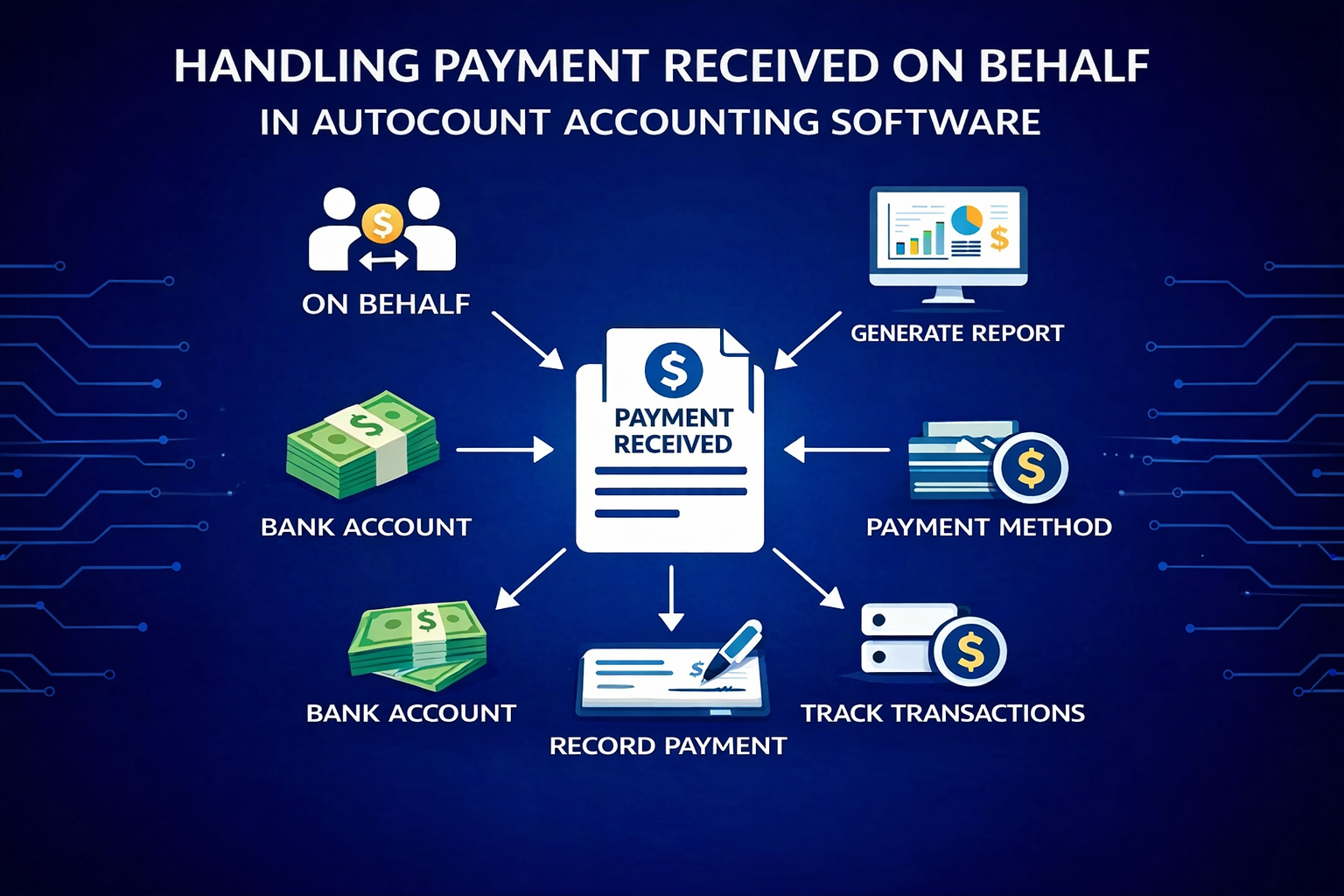
Handling Payment Received on Behalf in AutoCount Accounting Software
AutoCount provides a reliable and efficient way to manage payments received on behalf within its accounting software, helping businesses maintain accurate and transparent financial records. With features such as clear tracking, proper allocation, and user-friendly processing, AutoCount ensures that third-party payments are handled correctly and systematically. This reduces errors, improves accountability, and streamlines daily operations,…
-

What’s The Difference Between AutoCount module & AutoCount Plugin?
When it comes to managing your business finances with AutoCount accounting software, the choice between “modules” and “plugins” might seem like a complex decision. Fear not, as we break down the differences in simple terms to help you make informed choices for your business toolbox. AutoCount Modules: Ready-to-Use Essentials AutoCount modules are like pre-installed power…
-

AutoCount Multi-Currency vs. Advanced Multi-Currency Module
Explore the differences between AutoCount’s Multi-Currency and Advanced Multi-Currency modules. Learn how these modules handle foreign currency revaluation and their impact on accurate financial reporting.