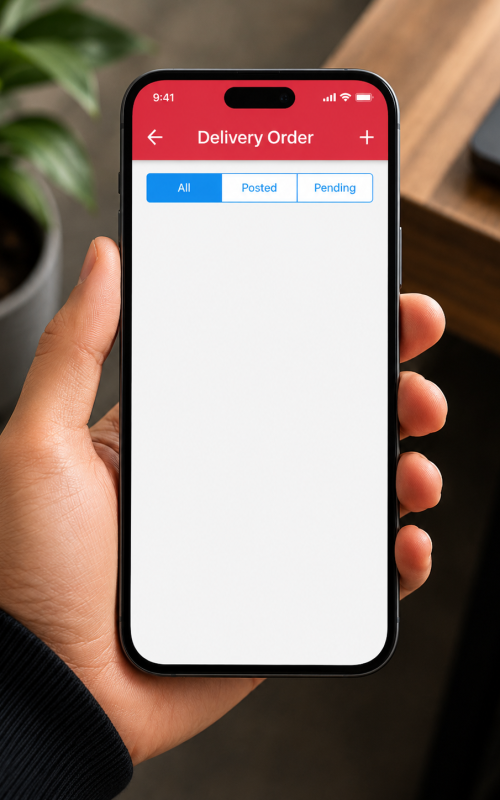
Generate official Delivery Orders dynamically from the scanning device. Ideal for environments where picking and shipping happen simultaneously, or for delivery fleets directly loading trucks.
Creation Workflow
Initiate: Click the “+” FAB (Floating Action Button) to create a new blank DO document.
Assign Debtor: Search and select the appropriate Customer from the live AutoCount database.
Scan & Load: Scan the barcodes of the items as they are being physically loaded onto the delivery vehicle or handed to the courier.
Generate DO:Post the data back to the server. The office can immediately print the official AutoCount DO paper for the driver, or process it into an Invoice.