
Run your FMCG distribution business with better control over customer orders, stock movement, purchasing, accounting and reporting.
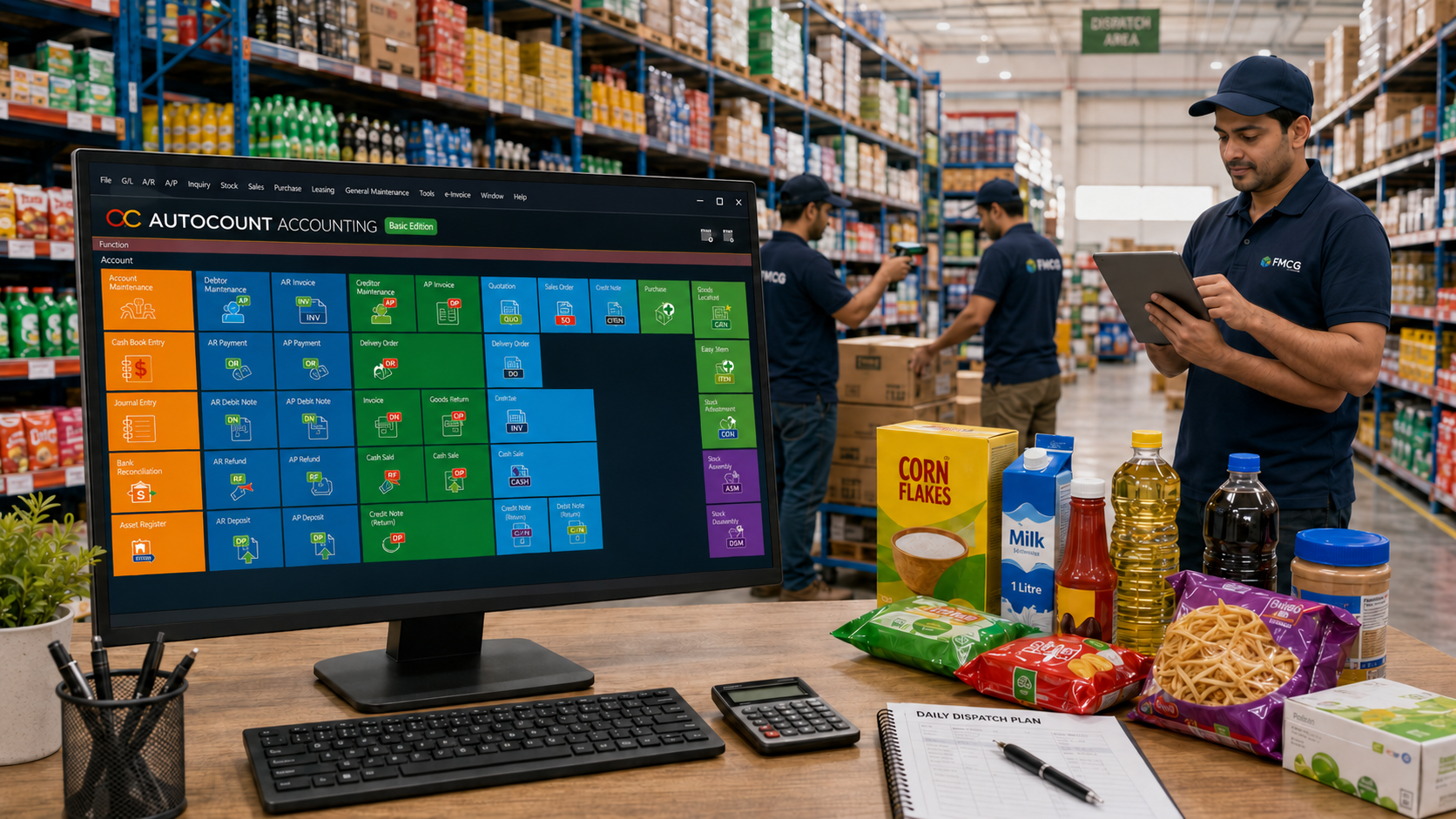
FMCG distributors handle many customer orders every day. Orders may come from salespeople, phone calls, WhatsApp, repeat customers or walk-in trade buyers.
When sales records are scattered, your admin team may spend too much time checking prices, confirming stock, preparing delivery orders and issuing invoices.
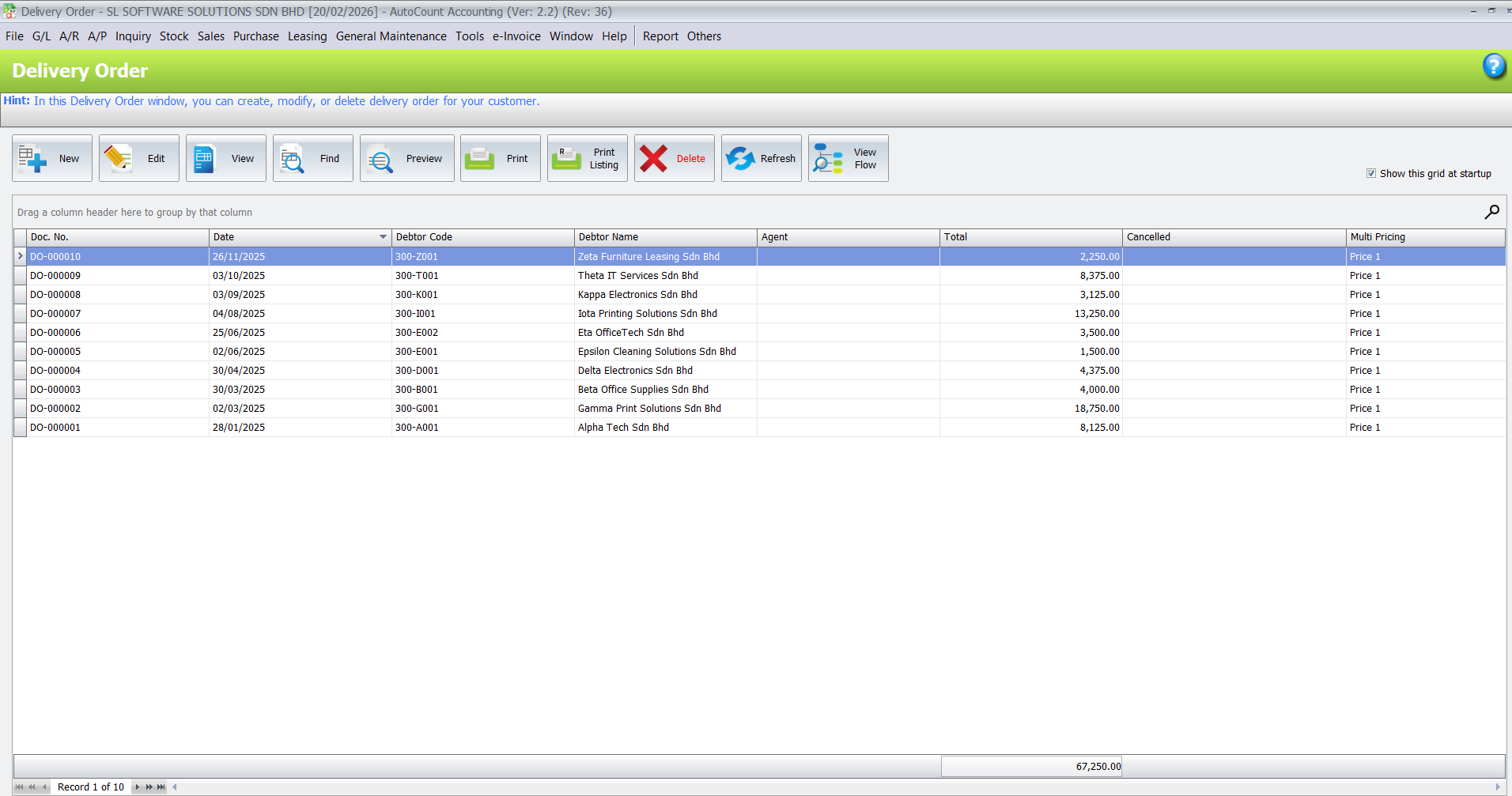
With AutoCount, your team can manage sales documents in a more structured way, including quotations, sales orders, delivery orders, invoices, customer records and payment tracking. This helps reduce repeated data entry and makes every transaction easier to trace.
Stock accuracy is one of the biggest challenges for FMCG distributors. Fast-moving products, many SKUs, frequent replenishment and customer demand changes can make inventory difficult to control manually.
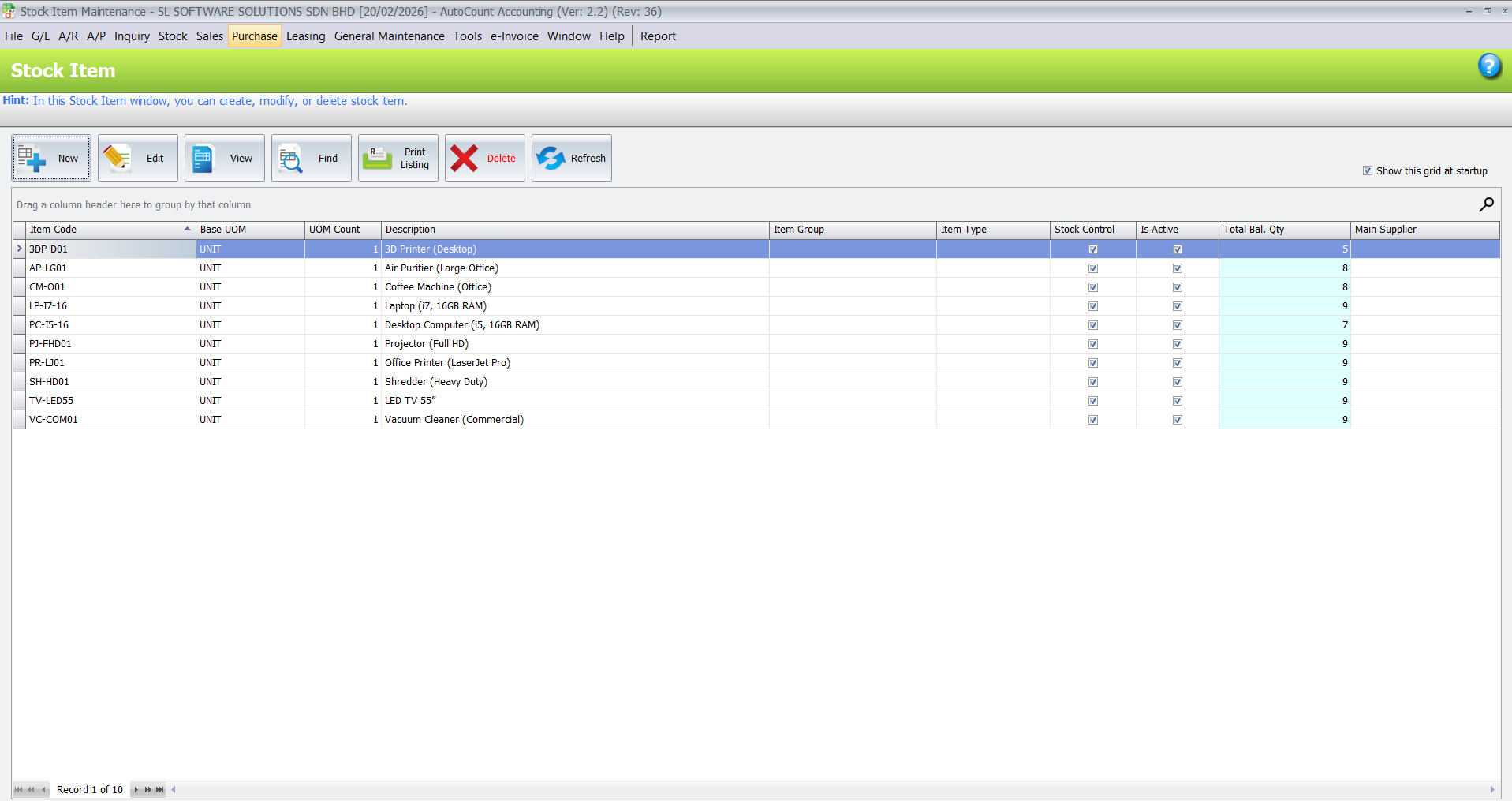
AutoCount helps your team monitor stock balance, stock movement, item records and stock reports more clearly. This makes it easier to check product availability before confirming customer orders.
FMCG distributors need to manage supplier purchases carefully because purchase cost directly affects profit margin.
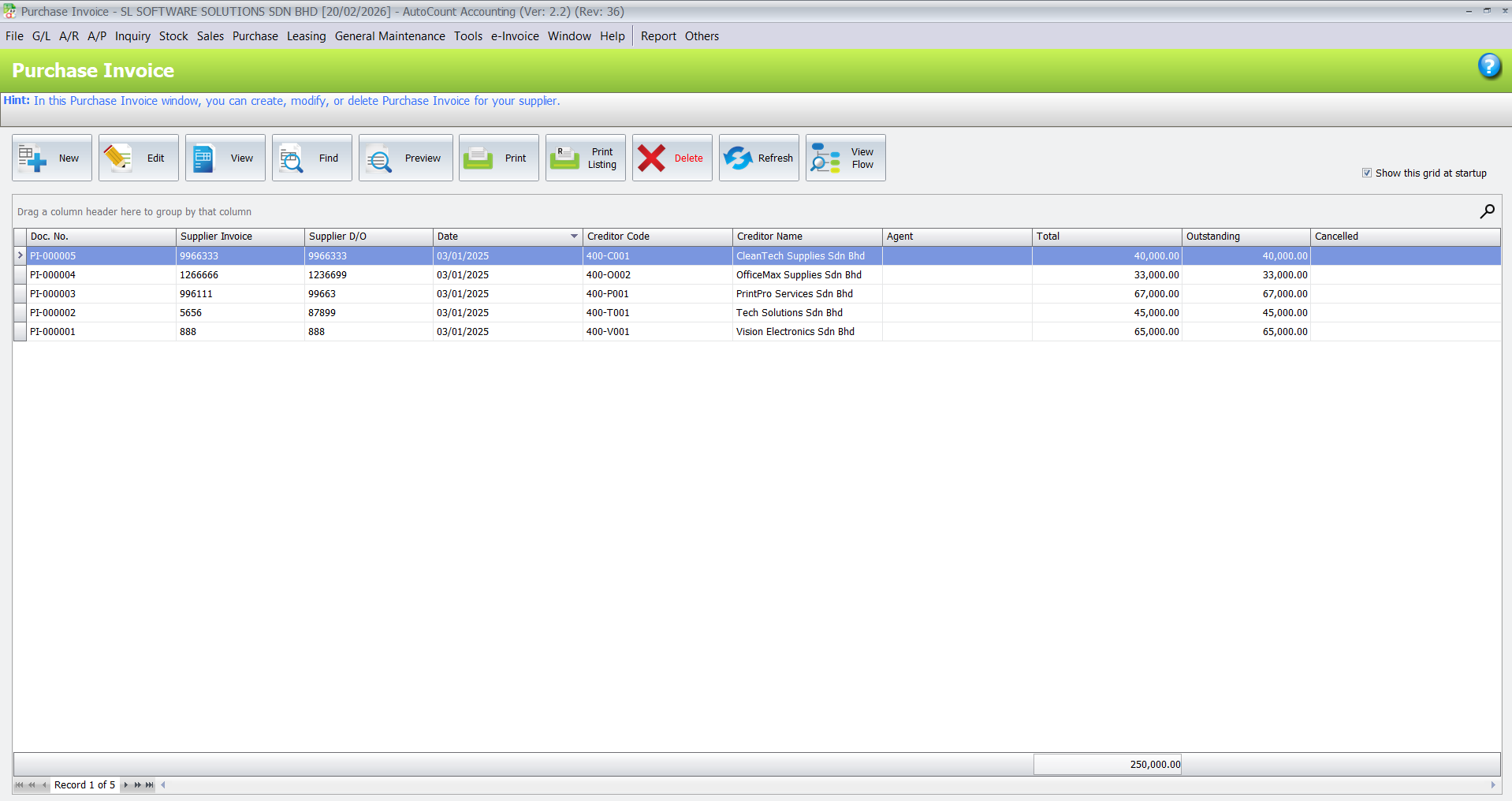
With a proper purchasing workflow, your team can record purchase orders, goods received, supplier invoices, supplier payments and outstanding balances more systematically.
This helps management understand what has been ordered, what has arrived, what has been billed and what still needs to be paid.
Many FMCG distributors rely on outdoor salespeople to collect orders from retail shops, mini markets, restaurants, pharmacies, dealers or trade customers.
If salespeople do not have updated product, pricing or customer information, mistakes can happen easily. Orders may be delayed, prices may be wrong, or admin teams may need to recheck everything manually.
AutoCount can support a better sales workflow by keeping customer records, product information, pricing and order history more organised. For businesses with outdoor sales teams, a Salesman App or mobile sales workflow can help improve communication between salespeople and the office.
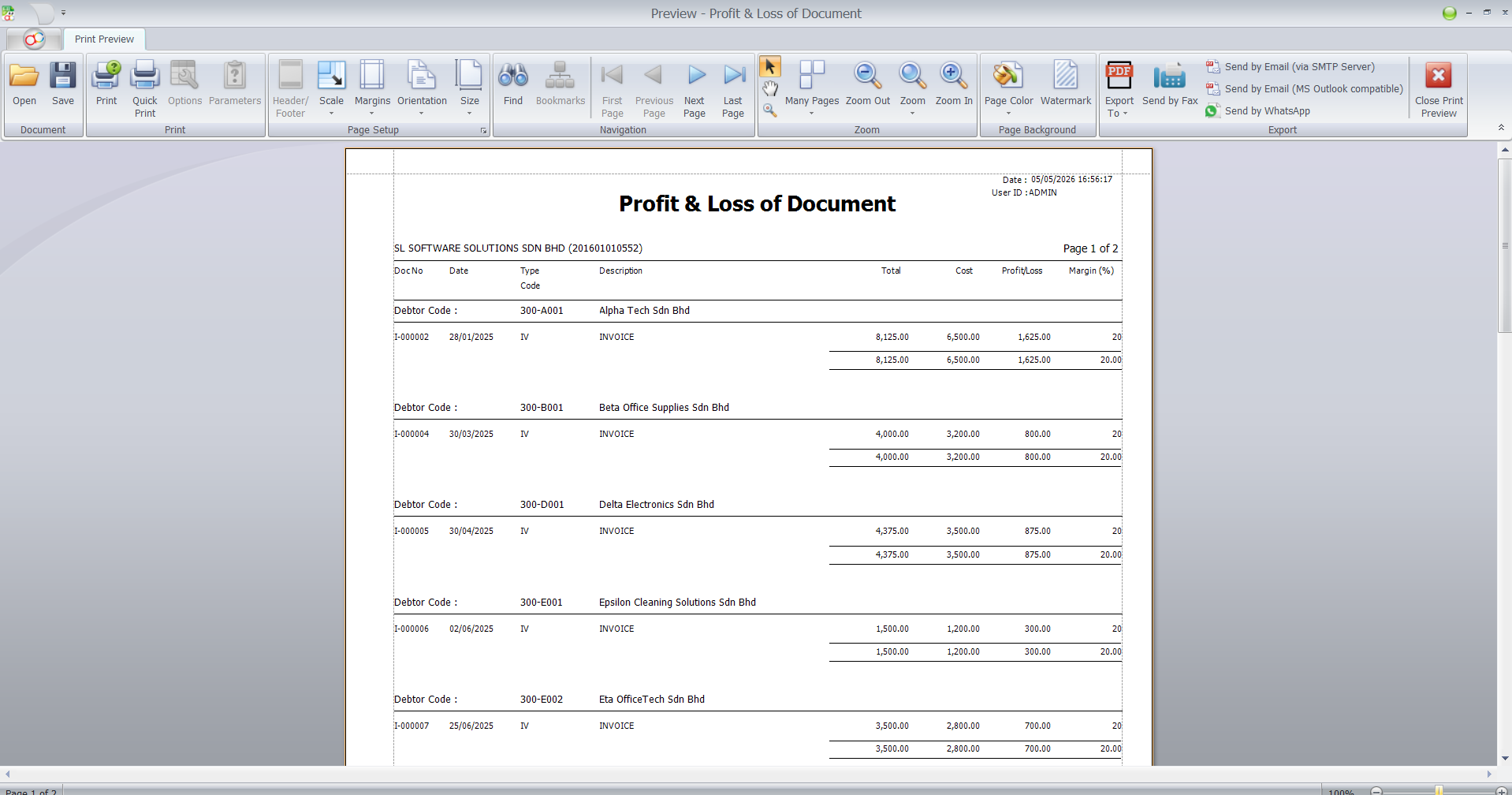
Business owners need more than sales figures. They need to know which products are moving fast, which items are slow-moving, which customers still owe money and whether the company is making profit.
AutoCount helps turn daily business transactions into useful management reports.
Useful reports for FMCG distributors may include:
When sales, purchases, inventory and payments are not properly recorded, month-end accounting becomes stressful.
Your accounts team may need to check missing invoices, customer receipts, supplier bills, stock adjustments and bank transactions manually.
AutoCount helps keep daily transactions connected to accounting records. This makes it easier for the accounts team to manage debtor records, creditor records, general ledger, profit and loss, balance sheet and month-end reporting.
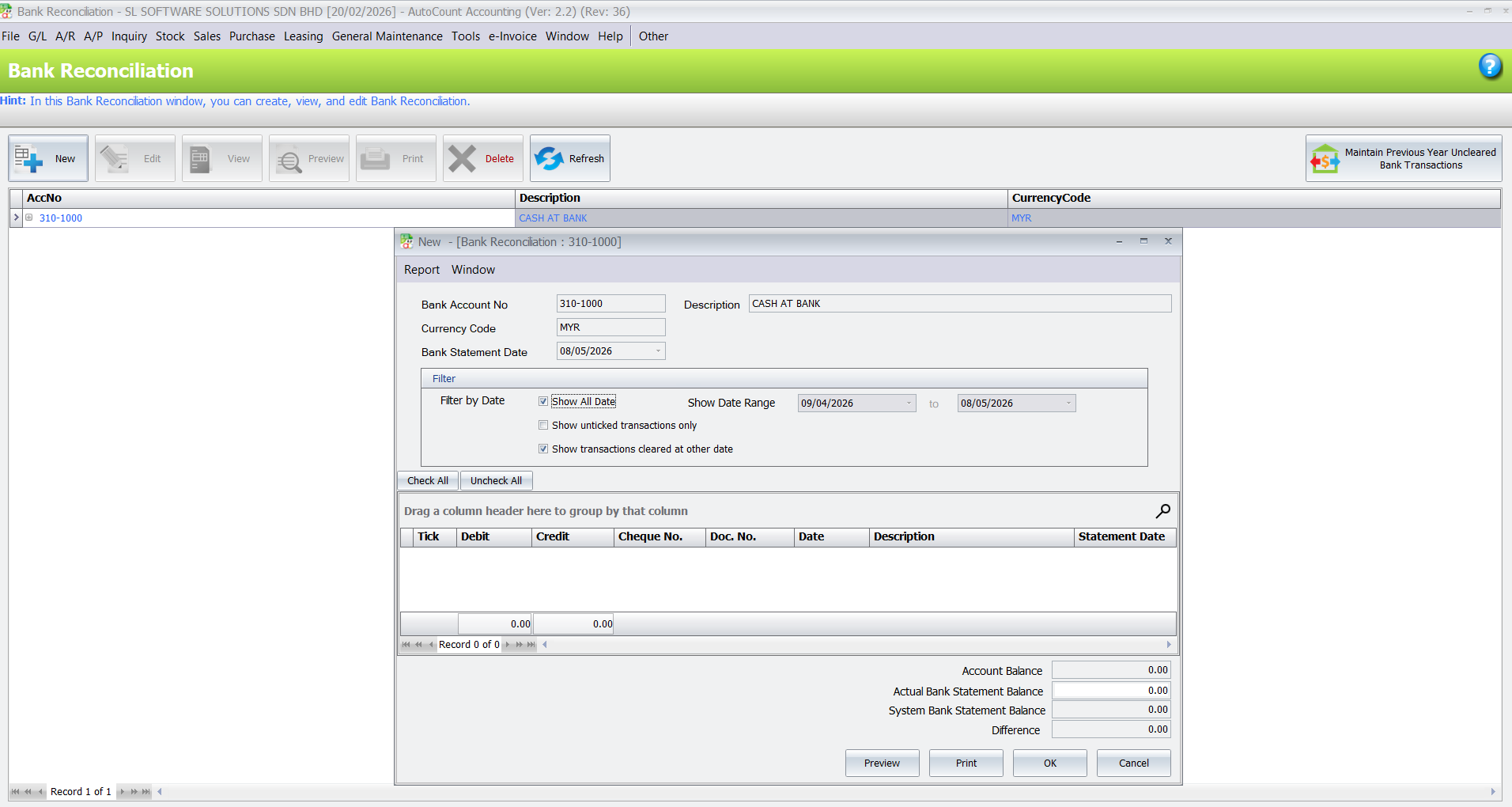
For FMCG distributors with many customer payments and bank transactions, AutoBank Reconciliation can also help reduce manual checking work.
As e-Invoice becomes part of business operations in Malaysia, FMCG distributors need to maintain proper customer information, invoice details and transaction records.
This is especially important for distributors that issue many invoices daily or deal with many trade customers.
AutoCount e-Invoice helps businesses manage invoice data more systematically and support e-Invoice workflow preparation. With better records, your team can reduce last-minute pressure when handling e-Invoice requirements.
For financial records, debtor, creditor and reports.
For stock balance, stock movement and item records.
For quotation, sales order, delivery order and invoice.
For purchase order, supplier invoice and supplier outstanding.
For structured invoice data and e-Invoice preparation.
For outdoor salespeople and customer order collection.
For multiple warehouses, branches or stock locations.
For import, export or foreign currency transactions.
For businesses with many bank transactions.
For salary, overtime, allowance, claims and staff records.
For special pricing, stock workflow, barcode or custom reports.
Food and beverage distributors
Snacks and confectionery distributors
Frozen food distributors
Household product distributors
Personal care product distributors
Pharmacy and healthcare product distributors
Stationery and office supply distributors
Mini-market and grocery suppliers
Import and trading distributors
Multi-warehouse distributors
Distributors with outdoor sales teams
mport and trading distributors
Business Understanding
We learn how your FMCG distribution business works — sales order flow, stock movement, warehouse process, purchasing, customer payment terms, accounting and e-Invoice preparation.
System Setup
We configure AutoCount to match your daily operation, document flow, inventory control, sales billing and accounting requirements.
Module and Plugin Recommendation
We suggest only the AutoCount modules, add-ons or plugins that make sense for your business reality, such as inventory, multi-location, Salesman App, payroll, reporting or custom plugins.
Training
We train your team to use AutoCount correctly for sales order, invoice, delivery order, stock checking, purchase entry, customer payment and report checking from day one.
Support & Growth
As your business grows, we can help review additional needs such as multi-location, Salesman App, payroll, reporting or custom plugins.
We focus on real business usage, not just theory. Your team learns how to use the system for daily sales, stock, purchase, accounting and reporting work.
We explain system setup and workflow in a way that business owners, admin staff and accounts teams can understand.
Every FMCG distributor works differently. We help recommend a suitable AutoCount setup based on your products, customers, stock flow and sales process.
We support your team even after setup, including system questions, workflow improvement, e-Invoice preparation and future module or plugin planning.
Yes. AutoCount can support FMCG distributors with accounting, sales, purchasing, inventory, customer records, supplier records, reports and e-Invoice preparation. The actual setup should be planned based on your business workflow.
Yes. AutoCount Inventory and Stock Control can help manage item records, stock balance, stock movement and inventory reports. For special stock workflows, a suitable module or custom plugin may be recommended.
Yes. FMCG distributors with outdoor sales teams may consider AutoCount Salesman App or a mobile sales workflow to help manage customer orders and product information more systematically.
Yes. AutoCount e-Invoice helps businesses manage e-Invoice-related workflow and keep invoice data more structured for LHDN MyInvois preparation.
Yes. FMCG distributors with multiple warehouses, branches or stock locations may consider Multi-Location or Multi-Branch setup depending on their operation.
Yes. AutoCount Payroll or HRMS can help manage salary, overtime, allowance, claims, commission-related records and HR information depending on your setup.
Yes, it is highly recommended. FMCG distribution workflows can involve sales, stock, delivery, purchasing, accounting and e-Invoice. Proper setup and training help your team use the system correctly from the beginning.
Build a more organised FMCG distribution business with AutoCount.