
Manage multi‑currency trading, stock, purchasing, accounting and e‑Invoice with smarter business control.
Managing import and export operations manually can become difficult as your business grows. AutoCount for Import Export Business Malaysia helps companies manage sales, purchasing, inventory and accounting in one system.
With AutoCount, businesses can improve stock accuracy, monitor cash flow, reduce paperwork and handle e-Invoice processes more efficiently.
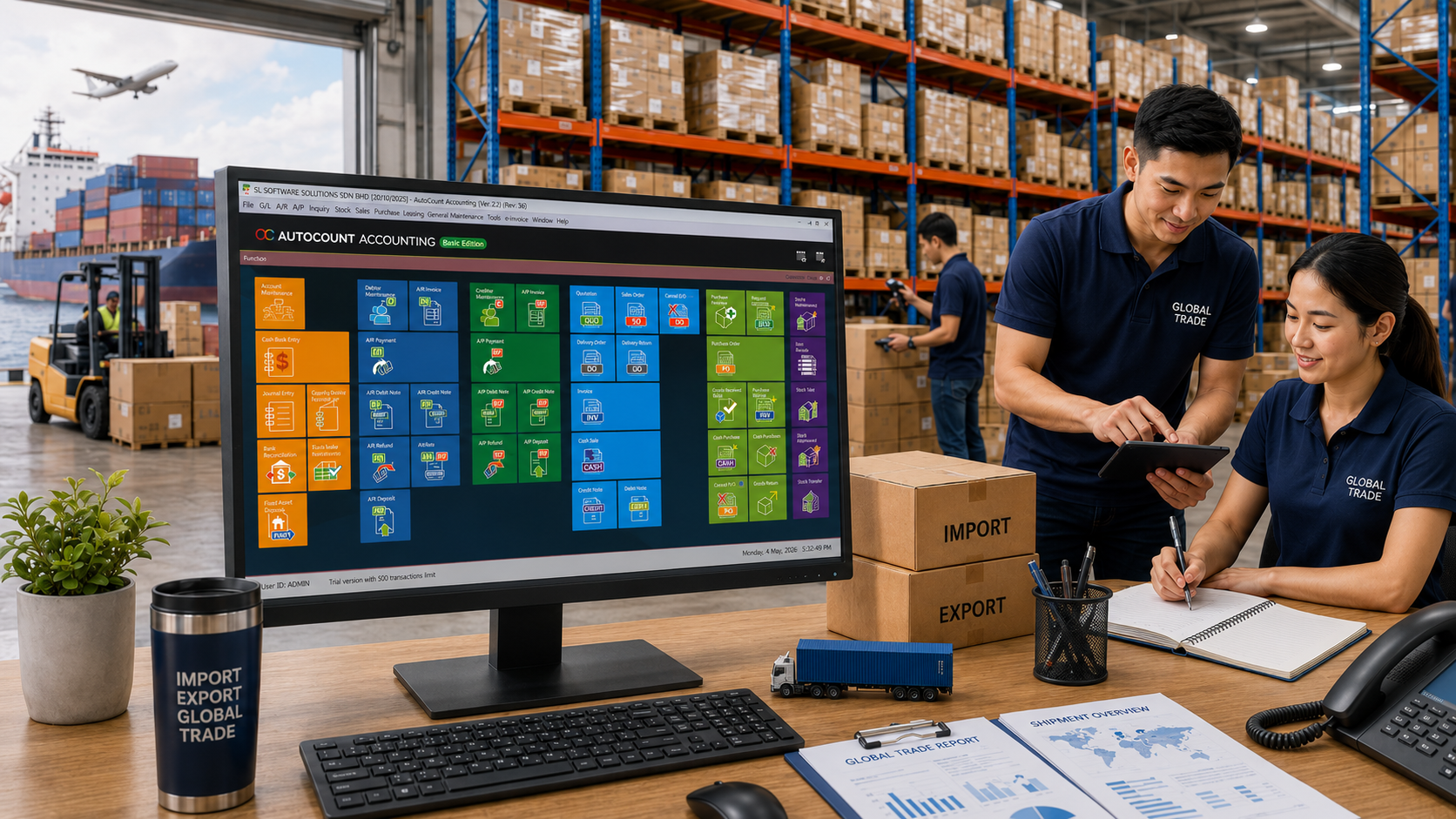
Import and export companies often transact in USD, RMB, SGD, EUR or other currencies. This adds complexity compared to local‑only trading.
Ideal for:
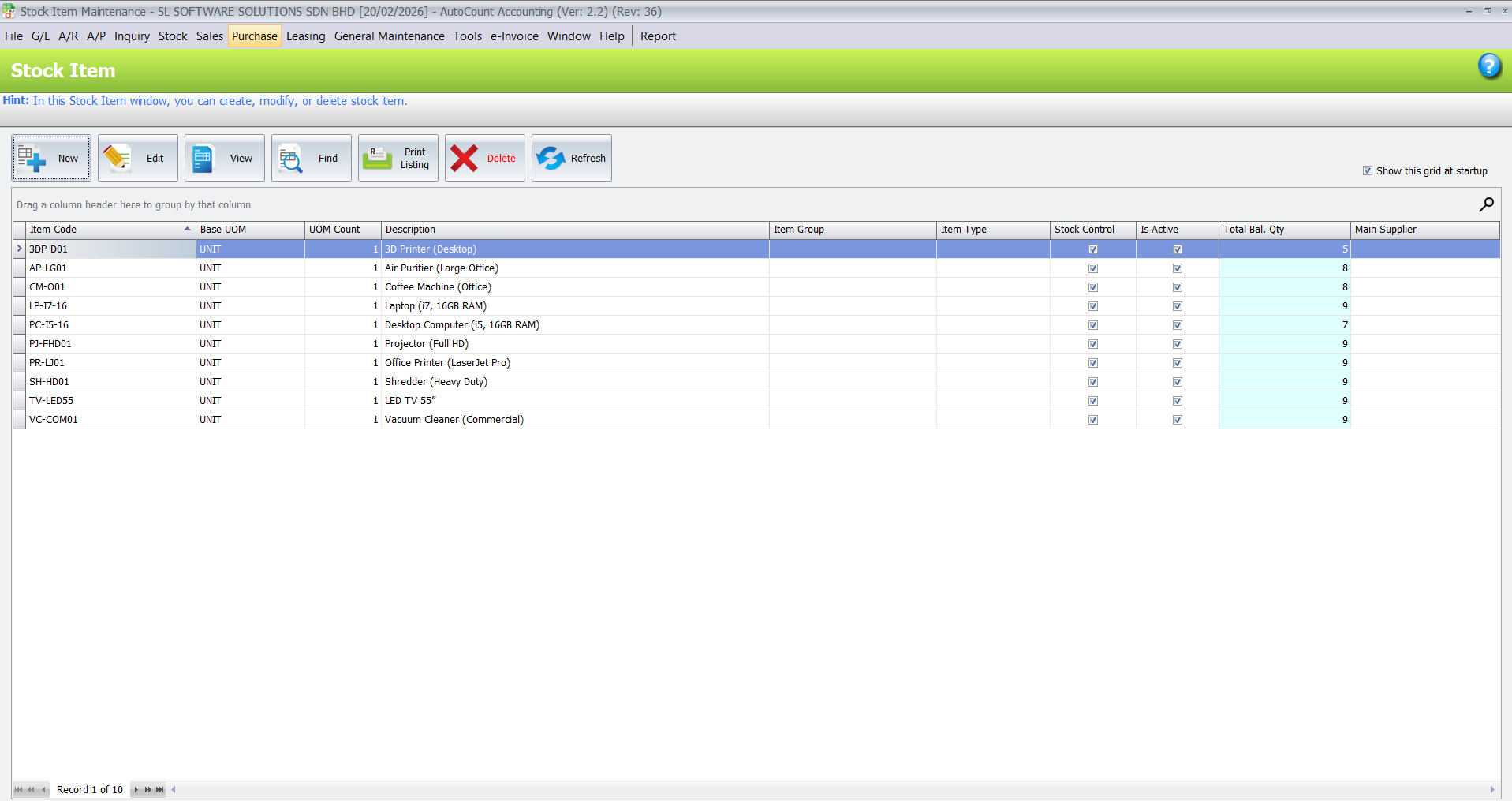
Stock is one of your most important assets. Imported goods may arrive in batches, move between warehouses, be reserved for customers or await customs clearance.
If stock records aren’t accurate, you risk stockouts, overstocks, shipment delays and blind spots in costing.
With AutoCount Inventory, your team can easily:
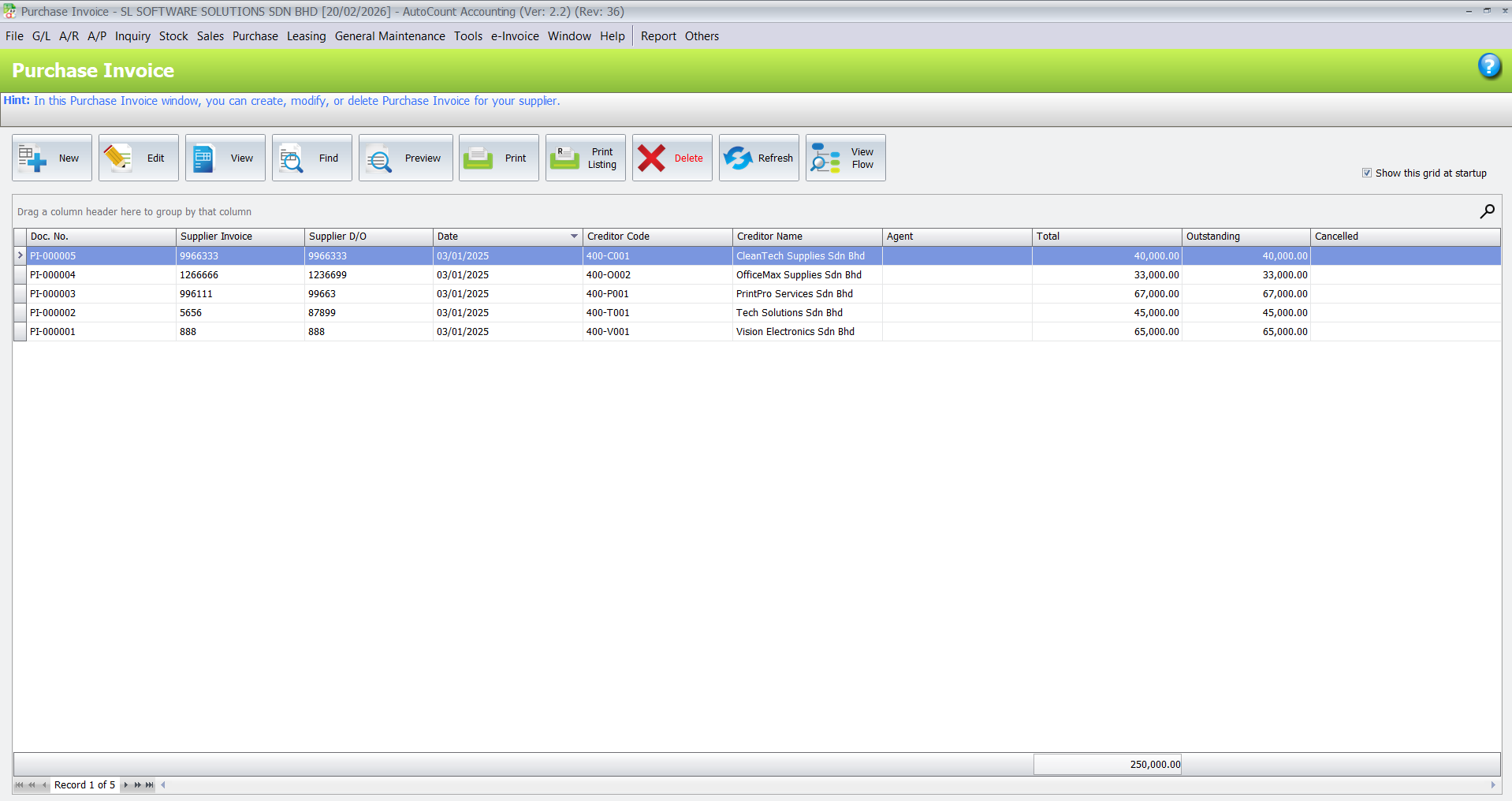
Importers deal with supplier quotations, purchase orders, shipment costs and payment deadlines. When records are scattered, it’s hard to know what’s been ordered, billed or paid.
AutoCount Purchase brings all supplier transactions together, helping you manage:
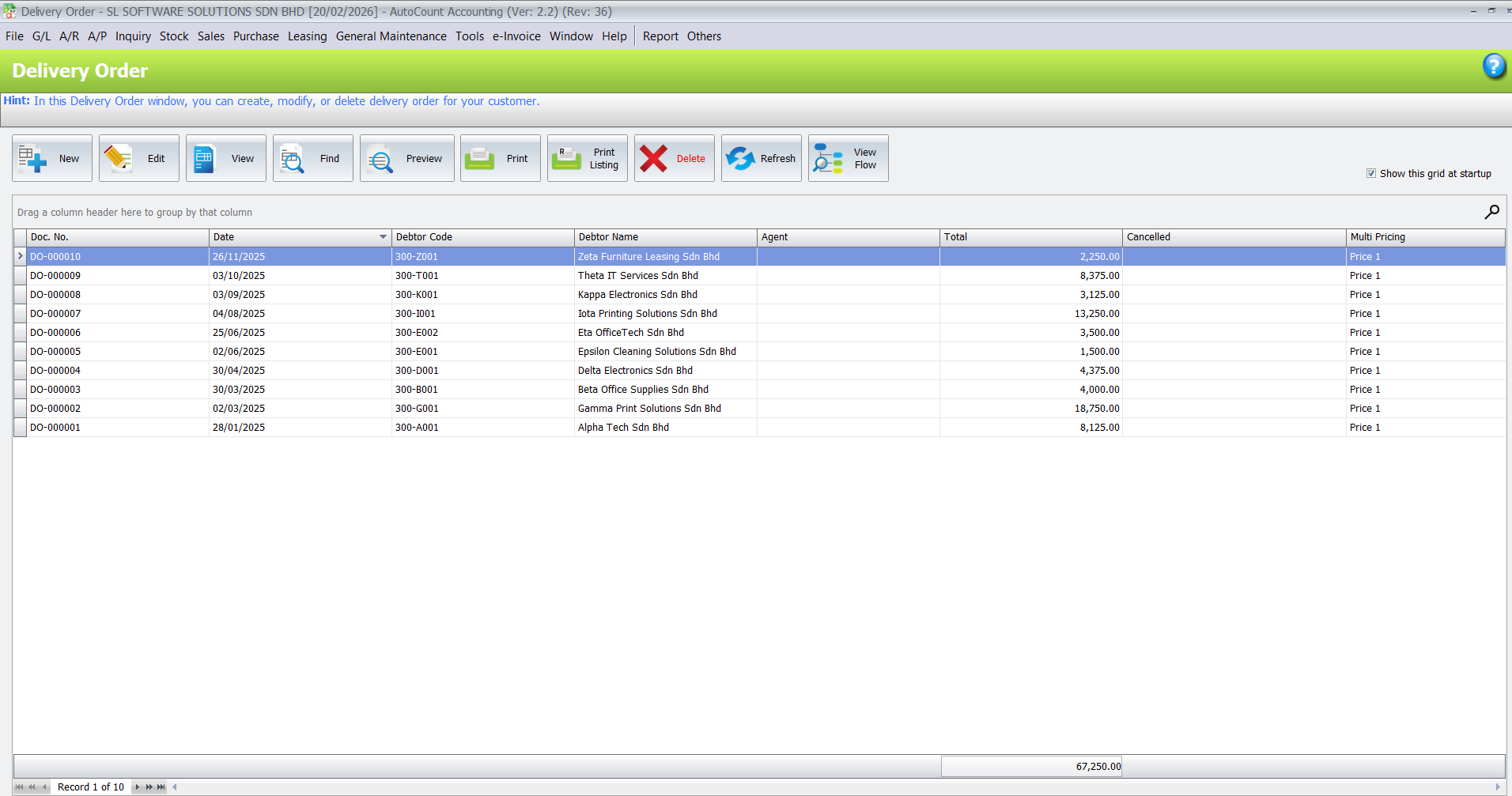
Sales in import/export often include quotations, multiple delivery orders, invoices, payment terms and currency details. Without a central system, teams spend too much time tracking order status or payment records.
AutoCount Sales helps you manage:
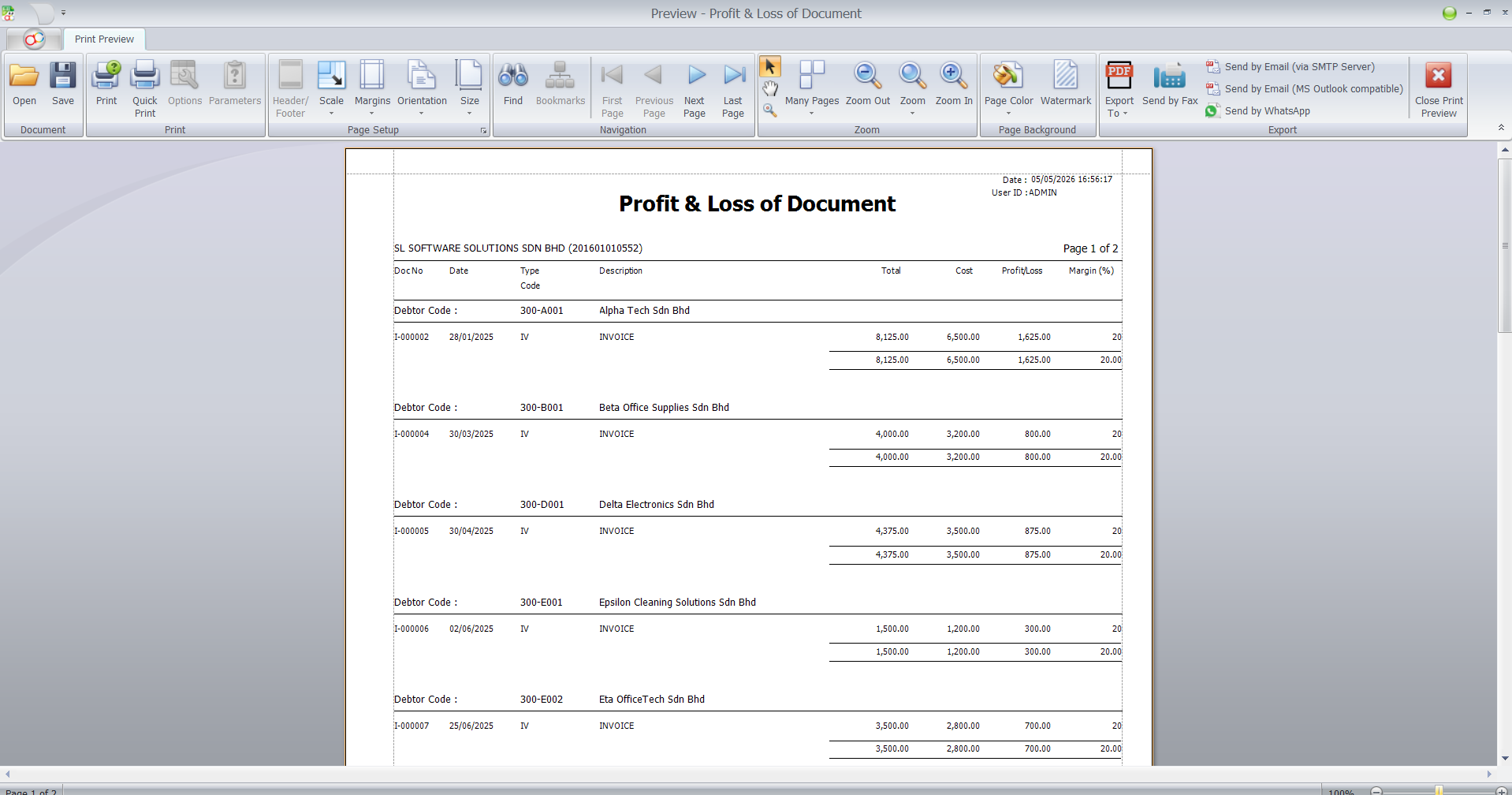
Good reporting transforms daily transactions into actionable business insight. Import and export owners need visibility on:
AutoCount reporting helps answer key business questions without extra manual work.
Month‑end closing in import & export requires accurate recording of sales, purchases, payments, stock value and bank transactions — including foreign currency adjustments.
AutoCount Accounting helps keep:
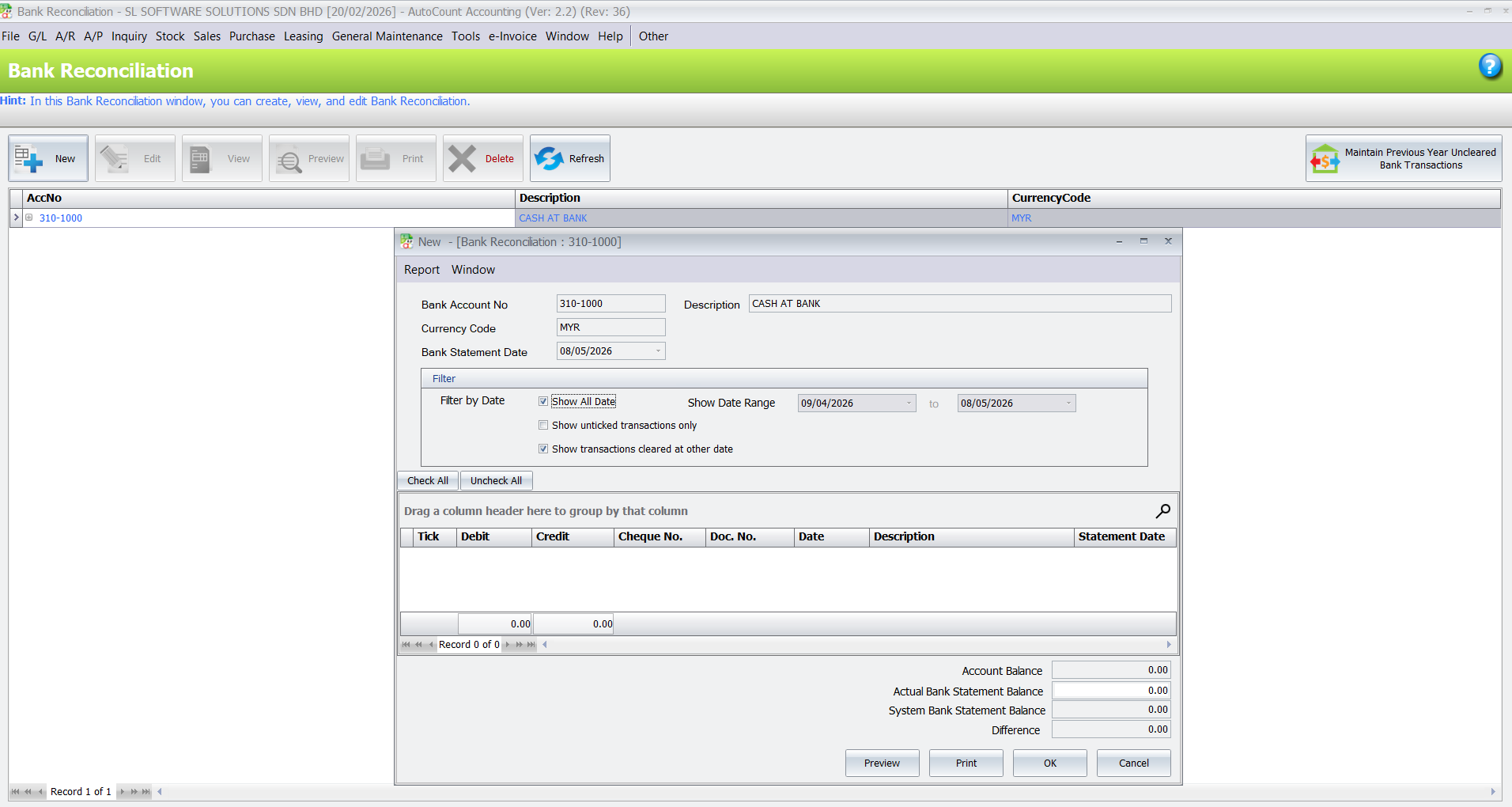
For heavy bank activity, AutoCount AutoBank Reconciliation simplifies matching and reduces reconciliation time.
Malaysia’s e‑Invoice framework requires structured invoice and customer data. For import/export companies — dealing with multiple customers, suppliers and currency formats — clean data is critical.
AutoCount e‑Invoice helps you maintain consistent invoicing records ready for submission, reducing manual re‑entry and compliance headaches.
Core financial records & reports
Stock movement & balance
Sales, orders & customer management
Supplier transactions & AP reports
Structured invoice data for compliance
For mobile sales teams
For foreign currency trading
Makes bank reconciliation easier
Staff & payroll control
For unique import/export workflows
Business Understanding
We learn your import & export workflow, stock locations, currency handling and reporting needs.
System Setup
We configure AutoCount modules based on your operation.
Data & Workflow Planning
Records, access, numbering, menu setup and reporting templates.
Training
Hands‑on training for admin, accounts, warehouse and sales teams.
Support & Growth
Ongoing support and guidance as your business evolves.
We focus on real business usage, not only software theory. Your team learns how to use AutoCount for daily operations.
We explain sales, stock, accounting, e-Invoice and reporting workflows in a way that business owners and staff can understand.
Different wholesale businesses have different workflows. We help recommend a suitable AutoCount setup based on your products, customers, suppliers and operation style.
We support your team even after training, so your business can continue improving the system as your operation grows.
Yes. AutoCount supports sales, purchases, inventory, multi‑currency, accounting and e‑Invoice workflows.
Yes. AutoCount Multi‑Currency records and reports foreign currency sales and purchases.
Yes. AutoCount Inventory tracks stock balance, movements and location records.
Yes. AutoCount Purchase helps manage POs, invoices and outstanding balances.
Yes. AutoCount e‑Invoice helps structure invoice data for compliance.
Yes. Proper setup and training help your team adopt AutoCount effectively.
Yes. AutoCount Payroll / HRMS can help manage payroll and staff records.
Build a more organised import & export business with clearer sales, stock, accounting, multi‑currency and e‑Invoice control using AutoCount.