

Looking for an AutoCount download in Malaysia? Find official software download resources for AutoCount Accounting 2.0, AutoCount POS 5.0 and compatible plugins.
You can also register directly for an AutoCount Cloud Accounting free trial — no desktop installation required.
Need browser-based accounting? Register for the Cloud Accounting free trial.
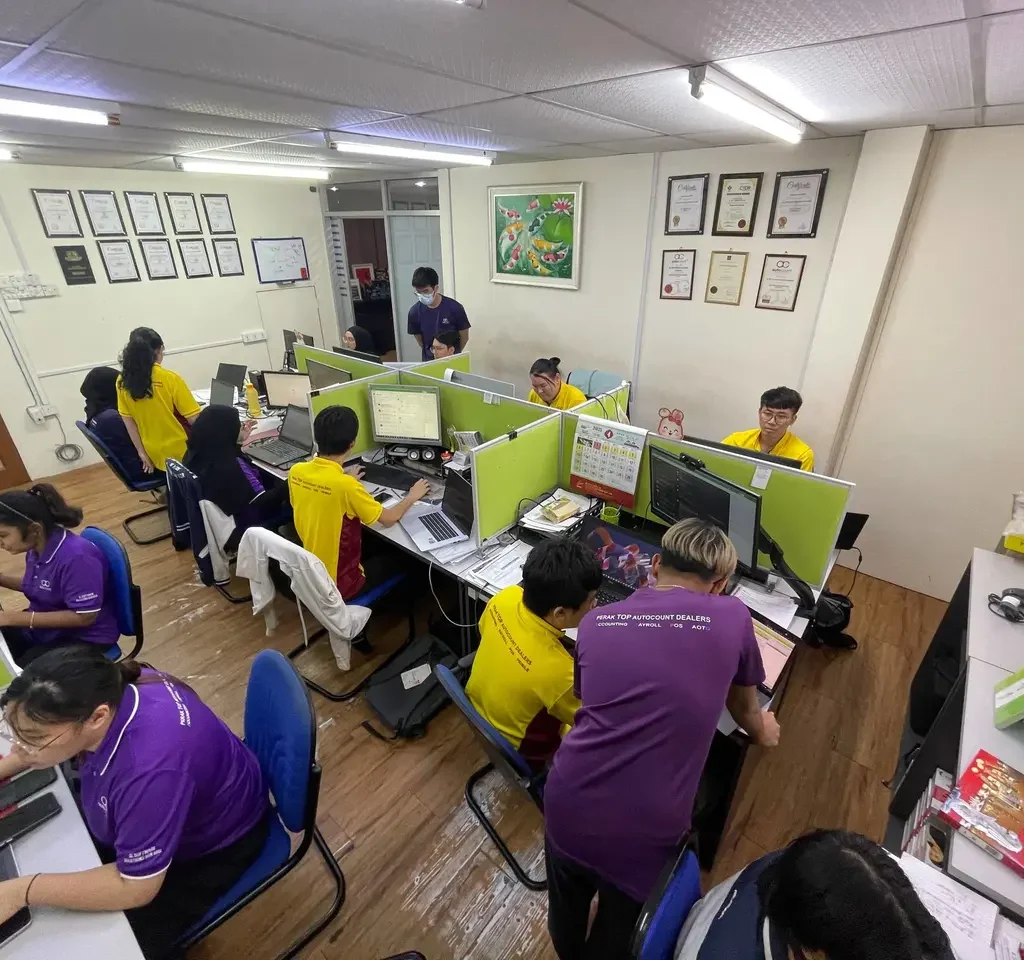
SL Software Solutions — local Malaysian support team.
Select the right AutoCount download for your business. Accounting 2.0 and POS 5.0 are Windows desktop products; Cloud Accounting runs in a web browser without a local installer.

For accounting, invoices, sales, purchases and inventory management.
Check your licence and installed version before updating.
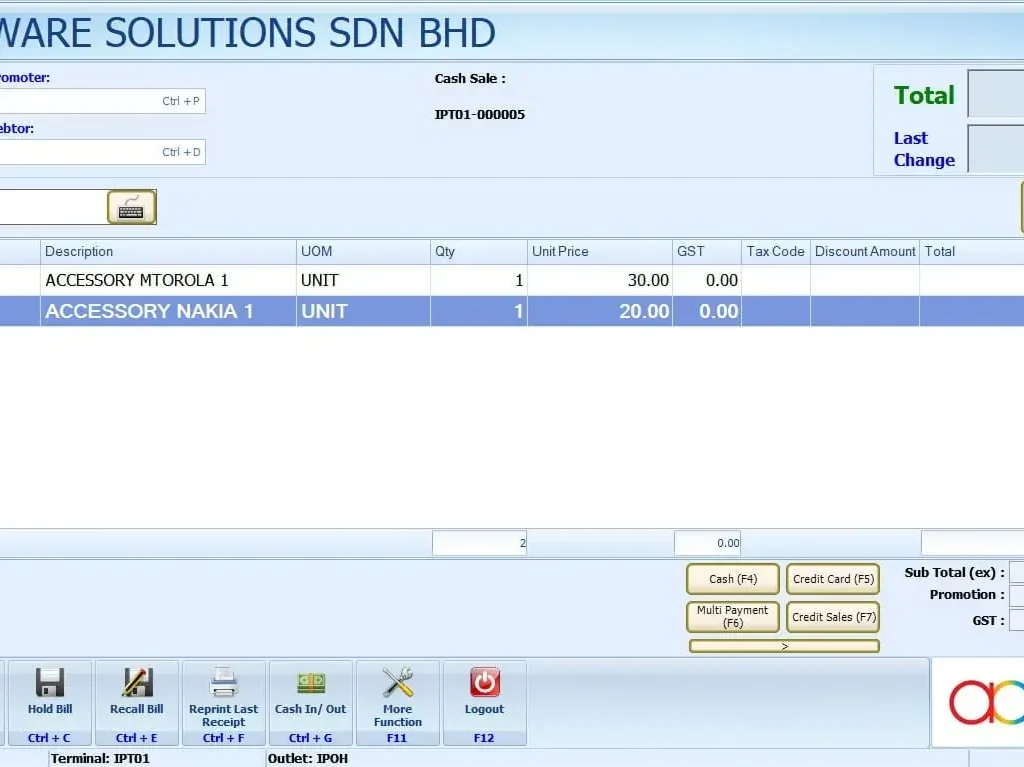
For retail checkout, sales and day-to-day counter operations.
Confirm your POS build and hardware compatibility.

Start online without installing Windows desktop accounting software.
Registration is handled directly by AutoCount.
Find additional extensions, utilities and dedicated plugin information.
Plugin compatibility and licence requirements vary.
Already using AutoCount? Follow these three checks before installing or upgrading.
Confirm your Accounting 2.0 or POS 5.0 build and licence.
Save a verified backup before upgrading an existing system.
Review Windows, SQL Server, hardware and plugin requirements.
Product names refer to software series, not the latest installer build. Verify release details at the official download source.
Find helpful information without browsing multiple duplicate download pages.
Quick answers about AutoCount downloads, cloud registration and installation.
Visit the official AutoCount software download page. Confirm the installer build and your existing licence before installing.
Use the official software downloads or contact SL Software to confirm the correct POS 5.0 package for your shop.
No. Cloud Accounting works through a supported browser. Use the official trial registration button to get started.
Some plugins require a separate licence or activation. Check the plugin details and compatibility before use.
Yes, subject to compatibility and your licence. Check the required release and back up your company data before upgrading.
Contact SL Software with your product name, version and any error message for guidance.
SL Software Solutions helps Malaysian businesses choose, install and use AutoCount software.

SL Software Solutions team in Malaysia.