
Streamline your supplier invoices, eliminate errors, and gain complete financial control.
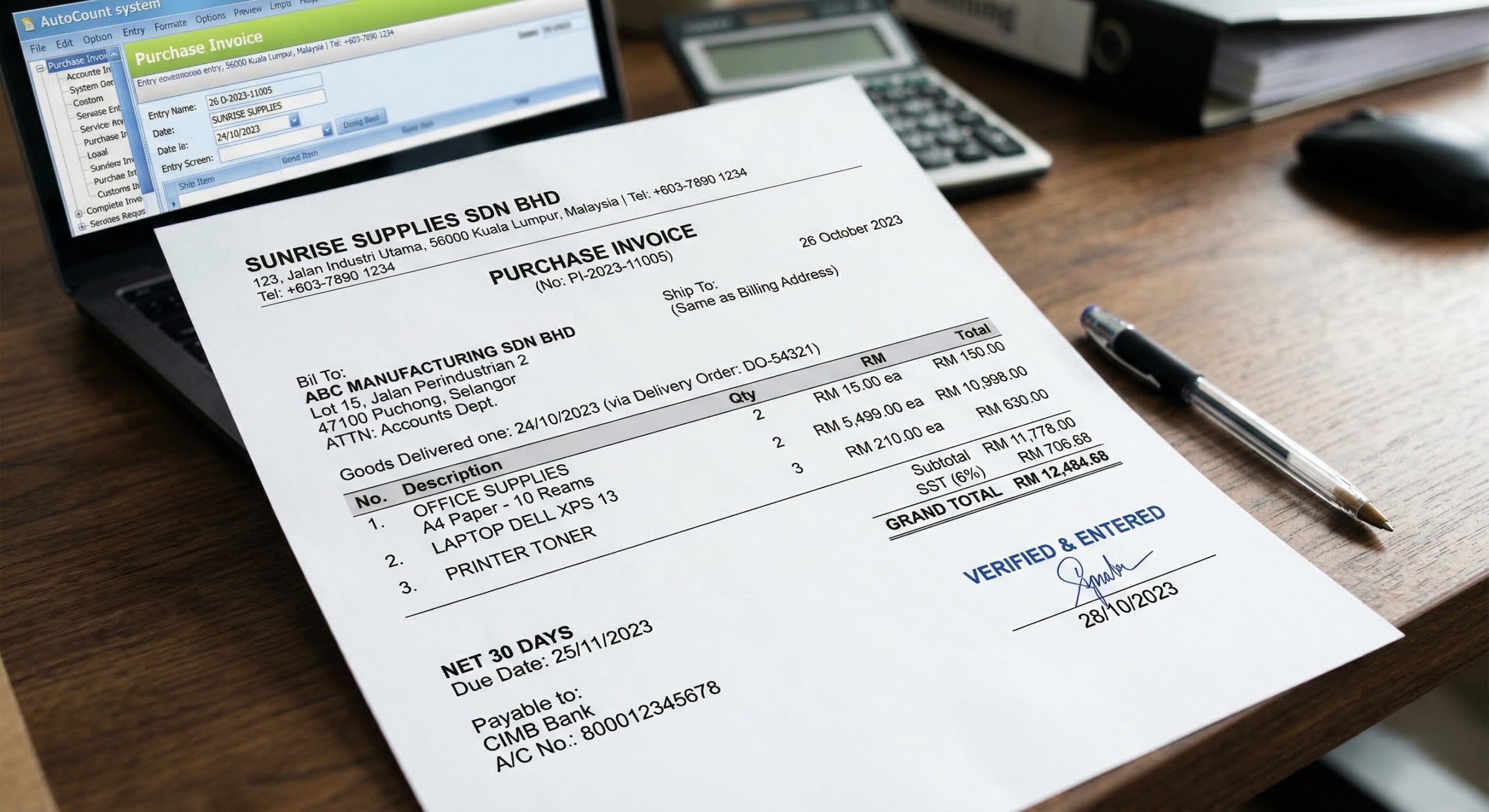
A Purchase Invoice in AutoCount is used to record the invoice received from a supplier after goods or services have been delivered.
Typically, the supplier sends an invoice to request payment once the items or services are delivered. The company then updates this invoice into the Purchase Invoice module in AutoCount for verification, recording, and payment processing.
“This function helps the accounting department ensure that the invoice details—such as quantity, price, and total amount—are correct before making payment to the supplier.”
The Purchase Invoice can be linked directly to a Purchase Order (PO), ensuring that all items, quantities, and prices in the invoice are consistent with approved data, providing better control and visibility over purchasing transactions.
The system allows the Purchase Invoice to be matched with the Goods Received Note (GRN), ensuring that only received goods are invoiced, helping businesses avoid overpayment for undelivered items.
AutoCount automatically verifies the supplier’s invoice by matching it with PO and GRN data, ensuring accuracy in quantities and pricing while reducing manual errors.
Tax rates and payment terms are automatically applied from the Purchase Order, ensuring consistency in financial processing while allowing flexible adjustments when needed.
Once confirmed, the system will automatically post entries to the General Ledger (GL), ensuring accurate and up-to-date financial records without manual input.
After approval, AutoCount enables payment entry creation, allowing businesses to track outstanding payments and manage supplier transactions more efficiently.
The process starts by creating a PO in AutoCount, listing the goods or services to be purchased from a supplier.
Once the supplier delivers, a Goods Received Note (GRN) is created to confirm receipt and link it back to the PO.
The Purchase Invoice is generated by selecting the PO and GRN. The system auto-fills details to ensure accuracy.
Accounting verifies that the invoice price matches the PO and GRN. Any necessary adjustments are made before finalizing.
Once saved, the system automatically posts financial entries to the General Ledger, updating Accounts Payable and Inventory.
Finally, the system allows you to manage and process supplier payments based on the agreed credit terms.
The automatic linking of the PO, GRN, and Purchase Invoice ensures faster and more accurate processing of invoices. The system auto-populates data, reducing manual work and errors.
With the automatic GL posting feature, the Purchase Invoice ensures that all financial transactions are recorded correctly in the accounting system. This helps maintain accurate financial records without the need for manual entries.
By linking the GRN to the Purchase Invoice, AutoCount ensures that the invoice reflects only the goods actually received, preventing the company from overpaying for items that have not been delivered.
The Purchase Invoice function ensures that taxes (e.g., GST) are applied correctly, and tax information is automatically included in the accounting entries. This helps maintain compliance with tax regulations.
The Purchase Invoice allows the accounting team to easily verify supplier invoices before making payments, ensuring that payments are only made for correctly delivered and invoiced goods. This reduces the risk of disputes and strengthens supplier relationships.
By tracking outstanding invoices and supplier payment terms, AutoCount helps you manage your accounts payable effectively and ensures timely payments, improving cash flow management.
| Step | Details & Actions |
|---|---|
| 1 | Purchase Order: Create a Purchase Order (PO) for 50 laptops with Supplier A at a price of RM 2,000 per unit. |
| 2 | Goods Received: Supplier A delivers 50 laptops; create a Goods Received Note (GRN) to confirm receipt. |
| 3 | Invoicing: Create the Purchase Invoice by pulling details (quantity, price, tax) directly from the PO and GRN. |
| 4 | Verification: The accounting department verifies the invoice to ensure a perfect match with the PO and GRN. |
| 5 | Posting: Once verified, save the invoice. GL entries are automatically posted to the system. |
| 6 | Payment: Process the Payment to Supplier A based on the finalized invoice terms. |
A Purchase Invoice in AutoCount is used to record the invoice received from a supplier after goods or services are delivered. It allows the accounting department to verify the invoice details before processing payment.
The Purchase Invoice helps businesses verify supplier invoices, record transactions accurately, and update financial records automatically in the General Ledger.
A Goods Received Note (GRN) records the receipt of goods, while a Purchase Invoice records the supplier’s invoice requesting payment for those goods.
Transferring GRN to Purchase Invoice prevents duplicate quantity updates because the inventory was already updated when the GRN was created.
Yes. The Purchase Invoice can be linked to a Purchase Order (PO) to ensure that the invoice matches the ordered items, quantities, and prices.
Manage supplier invoices efficiently with AutoCount.
Record invoices, verify purchase details, and track payments accurately with an integrated accounting system.