
A Purchase Order is a formal purchasing document used to confirm what the company intends to buy from a supplier. In AutoCount, a PO can be entered manually or transferred from another document such as Request Quotation, and in some workflows from Sales Order. The PO itself does not update stock or G/L.

A Purchase Order (PO) is a formal document issued to a supplier to confirm the items or services being ordered, together with quantities, agreed prices, delivery information, and payment terms. It is part of the purchasing control process and provides a clear reference for the buyer, supplier, receiving team, and accounts team.
“In AutoCount, the PO is primarily a source document for purchasing control and document tracking. It helps the company monitor outstanding orders, trace related documents, and maintain better procurement records.”
A Purchase Order is commonly used but not required; it can be created directly or generated from RFQ or Sales Order processes.

| Document | Effect on Stock | Effect on G/L / A/P |
|---|---|---|
| Request Quotation | No stock movement | No G/L posting |
| Purchase Order | No stock movement | No G/L posting |
| Goods Received Note | Increases stock | No G/L posting |
| Purchase Invoice | May increase stock if entered directly or transferred from Request Quotation / Purchase Order | Posts to A/P and related G/L accounts |
| Purchase Invoice transferred from GRN | No additional stock increase | Posts to A/P and related G/L accounts |
This distinction is important because many users confuse the PO with stock receipt or supplier billing. In AutoCount, the PO is a commitment document, not a posting document.
Create a new PO manually, or use Transfer From to bring in details from Request Quotation. In some workflows, AutoCount also allows transfer from Sales Order.
Confirm the supplier, branch, order date, credit terms, delivery address, and item details.
Review item quantities, unit prices, discounts, taxes, remarks, and any required delivery instructions.
Use transfer to downstream documents later so the document trail and outstanding reports remain meaningful.
The exact columns can vary based on your AutoCount setup, activated options, and document customisation.
Creditor code, name, branch, and contact details.
PO number, date, and reference numbers.
Credit terms, currency, tax treatment, and discounts.
Item code, description, quantity, UOM, unit price, and line totals.
Delivery address, expected delivery date, and remarks.
Agent, project, department, or approval notes if your setup uses them.
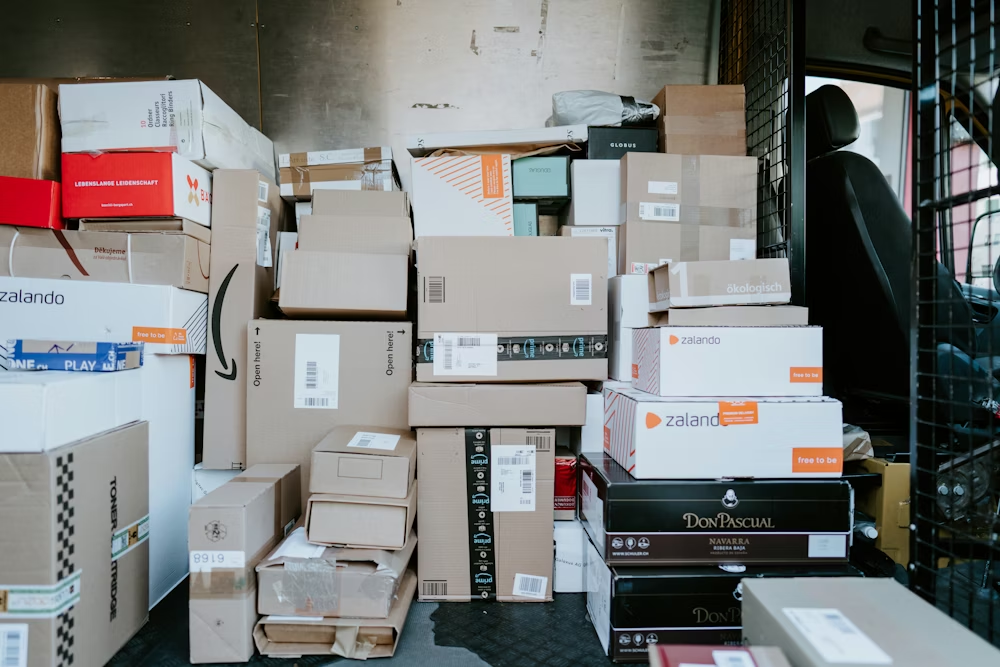
One of the biggest advantages of using PO properly is outstanding tracking. When a PO is transferred to Goods Received Note or Purchase Invoice, AutoCount can keep track of what has already been received or billed and what is still outstanding.
AutoCount includes reports that help users review Purchase Orders more effectively. The Purchase Order Listing provides an overview of Purchase Orders by supplier, date, item, quantity, amount, and status. The Outstanding Purchase Order Listing highlights orders that are still open or only partially received.
These reports make it easier to track pending purchases, follow up with suppliers, and review incoming stock before creating another order. This gives users better visibility and helps improve purchasing control.
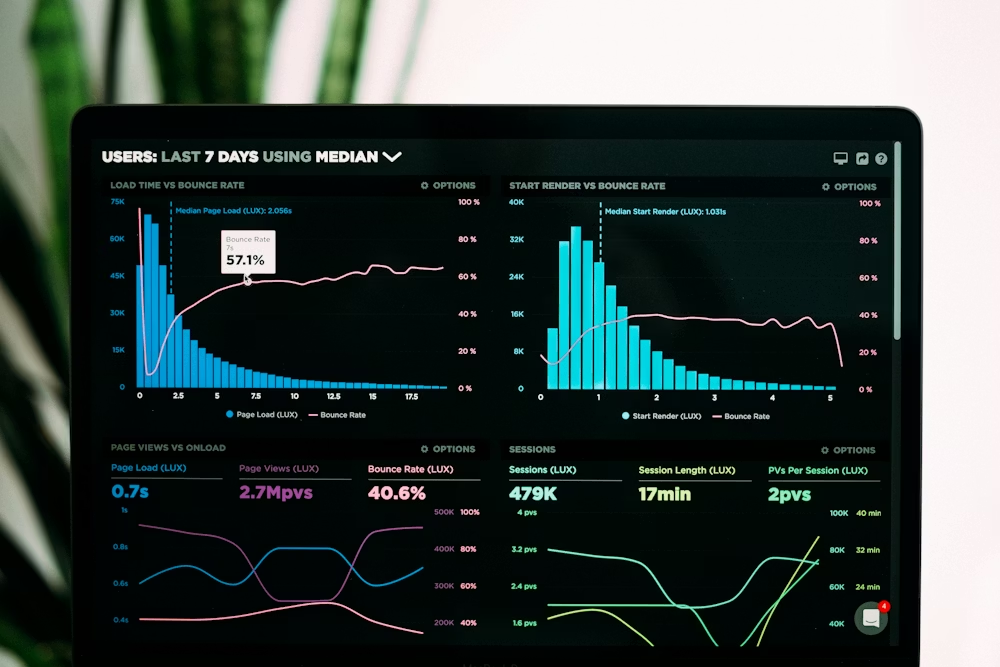

AutoCount stock status can take outstanding Purchase Orders into account when calculating available quantity. In simple terms, available quantity is not just physical stock on hand; it can also reflect incoming stock from open POs and commitments from other documents.
Because of this, the purchasing team can review on-hand quantity, outstanding PO quantity, and available quantity before issuing another PO. This helps users spot possible over-ordering or duplicated purchasing decisions, even if the system is not configured as a strict automatic blocker.
Approval behaviour depends on the company setup, user rights, and whether approval-related modules or plug-ins are enabled. It is safer to describe approval as an optional configured workflow rather than a mandatory standard step for every AutoCount user.
A Purchase Order (PO) in AutoCount is a formal purchasing document used to confirm an order to a supplier. It records the supplier, items, quantities, prices, delivery details, and payment terms. A PO can be created manually or transferred from Request Quotation, and in some workflows from Sales Order. The PO itself does not affect stock movement or G/L posting. Stock is normally updated when a Goods Received Note is saved, while A/P and related G/L entries are posted when the Purchase Invoice is saved. Using POs properly helps companies track outstanding orders, match received goods against what was ordered, and make better purchasing decisions based on available quantity and open commitments.
A Purchase Order Listing shows a general overview of Purchase Orders created within a selected period. An Outstanding Purchase Order Listing focuses only on orders that are still open, partially received, or not yet completed.
It helps users track pending deliveries, review incomplete orders, and follow up with suppliers more effectively.
Yes. Purchase Order reports are typically reviewed by criteria such as supplier, document date, and document status, so users can focus on the records they need.
By checking outstanding Purchase Orders together with stock status and available quantity, users can see whether incoming stock has already been ordered before creating a new PO.
Manage purchase orders efficiently with AutoCount.
Create orders, track status, and ensure accurate purchasing with an integrated accounting system.