
AutoCount is trusted by Malaysian SMEs for accounting, inventory, POS, HRMS, cloud accounting, and LHDN e-Invoice readiness.
Choosing the right accounting software is one of the most important decisions for any business. As your company grows, simple spreadsheets or basic billing systems may no longer be enough. You need a system that can support daily accounting, stock control, invoicing, reporting, compliance, and future business expansion. That is why many Malaysian businesses choose AutoCount.
AutoCount is designed for SMEs that need more than just a basic accounting system. It helps businesses manage accounting, inventory, billing, POS, HRMS, cloud accounting, and LHDN e-Invoice processes in a more organised and efficient way. AutoCount’s official site describes its solutions as covering Accounting, Cloud POS, HRMS, and LHDN e-Invoice for SMEs.
AutoCount is widely used by Malaysian SMEs because it is designed around local business needs. From SST, accounting reports, multi-user access, stock control, and e-Invoice readiness, AutoCount helps businesses manage operations with better structure.
For businesses in Malaysia, compliance is no longer optional. With LHDN e-Invoice implementation, companies need accounting software that can support proper documentation and digital submission. AutoCount states that its system allows users to request and submit LHDN-compliant e-Invoices directly through AutoCount.
This makes AutoCount a practical choice for businesses that want to reduce manual work and prepare for Malaysia’s digital tax environment.

Many business owners think accounting software is only for keying in invoices and payments. But AutoCount can support much more than that.
Accounting and bookkeeping
e-Invoice workflow
Inventory and stock control
Customer and supplier records
POS for retail or F&B businesses
Cloud accounting access
Sales invoices and purchase invoices
Sales reports and financial reports
HRMS and payroll-related processes
AutoCount’s official website highlights solutions across accounting, POS, HRMS, cloud, and e-Invoice, making it suitable for businesses that want one connected system instead of using many separate tools.

For businesses that sell products, inventory control is very important. Without a proper system, stock mistakes can easily happen. You may face problems such as wrong stock balance, missing items, inaccurate costing, or difficulty tracking fast-moving products.
AutoCount helps businesses manage stock more systematically. Sales, purchases, stock movement, and accounting entries can be connected, reducing the need for repeated manual entry.
This is especially useful for businesses in trading, retail, wholesale, distribution, manufacturing, hardware, building materials, spare parts, and other stock-based industries.
Good business decisions require accurate reports. With AutoCount, management can get clearer information about sales, expenses, profit, stock, customer balances, supplier balances, and cash flow.
Instead of waiting for manual reports, business owners can use system-generated reports to understand what is happening in the company.
This helps answer important questions such as:
With better reporting, business owners can make faster and more confident decisions.


A small business may start with simple accounting needs. But as the business grows, the system must also grow.
AutoCount is suitable for businesses that need a scalable system. Whether you are managing one company, multiple users, branches, stock locations, or more complex workflows, AutoCount can be configured according to your needs.
Some AutoCount providers also highlight both cloud-based and on-premise deployment options, allowing businesses to choose the setup that best suits their operation style.
This flexibility is useful for SMEs that want a system that can support long-term growth.
For businesses that need remote access, AutoCount Cloud Accounting is a useful option. It allows users to access accounting data online, making it easier for business owners, accountants, and team members to work together from different locations.
AutoCount’s official cloud accounting page describes cloud accounting as a way to access accounting software when and where it is needed, and also highlights LHDN e-Invoice readiness.
This is especially suitable for:
Manual work takes time and increases the risk of mistakes. When invoices, stock records, customer balances, and accounting entries are handled separately, staff may need to enter the same information more than once.
AutoCount helps reduce duplicate work by connecting different parts of the business process. For example, when a sales invoice is created, the system can update customer records, stock movement, and accounting entries based on the setup.
This improves efficiency and reduces human error.
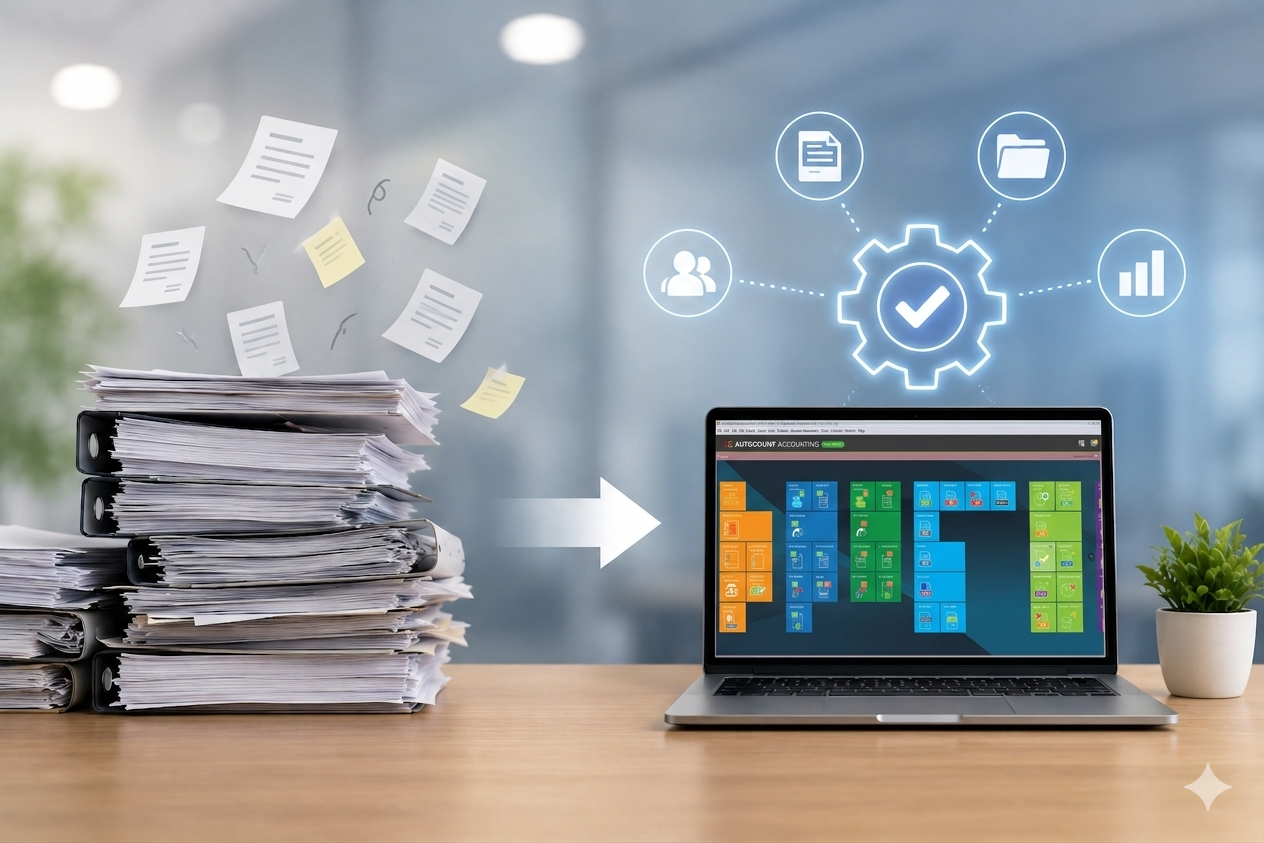
Businesses choose AutoCount because it is practical, flexible, and suitable for Malaysian SMEs. It helps companies move away from messy manual work and toward a more organised system.
AutoCount is a good choice if your business wants to:
AutoCount helps reduce manual calculation errors and keeps your accounting records more organised. This makes it easier to track sales, purchases, payments, and expenses correctly.
For businesses that handle products, AutoCount helps monitor stock quantity, stock movement, and item records. This allows you to know what is available, what is running low, and what needs to be reordered.
AutoCount helps businesses get ready for Malaysia’s e-Invoice requirements by keeping invoice and customer information properly recorded. This makes the e-Invoice process smoother and more manageable.
Instead of entering the same information many times, AutoCount connects different parts of your business process. Sales, purchases, stock, and accounting records can work together in one system.
AutoCount provides useful reports such as sales reports, profit and loss, customer outstanding, supplier balances, and stock reports. These reports help business owners understand company performance more clearly.
Not every staff member needs to access everything. AutoCount allows you to set user permissions based on job roles, helping protect sensitive information and improve internal control.
AutoCount is a practical choice for Malaysian SMEs that want a reliable accounting and business management system.
It helps businesses manage daily operations more efficiently, improve control, and prepare for future compliance needs such as e-Invoice.
With the right setup and support, AutoCount can become more than just accounting software. It can become an important tool to help your business grow.
Yes. AutoCount is suitable for trading, retail, wholesale, service, manufacturing, F&B, and many other businesses.
Yes. Business owners can view reports such as sales, expenses, stock, profit, and customer outstanding.
Yes. AutoCount can support more users, more transactions, and more complex business operations as your company grows.
Get started with Autocount today!
Download the latest version of Autocount and follow our simple installation guide to set up your software. Whether you’re a first-time user or updating to the latest version, the process is quick and straightforward.