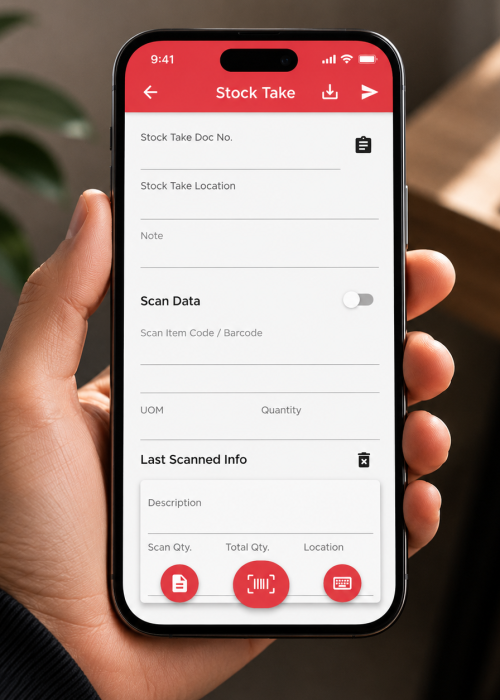
Perform digital physical inventory counts directly from your mobile device. This eliminates manual paper sheets and immediate data entry bottlenecks.
Critical Setup Step
Always double-check that you have selected the correct “Location” (Warehouse) in the top dropdown before initiating any scans. Scanning items into the wrong logical location will corrupt your variance reporting.
Hit “Sync”. The data instantly populates the Stock Take module in the desktop system, ready for the manager to calculate variances and post adjustments.