AutoCount vs Odoo for Malaysian SMEs: Which ERP Fits Your Business?
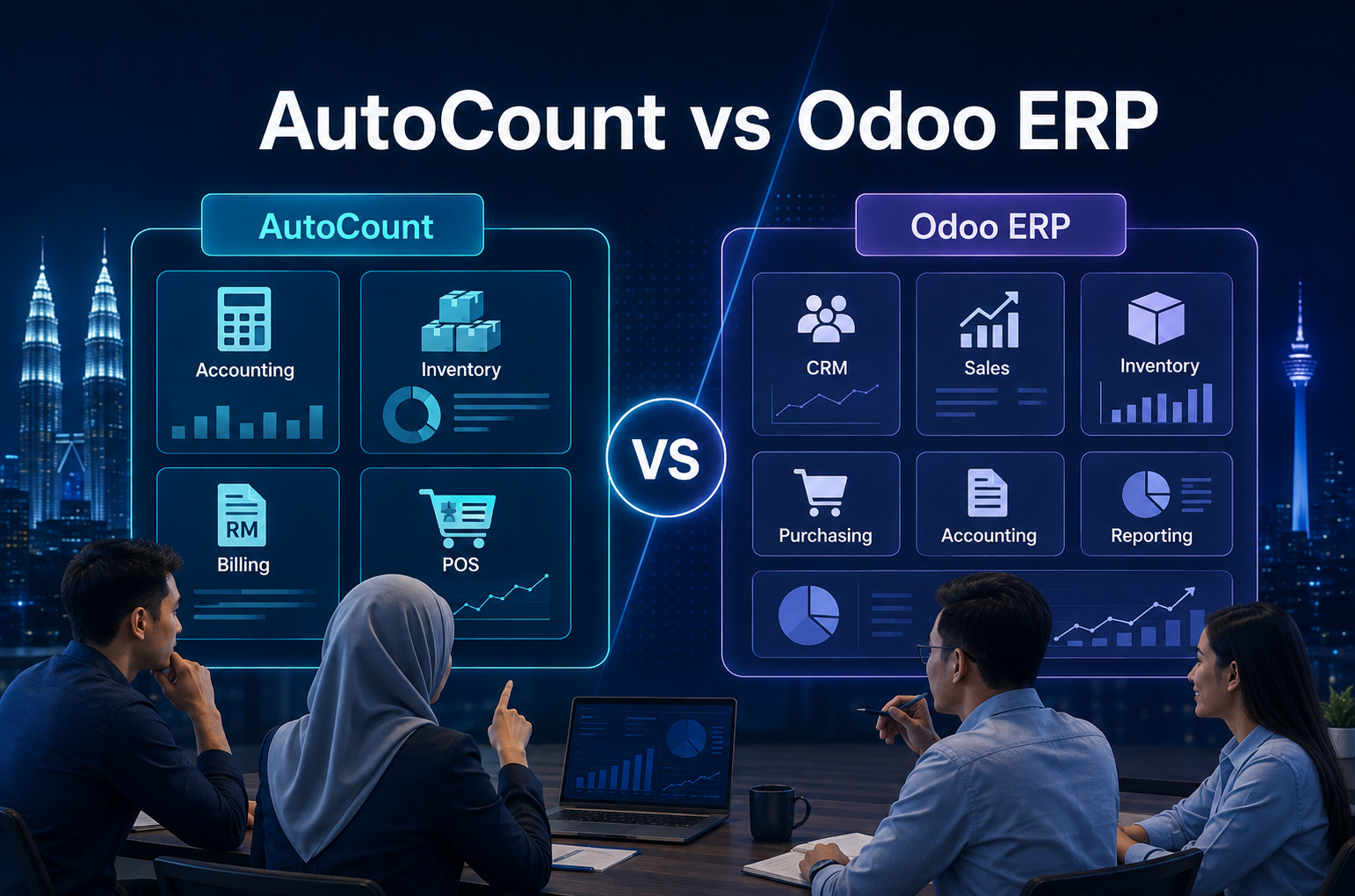
Choosing between AutoCount and Odoo depends on your business needs. AutoCount suits SMEs focused on accounting, inventory and POS, while Odoo is better for businesses that need a wider ERP covering CRM, sales, purchasing, warehouse and manufacturing.
Why Malaysian SMEs Compare AutoCount and Odoo
Choosing business software is an important decision for Malaysian SMEs.
Some companies mainly need reliable accounting, inventory and POS functions, while others require a broader ERP that connects several departments.
Comparing AutoCount and Odoo helps management understand which system better matches the company’s current workflow, implementation readiness and future growth plans.
- A more practical question is
“Which system fits our business workflow, implementation plan, users, and future growth?”
This article explains AutoCount vs Odoo from an ERP implementation planning angle. The focus is on workflow study, setup, training, testing, go-live support, and long-term system adoption.
AutoCount and Odoo Are Often Used at Different Business Stages
Both systems support business operations, but they are often considered at different stages of growth.
AutoCount is commonly used by SMEs that need accounting, inventory, billing, POS, and related business functions. It is suitable for companies that want a practical system to manage daily transactions and financial records.
Odoo is an ERP system with many connected business modules. It can support areas such as accounting, sales, inventory, purchase, CRM, e-commerce, project management, manufacturing, HR, reporting, and more.
This means the comparison is not only about accounting features. It is also about how the company wants to manage its full business process.
For example, a small trading company may only need accounting and inventory control. In this case, AutoCount may already be enough.
However, a growing SME with multiple departments, branch operations, approval workflows, CRM needs, e-commerce sales, and custom reporting may require a more connected ERP system like Odoo.
AutoCount vs Odoo Overview Table
| Area | AutoCount | Odoo |
|---|---|---|
| Main Strength | Accounting, billing, inventory, POS, and daily business transactions. | Connected ERP modules for multiple departments. |
| Best Fit | SMEs that need practical accounting and operations software. | SMEs that need wider ERP workflows and integration. |
| Planning Level | Usually focused on accounting, stock, documents, users, and reports. | Usually involves more workflow design across departments. |
| Flexibility | Strong for common SME business processes. | More flexible for modular ERP and workflow customization. |
| User Training | Mainly finance, stock, sales, POS, and admin users. | May involve sales, warehouse, finance, purchasing, CRM, management, and other teams. |
| Implementation Focus | Setup, transactions, reports, stock, POS, and user access. | Workflow study, module setup, integration, testing, user roles, and long-term adoption. |
The Real Problem: Software Alone Does Not Fix Workflow Issues
Many businesses think a new system will automatically solve their problems.
But this is not always true.
If the company’s workflow is unclear, a new system may only move the same confusion into a digital platform.
For example:
- Sales orders may still be created without clear approval.
- Stock records may still be inaccurate because staff do not update movement properly.
- Accounting may still wait for documents from other departments.
- Management may still receive reports late.
- Users may avoid the system because they do not understand how to use it.
This is why ERP implementation planning is very important.
Before choosing between AutoCount and Odoo, the business should first understand its current process. The company needs to know where the problem starts, which department is affected, and what kind of system setup is needed.
A good ERP implementation is not just about installing software. It is about matching the system to the way the business works.
- Important Implementation Reminder
Before choosing software, understand the real business problem first. If the workflow is unclear, even a good system can become difficult for users to follow.
AutoCount vs Odoo: Different Planning Needs
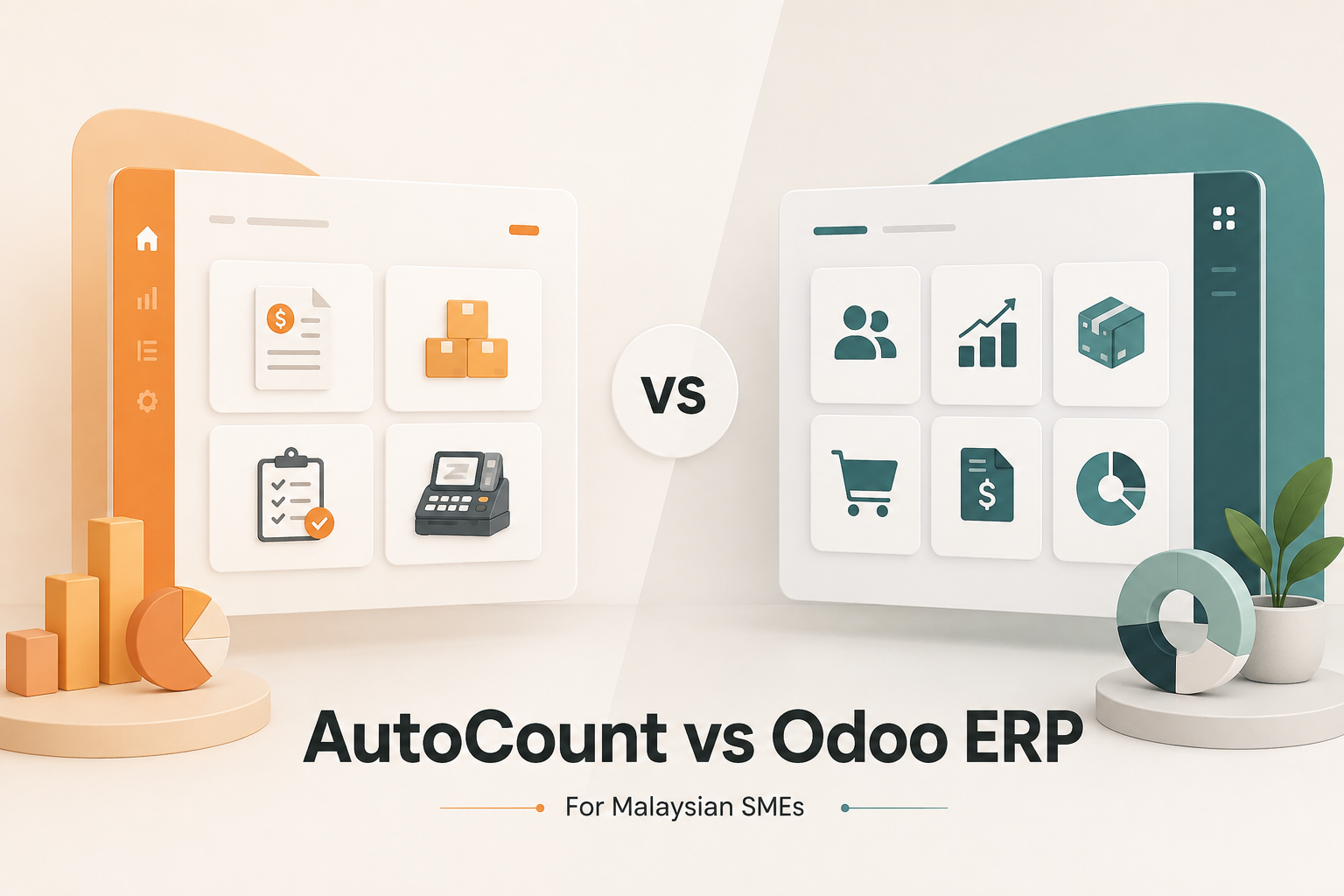
When comparing AutoCount and Odoo, Malaysian SMEs should look at the level of planning required.
AutoCount implementation is usually suitable when the business needs a strong accounting and operational system with clear setup for invoices, purchases, stock, reports, users, and related modules.
Odoo implementation may require deeper planning because it can involve more departments and workflows. Since Odoo is modular, businesses can configure different apps based on their needs. This gives more flexibility, but it also means the implementation must be planned properly.
For example, if a company wants to use Odoo for accounting, sales, inventory, purchase, CRM, and e-commerce, the setup should consider how all these modules connect.
The business needs to decide:
- How a quotation becomes a sales order
- How delivery affects stock movement
- How invoices are created
- How payments are tracked
- How purchase orders are approved
- How reports are generated
- Which users can access which records
- Which data must be migrated from the old system
Without a clear plan, an ERP project can become confusing for users.
Step 1: Workflow Study Before Implementation
A workflow study is one of the most important parts of ERP implementation.
This means reviewing how the business currently works before setting up the new system.
For example, the company should study:
- How sales orders are received
- How quotations are approved
- How invoices are issued
- How stock is received and delivered
- How purchases are requested
- How suppliers are managed
- How payments are recorded
- How reports are prepared
- How users communicate between departments
This step helps the implementation team understand the real business process.
For Malaysian SMEs, this is important because many businesses have their own way of working. Some companies still use WhatsApp messages, Excel files, printed documents, manual approvals, or separate systems.
With AutoCount, the workflow study may focus more on accounting, stock, billing, POS, and reporting needs.
With Odoo, the workflow study may go deeper into cross-department processes because Odoo can connect many business areas in one platform.
Step 2: Design and Planning
After the workflow study, the next step is system planning.
This is where the business decides how the software should be configured.
For AutoCount, planning may include company settings, chart of accounts, item codes, customer and supplier records, tax settings, user access rights, document formats, reports, and stock control setup.
For Odoo, planning may include module selection, workflow design, user roles, approval flows, accounting setup, inventory rules, CRM stages, purchase process, sales process, integrations, and reporting structure.
This step is important because not every business needs every feature.
A common mistake is trying to use too many modules at the beginning. This can make the project harder for users.
A better approach is to start with the most important processes first. For example, the business may begin with accounting, sales, purchase, and inventory. Later, it can expand into CRM, e-commerce, manufacturing, or other modules when the team is ready.
Good planning helps reduce confusion during implementation.
Step 3: System Setup and Configuration
After planning, the system must be set up correctly.
This includes configuring the software based on the company’s real business needs.
For AutoCount, setup may focus on practical daily transactions such as sales invoices, purchase invoices, stock items, payment records, reports, and user access.
For Odoo, setup may involve configuring multiple connected modules. This can include accounting, sales, purchase, inventory, CRM, e-commerce, reporting, and other workflows.
Odoo can also be customized to fit specific business processes. This is useful for companies that have unique operations, but customization must be handled carefully.
Too much customization can make the system harder to maintain. Too little customization may make the system difficult for users to adopt.
The best setup is one that supports the company’s workflow without making the system unnecessarily complicated.
- Warning: Customization Reminder
Customization should solve real business problems. Too much customization can make the system harder to maintain, while too little planning can make the system difficult for users to adopt.
Step 4: Data Migration
Data migration is another important part of implementation.
This means moving important information from the old system into the new system.
The business should test the following:
- Customer records
- Supplier records
- Product or item lists
- Opening balances
- Outstanding invoices
- Stock balances
- Price lists
- User information
- Historical records, if needed
For Malaysian SMEs, data migration can be challenging because old data may not always be clean.
There may be duplicate customer names, old item codes, inactive suppliers, missing information, or inconsistent product descriptions.
Before migration, the business should review and clean the data.
This helps prevent problems after go-live.
Whether the business uses AutoCount or Odoo, clean data is important. If the system starts with messy data, reports and daily operations may be affected.
Step 5: Testing Before Go-Live
Testing is often skipped or rushed, but it is very important.
Before the system goes live, the business should test key workflows.
Common data may include:
- Can users create quotations correctly?
- Can sales orders flow properly?
- Are invoices generated correctly?
- Are stock movements updated accurately?
- Are purchase orders working as expected?
- Are accounting entries correct?
- Are reports showing the right information?
- Are user access rights properly controlled?
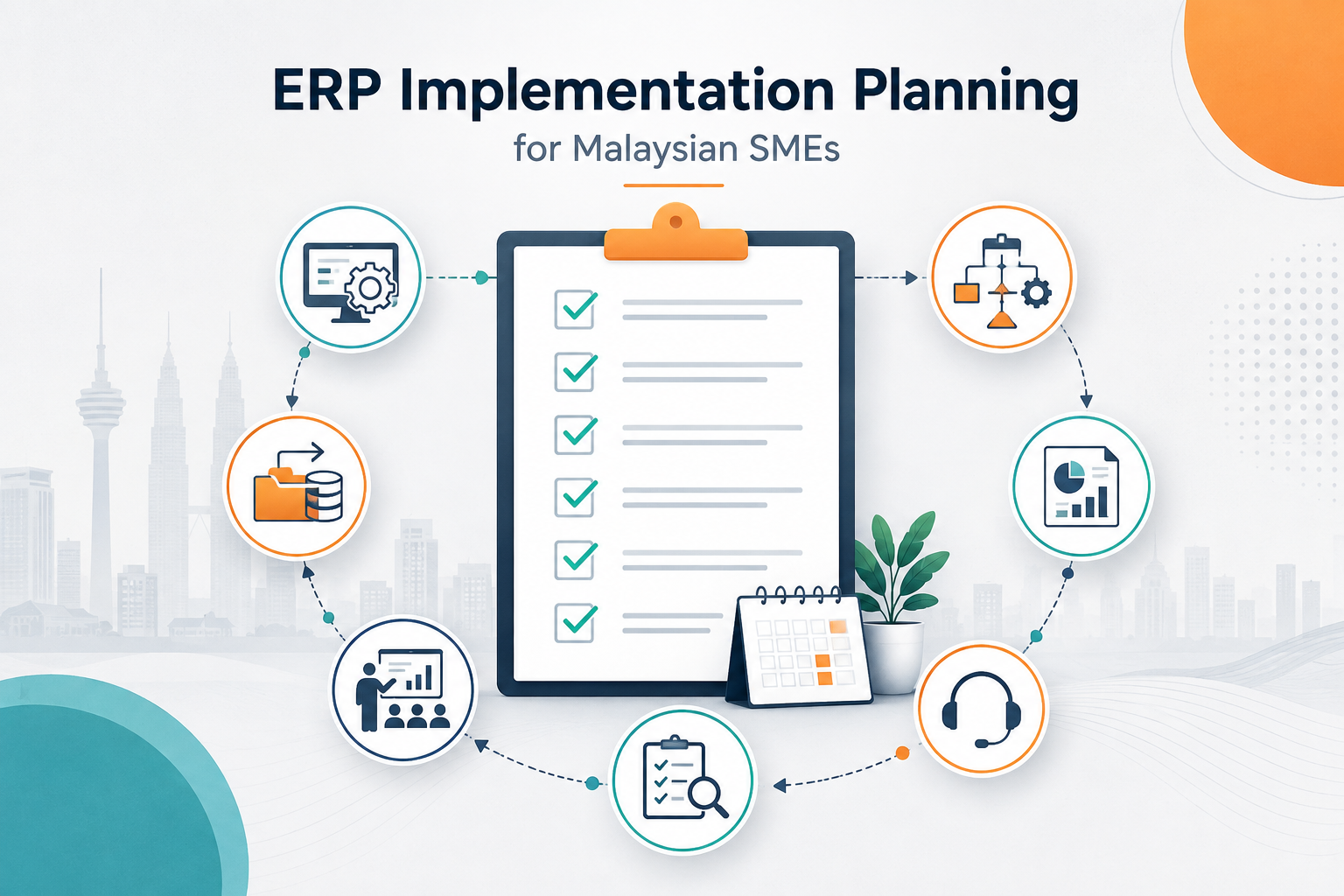
Testing helps the business find mistakes before real transactions begin.
This is especially important for ERP systems like Odoo because different modules may be connected. A small setup issue in one area may affect another area.
For example, a wrong inventory setup may affect delivery records. A wrong tax setting may affect invoices. A wrong user permission may block staff from doing their work.
Proper testing reduces risk during go-live.
Step 6: User Training
A system can only work well if users know how to use it.
This is why training is an important part of ERP implementation.
For AutoCount, users may need training on accounting entries, billing, stock management, reports, payment records, and daily document processing.
For Odoo, training may need to cover different departments. Sales staff may need to learn CRM and quotations. Warehouse staff may need to learn stock movement. Accounting staff may need to learn invoicing and payment tracking. Managers may need to learn dashboards and reports.
Training should be practical.
It should not only explain buttons and menus. It should show users how to complete their actual daily tasks.
- Example
Instead of only saying “this is the sales module,” the trainer should show how to create a quotation, confirm a sales order, check stock, prepare delivery, and issue an invoice.
This helps users understand the full workflow.
Step 7: Go-Live Support
Go-live is the stage where the business starts using the system for real transactions.
This is an important moment because users may face questions, mistakes, or uncertainty during the first few days or weeks.
Good go-live support helps the company handle these issues quickly.
During go-live, the support team may help with:
- Checking transaction flow
- Fixing setup issues
- Guiding users
- Reviewing reports
- Monitoring stock and accounting records
- Solving urgent user problems
- Making small adjustments after real usage begins
This support is important for both AutoCount and Odoo projects.
For Odoo implementation, go-live support may be even more important when many departments are involved. Since the system may connect sales, inventory, purchase, accounting, and reporting, users need confidence that the workflow is running correctly.
ERP Implementation Planning Checklist
| Implementation Stage | What to Check | Why It Matters |
|---|---|---|
| Workflow Study | Review current sales, stock, purchasing, accounting, and reporting process. | Helps the system match real business operations. |
| Planning | Decide modules, users, reports, approval flows, and system settings. | Reduces confusion before setup begins. |
| Setup | Configure software based on business needs. | Helps users perform daily work correctly. |
| Data Migration | Clean and import customer, supplier, item, stock, and accounting data. | Prevents messy records and inaccurate reports. |
| Testing | Test quotations, invoices, stock, purchases, reports, and user access. | Finds issues before real transactions begin. |
| Training | Teach users based on their actual daily tasks. | Improves adoption and reduces user mistakes. |
| Go-Live Support | Support users during the first stage of real usage. | Helps solve issues quickly after launch. |
When AutoCount May Be the Better Fit
AutoCount may be suitable for SMEs that want a strong and practical system for accounting, billing, inventory, POS, and related business operations.
It may be a better fit when:
- The business mainly needs accounting and stock control
- The workflow is not too complex
- The company wants a familiar SME business software solution
- The team needs a practical system for daily transactions
- The business does not require many custom ERP workflows yet
For many Malaysian SMEs, AutoCount can be a good choice because it supports important daily business needs without requiring a full ERP transformation.
When Odoo May Be the Better Fit
Odoo may be suitable for SMEs that want a more flexible ERP system across multiple departments.
It may be a better fit when:
- Centralized operations are a priority.
- Multiple departments need to work in one connected system.
- CRM, sales, inventory, purchasing, accounting, and reporting need to work together.
- Future growth requires a scalable system.
- Workflow customization is needed for specific business processes.
- Management wants better operational visibility
- The business is moving away from manual processes or outdated systems
Odoo is not only about replacing accounting software. It is more about building a connected business platform.
This makes it useful for companies that are preparing for the next stage of growth.
The Best Choice Depends on Implementation Readiness
The right choice depends on the company’s needs, workflow, budget, users, and long-term direction.
If a business only needs accounting, billing, and inventory control, AutoCount may already be enough.
If a business wants to connect many departments and build a more complete ERP workflow, Odoo may be worth considering.
But for both systems, implementation planning is important.
A company should ask:
- What problems are we trying to solve?
- Which departments will use the system?
- What workflows must be improved?
- What data needs to be migrated?
- Who needs training?
- What reports does management need?
- What support is needed during go-live?
- Do we need customization or integration?
These questions are more useful than only comparing software features.
Why Local Implementation Support Matters
For Malaysian SMEs, local support can make the implementation process easier.
A local business software solutions provider understands local business practices, user expectations, accounting workflows, communication style, and support needs.
SL Software Solutions Sdn Bhd is a Malaysian business software solutions provider that offers Odoo implementation services. Their implementation approach includes understanding business requirements, designing a suitable plan, configuring Odoo, integrating with existing systems, testing, user training, go-live support, and ongoing optimization.
This type of support is useful for businesses that want Odoo to match their actual operations instead of using a generic setup.
Conclusion
AutoCount vs Odoo should not be viewed as a simple “which software is better” comparison.
For Malaysian SMEs, the better approach is to look at business needs and implementation planning.
AutoCount may be suitable for businesses that need a practical accounting, inventory, billing, and POS solution. Odoo may be suitable for businesses that want a more connected ERP system across sales, accounting, inventory, purchasing, CRM, and operations.
The success of either system depends on proper planning.
A good implementation should include workflow study, system design, setup, data migration, testing, user training, go-live support, and ongoing improvement.
Before choosing any system, businesses should first understand their current problems and future direction. This helps ensure the software supports the business properly, instead of becoming another system that users struggle to adopt.
If your business is looking for Odoo implementation in Malaysia, you can learn more here:
Odoo implementation in Malaysia
Frequently Asked Questions
What is the main difference between AutoCount and Odoo?
AutoCount is commonly used by Malaysian SMEs for accounting, billing, inventory, POS, and daily business transactions. Odoo is a broader ERP system that can connect many departments such as sales, CRM, inventory, purchasing, accounting, e-commerce, and reporting.
Is AutoCount enough for Malaysian SMEs?
AutoCount may be enough if the business mainly needs accounting, billing, inventory, POS, and practical daily transaction management. If the company has more complex workflows across many departments, it may need to consider a wider ERP system.
When should a business consider Odoo?
A business may consider Odoo when it needs to connect sales, inventory, purchasing, accounting, CRM, reporting, and other operations in one system. It is more suitable when the business needs a scalable ERP platform and stronger workflow connection.
Why is ERP implementation planning important?
ERP implementation planning helps the system match the company’s real workflow. Without proper planning, users may feel confused, data may be messy, and the system may not support daily operations properly.
Should SMEs choose software based only on features?
No. SMEs should also consider workflow, users, data migration, training, testing, go-live support, budget, and long-term growth. A system with many features may still fail if implementation is not planned properly.
Need Help Planning ERP for Your Business?
If your business is reviewing Odoo, AutoCount, or other business software options, start by checking your current workflow first. Look at how your sales, accounting, inventory, purchasing, and reporting processes are connected.
This will help you decide whether your business needs accounting software, inventory software, or a full ERP system.