How Odoo ERP Malaysia Connects Accounting, Sales and Inventory
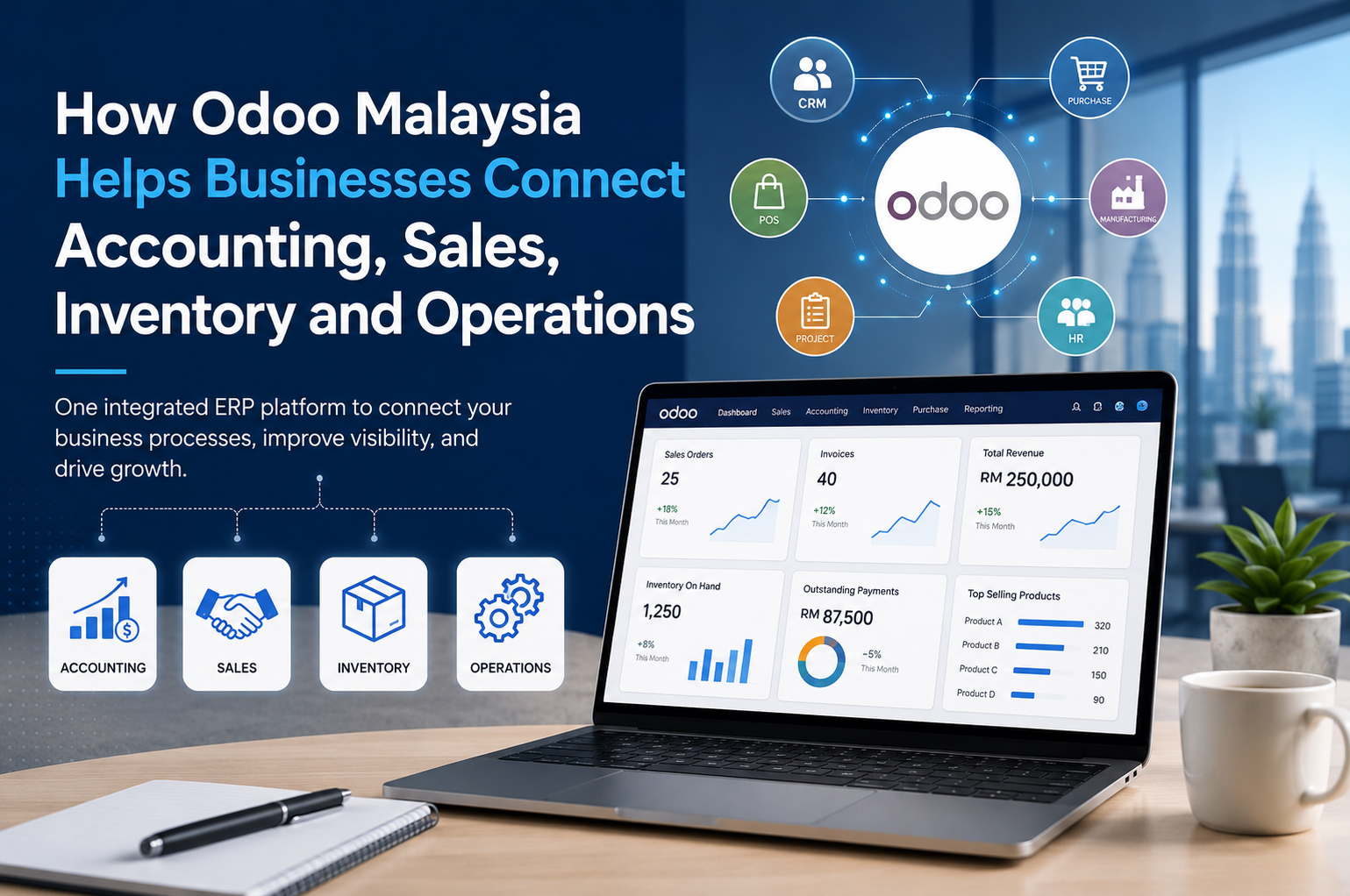
Why Separate Systems Can Slow Down a Growing Business
Common Problems Caused by Disconnected Systems
- Sales orders are not updated to the inventory team quickly.
- Stock balance is different from what the sales team sees.
- Accounting needs to re-enter invoice or payment information.
- Management waits too long for updated reports.
- Different departments keep their own version of the same data.
- Staff spend too much time checking, copying, and correcting information.
- Important: Business Reminder
What Is Odoo ERP Malaysia?
- Accounting
- Sales
- Purchasing
- Inventory
- CRM
- Point of Sale
- Manufacturing
- Project management
- Website and e-commerce
- HR
- Marketing
- Reporting
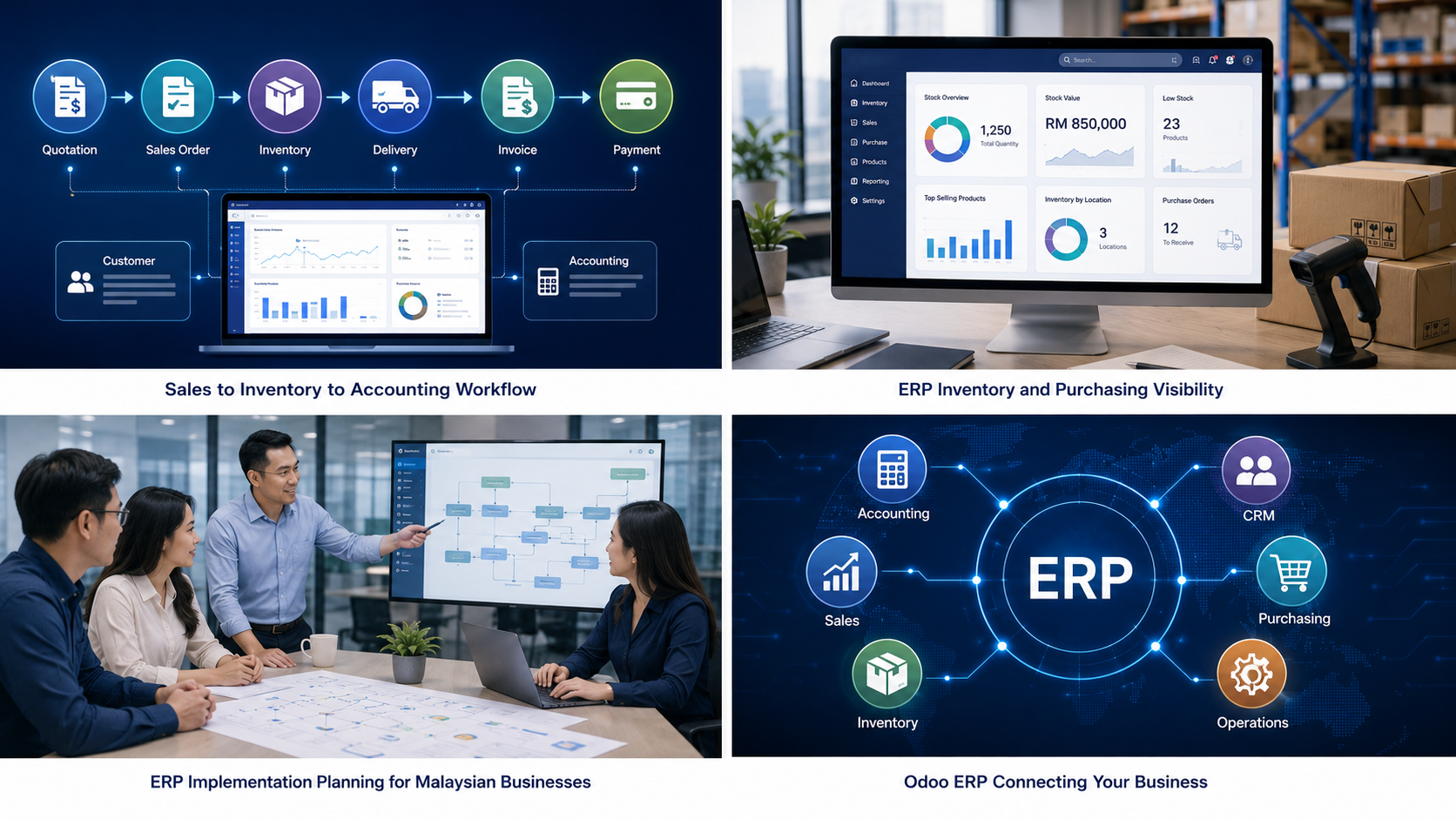
- Example of a Connected Odoo Workflow
Odoo Malaysia Module Overview for SMEs
| Odoo Area | What It Helps With |
|---|---|
| Accounting | Invoices, payments, financial records, and reporting. |
| Sales | Quotations, sales orders, customer details, and customer follow-up. |
| Inventory | Stock balance, product movement, warehouse visibility, and stock control. |
| Purchasing | Supplier management, purchase orders, replenishment, and ordering records. |
| CRM | Leads, opportunities, customer records, and sales pipeline tracking. |
| POS | Retail sales, outlet operations, payment records, and daily sales tracking. |
| Reporting | Sales reports, stock reports, finance reports, and management dashboards. |
How Odoo Accounting and Sales Work Together
How Odoo Inventory Helps Sales and Stock Visibility
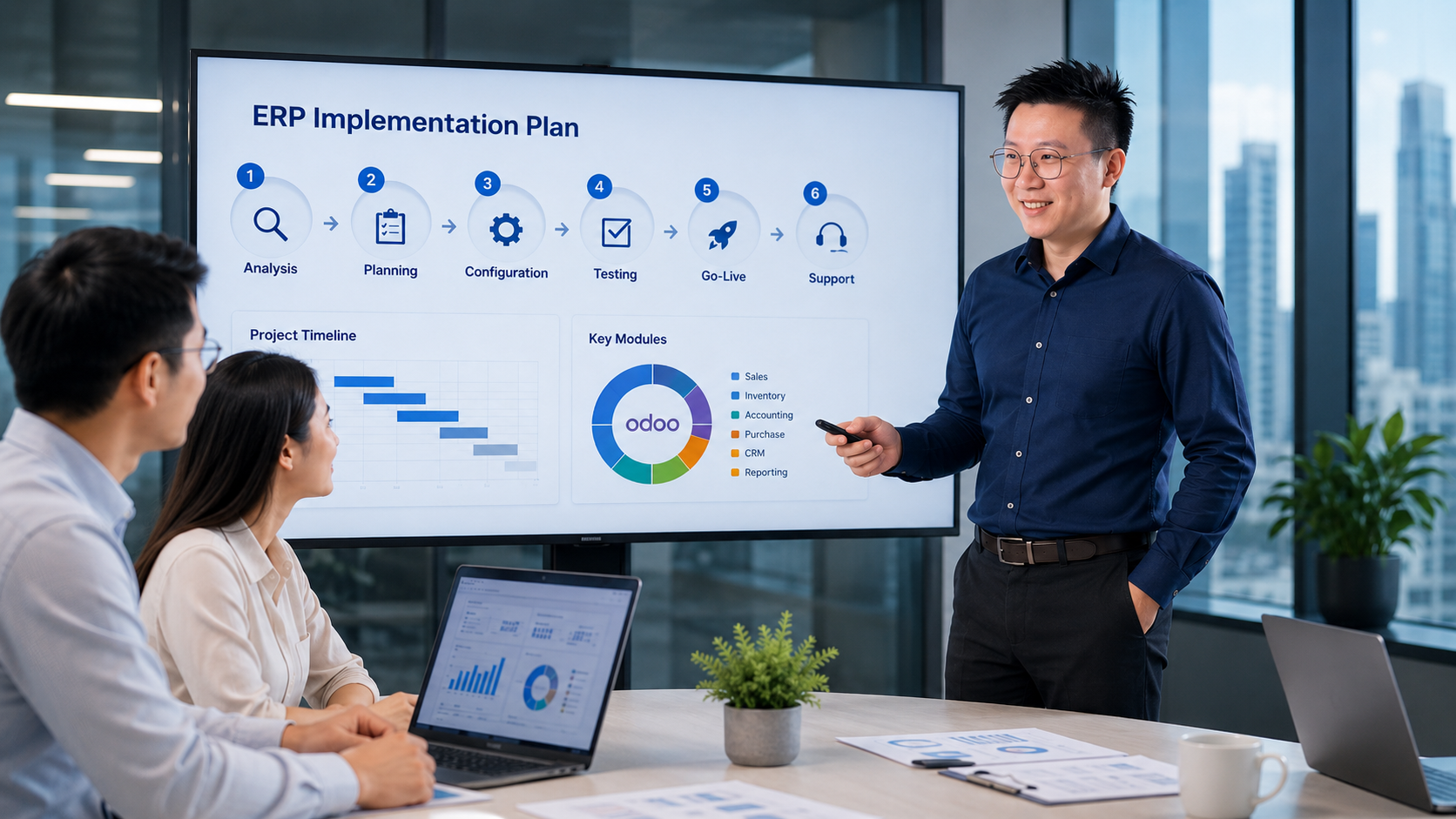
- Which products are available
- Which products need replenishment
- Which orders are affected by stock movement
- Which items are moving fast
- Which items may cause delivery delays
How Odoo Connects Inventory and Purchasing
Connected Department Workflow Table
| Business Area | If It Is Disconnected | How a Connected ERP Helps |
|---|---|---|
| Sales | Orders may not reach the warehouse or accounting team quickly. | Sales orders can flow into stock, delivery, and invoicing more smoothly. |
| Accounting | Invoice and payment details may need to be entered again manually. | Finance records can be based on the same business data used by sales and operations. |
| Inventory | Stock balance may not match sales records or warehouse movement. | Teams can view clearer product availability and stock movement. |
| Purchasing | Reordering may depend on guesswork, manual checking, or outdated stock information. | Purchase planning can be based on stock level, demand, and supplier information. |
| Management | Reports may take too long to prepare because data is spread across different systems. | Dashboards and reports can use updated information from different departments. |
Connecting Operations Across Departments
- Management can view reports based on updated data.
- Sales can check customer records.
- Inventory teams can monitor stock movement.
- Accounting can review invoices and payments.
- Operations teams can follow processes with clearer control.
Why Odoo Is Useful for Growing Malaysian Businesses
- Start with accounting, sales, and inventory.
- Add purchasing and reporting.
- Connect CRM for customer follow-up.
- Add POS, e-commerce, warehouse, HR, or manufacturing when needed.
- Improve workflows after users become familiar with the system.
Local Business Needs in Malaysia
- Local accounting workflows
- SST-related setup
- Malaysia e-Invoice requirements
- MYR transactions
- Local payment options
- Multi-branch operations
- Marketplace integration such as Shopee or Lazada, depending on the business model
- Warning: Malaysia Setup Reminder
Why Odoo Implementation Malaysia Needs Proper Planning
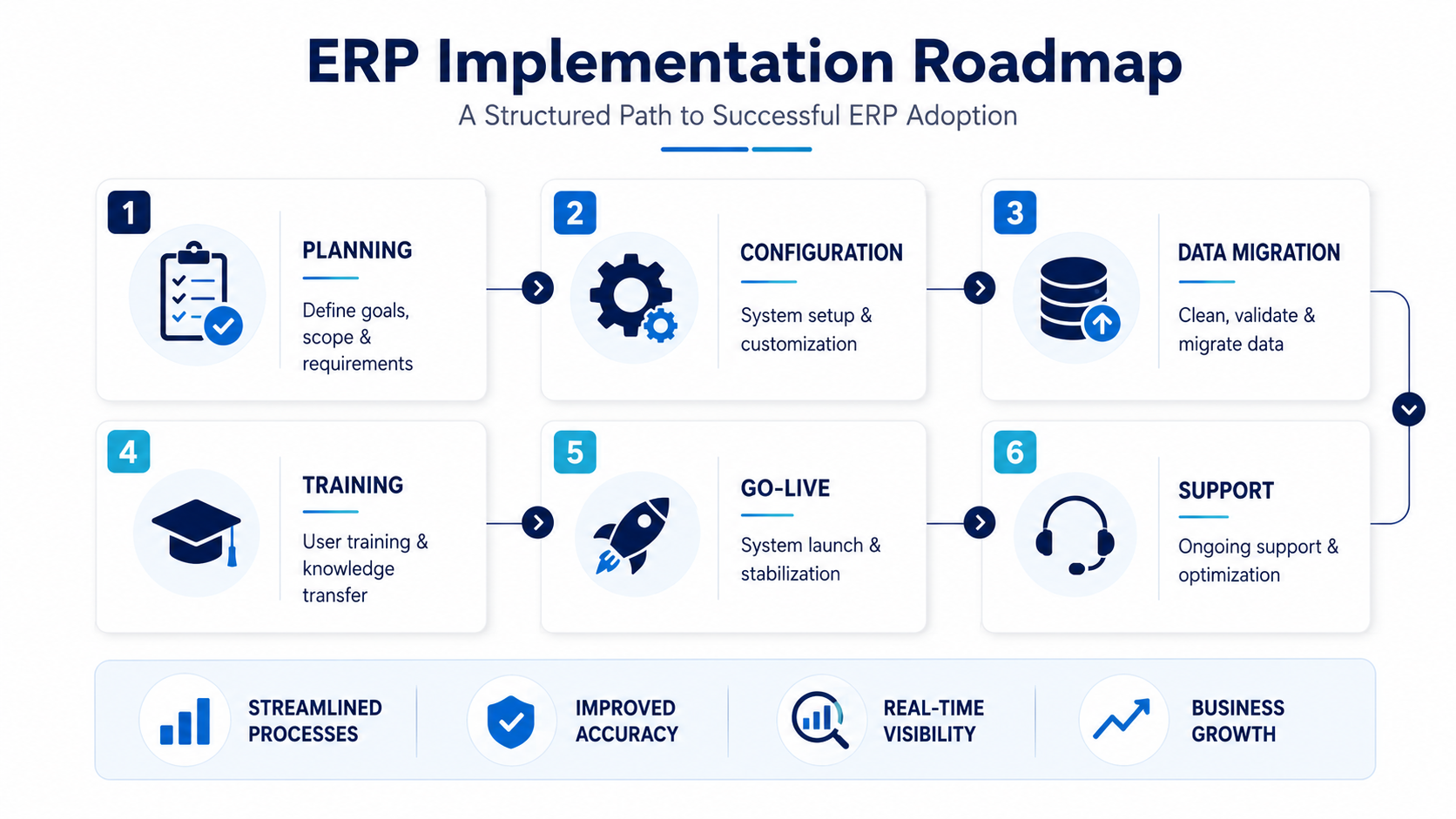
Odoo Implementation Checklist for Malaysian SMEs
- Review current accounting, sales, inventory, and purchasing workflows.
- Identify manual work, repeated data entry, and disconnected processes.
- Decide which Odoo modules are needed first.
- Prepare customer, supplier, product, and opening balance data.
- Plan user roles, access rights, and approval flow.
- Test the quotation, sales order, delivery, invoice, and payment process.
- Train users before go-live.
- Prepare support after go-live.
Is Odoo the Right ERP System for Your Business?
Readers of AutoCountSystem.com are usually interested in accounting software, inventory software, ERP systems, reporting, automation, and business process improvement.
For these readers, Odoo is not just another software option. It represents a broader ERP approach where different areas of the business can be connected under one platform.
This does not mean every business must immediately move to a full ERP system.
Some companies may only need strong accounting and inventory software at their current stage. For example, AutoCount Accounting may be suitable for businesses that mainly need accounting, invoicing, stock, purchase, and reporting features before moving into a full ERP setup. Others may need deeper system integration because their operations have become more complex.
The key is to understand the business problem first.
If the issue is only simple bookkeeping, a basic accounting system may be enough. But if the business is struggling to connect accounting, sales, inventory, purchasing, customer management, and reporting, then an ERP system like Odoo may be worth considering.
When Should Malaysian SMEs Consider Odoo ERP?
- Too many separate systems for different departments
- Repeated manual data entry
- Slow reporting for management
- Poor stock visibility
- Delayed invoicing or payment tracking
- Difficulty managing multiple branches or warehouses
- Lack of clear sales pipeline tracking
- Limited visibility across daily operations
- Need for a scalable ERP system